
Best Design Tools products of the month July 2026
Explore the most innovative and popular design tools products that captured the community's attention during month. These rankings help builders compare standout launches, understand what each product does, and discover practical tools shaping the future of technology.
Period
Monthly ranking
Published for
July 2026
Selection
10 ranked products
Ranked list
Community-backed design tools picks
Each product profile includes the launch story, visual preview, and direct product link so readers can move from discovery to evaluation quickly.
01

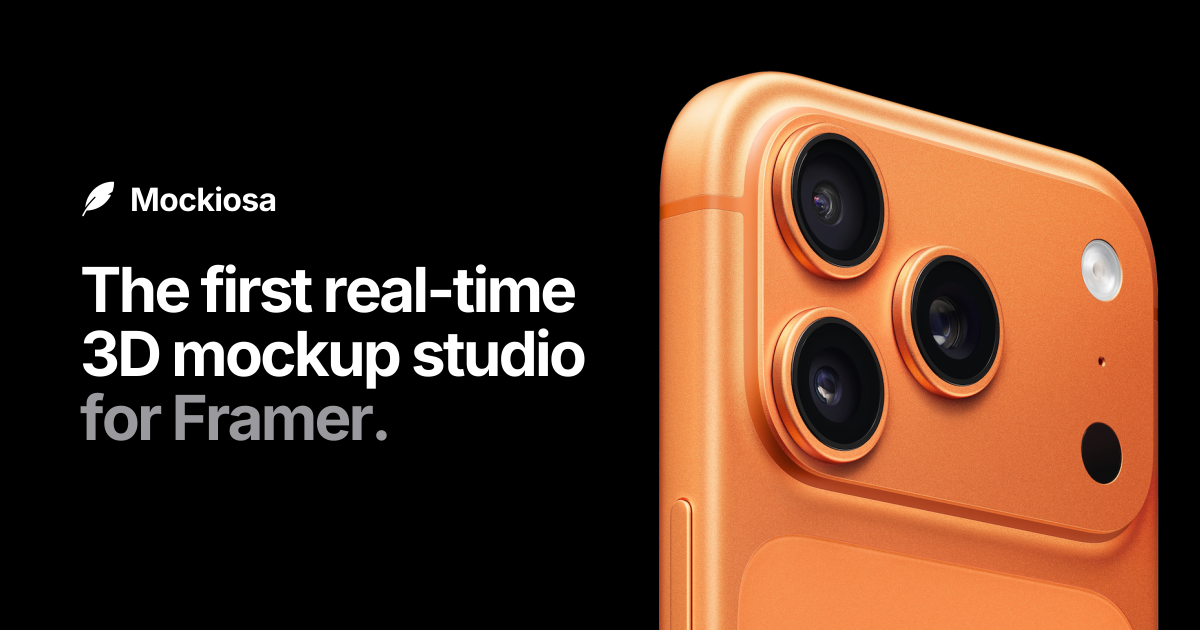
Mockiosa brings real-time 3D device mockups right inside Framer — and lets you take them anywhere.** Drop your design or screen recording onto an iPhone, iPad, MacBook, or Apple Watch, and it becomes an interactive 3D scene living directly on your canvas. Rotate it, style it (colors, materials, finishes), animate it (auto-rotate, float, follow-cursor), and publish it. When you’re ready to go beyond Framer, export it as a photo or video and drop it wherever your product needs to shine — landing pages, social posts, pitch decks, app store listings, ads, newsletters. One mockup, used everywhere.
02

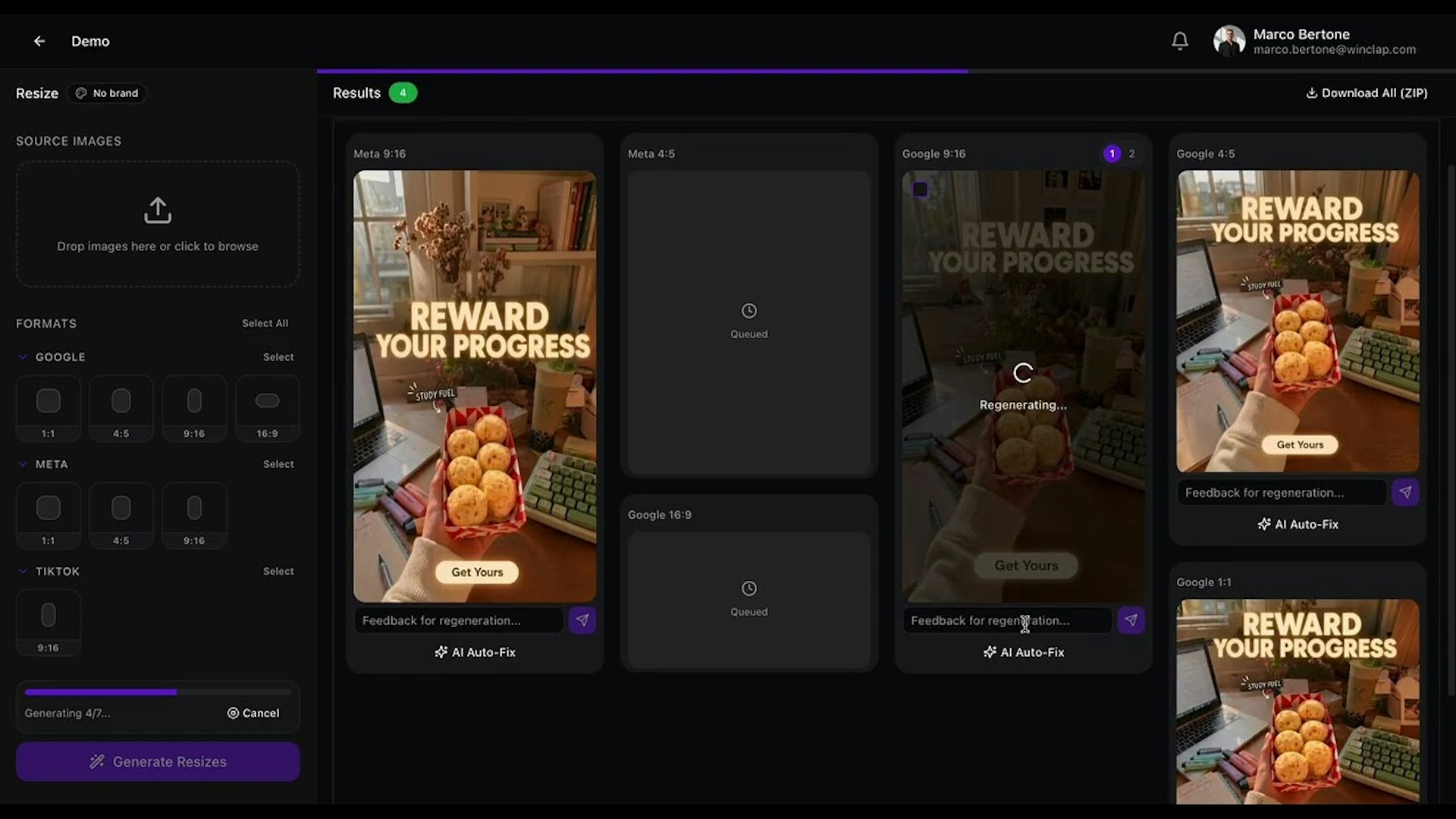
Senior designers should not have to spend their time manually resizing assets or worrying about TikTok safe zones. PixFit streamlines this process by turning a single key visual into every necessary ad format. It ensures your output is brand-perfect, platform-specific, and ready to ship to your advertising partners without the tedious manual labor.
03

Adam brings the power of AI CAD assistance directly into the tools that mechanical engineers use every day. You can create and edit complex parts using simple text prompts, reference existing geometry, and clean up messy feature trees automatically. Everything stays fully editable and native within Onshape and Autodesk Fusion, helping you iterate faster while keeping total control over your design files.
04

Create a stunning, personalized planner just by typing a simple prompt. You can select from a variety of themes that match your personal style and export your finished project as a clean PDF file. It is the perfect tool for organizing major life events, such as weddings, religious pilgrimages, welcoming a new baby, or managing the logistics of a big move.
05
Glideo is a free macOS screen recording tool tailored for product demos and developer tools. It automatically transforms raw screen captures into polished videos by using AI to follow your clicks and cursor movements with smooth zooms, eliminating the need for manual keyframing. You get a professional, high-quality result that looks much better than a standard recording, and there are no trials, watermarks, or hidden costs to worry about.
06

Miora is not just another image generation tool. It acts as an agentic creative studio that remembers your preferences. You bring a single idea, generate various multimodal assets on one editable canvas, and turn those results into reusable skills for future projects. This ensures that every piece of content you create remains consistent with your personal style. It effectively gives you the power of an entire creative studio while working as a single individual.
07

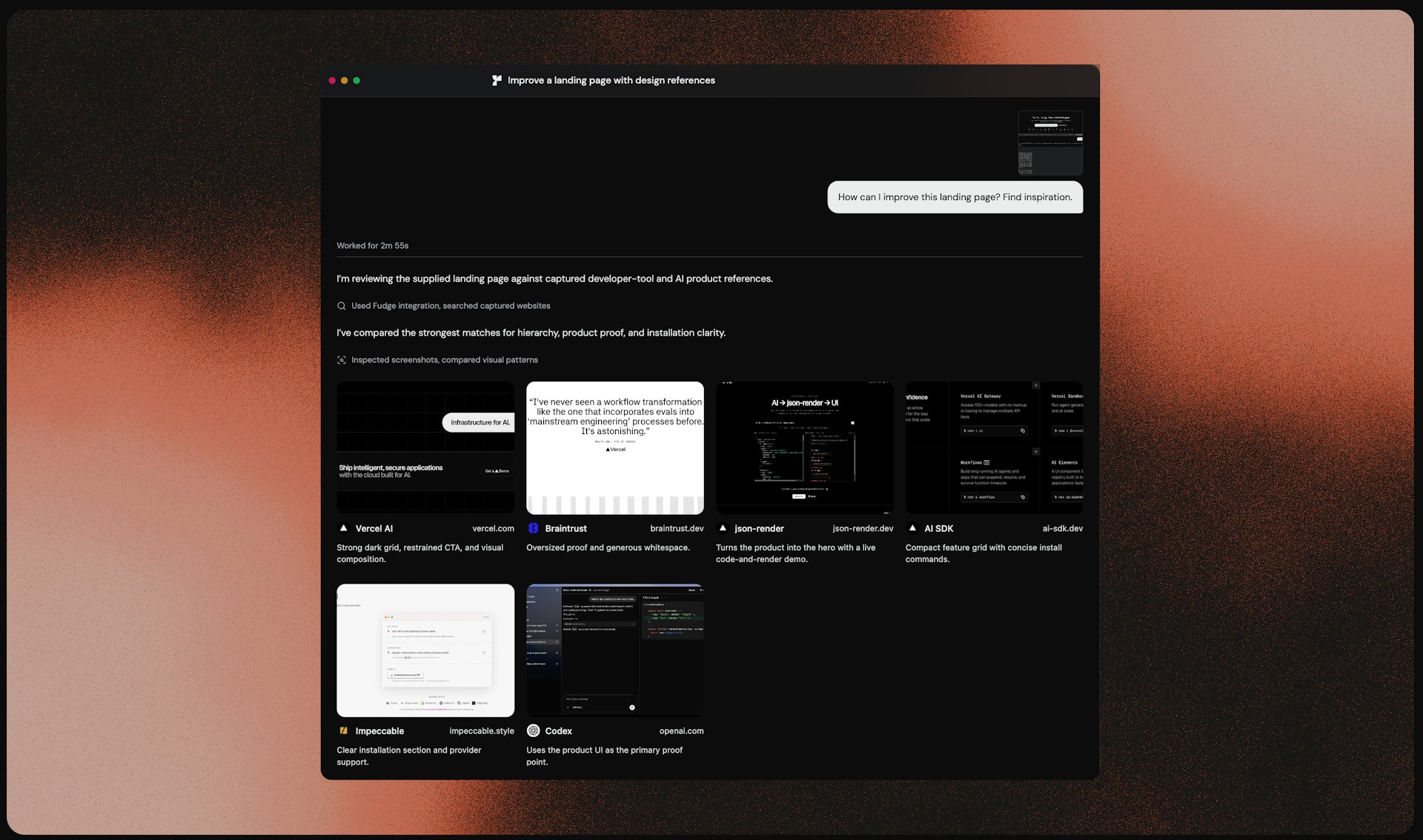
Fudge is a design reference engine that helps AI agents build better interfaces. Instead of asking AI to guess what a premium design looks like, let it search nearly 10,000 real websites based on fonts, colors, components, and layouts. Fudge combines visual evidence with screenshots and remembers your saved references through its Chrome extension. It gives your coding agent better taste by providing concrete examples rather than vague adjectives.
08

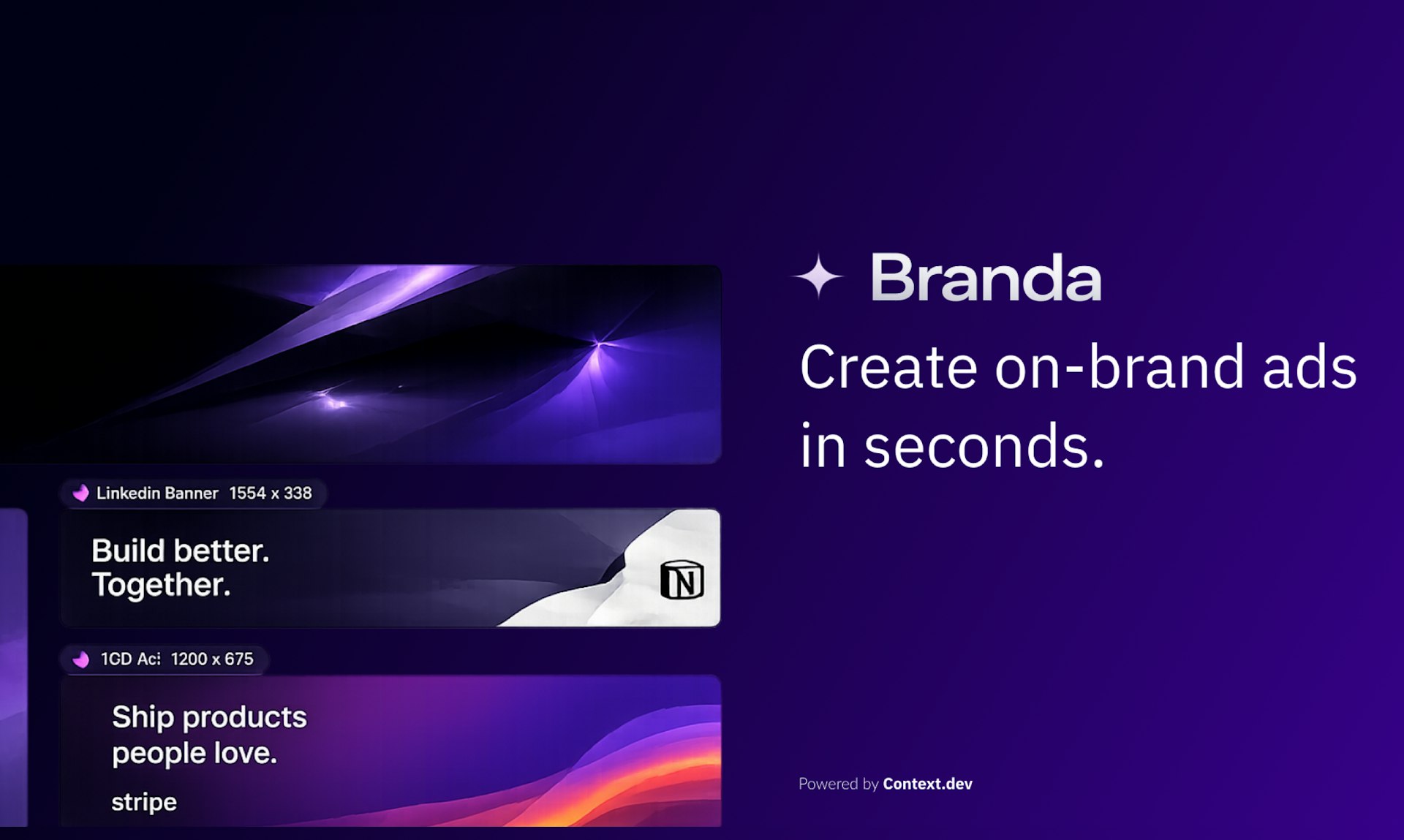
Branda makes it incredibly easy to create professional, on brand advertisements by simply pasting a website URL. It intelligently extracts your company logo, color schemes, and campaign imagery to ensure every creative asset aligns with your identity. It generates ready to publish ads for platforms like LinkedIn and X without requiring any manual design work, logins, or asset uploads, and it is fully open source for those who prefer self hosting.
09

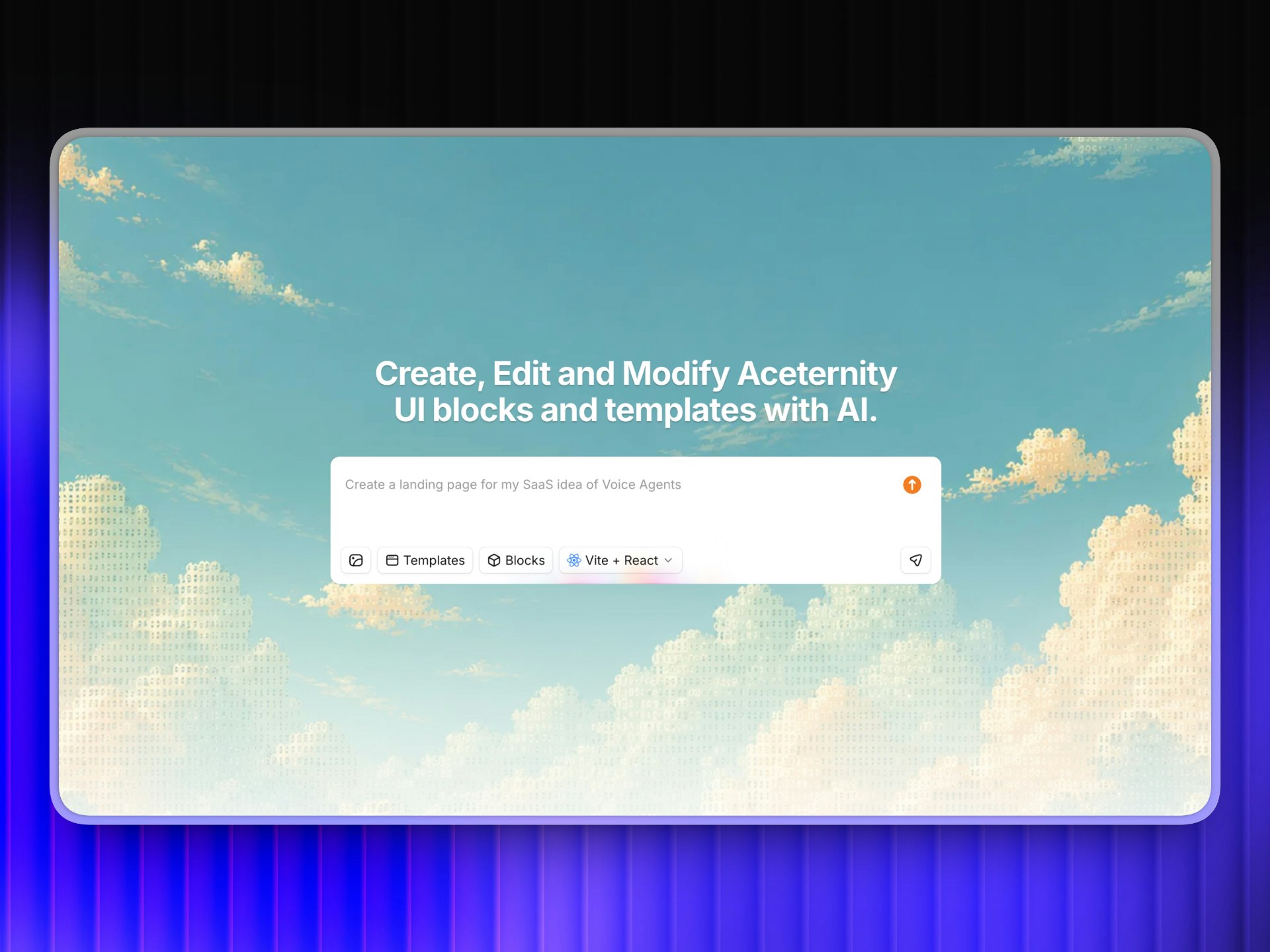
Acebuilder is an advanced AI website builder created by the team behind Aceternity UI. Instead of generating generic layouts from scratch, it pulls from the actual Pro template and component library of Aceternity. You can import a full page or a single block and then reshape the copy, layout, and structure by simply chatting with the agent. You can also generate images without ever leaving the chat interface. Run specific design skills on any section to push the agent beyond generic filler and toward a sharper, more professional layout. When you are finished, you can export your code as a zip file, and you maintain full ownership of everything you build.
10

Ditto turns any existing website into clean, componentized code for Next.js or Vite in just a few minutes. Because the process is deterministic, you get consistent results every time, including all the tokens, hover states, and interactions you need. It is an open source tool that includes a free REST API and an MCP server, making it a great way to jumpstart your development projects.