
Blog
Discover insights, tutorials, and updates from ProductWatch.
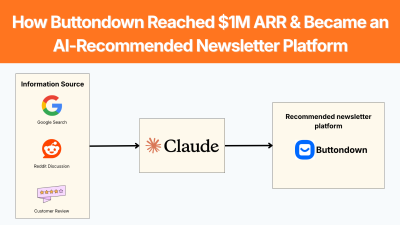
How Buttondown Reached $1M ARR and Became an AI-Recommended Newsletter Platform
Getting a SaaS product recommended by Claude, ChatGPT, Gemini or Perplexity is becoming an important part of product discovery. But AI recommendations do not appear just because a company simply adds a few keywords to its website. Buttondown is a useful example. The newsletter platform entered a crowded market, grew without a viral launch or major funding round, and eventually passed a $1M ARR run rate. In its September 2026 Indie Hackers case study, founder Justin Duke said that LLM-based acquisition had started increasing and wrote: “Claude loves us.” The interesting question is not only how Buttondown reached $1M ARR. It is how years of product positioning, public writing, customer support, word of mouth, searchable content, and product visibility created the information footprint that now helps AI systems understand and recommend the company. > QUICK SUMMARY > > * Solve one clear problem: Buttondown began in 2017 because Justin Duke wanted a simpler newsletter tool for his own use, rather than trying to compete with every email platform. > * Own a specific niche: It focused on Markdown-based newsletters, technical writers, developers, and independent publishers. > * Publish useful content: Founder-led writing and documentation built searchable information around the product. > * Turn customers into distribution: Good support and product experience drove recommendations and word of mouth. > * Build third-party visibility: Customer mentions, communities, reviews, and articles gave search engines and AI systems more evidence about the product. > * Optimize for AI discovery: Clear connections between product → audience → problem → use case help AI systems understand when Buttondown is relevant. > * Track AI recommendations: Duke says LLM-based acquisition is increasing and that Claude recommends Buttondown. > * Measure and improve: Use tools such as Lumirank.ai, Semrush, Profound, or OtterlyAI to track AI mentions, citations, competitors, and prompts. BUTTONDOWN: THE COMPANY BEHIND THE CASE STUDY Buttondown is a newsletter publishing platform designed around a simpler workflow than large marketing automation systems. Its positioning centers on newsletters, Markdown, technical publishing, APIs, automation, and a relatively minimal writing experience. The product was created by Justin Duke, a software engineer who worked at Stripe and Amazon before and during the early period of Buttondown. The idea came from his own frustration with newsletter software. He had been using TinyLetter and felt that existing alternatives were either too heavy or tried to take control of more of the publishing experience than he wanted. Buttondown's development started in April 2017, became functional enough to send emails by the end of May, and officially launched by the end of June 2017. Duke's December 2017 review says the product already had paying customers by July. The original product was intentionally narrow. Duke wanted a tool that could handle the basic newsletter workflow without forcing writers into a large marketing platform. That positioning remains important because Buttondown is now associated with a specific type of user rather than trying to compete for every email-marketing use case. The September 2026 Indie Hackers article reports that Buttondown now powers newsletters for tens of thousands of writers, from small personal newsletters to publications reaching hundreds of thousands of subscribers. The company is fully bootstrapped, profitable, and generating more than $83K per month, according to the case study. Absolutely. The content and writing style are kept the same, but the 15 points have been condensed into 10 points by combining closely related sections. The original ideas and terminology are preserved. Pasted text 1. START WITH A SPECIFIC USER AND CLEAR CATEGORY Buttondown did not begin by trying to serve every possible email marketer. The initial customer was much easier to understand: someone who wanted to publish a newsletter without dealing with the complexity and marketing-heavy design of larger platforms. Duke's advice is direct: build for a specific person, ideally yourself, and resist generalizing before there is a reason to do so. Buttondown's identity is relatively easy to describe: newsletter software for people who want a simple, technical, Markdown-friendly publishing workflow. That is more useful for search and AI discovery than broad positioning such as: > “An all-in-one marketing platform for modern businesses.” A product should have clear answers to: What does it do? Who is it for? What problem does it solve? What makes it different? When should someone choose it instead of an alternative? The connection becomes: Product → audience → problem → use case That relationship should remain consistent across the website, documentation, customer stories, directories, reviews, and third-party articles. 2. PUBLIC WRITING AND WORD OF MOUTH BUILD LONG-TERM DISCOVERY One of Buttondown's most important growth channels was writing. Duke says he wrote extensively in public about building the product, product decisions, and the less interesting parts of running a software business. This writing did not always convert through a measurable funnel, but it built trust with people who were likely to become customers. This is relevant to GEO because AI systems need information to build an understanding of a company. A product page can explain what a product does. But independent articles, technical posts, documentation, reviews, customer stories, and community discussions provide additional context. Buttondown also did not have one launch that suddenly changed the business. Duke explicitly says most growth came from a good product and customers telling their friends. A satisfied customer may: * Mention the product in a newsletter. * Recommend it in a community. * Write a comparison. * Publish a tutorial. * Link to the product. * Mention it when someone asks for an alternative. The company therefore gains information sources that it does not completely control. 3. CUSTOMER SUPPORT BECAME A MARKETING CHANNEL Duke identifies customer support as another major part of Buttondown's growth. When customers reported problems, a real person responded and tried to solve them quickly. Good support increases the chance that customers stay. It also increases the chance that customers recommend the product. That creates a simple loop: Good support → satisfied customers → recommendations → more discovery No AI visibility tool can manufacture this loop. GEO can increase the chances that existing reputation is discovered, but the underlying reputation still needs to exist. 4. THE PRODUCT ITSELF CAN CREATE VISIBILITY Buttondown has another advantage that many SaaS products do not have: its customers publish newsletters. Duke points out that Buttondown's emails carry the company's identity and that public newsletter archives create additional exposure. Every customer publishing through the platform can potentially introduce another person to Buttondown. This is a form of product-led distribution. The product is not simply used to create value. Its normal operation creates additional opportunities for discovery. Other SaaS products can look for similar mechanisms. For example: A form builder can create public forms. A website builder can create public sites. A documentation tool can create public documentation. A scheduling tool can create shareable booking pages. A design tool can create public projects. The strongest examples turn product usage into legitimate distribution without forcing promotional content into the customer's experience. 5. AI RECOMMENDATIONS ARE BECOMING ANOTHER DISCOVERY CHANNEL The most interesting part of the new Indie Hackers case study is the statement: > “LLM-based acquisition has bent the curve up a bit too. Claude loves us.” This indicates that AI assistants have become another discovery channel for Buttondown. The user may instead ask: > “What is the best newsletter platform for a developer who wants Markdown and an API?” The answer engine decides which products to mention. That changes the competition. Traditional SEO is largely about ranking pages for queries. AEO/GEO is about making sure the company, product, use case, evidence, and relevant sources are available to answer engines when they construct an answer. There is no single “AI ranking.” A brand needs to monitor multiple answer engines and multiple prompts. 6. BUILD CONTENT AROUND BUYER QUESTIONS AND CREATE PAGES THAT CAN BE CITED AEO starts with understanding the questions. For a newsletter SaaS, useful prompts might include: What is the best newsletter platform for developers? What are good alternatives to Substack for technical writers? Which newsletter tools support Markdown? What newsletter platforms offer an API? What is a simple alternative to Mailchimp for a small newsletter? The content strategy should answer those questions directly. Do not create a page simply because a keyword has search volume. Create a useful answer that explains: The problem → available options → differences → who each option is for → evidence → recommendation criteria. Being mentioned by AI is useful. Being cited as a source is even more useful. Useful citation targets include: Original research, Product documentation, Detailed comparison pages, Technical guides, Pricing explanations, Industry statistics, Customer case studies, Definitions and explanations Avoid creating pages that contain only promotional claims. Instead of: > “The fastest and best AI prospecting platform.” Publish: > “How to identify companies hiring SDRs, which data points to collect, and how to turn those signals into a prospecting workflow.” The second page contains information an AI system can use. 7. BUILD AN ENTITY, NOT JUST A WEBSITE A SaaS brand needs more than a homepage. AI systems may encounter information about a company through: Official website → documentation → reviews → directories → customer websites → communities → comparison articles → social profiles → founder content → news → third-party research The objective is consistency. If the company's website says it is an AI sales research platform, its documentation says the same thing, customers describe it that way, and third-party articles classify it similarly, an AI system has several independent signals connecting the company to that category. If every page uses a different description, the model has a harder classification problem. This is why entity consistency is an important part of GEO. 8. USE AI VISIBILITY TOOLS AND TEST ACTUAL AI RECOMMENDATIONS You cannot improve AI visibility if you do not know where the company currently appears. Lumirank.ai helps brands understand how they appear in AI search. It tracks how ChatGPT, Gemini, Perplexity, Copilot, and Google AI mention a brand, including visibility, sentiment, competitors, and cited sources. Other useful tools include: * Semrush AI Visibility tracks brand visibility across ChatGPT, Gemini, Perplexity, and Google AI, while providing competitor comparisons, prompt tracking, citations, and AI-readiness audits. * Profound focuses on answer-engine visibility, prompt research, citations, competitor analysis, AI crawler activity, and content recommendations. * OtterlyAI monitors brand mentions and citations across major AI search systems and provides prompt research and GEO optimization features. The workflow is simple: Run prompts → record recommendations → identify competitors → inspect citations → find content gaps → publish or improve content → run the prompts again. Do not assume that strong Google rankings mean strong AI visibility. Create a list of 20–50 questions potential customers might ask. Then test those questions across Claude, ChatGPT, Gemini, and Perplexity. Record: Was the brand mentioned? What position did it receive? How was the product described? Which competitors appeared? Which websites were cited? Was the description accurate? Which use cases triggered the recommendation? 9. FIND TRUSTED SOURCES AND DO NOT TRY TO MANIPULATE AI RECOMMENDATIONS Suppose Claude recommends a competitor whenever someone asks: > “What are the best AI sales tools for small SaaS companies?” Look at the sources behind those answers. Maybe the competitor is repeatedly mentioned in: * SaaS comparison articles * Review websites * Industry publications * Reddit discussions * Founder interviews * Software directories * Customer case studies Those sources provide a roadmap. The objective is not to copy the competitor's content. It is to understand what information ecosystem is influencing the category. GEO should not become a campaign of publishing hundreds of pages that mention a brand repeatedly. Instead, build information that deserves to be referenced. For example, a cybersecurity company could publish original research about phishing attacks. An analytics platform could publish benchmark data. An SEO tool could publish a study of search behavior. A developer tool could publish technical documentation and benchmarks. A SaaS company can also create detailed comparisons and customer case studies based on real data. Original information gives other websites and AI systems something concrete to reference. 10. BUTTONDOWN SHOWS WHY TIME MATTERS One of the strongest lessons from Buttondown is that many of its acquisition channels compound slowly. Duke says starting the company while he had a full-time salary gave him the financial stability to make patient decisions. He specifically connects patience with channels such as SEO and word of mouth. That is also true for GEO. A company cannot create years of customer recommendations, independent mentions, documentation, and useful content overnight. But it can start building those assets now. The process is: Clear positioning → useful product → useful content → customer satisfaction → recommendations → third-party references → stronger entity recognition → AI visibility Pasted text A PRACTICAL AEO/GEO WORKFLOW FOR SAAS A SaaS marketing team can turn the Buttondown example into a repeatable process. STEP 1: DEFINE THE CATEGORY Write one clear sentence explaining what the product does and who it serves. STEP 2: BUILD THE PROMPT LIST Collect questions customers might ask ChatGPT, Claude, Gemini, Perplexity, and Google AI. STEP 3: ESTABLISH THE BASELINE Run those prompts and record brand mentions, competitors, rankings, descriptions, and citations. STEP 4: ANALYZE COMPETITORS Find the products appearing most often and identify the sources cited around them. STEP 5: FIX THE WEBSITE Make product pages, documentation, comparison pages, pricing, use cases, and FAQs clear and factually consistent. STEP 6: PUBLISH USEFUL INFORMATION Create original research, technical guides, customer stories, comparisons, and pages that directly answer important buyer questions. STEP 7: BUILD THIRD-PARTY PRESENCE Earn relevant mentions through customers, communities, publications, directories, reviews, partnerships, and industry content. STEP 8: MONITOR AI VISIBILITY Use Lumirank.ai, Semrush, Profound, or OtterlyAI to monitor mentions, citations, competitors, and prompt-level changes. STEP 9: IMPROVE THE MISSING AREAS If competitors appear for a valuable prompt and your product does not, investigate why. The missing piece may be content, positioning, authority, citations, or simply a better explanation of the product. STEP 10: REPEAT AI search changes continuously. Run the same prompts regularly and compare the results over time. CONCLUSION Buttondown's $1M ARR story is not primarily about one marketing tactic. It is about building a product for a clearly defined user, keeping the product focused, supporting customers directly, publishing useful information, and allowing word of mouth to compound over years. The new part of the story is AI discovery. Justin Duke says LLM-based acquisition has increased and specifically notes that Claude recommends Buttondown. That outcome makes sense when viewed through an AEO/GEO lens. Buttondown has a clear product identity, years of public writing, customer recommendations, documentation, public archives, and third-party references. Those sources give search engines and AI systems enough context to connect the product with specific newsletter use cases. The lesson for SaaS companies is straightforward: Do not optimize only to rank a page. Build the information, reputation, and evidence needed for an AI system to confidently understand when your product is the right answer. Then measure whether that actually happens. That is where tools such as Lumirank.ai, Semrush, Profound, and OtterlyAI become useful: they turn AI visibility from something a company occasionally checks into something the marketing team can monitor, compare, and improve.
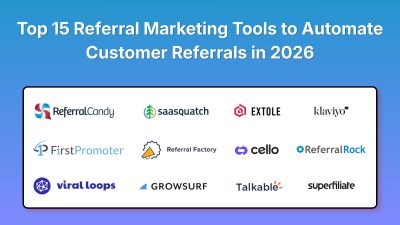
Top 15 Referral Marketing Tools to Automate Customer Referrals in 2026
Referral marketing can become one of the most cost-effective acquisition channels for a SaaS company, ecommerce brand, startup, or service business. The difficult part is not asking customers to refer friends. The difficult part is tracking who referred whom, assigning the right reward, preventing fraudulent referrals, sending reminders, connecting referrals to purchases or subscriptions, and knowing which customers actually generate revenue. That is where referral marketing software comes in. In 2026, the market is split between dedicated referral platforms, SaaS affiliate and referral tools, ecommerce referral systems, and broader marketing automation platforms. A startup running on Stripe needs a different system from a Shopify store, while an enterprise brand may need fraud controls, APIs, CRM integrations, custom rewards, and managed campaign support. This comparison focuses on tools that can automate meaningful parts of the referral process. The ranking considers referral tracking, automation, integrations, reward management, analytics, ease of implementation, SaaS compatibility, ecommerce support, and suitability for founders and growing businesses. > QUICK SUMMARY > > * Cello: Best suited to B2B SaaS teams that want referrals inside the product, with server-side attribution, billing-event tracking, automated rewards, and integrations with platforms such as Stripe and HubSpot. > > * FirstPromoter: A strong option for SaaS companies managing affiliate, referral, and influencer programs with recurring commissions, branded partner portals, billing-event tracking, fraud detection, and automated affiliate communication. > > * Viral Loops: Useful for founders and marketing teams that want ready-made referral campaign templates, no-code setup, social sharing tracking, referral campaigns, and integrations without building the entire system themselves. > > * ReferralCandy: A strong ecommerce choice, especially for Shopify brands, with referral and affiliate campaigns, custom coupons, cash or store-credit rewards, integrations, and fraud protection. > > * GrowSurf: Designed for automated referral campaigns such as customer referrals, waitlists, newsletters, and growth programs where businesses want referral links, rewards, participant tracking, and integrations without developing the system from scratch. > > Current market comparisons also show strong interest in Friendbuy, Talkable and SaaSquatch, while platforms such as Referral Rock, Referral Factory and Extole remain important for larger referral programs. REFERRAL MARKETING TOOLS COMPARISON | Rank | Tool | Key features for founders and businesses | Starting price | Best for | Free/Paid | | | | | : | | | | 1 | Cello | In-product referrals, server-side attribution, Stripe/Chargebee tracking, automated payouts, referral ARR tracking, API/SDK | From $65/month | B2B SaaS and PLG companies | Free + Paid | | 2 | FirstPromoter | Affiliate/referral/influencer programs, recurring commissions, branded portals, fraud detection, billing-event tracking | From $49/month | SaaS and subscription businesses | Paid + Trial | | 3 | Viral Loops | No-code campaigns, referral templates, social sharing, fraud identification, API, HubSpot integration | From $35/month | Startups, launches and consumer campaigns | Paid + Trial | | 4 | ReferralCandy | Shopify referrals, affiliate campaigns, coupons, cash/store-credit rewards, fraud protection, Klaviyo integration | *From $39/month + success fee | Ecommerce and DTC brands | Paid + Trial | | 5 | GrowSurf | Referral links, automated rewards, campaign tracking, participant management, integrations | From $125/month billed annually | SaaS, newsletters and growth campaigns | Paid + Trial | | 6 | Referral Rock | Customer referrals, partner programs, ambassador programs, hosted portals, automated emails, APIs, analytics | From $250/month | Growing businesses and referral teams | Paid + Trial | | 7 | Referral Factory | AI campaign builder, referral links/codes, 200+ rewards, fraud alerts, API, webhooks, white label | From $76/month | Startups and mid-market companies | Paid + Trial | | 8 | Friendbuy | Referral and loyalty campaigns, A/B testing, reward engine, activation analytics, enterprise support | Custom quote | Mid-market and enterprise ecommerce | Paid | | 9 | Extole | Enterprise referral programs, customer advocacy, personalization, analytics, fraud controls | Custom quote | Enterprise brands | Paid | | 10 | Talkable | Referral campaigns, A/B testing, fraud controls, reporting, campaign editor, managed services | Custom quote | Large ecommerce brands | Paid | | 11 | SaaSquatch | Referral programs, APIs, reward management, analytics, enterprise integrations | Custom quote | Enterprise SaaS and consumer brands | Paid | | 12 | HubSpot | CRM workflows, customer segmentation, AI agents, email automation, forms and lifecycle automation | Free; Marketing Hub from $10/month | Businesses combining referrals with CRM automation | Free + Paid | | 13 | Klaviyo | Email/SMS automation, segmentation, customer journeys, event triggers, AI-powered marketing | Free | Ecommerce referral follow-up and retention | Free + Paid | | 14 | Superfiliate | Creator and affiliate campaigns, referral tracking, rewards, landing pages and ecommerce integrations | Custom quote | Ecommerce, creators and affiliate teams | Paid | | 15 | Zapier | Referral workflow automation, webhooks, CRM updates, email notifications, AI automation and thousands of integrations | Free; Pro from $19.99/month billed annually | Connecting referral tools with existing stacks | Free + Paid | 1. CELLO Cello stands out for B2B SaaS because it treats referrals as part of the product experience rather than just an external marketing campaign. For a SaaS product, the referral moment often happens after a customer has already experienced value. Cello can place referral functionality inside the product so customers can discover, share, and manage referrals without leaving the application. Its server-side attribution approach is particularly relevant for SaaS companies because referral attribution can depend on actual billing events rather than relying entirely on browser cookies. Cello supports billing-related events and integrations with systems such as Stripe and Chargebee. For founders building a product-led growth motion, this can reduce the amount of custom referral infrastructure engineering teams need to maintain. Referral rewards can also be connected to business outcomes such as signups, paid invoices, or other defined conversion events. PRICING Starting price: $65/month when billed annually. BEST FOR B2B SaaS, PLG products, subscription businesses, and teams that want referrals embedded directly into the customer experience. 2. FIRSTPROMOTER FirstPromoter is designed around SaaS affiliate and referral programs where partners or customers generate measurable subscription revenue. One of its strongest features is billing-event tracking. Instead of treating a referral as complete when someone clicks a link, FirstPromoter can connect affiliate activity with events such as payments, renewals, upgrades, downgrades, and cancellations. This is particularly useful for recurring-revenue businesses. The platform also supports branded affiliate portals, custom signup fields, tax-form collection, affiliate communications, fraud detection, and different commission structures. Its program model can cover affiliate, referral, and influencer campaigns from one account. For a SaaS founder, this makes FirstPromoter a practical choice when the goal is to build a repeatable partner acquisition channel rather than simply run a one-time referral campaign. PRICING Starting price: $49/month. BEST FOR SaaS companies, subscription businesses, affiliate programs, and founders who want recurring commission tracking connected to real billing activity. 3. VIRAL LOOPS Viral Loops takes a template-driven approach to referral marketing. Instead of building every campaign from scratch, marketers can start with predefined campaign structures for lead generation, user referrals, customer referrals, waitlists, and other growth campaigns. The platform also provides no-code installation and social sharing tracking. Its fraud identification, participant management, email notifications, integrations, and campaign templates make it useful for founders who want to launch a referral campaign without asking developers to build every component. The platform becomes more useful as the campaign becomes more sophisticated. Higher plans add features such as customer referral campaigns, milestone referral templates, customer-journey tracking, custom domains, reCAPTCHA, API access, and HubSpot integration. PRICING Starting price: $35/month when billed annually. BEST FOR Startup launches, waitlists, consumer campaigns, newsletters, and marketing teams that want a no-code referral campaign builder. 4. REFERRALCANDY ReferralCandy is particularly relevant to ecommerce brands. Its focus is straightforward: help existing customers recommend a store to friends and automatically track the referral through purchase. The platform supports referral and affiliate campaigns, custom coupon codes, cash rewards, store credit, campaign management, and integrations with ecommerce and marketing systems. Its Shopify integration makes it especially attractive to DTC brands. A store can add referral mechanics without building a referral tracking system from scratch, while marketers can monitor referrals and reward customers who bring in new buyers. ReferralCandy also provides fraud protection and integrates with tools such as Klaviyo and Tremendous. This matters because an ecommerce referral program needs more than a referral link. It needs a reliable way to determine whether the referred customer actually purchased and whether the reward should be issued. PRICING Starting price: $39/month + 10.5% success fee. BEST FOR Shopify stores, DTC brands, ecommerce businesses, and companies that want customer referrals connected directly to purchases. 5. GROWSURF GrowSurf is built for businesses that want to automate referral campaigns without developing the referral infrastructure internally. A typical campaign might give customers a unique referral link and reward them after a certain number of friends sign up. GrowSurf is useful for these milestone-based programs because the referral journey can be automated rather than manually tracked. It is also relevant for waitlists, newsletters, SaaS products, and customer acquisition campaigns where referral participation is expected to grow over time. For a small team, the main advantage is reducing engineering work. Instead of building referral links, tracking attribution, managing participant data, and handling reward logic independently, the business can use a dedicated referral platform. PRICING Starting price: $125/month when billed annually. BEST FOR SaaS startups, waitlists, newsletters, customer referral programs, and businesses running growth campaigns based on participant milestones. 6. REFERRAL ROCK Referral Rock is designed for businesses that want a complete referral operating system rather than a single campaign. The platform supports customer referral programs, partner programs, affiliate programs, employee referrals, and brand ambassador programs. It provides hosted member portals and landing pages so businesses do not have to build the complete referral interface themselves. Referral Rock also handles automated emails and notifications, referral tracking, reward management, analytics, data exports, and integrations. Its recruiter functionality is useful for businesses where sales or frontline employees actively introduce customers to the referral program. Another useful feature is its dedicated program advisor. The company positions the advisor as part of the implementation and ongoing program management process, which can be valuable for businesses that want help designing rewards and messaging rather than simply receiving access to software. PRICING Starting price: $250/month. BEST FOR Growing businesses, B2B companies, professional services, ecommerce, and teams managing several referral programs. 7. REFERRAL FACTORY Referral Factory is built around creating, launching, tracking, and managing referral campaigns without requiring a custom referral application. Its AI-powered campaign builder can help create referral programs, while widgets, popups, and embeds can place referral experiences directly on websites or inside logged-in areas. The platform supports referral links, referral codes, automated conversion tracking, fraud alerts, analytics, rewards, integrations, webhooks, and API access. It also supports more than 200 reward types, including gift cards, cash, discounts, coupons, and custom rewards. For developers, the API and webhook support provide room for custom workflows. For marketing teams, the visual campaign builder and built-in tracking reduce the need to depend on engineering for every program change. PRICING Starting price: $76/month on the current Starter plan. BEST FOR Startups, mid-market companies, customer referral programs, multi-campaign teams, and businesses that need APIs and integrations. 8. FRIENDBUY Friendbuy is aimed more at established ecommerce and enterprise marketing teams than early-stage founders. The platform combines referral and loyalty capabilities and provides tools for testing different referral experiences. Businesses can run A/B tests across referral widgets and landing pages to determine which designs, offers, or messages produce more sharing and conversions. Friendbuy also includes an advocate activation layer that helps marketing teams identify customer sharing behavior and understand how customers move through the referral experience. Its reward engine supports different incentive types, including account credits, coupons, points, gift cards, and custom rewards. This makes the platform useful for brands where the referral program needs to fit into a broader loyalty strategy. PRICING Custom quote. BEST FOR Mid-market ecommerce, DTC brands, enterprise marketing teams, and businesses combining referrals with loyalty. 9. EXTOLE Extole focuses on enterprise referral and customer advocacy programs. Instead of treating referrals as a simple "give $20, get $20" campaign, enterprise referral programs often require multiple audience segments, reward rules, customer journeys, testing, analytics, and integration with existing marketing systems. Extole is designed for this larger operating environment. It can support referral campaigns where businesses want to activate existing customers and turn advocacy into a measurable acquisition channel. For large organizations, the value comes from being able to integrate referral activity into broader customer marketing rather than managing referral links in isolation. PRICING Custom quote. BEST FOR Large consumer brands, enterprise ecommerce, customer advocacy teams, and organizations running complex referral programs. 10. TALKABLE Talkable is another enterprise-focused referral marketing platform, particularly relevant to ecommerce. Its campaign tools include a visual campaign editor, responsive referral screens, HTML/CSS customization, templates, referral logic, fraud controls, customer dashboards, reporting, and A/B testing. One of its main differences is the level of managed support available. Higher service tiers include more strategy, campaign work, reporting, quality assurance, and professional services. This can make Talkable a better fit for a larger ecommerce company that does not want its marketing team to manage every part of referral program operations internally. PRICING Custom quote. BEST FOR Large ecommerce brands that need referral software plus campaign strategy, optimization, reporting, and managed support. 11. SAASQUATCH SaaSquatch is aimed at companies that need more control over referral program infrastructure. The platform is designed for businesses running customer referral and advocacy programs at scale, with integrations and APIs that can connect referral activity to existing applications and customer data. This type of architecture is useful for companies where referrals are not simply a marketing webpage. The referral experience may need to appear inside a customer dashboard, mobile application, account area, or existing customer journey. For developers, the API-oriented approach is important because referral logic often needs to connect with product events, customer records, billing systems, and reward systems. PRICING Custom quote. BEST FOR Enterprise SaaS, consumer technology companies, mobile products, and businesses that need API-driven referral infrastructure. 12. HUBSPOT HubSpot is not a dedicated referral platform in the same way as Cello or Referral Rock. Its strength is using CRM and marketing automation to manage what happens around a referral. For example, a company can capture referral leads, segment contacts, trigger follow-up emails, assign leads to sales representatives, and use lifecycle stages to track what happens after the referral enters the CRM. HubSpot's automation capabilities become especially useful when the referral is part of a larger customer journey. A referred lead can enter a workflow, receive personalized communication, be assigned to sales, and trigger different actions based on engagement. Its AI features also extend marketing and customer workflows. HubSpot currently offers AI agents and automation features across its platform, including customer-facing and marketing workflows. PRICING Free plan available. Marketing Hub starts at $10/month for the current Starter offer. BEST FOR Businesses already using HubSpot CRM that want to connect referral leads with sales, email marketing, customer data, and automated follow-up. 13. KLAVIYO Klaviyo is another platform that works particularly well as the automation layer around referral marketing. Klaviyo can segment customers based on purchase history, engagement, customer attributes, and events. That makes it useful for sending referral invitations to customers who have already purchased, rewarding customers after successful referrals, and creating follow-up journeys. For ecommerce brands, this is particularly valuable. A customer who has made three purchases and frequently opens emails can receive a referral campaign that is different from the message sent to a first-time buyer. Klaviyo also provides AI-powered features, reporting, email and SMS automation, and customer segmentation. Its free plan currently includes up to 250 profiles and 500 email sends per month. PRICING Free plan available. BEST FOR Ecommerce businesses and marketing teams that want referral-related email and SMS automation connected to customer behavior. 14. SUPERFILIATE Superfiliate is focused on affiliate, creator, and referral-style customer acquisition. The platform is particularly relevant for ecommerce brands that want to combine referral campaigns with creators and affiliates rather than maintaining separate systems for each channel. That distinction matters because modern referral programs often involve more than existing customers. A customer might become an advocate, a creator might promote a product to an audience, and an affiliate might generate recurring sales. For ecommerce businesses, combining these acquisition sources can make campaign management easier and provide a single place to track partner-driven sales and rewards. PRICING Custom quote. BEST FOR Ecommerce brands, creator-led businesses, affiliate programs, and teams combining customer advocacy with influencer acquisition. 15. ZAPIER Zapier is not a referral program platform, but it can be extremely useful for automating the workflows surrounding one. For example, a business can connect a referral platform to its CRM, email system, Slack, Google Sheets, payment system, or customer-support software. A successful referral could automatically create a CRM record, notify a sales representative, add a customer to an email segment, or update an internal dashboard. Zapier's AI automation capabilities also allow teams to build workflows that include AI-powered steps. Its current platform supports Zaps, Tables, Interfaces, chatbots, and AI automation features. This makes Zapier particularly useful for small teams that already have a referral tool but need to connect it with the rest of the marketing stack without building custom integrations. PRICING Free plan available; Pro starts at $19.99/month when billed annually. BEST FOR Founders, marketers, and developers who want to connect referral software with CRM, email, payments, analytics, and internal business workflows. HOW TO CHOOSE THE RIGHT REFERRAL MARKETING TOOL Start with one question: What type of referral program are you building? For B2B SaaS, Cello and FirstPromoter are built around subscriptions, billing, and recurring revenue. For ecommerce, ReferralCandy, Friendbuy, Talkable, and Superfiliate fit naturally into customer, purchase, and reward journeys. Need to launch quickly? Viral Loops, GrowSurf, and Referral Factory can help teams test referral campaigns without heavy development. For larger programs, Extole, Friendbuy, Talkable, and SaaSquatch offer deeper integrations and customization. If a business already uses tools like HubSpot, Klaviyo, or Zapier, they can also become part of the referral automation stack. WHAT SHOULD REFERRAL SOFTWARE AUTOMATE? A good platform should handle more than referral links. It should automate: * Attribution: Track who referred whom and whether the conversion happened. * Rewards: Calculate and issue rewards automatically. * Fraud prevention: Detect self-referrals, duplicate accounts, and suspicious activity. * Integrations: Connect referrals with payments, CRM, email, ecommerce, and analytics. * Reporting: Measure referred revenue, conversion rate, acquisition cost, reward cost, and customer lifetime value. A SIMPLE REFERRAL STACK A SaaS company could combine Cello or FirstPromoter + Stripe + HubSpot/Klaviyo + Zapier. An ecommerce brand could use ReferralCandy or Friendbuy + Shopify + Klaviyo. A startup testing referrals for the first time could start with Viral Loops, GrowSurf, or Referral Factory and scale later if the program proves successful. The goal is not to build the biggest stack. Start simple, validate demand, then add complexity when the numbers justify it. CONCLUSION The right referral tool depends less on the number of features and more on the economics of the program. Before choosing a platform, answer five questions: Who will refer? What counts as a successful referral? What reward will motivate them? What can the business afford to pay for a customer? How will referrals be tracked and verified? Once those answers are clear, choosing the right software becomes much easier. A good referral system should turn satisfied customers into a measurable acquisition channel without creating extra manual work.
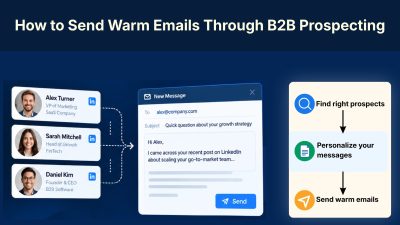
How to Send Warm Emails Through B2B Prospecting
Cold email works better when a prospect feels like a relevant business conversation, not another message sent from a database. The difference starts before the email is written: identifying the right accounts, finding the right contact, and understanding what is happening in the business right now. A practical B2B outreach workflow combines account research, contact enrichment, business signals, personalized messaging, useful follow-ups, and CRM tracking. The goal is not simply to send more emails, but to make every outreach step more relevant and intentional. AI can make much of this process faster, from finding prospects and detecting signals to researching accounts and drafting messages. But AI works best as part of a structured sales workflow, where human judgment still determines who to contact, why to reach out, and what is worth saying. > QUICK SUMMARY > > * Define the ICP, buyer role, problem, and buying signals before prospecting. > * Use tools such as Apollo or HubSpot to find and organize prospects. > * Use Clay for enrichment, account research, buying signals, and AI-powered personalization. > * Verify prospect information before adding contacts to an outreach sequence. > * Make the email relevant to a real company event, problem, or business situation. > * Keep the first email short and focused on one problem. > * Use tools such as Instantly or Apollo to manage sequences and follow-ups. > * Use AI to research accounts, summarize signals, create first drafts, classify replies, and update CRM data. > * Review AI-generated emails before sending. > * Measure positive replies, qualified meetings, opportunities, and revenue, not just email opens. > * Start with a small campaign, identify what works, and then increase volume. 1. START WITH A SPECIFIC ICP Do not begin with thousands of emails. Start by defining exactly who should receive the message. For example, B2B SaaS companies with 20–200 employees that are hiring salespeople and expanding outbound sales could be a specific ICP. The more specific the ICP, the easier it becomes to find relevant prospects and explain why the product matters. Apollo can build prospect lists using company size, industry, job title, seniority, technology, and other filters. Its AI workflows can also identify prospects matching an ICP and add them to lists or sequences. Mark Hughes, Co-Founder of Solidroad, used a focused ICP as part of the company's outbound strategy. Solidroad later reported $1M ARR from its outbound motion, with around 500,000 emails generating 5,000 replies, 250 meetings, and 40 customers. The key is simple: better targeting creates a better prospecting list. 2. FIND A REASON TO CONTACT THE COMPANY The strongest cold emails usually have a reason behind them. Look for signals such as hiring, funding, expansion, product launches, technology changes, leadership changes, or problems visible on the company's website. Generic: > We help SaaS companies generate more qualified leads. Signal-based: > Saw the team is hiring several SDRs while expanding outbound. That usually means more time spent building lists and researching accounts. The second email gives the prospect a reason to understand why they were contacted. This is where AI can help. Clay can combine company and contact data with signals such as hiring, funding, and website activity to support personalized outreach. Huntr used a similarly focused approach by targeting career services teams at coding bootcamps. Apollo reports that its targeted outreach achieved around a 20% reply rate, with the company also reporting 2x revenue growth in 10 months. 3. FIND THE PERSON WHO OWNS THE PROBLEM The right company is not enough. The email needs to reach someone connected to the problem. For a prospecting product, that could be a VP of Sales, Head of Sales, RevOps leader, SDR manager, or founder. Apollo can find contacts by role and seniority, while Clay can enrich them with additional company and professional information. For larger accounts, identify multiple stakeholders instead of depending on one contact. Solidroad's outbound strategy also focused on reaching specific decision-makers connected to the problem, rather than contacting companies without identifying the relevant buyer. The goal is not simply finding a contact. It is finding the person connected to the problem. 4. BUILD A CLEAN PROSPECT LIST Create a simple prospect record: This gives AI and sales teams structured information to work with. Avoid relying on unverified data. An incorrect job title, outdated company detail, or false trigger can make a good email look careless. Apollo provides prospecting, enrichment, sequencing, and workflow capabilities. Clay can also enrich records using multiple data sources and AI research. Claire Hardesty, founding GTM engineer at Pump.co, helped build an outbound infrastructure capable of handling more than 130,000 emails in its first month. Smartlead reports nearly $200,000 in attributed pipeline revenue during that period. At this scale, clean data and organized campaign workflows become essential. 5. USE AI FOR PROSPECT RESEARCH AI can reduce the time spent manually researching every account. For each prospect, ask: What does the company sell? Who is the likely buyer? What has changed recently? What problem might that create? Why could the product be relevant now? Clay can combine enrichment, AI research, and account signals into prospect information. HubSpot also uses AI and company signals to support prospect identification and personalized outreach. The important part is to give AI real data. Asking AI to simply “personalize this email” without account context usually produces generic copy. Huntr's results also show the value of researching a specific audience before scaling. Its targeted campaigns reportedly reached a 20% cold outreach reply rate. 6. TURN THE RESEARCH INTO A SHORT COLD EMAIL A useful first email does not need to explain the entire product. A simple structure is: Relevant observation → Problem → Product → Simple question For example: > Hi [name], > > Noticed the team is hiring several SDRs as outbound expands. > > That usually means more time spent finding accounts and researching contacts. > > [Product] helps automate that research and enrichment. > > Is improving this workflow currently a priority? The objective is not to close the deal in the first email. It is to determine whether the problem is relevant enough to start a conversation. Apollo recommends connecting something relevant about the recipient with a problem the product can address and a clear next step. Myles Kreiner, Founder & CEO of Epiphany Scales, used targeted cold email, list building, and message testing. A BEC Growth case study reports $35,000+ in new revenue within two months and 4+ booked meetings per day. 7. PERSONALIZE THE RIGHT THING Adding a first name is not personalization. Useful personalization explains why the prospect is relevant. For example: > Noticed your team recently opened six SDR positions. is more useful than: > Loved the work you're doing at ABC. The first connects to a business situation. The second could be sent to almost anyone. AI can create the first draft, but a person should verify the claim before sending. Apollo also recommends reviewing AI-generated messages for accuracy, relevance, tone, and context. Huntr used A/B testing to refine messaging for specific audiences, with its targeted outreach reportedly reaching a 20% reply rate. Personalization should therefore change the reason and message, not just the recipient's name. 8. BUILD A SHORT FOLLOW-UP SEQUENCE Many prospects will not reply to the first email. The solution is not to send the same message repeatedly. A practical sequence could be: > Day 1: Relevant trigger + problem > > Day 3: Problem-focused follow-up > > Day 6: Relevant result or use case > > Day 10: Different angle > > Day 14: Close-the-loop message Each follow-up should give the prospect a different reason to respond. Apollo supports sequences and AI-assisted campaign creation, while Instantly focuses on cold-email campaigns and sequencing. Epiphany's reported campaign continuously tested and removed underperforming copy while refining lists and sequences. The case study reports 4+ booked meetings per day at its peak. Follow-ups should therefore be treated as an optimization process, not repetition. 9. USE AI TO CREATE BETTER PERSONALIZATION AT SCALE Suppose there are 500 prospects. Instead of manually researching every company, create structured fields: Company signal: Hiring 8 SDRs Role: VP Sales Problem: Scaling outbound research Product capability: Automated lead enrichment Personalization: Based on current hiring activity AI can turn these fields into short, relevant emails while keeping the campaign consistent. Clay supports this workflow through enrichment, AI research, signals, and personalized messaging. The goal is not 500 completely different emails. It is 500 relevant emails based on reliable prospect information. At Pump.co, Claire Hardesty helped build a much larger outbound system that reportedly sent 130,000+ emails in its first month and generated nearly $200,000 in attributed pipeline revenue. Personalization at scale requires both good data and good infrastructure. 10. ADD A DRIFT CAMPAIGN FOR WEBSITE VISITORS Cold email brings prospects to the website. The next opportunity is to engage them while they are actively researching the product. A Drift campaign can show targeted messages based on the visitor, page, or campaign context. For example: > Looking for a faster way to build your prospecting workflow? See how the process works or chat with a sales specialist. Drift's Playbooks can engage website visitors, qualify leads, and route conversations to sales representatives. A simple workflow is: > Cold Email → Website Visit → Drift Campaign → Qualification → Sales Conversation → CRM Drift can also trigger specific Playbooks from links or buttons, allowing an email campaign to continue naturally into a website conversation. The key is consistency. If the email discusses outbound prospecting, the website campaign should continue that same conversation instead of showing a generic message. 11. KEEP AI OUT OF THE MOST IMPORTANT CONVERSATIONS AI is useful for repetitive research and preparation. It can: > Find prospects → Enrich data → Research accounts → Identify signals → Draft emails → Summarize replies → Categorize objections → Update records Humans should handle: > Offer positioning → Final review → Important replies → Objections → Pricing → Negotiations → Sales calls This keeps the workflow fast while reducing the risk of incorrect AI-generated information reaching prospects. HubSpot recommends using AI to reduce manual prospecting and research while allowing sales teams to focus on higher-value activities. Solidroad's reported outbound funnel shows why automation is only one part of the process: 500,000 emails generated 5,000 replies, 250 meetings, and 40 customers. The sales conversations still had to be handled by people. 12. CONNECT COLD EMAIL TO THE SALES PIPELINE Cold email should not end when someone replies. A real B2B workflow should move prospects through: > Target Account → Researched → Contacted → Replied → Qualified → Meeting → Opportunity → Customer A CRM such as HubSpot can store account history, contact information, email activity, deal stages, notes, and next actions. Apollo can also connect prospecting and outbound activity with CRM workflows. Solidroad's reported funnel shows why tracking the complete journey matters: > 500,000 emails → 5,000 replies → 250 meetings → 40 customers → $1M ARR These figures come from the company's reported outbound results and illustrate why email volume alone is not the final metric. Every positive response should have a clear next step. 13. ANALYZE REPLIES INSTEAD OF CHASING OPEN RATES A campaign should answer practical questions: Which ICP segment replied? Which job title responded? Which trigger produced conversations? Which message generated qualified replies? Which campaign produced opportunities? Track: > Positive reply rate → Qualified replies → Meetings → Opportunities → Customers → Revenue If a campaign generates opens but no qualified conversations, simply increasing volume will not fix the problem. Huntr, for example, used reply rates, interested responses, and revenue growth to evaluate its outbound campaigns rather than focusing only on email opens. This creates a more useful feedback loop: > Prospect → Research → Email → Reply → Analysis → Better targeting → Better email That is where AI becomes useful beyond simply writing copy. A PRACTICAL B2B COLD EMAIL STACK A small team does not need ten different platforms. A practical setup could look like this: Apollo: Find contacts, companies, and buying signals. Clay: Enrich prospects, research accounts, identify signals, and generate personalized data. ChatGPT: Analyze research, improve messaging, classify replies, and create campaign variations. Instantly: Run cold-email campaigns and follow-ups. HubSpot: Manage contacts, conversations, deals, and pipeline stages. Larger teams can connect these systems instead of moving CSV files manually. Apollo supports workflow integrations, while Clay can push enriched prospects into sequencing systems such as Apollo and Instantly. The Pump.co example shows how these tools can become a connected outbound infrastructure, with reported use of Clay and large-scale email infrastructure to support its campaigns. THE REAL WORKFLOW A practical B2B outreach campaign can run like this: 1. Define the ICP Choose the company type, buyer, problem, and buying signals. 2. Find accounts Use Apollo or another prospecting database. 3. Enrich the list Add verified contact information and company details. 4. Detect signals Use Clay or Apollo to identify hiring, funding, product, technology, or other relevant changes. 5. Research with AI Create a short account brief for every qualified prospect. 6. Score prospects Prioritize prospects with strong ICP fit and a current business reason. 7. Generate the email Use AI to draft a short message based on the research. 8. Review Check every important claim manually. 9. Send the sequence Use Apollo, Instantly, or the existing sales engagement system. 10. Handle replies Move interested prospects into the CRM and continue the conversation manually. 11. Analyze results Compare positive replies, meetings, opportunities, and revenue. 12. Improve the next campaign Use the results and AI analysis to change targeting, triggers, offers, and messaging. CONCLUSION A warm cold email is created before the email is sent. The prospect needs to be a good fit, there needs to be a credible reason for contacting them, and the message needs to connect that reason to a problem the business may actually have. AI makes this process faster by handling research, enrichment, signal detection, personalization drafts, reply analysis, and repetitive CRM work. Tools such as Apollo, Clay, ChatGPT, Instantly, and HubSpot can turn those individual tasks into a connected workflow. The objective is not to send more emails simply because automation makes it possible. The objective is to identify better prospects, understand them faster, send more relevant emails, and turn responses into qualified pipeline.
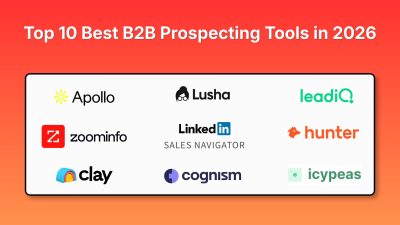
Top 10 Best B2B Prospecting Tools in 2026
A predictable B2B sales pipeline starts with knowing who to target and when to reach them. A SaaS founder may know exactly which companies are a good fit, but turning that ideal customer profile into qualified prospects takes work. Identifying the right decision-maker, verifying work emails, checking technology stacks, spotting buying signals, and keeping contact data updated can quickly consume hours. That’s where B2B prospecting tools come in. Modern sales platforms help teams discover target companies, identify decision-makers, verify contact details, enrich lead data, uncover buying signals, and move qualified prospects into CRM or outreach workflows. > QUICK SUMMARY > > * Apollo.io: An all-in-one B2B prospecting platform combining a large contact database, advanced filters, buying intent, lead scoring, enrichment, and outbound sequences, making it useful for teams that want prospecting and outreach in one place. > > * ZoomInfo SalesOS: An enterprise sales intelligence platform built around company and contact data, intent signals, organizational information, and account intelligence for larger sales and marketing teams. > > * LinkedIn Sales Navigator: Uses LinkedIn's professional network for advanced lead and account search, saved lists, alerts, InMail, account maps, and relationship-based prospecting. > > * Clay: A flexible prospecting and enrichment platform that connects 150+ data providers with waterfall enrichment, AI research through Claygent, job-change signals, web intent, and CRM automation. > > * Cognism: A B2B sales intelligence platform focused on verified contact and company data, mobile numbers, intent signals, job changes, AI research, and compliance-focused prospecting, with particularly strong relevance for European sales teams. > > Other useful tools include Lusha, UpLead, Hunter, LeadIQ, and Icypeas, which support contact discovery, verification, enrichment, and prospect research. B2B PROSPECTING TOOLS COMPARISON | # | Tool | Key prospecting features | Minimum price | Best for | Free plan | | -- | | | | | | | 1 | Apollo.io | 240M+ contacts, 65+ filters, buying intent, lead scoring, enrichment, sequences, AI research | $49/user/month, billed annually | SaaS founders, startups, sales teams wanting data + outreach | Yes | | 2 | ZoomInfo SalesOS | Contact/company intelligence, intent data, org charts, buyer signals, account intelligence | Custom quote | Enterprise sales and ABM teams | Trial | | 3 | LinkedIn Sales Navigator | Advanced search, lead/account lists, alerts, InMail, account maps, buyer interest | $119.99/user/month | Founder-led sales, B2B sales, relationship prospecting | Trial | | 4 | Clay | 150+ data providers, waterfall enrichment, Claygent AI research, job changes, intent, CRM enrichment | $185/month for Launch | RevOps, developers, growth teams, custom prospecting workflows | Yes | | 5 | Cognism | Verified emails and mobiles, firmographics, technographics, intent, job changes, AI research | Custom quote | EMEA prospecting and enterprise sales teams | No | | 6 | Lusha | Verified contact data, phone numbers, firmographics, buying signals, Chrome extension, CRM enrichment | $37/month, billed annually | SMB and mid-market sales teams | Yes | | 7 | UpLead | Verified emails, mobile numbers, company data, Chrome extension, LinkedIn prospecting | $99/month | Small sales teams and founders needing verified contacts | 5-credit trial | | 8 | Hunter | Domain search, email finder, email verification, lead discovery, AI assistant, outreach | $34/month | Email-first prospecting and lean teams | Yes | | 9 | LeadIQ | Contact discovery, job changes, CRM enrichment, AI messaging, sales signals, Chrome extension | Free, paid plans available | SDR teams and LinkedIn-based prospecting | Yes | | 10 | Icypeas | Email finding, verification, profile scraping, company search, API, MCP, no-code integrations | $19/month | Developers, agencies, and lean outbound workflows | Yes | 1. APOLLO.IO Apollo.io is one of the most complete options for teams that want to combine B2B contact discovery with outbound sales workflows. Its prospecting database currently covers more than 240 million contacts, and users can filter prospects using more than 65 data attributes. Filters can be used to narrow prospects by company, role, seniority, location, industry, technology, and other characteristics. Apollo also supports personas, buying intent, saved searches, alerts, and lookalike prospecting. For a SaaS founder, this can simplify the process of defining an ICP and turning it into an actual lead list. For example, a developer selling an API monitoring platform could search for engineering leaders at SaaS companies using a specific technology stack and then enrich those contacts before starting outreach. Apollo also goes beyond database search. Its platform includes CRM enrichment, CSV enrichment, API enrichment, lead scoring, AI research, and outbound sequences. That means a small sales team does not necessarily need separate tools for finding prospects and starting email outreach. PRICING Minimum paid price: $49/user/month, billed annually. A free plan is available, while higher tiers add more credits, intent topics, filters, automation, and other capabilities. Best for: SaaS founders, startups, agencies, and sales teams that want prospecting data and outbound execution in one platform. 2. ZOOMINFO SALESOS ZoomInfo SalesOS is designed for organizations that need detailed B2B sales intelligence across companies, contacts, accounts, and buying signals. The platform is particularly relevant for enterprise sales teams because prospecting is not limited to finding someone's email address. Teams can investigate company structures, identify decision-makers, monitor intent, and build account-level intelligence around target organizations. ZoomInfo's wider data platform includes company and professional profiles, organizational information, intent data, and signals that can help sales teams prioritize accounts. Current industry comparisons continue to position it as an enterprise-focused B2B intelligence platform with deep North American coverage. For an enterprise SaaS company selling into large organizations, this account-level approach can be more useful than simply downloading a large contact list. Sales teams can identify the company first, map the buying group, and then build an outreach strategy around multiple stakeholders. The tradeoff is that ZoomInfo is designed for a much larger sales operation than a solo founder who needs 50 verified emails. It makes more sense when account intelligence, intent data, organizational structures, and sales workflows justify an enterprise platform. PRICING Minimum price: Custom quote. Current market comparisons report enterprise contracts rather than a standard public self-serve price. Best for: Enterprise sales organizations, ABM teams, and businesses selling complex products into large companies. 3. LINKEDIN SALES NAVIGATOR LinkedIn Sales Navigator is different from traditional contact databases because its biggest advantage is direct access to LinkedIn's professional network. Its advanced search lets salespeople identify leads and companies using criteria such as job title, company, geography, seniority, industry, and other professional attributes. Users can save leads and accounts, receive alerts, use InMail, and organize prospects into custom lists. For founders, this is especially useful when selling requires understanding the person before sending an email. A founder selling developer infrastructure, for example, can identify CTOs, engineering managers, or founders at target companies, follow their activity, and use relevant information to make the first message more specific. Sales Navigator also has account maps and buyer-interest features. Advanced and Advanced Plus plans add collaboration and CRM-related functionality, with Advanced Plus supporting CRM synchronization and activity writeback. It is therefore particularly useful when LinkedIn is already part of the sales process. The platform is less about exporting a giant database and more about helping salespeople identify and work with professional relationships. PRICING Minimum paid price: $119.99/user/month for Sales Navigator Core. LinkedIn also offers Advanced and Advanced Plus plans with additional capabilities. Annual billing lowers the effective monthly cost. Best for: Founders, B2B salespeople, recruiters, consultants, and teams that rely heavily on LinkedIn for prospect research and relationship building. 4. CLAY Clay is particularly interesting for developers, RevOps teams, growth engineers, and founders who want to build custom prospecting workflows instead of relying on a single database. The platform connects more than 150 data providers and can run multi-provider waterfalls. This means a team can search one source, then use another provider when the first source does not return the required information. Clay also includes Claygent, its AI research agent, which can use web research to generate custom data points. A founder could use this to identify whether a company uses a particular technology, determine whether it recently launched a product, classify companies according to an ICP, or research information that is not available as a standard database field. The platform also supports job-change signals, company news, hiring signals, CRM enrichment, web intent, APIs, webhooks, and automated workflows. This makes it particularly useful when prospecting becomes a data-engineering problem rather than a simple lead-search task. For example, a SaaS developer could build a workflow that finds companies hiring backend engineers, enriches them with technology information, checks company size, researches recent funding, and sends the resulting records to a CRM. PRICING Minimum paid plan: $185/month for Launch. Clay also has a free plan with limited actions and data credits. Best for: Developers, RevOps teams, growth engineers, agencies, and technical founders building custom prospecting and enrichment workflows. 5. COGNISM Cognism focuses on verified B2B data and is particularly relevant for companies prospecting in Europe. The platform provides company and contact information, including emails, mobile numbers, job titles, work history, technology usage, and company information. Its prospecting workflows also include firmographic, technographic, and signal-based filters. One of Cognism's differentiators is its focus on mobile verification. Its Pro package includes on-demand mobile verification, while the platform also supports intent data, job changes, funding, hiring, and M&A signals. Cognism also includes AI company research, AI persona building, AI search, CSV enrichment, CRM enrichment, and API or bulk data delivery. This makes it suitable for teams that need more than a browser extension for finding individual contacts. For companies selling into the UK and European markets, compliance and data quality can be important factors when selecting a prospecting database. Cognism explicitly positions its platform around compliance-first data and offers GDPR-related controls and documentation. PRICING Minimum price: Custom quote. Cognism's current pricing is based on the package, team setup, data requirements, and usage. Best for: EMEA-focused sales teams, larger B2B companies, and businesses that need verified mobile data and compliance-focused prospecting. 6. LUSHA Lusha is designed for sales and marketing teams that need verified contact and company information without adopting a large enterprise sales intelligence platform. Its prospecting workflow provides contact information, company details, buying signals, and enrichment. Lusha also offers a Chrome extension that can be used while browsing LinkedIn and other websites. Current 2026 materials from Lusha state that the platform has more than 290 million contacts and supports signals such as hiring, funding, technology changes, and intent. For a founder, this can be useful when building a focused list rather than downloading thousands of contacts. For example, a SaaS founder can search for a specific job role at companies within a particular size range, verify contact details, and then move the selected prospects into a CRM. Lusha also supports CRM enrichment and integrations, allowing teams to keep contact information updated instead of repeatedly rebuilding lists. The platform is therefore a good middle ground between lightweight email finders and expensive enterprise intelligence systems. PRICING Minimum paid price: $37/month when billed annually. Lusha also provides a free plan with limited credits. Best for: SMB and mid-market sales teams, founders, agencies, and marketers that need verified contact data plus buying signals. 7. UPLEAD UpLead focuses on verified B2B contact data and gives users a relatively straightforward way to find emails and mobile numbers. Its database search supports company and contact filters, while its platform provides verified emails, mobile direct dials, and company information. The Chrome extension can also be used while browsing LinkedIn or other websites. One useful feature for smaller teams is the way UpLead handles credits. One credit unlocks one contact, including the available email and mobile direct dial. This makes it relatively easy to estimate how much a prospecting campaign will consume before building a list. UpLead also states that it verifies email addresses with a 95% accuracy rate. This is a vendor-reported figure, so teams should still test data quality against their own target market before building a large campaign. For founders who only need a few hundred targeted prospects rather than a large sales intelligence platform, this straightforward credit model can be easier to manage. PRICING Minimum paid plan: $99/month for Essentials. A seven-day free trial includes five credits. Best for: Small sales teams, agencies, founders, and marketers who want verified contact information with a simple credit-based model. 8. HUNTER Hunter is best known for email discovery and verification, but its current platform has expanded into broader prospecting and outreach. The platform can find professional emails using domain search and individual email lookup, verify email addresses, enrich leads, and identify potential opportunities. It also includes an AI Assistant inside its Discover database and supports cold email sequences. Hunter is particularly useful when the main prospecting requirement is finding a reliable business email rather than building a complete account-intelligence system. For example, a founder may already have a list of 200 target companies and only need to identify the correct email addresses for CEOs, marketing heads, CTOs, or sales leaders. Hunter can fit that workflow without requiring the team to adopt a large sales platform. Its API is also useful for developers who want to integrate email discovery and verification into an internal application or automated lead-generation workflow. PRICING Minimum paid price: $34/month. Hunter also has a free plan with 50 credits per month. Best for: Solo founders, marketers, agencies, developers, and small teams that mainly need email finding and verification. 9. LEADIQ LeadIQ combines contact discovery with sales signals, CRM enrichment, and AI-assisted outreach. The platform can find email addresses and phone numbers, track job changes, enrich CRM records, generate AI-assisted messages, and provide sales signals. Its Chrome extension makes it possible to prospect while browsing the web or LinkedIn. One useful aspect is its credit structure. Email discovery uses one credit, while phone numbers use more credits, allowing teams to decide whether they need only email data or both email and phone information. LeadIQ is also designed to fit into existing sales engagement workflows. This matters for teams that already use CRM and sales engagement software and want prospect data to flow into those systems instead of maintaining separate spreadsheets. The platform is therefore more relevant to SDR teams and sales organizations than to someone who only wants to find a handful of email addresses. PRICING Minimum price: Free plan available. Paid pricing depends on the number of credits and the selected plan. Best for: SDR teams, sales teams using LinkedIn for prospecting, and organizations that need contact discovery plus CRM and sales workflow integration. 10. ICYPEAS Icypeas is a more specialized prospecting and email enrichment platform that can be attractive to developers, agencies, and lean sales teams. Its core tools include email finding, email verification, domain scanning, profile scraping, company scraping, person and company discovery, reverse email lookup, API access, and no-code integrations with platforms such as Make, Zapier, and n8n. It also supports MCP, which makes it relevant to teams experimenting with AI agents and automated research workflows. One important difference is its focus on paying for verified or found data rather than purchasing a large all-in-one sales intelligence suite. The platform also supports credit rollover, meaning unused credits do not simply disappear at the end of the billing period. Its pricing structure can therefore work well for teams whose prospecting volume changes from month to month. For developers, the API and automation support are particularly useful. A team can connect Icypeas to an internal lead-generation workflow, automate email discovery, verify addresses, and send clean data into another system. PRICING Minimum paid plan: $19/month plus VAT. A free plan includes 50 credits, while paid plans provide larger monthly credit allocations. Best for: Developers, agencies, technical founders, and businesses that primarily need affordable email enrichment and API-based prospecting. HOW TO CHOOSE A B2B PROSPECTING TOOL The first question should not be "Which tool has the biggest database?" The better question is what exactly needs to happen between identifying a target company and contacting the right person? If the workflow starts with a list of companies and ends with a personalized outbound sequence, an all-in-one platform such as Apollo.io can reduce the number of tools involved. If the process starts with account research and relationship building, LinkedIn Sales Navigator may fit better because the prospect's professional activity and company relationships remain central to the workflow. If the team wants to combine several data providers, run custom enrichment, research websites with AI, or build automated workflows, Clay is more appropriate. Its multi-provider waterfalls and AI research capabilities are specifically designed for this type of workflow. For teams primarily looking for verified contact information, Lusha, UpLead, Hunter, and Icypeas offer more focused workflows. For European prospecting, Cognism deserves particular consideration because its platform emphasizes verified mobile data, intent signals, and compliance-focused workflows. WHAT B2B PROSPECTING FEATURES MATTER MOST? ACCURATE CONTACT DATA A huge database means little if emails bounce or contacts have changed jobs. Look for email verification, phone data, job-change detection, regular updates, and replacement options for inaccurate records. ADVANCED FILTERS Good prospecting tools should turn your ICP into searchable criteria. Example: SaaS → 50–500 employees → US/UK/India → hiring engineers → AWS users → CTO or VP Engineering. Better filters mean less manual research. BUYING SIGNALS Firmographics show who fits your ICP. Buying signals help answer why contact them now. Funding, hiring, leadership changes, technology adoption, and expansion can provide useful outreach context. CRM ENRICHMENT Your prospecting system should keep CRM records fresh by filling missing information and updating outdated contact or company data. API & AUTOMATION For technical teams, API access can turn prospecting data into part of an automated lead-generation workflow. Clay and Icypeas are particularly useful for custom enrichment and automation. COMPLIANCE Before scaling outbound campaigns, check how a provider handles data sources, opt-outs, privacy requirements, processing, and retention, especially for European prospects. A PRACTICAL B2B PROSPECTING STACK You rarely need ten different tools. A simple workflow could look like: Sales Navigator → Find target accounts → Apollo/Lusha → Find contacts → Hunter/Icypeas → Verify emails → Clay → Enrich → CRM → Outreach Larger organizations may use ZoomInfo or Cognism as their central sales intelligence platform. The goal is not to collect more databases. It is to build a workflow that produces accurate contacts, useful context, timely outreach, and clean CRM data. CONCLUSION The right prospecting tool depends on your sales process. Apollo.io combines prospecting, contact data, enrichment, and outbound workflows. ZoomInfo focuses on broader sales intelligence for larger teams, while LinkedIn Sales Navigator is useful when LinkedIn plays a central role in prospect discovery. Clay is well suited to custom enrichment workflows, while Cognism focuses strongly on B2B data and EMEA prospecting. Lusha, UpLead, Hunter, LeadIQ, and Icypeas can handle more focused contact discovery, verification, and enrichment needs. For founders and small SaaS teams, start with one core prospecting platform. Add enrichment or verification tools only when a specific gap appears.
10 Best AI Tools to Automate Influencer Marketing and UGC Campaigns in 2026
The right creator can turn a SaaS product into a steady stream of attention, signups, and user-generated content. But finding that creator is often the hardest part. Searching across TikTok, Instagram, YouTube, and X, checking audience fit, reviewing past content, handling outreach, negotiating rates, and tracking results can quickly consume hours. AI creator marketing tools are changing this workflow. They can help teams discover relevant creators, analyze audiences, automate outreach, manage UGC campaigns, and measure performance. For SaaS, creator fit matters more than follower count. A developer tool needs creators who understand technical workflows, while an AI product may need creators who can demonstrate it clearly in short-form content. > QUICK SUMMARY > > * Storyclash: Best suited to teams that need AI creator discovery, competitor research, creator vetting, outreach, campaign management, and performance tracking in one workflow. > > * Janney AI: An AI-first platform designed to automate creator discovery, outreach, negotiation, campaign management, and performance monitoring across TikTok, Instagram, and YouTube. > > * Okara: Built around an AI Influencer Agent that can take a campaign from brief and creator matching through outreach, rate negotiation, deliverable tracking, and payment. > > * HypeAuditor: Combines AI creator discovery with audience-quality analysis, fraud detection, automated outreach, campaign management, reporting, and API access. > > * Influencer Hero: Combines AI discovery, automated outreach, CRM, campaign boards, UGC tracking, gifting, payments, and reporting, making it useful when the main problem is moving from creator research to campaign execution. > > The remaining tools are also useful, but they serve slightly different needs. Upfluence, Influencity, and GRIN are broader creator-management platforms, while Heepsy is more accessible for smaller teams. COMPARISON: AI CREATOR DISCOVERY AND UGC CAMPAIGN TOOLS | # | Tool | Key features for SaaS teams | Minimum price | Best for | | -- | | | | | | 1 | Storyclash | AI creator search, product URL search, image search, lookalikes, competitor creator research, outreach, campaign management, ROI tracking | €499/month | Teams running recurring creator campaigns | | 2 | Janney AI | AI creator matching, trend analysis, automated outreach, negotiation, campaign management, ROI insights | Free search; paid plans custom | Startups wanting AI-assisted campaign automation | | 3 | Okara | AI creator matching, automated outreach, rate negotiation, briefs, deliverable tracking, automatic payouts | $99/month + 10% campaign spend | Solo founders and lean SaaS teams | | 4 | HypeAuditor | AI discovery, audience analytics, fraud detection, AI Scout, outreach, CRM, campaign tracking, API | Custom quote | Data-driven creator selection | | 5 | Influencer Hero | AI discovery, automated outreach, CRM, campaign boards, UGC tracking, gifting, payments, reporting | $649/month | Teams wanting an end-to-end workflow | | 6 | Upfluence | 14M+ creator database, AI search, lookalikes, outreach, campaign management, ecommerce integrations, payments | Custom quote | Growing creator programs | | 7 | Influencity | AI discovery, 350M+ public profiles, audience analysis, CRM, outreach, campaign management, social listening | Custom quote | Large-scale creator research and management | | 8 | Heepsy | AI search, lookalikes, 30+ filters, creator analytics, outreach, marketplace, sales tracking | Free; paid from $69/month | Solo marketers and small SaaS teams | | 9 | GRIN | Gia AI agent, creator discovery, CRM, affiliate tracking, campaign management, reporting, creator marketplace | Free; paid from $200/month | Teams wanting an AI creator operations assistant | | 10 | ON Social | AI creator discovery, 27+ filters, audience intelligence, creator analytics, lookalikes, API, data exports | Custom quote | SaaS teams needing creator research and audience intelligence | 1. STORYCLASH Storyclash is particularly useful when creator discovery is only one part of the problem. Its AI discovery system can search for creators using natural-language text, images, product URLs, and lookalike searches. This means a SaaS team can start with something more specific than a generic category such as "technology influencer." For example, a company could search for creators whose content visually matches its brand or use a product URL to identify creators whose interests match the product category. The platform also provides creator collaboration history, audience information, performance metrics, competitor research, and campaign management. That can help a founder answer an important question before sending an offer: Has this creator already worked with similar companies, and did that content perform? For SaaS marketing teams, another useful part is the connection between discovery and campaign execution. Storyclash supports outreach, campaign planning, budgeting, contracts, performance tracking, and ROI measurement rather than leaving the team with a spreadsheet full of creator profiles. PRICING Minimum price: €499/month. Storyclash's current pricing page lists Starter at €499/month, Growth at €999/month, and Scale at €1,899/month, with custom options also available. Best for: SaaS and DTC teams running recurring creator campaigns and needing discovery, competitor intelligence, campaign management, and reporting in one platform. 2. JANNEY AI Janney AI takes a more automation-focused approach to influencer marketing. The platform searches across TikTok, Instagram, and YouTube and uses AI to match creators with a brand's audience, tone, and performance requirements. It also includes features such as trend analysis, hashtag analysis, creator matching, and platform-specific content insights. The more interesting part for small SaaS teams is the campaign automation layer. Janney describes workflows covering creator onboarding, approvals, payments, outreach, negotiation, campaign monitoring, and performance optimization. Instead of using one tool to find creators and another spreadsheet to track them, the platform aims to keep the workflow inside one system. For a SaaS founder launching an AI tool, developer product, or productivity platform, this can be useful when the goal is not simply to identify creators but to move quickly from "find 20 relevant creators" to "contact them and run the campaign." PRICING Minimum price: Free search; paid plans are custom. Janney currently offers free basic creator search and promotes premium SaaS and managed options for broader campaign automation. Best for: Startups and marketing teams looking for AI-assisted creator discovery and automated campaign operations. 3. OKARA Okara approaches influencer marketing as an AI-agent workflow rather than simply another creator database. A founder starts by providing information such as the product, campaign goal, audience, and budget. The Influencer Agent then matches creators from its network, handles outreach, negotiates rates, manages briefs and deliverables, and handles payments when the campaign is completed. This approach is particularly relevant to solo founders. A small SaaS company may not have a person dedicated to influencer partnerships, so the difficult part is often not understanding influencer marketing. It is finding the time to send dozens of messages, follow up, negotiate rates, track content, and chase payments. Okara also currently focuses its live influencer workflow on X, with Instagram, YouTube, and TikTok listed as upcoming platforms on its Influencer Agent page. That makes the platform particularly interesting for developer tools and SaaS products whose audiences are active on X. PRICING Minimum price: $99/month + 10% of campaign spend. Creator fees are separate from the platform fee. Best for: Solo founders and small SaaS teams that want an AI agent to handle much of the creator campaign workflow. 4. HYPEAUDITOR HypeAuditor is built around creator intelligence, which makes it useful when choosing the wrong creator could waste a significant part of the campaign budget. Its discovery system covers Instagram, YouTube, TikTok, Twitch, and X and provides filters for audience demographics, location, account quality, engagement, and other characteristics. HypeAuditor currently reports more than 227 million creator profiles in its discovery database. The platform also places considerable emphasis on audience quality and fraud detection. A creator may have a large follower count, but that number does not tell a SaaS company whether the audience contains the right people or whether engagement looks authentic. HypeAuditor provides audience quality, authenticity, demographic, and engagement analysis to help with that evaluation. Its AI Scout can take a campaign brief or previous successful campaign and produce a list of up to 50 recommended influencers, with explanations for why they were selected. Campaign tools then support outreach, contracts, payments, content tracking, approval workflows, and reporting. PRICING Minimum price: Custom quote. HypeAuditor currently offers free media plans, campaign management access, and demo versions of other features, while its full brand and agency platform is sold through a tailored plan. Best for: SaaS teams that want detailed creator and audience intelligence before spending money on campaigns. 5. INFLUENCER HERO Influencer Hero is designed to connect creator discovery directly with outreach and campaign execution. Its discovery system supports filters and AI search, while the CRM keeps creator information, communication history, deal terms, campaign participation, affiliate data, and performance information together. The outreach system can create automated email sequences and AI-generated personalization based on creators' recent content. This is useful for SaaS teams that have a shortlist of 100 creators but do not want to manually write 100 nearly identical emails. Campaign Boards then organize creators through stages such as outreach, negotiation, awaiting post, and posted. Content tracking, gifting, affiliate links, payments, and reporting can also be connected to the same creator record. PRICING Minimum price: $649/month. The current pricing page lists plans at $649, $1,049, $2,490, and a custom option. Best for: SaaS teams that want creator discovery, AI outreach, campaign management, UGC tracking, and reporting in one system. 6. UPFLUENCE Upfluence is a broader creator marketing platform covering discovery, outreach, campaign management, ecommerce integrations, creator recruitment, sales tracking, and payments. Its creator discovery system includes more than 14 million creators and supports advanced search, lookalike creators, creator applications, customer matching, performance data, and AI-assisted outreach. For campaign execution, teams can create programs, attract creators through the marketplace, send products in bulk, connect e-commerce systems, track sales, and monitor campaign performance. Its Jaice AI features are designed to help automate campaign creation and creator-program operations. Developers may also find Upfluence interesting because it provides an influencer API covering creator search, profiles, audience data, posts, streams, analytics, and workflow data. It also provides an MCP server for querying creator data through AI assistants such as ChatGPT or Claude. PRICING Minimum price: Custom quote. Upfluence uses modular custom pricing based on the selected product modules, team size, and program volume. A free trial is available after an initial call. Best for: Growing SaaS and ecommerce teams that need creator discovery, campaign management, ecommerce tracking, and developer access to creator data. 7. INFLUENCITY Influencity combines creator discovery with campaign and relationship management. Its platform provides access to more than 350 million public creator profiles across Instagram, TikTok, and YouTube. Teams can filter creators by audience demographics, interests, location, engagement, authenticity, brand affinity, follower growth, and other criteria. The AI Discovery Assistant allows marketers to describe what they are looking for in natural language instead of manually configuring every filter. A SaaS marketer could describe the audience, location, niche, and engagement requirements and then refine the generated results. Beyond discovery, Influencity includes CRM, outreach, campaign management, content tracking, payments, reporting, social listening, and social media management. This makes it more appropriate for teams managing an ongoing creator program rather than a single UGC experiment. PRICING Minimum price: Custom quote. Influencity currently offers a 7-day free trial, with pricing determined by the selected plan and usage requirements. Best for: Larger SaaS and marketing teams that need large-scale creator discovery plus campaign and relationship management. 8. HEEPSY Heepsy is one of the more accessible options for smaller teams because it combines creator discovery, AI search, analytics, outreach, and ecommerce tracking with a free starting tier. The platform supports AI, lookalike, and text search alongside more than 30 filters. Teams can narrow creators by geography, language, gender, performance, contact availability, and other criteria. It searches across Instagram, TikTok, YouTube, and LinkedIn. Heepsy also includes creator analysis, authenticity checks, recent content, public contact information, projects, email outreach, creator tracking, and sales tracking through Shopify and WooCommerce integrations. That gives a solo founder enough functionality to test creator marketing without immediately committing to a large enterprise platform. For SaaS teams experimenting with their first 10 to 50 creator relationships, the combination of free search and relatively low entry pricing makes Heepsy worth testing before moving into a more complex creator-management platform. PRICING Minimum price: Free. Paid plans start at $69/month when billed annually. Current paid plans include Starter at $69/month, Plus at $149/month, and Advanced at $229/month. Best for: Solo founders, small SaaS marketing teams, and companies testing creator marketing for the first time. 9. GRIN GRIN has evolved beyond traditional creator-management software with Gia, its AI agent for creator marketing. Gia can work across creator discovery, outreach, activation, reporting, and other creator-program tasks while keeping the team in control of actions involving messages, money, contracts, and brand risk. GRIN also provides creator discovery, relationship management, campaign execution, affiliate tracking, reporting, and a creator marketplace. Its marketplace currently states that it has more than 700,000 creators in its network and provides market-rate benchmarks to help teams understand what creators may charge. The AI creator search can also accept a campaign brief and recommend creators. This is particularly relevant when a marketing team knows the desired campaign outcome but does not want to manually translate the brief into dozens of creator filters. PRICING Minimum price: Free. Paid plans start at $200/month. GRIN currently offers a free plan with 200 monthly Gia credits and a Starter plan at $200/month. Best for: Teams that want an AI assistant to help operate an ongoing creator program rather than simply search for influencers. Replace the Trend section with this: 10. ON SOCIAL ON Social is a creator data and intelligence platform focused on helping brands, agencies, SaaS companies, and technology teams discover and evaluate creators across Instagram, TikTok, and YouTube. It is particularly useful when the main challenge is finding creators that actually match a target audience rather than simply searching by follower count. Its discovery system provides 27+ filters covering creator and audience attributes such as location, age, gender, interests, engagement, credibility, language, and brand affinity. Teams can also search by topics, keywords, hashtags, mentions, and the content creators have published in their recent posts. Lookalike creator discovery can help expand a shortlist after finding one creator who fits the campaign. For SaaS companies, the audience analytics are especially useful. ON Social provides information about creator performance, audience demographics, geography, interests, psychographics, credibility, notable followers, and previous brand partnerships. This gives founders more information to review before contacting a creator or spending campaign budget. ON Social is different from platforms that handle the entire influencer campaign workflow. It positions itself primarily as a creator data and analytics layer, with web access, API integration, exports, and white-label capabilities. A SaaS company can use its API to build creator discovery or audience-analysis features into its own product or marketing workflow. PRICING Minimum price: Custom quote. ON Social uses flexible pricing based on dashboard access, API usage, licensing, and the number of requests. The company provides a demo and temporary access so teams can evaluate the platform before selecting a plan. ([ON Social][3]) Best for: SaaS companies, agencies, creator platforms, and marketing teams that need detailed creator discovery, audience intelligence, API access, and creator data for research or campaign planning. HOW SAAS FOUNDERS SHOULD CHOOSE AN AI CREATOR TOOL The right tool depends on the main bottleneck. * Creator discovery: Storyclash, HypeAuditor, Influencity, and Heepsy * Outreach: Influencer Hero and Upfluence * Campaign automation: Janney AI, Okara, and GRIN * UGC production: Insense and other creator-focused platforms The SaaS type also matters. Developer tools may need technical walkthroughs, AI products can benefit from short screen demos, while B2B SaaS often needs creators who can explain workflows in depth. Focus on audience fit, content quality, credibility, and product demonstration, not follower count alone. HOW TO RUN A SAAS UGC CAMPAIGN WITH AI Start with the product and desired outcome, not the creator. Define what the video should show, such as the problem, product workflow, result, and CTA. Use AI discovery to build a shortlist, then manually review recent content to check whether each creator can explain the product naturally and engage the right audience. Once selected, automate repetitive outreach and follow-ups with tools such as Influencer Hero, Upfluence, GRIN, Janney AI, or Okara. Finally, treat UGC as creative testing material. Test different hooks, demos, and storytelling angles, then reuse the strongest content across social, websites, email, and ads where usage rights allow. WHAT MAKES A SAAS UGC VIDEO MORE USEFUL? A SaaS UGC video needs more than a goal to “go viral.” It should make the product clear within seconds. A simple structure works well: show the problem, demonstrate the product, highlight the result, and give viewers a clear next step. For example, a developer tool might show the old workflow, introduce the product, and demonstrate how the process changes. An AI SaaS could use a quick screen recording to show the product solving a specific task. Creator platforms can simplify discovery and campaign management, but the creative brief still determines what the audience actually sees. CONCLUSION AI is making creator marketing faster by bringing discovery, audience analysis, outreach, UGC, campaign management, and reporting into a more connected workflow. For SaaS teams, the goal is not simply to find creators with large audiences. It is to find creators who fit the product, reach the right audience, explain it clearly, and drive measurable actions such as clicks, signups, trials, or purchases. The real value of these tools is reducing manual work so teams can test more relevant creators, content ideas, and campaigns without relying on follower count alone.

How to Find UGC Video Creators on a Low Budget and Build a Content Growth System
Finding a UGC creator is easy. Finding someone who can explain a SaaS product clearly, create short-form videos that hold attention, deliver quickly, and fit a small budget takes a more structured process. For solo founders and small SaaS teams, the goal is not to find the biggest creator. It is to find several creators who can produce usable content at a reasonable cost, test them quickly, identify what works, and repeat the process. UGC also does not necessarily mean paying an influencer to publish to their own audience. A creator can simply produce videos that the SaaS company publishes on TikTok, Instagram Reels, YouTube Shorts, its website, or in paid campaigns. If the creator is also expected to publish the content on their own account, that is a separate requirement and should be discussed separately. > QUICK SUMMARY > > * Search TikTok, Instagram, and YouTube using your product category, customer problem, competitor names, and use cases, not just “UGC creator.” > * On Instagram, try #UGCcreator, #UGCforhire, #UGCportfolio, #TechCreator, #SaaSCreator, and #AICreator. > * Explore communities such as r/UGCcreators, r/UGCForBrands, r/ugc, and r/SaaS on Reddit. > * Use Modash for faster creator discovery and filters. Alternatives include HypeAuditor, Favikon, Heepsy, and Upfluence. > * For ready-to-hire UGC creators, check Billo, JoinBrands, Insense, and Collabstr. For a broader comparison, see 14 Best UGC Creator Platforms for SaaS, Startups and Brands in 2026. > * Use Fiverr or Upwork to compare portfolios and project prices. > * Review 3–5 recent videos. Check the hook, delivery, pacing, framing, and whether the creator can explain a product naturally. > * Contact 20–30 creators, then test 3–5 with a small project before scaling. > * Confirm price, turnaround, revisions, raw footage, organic usage, paid-ad usage, and usage duration before starting. > * Give creators the audience, problem, product, key message, length, and CTA, while letting them handle the presentation. > * Track creators using UTM links, signups, activated users, paid conversions , and cost per customer. Save strong performers for future campaigns. BEST PLATFORMS TO FIND UGC CREATORS 1. TIKTOK: FIND UNDISCOVERED CREATORS, NOT JUST UGC PROFILES TikTok is useful for finding affordable UGC creators because you can judge how someone actually creates content instead of relying only on a portfolio or follower count. Start by searching “UGC creator”, then go broader with niche-specific terms such as AI tools, productivity apps, tech tips, software tutorials, startup tools, AI workflows, coding tools, marketing tools, storytime, GRWM, and educational content. You can also search competitor names + review, tutorial, alternatives, or how to use to find creators who already understand the category. When you find a potential creator, check their recent videos for the first-frame hook, first few seconds, facial expression, lighting, framing, captions, pacing, and natural speaking style. Look for creators who consistently make engaging videos, not just accounts with one viral post. Follower count should be a screening signal, not the main selection criteria. Also ask shortlisted creators for a 15–30 second sample video explaining themselves or a simple product. This quickly shows camera comfort, energy, clarity, and whether their delivery feels natural rather than overly scripted. The goal is to find undiscovered creators with strong content instincts, giving you more people to test without starting with expensive creator rates. 2. INSTAGRAM: USE HASHTAGS, REELS, AND COMPETITOR POSTS Instagram is another useful source because Reels make it easy to evaluate a creator's presentation style before starting a conversation. Start with hashtags such as #UGCcreator, #UGCforhire, #UGCportfolio, #UGCcommunity, #UGCcontent, and #UGCcreatorforhire. Then narrow the search with terms such as #SaaSCreator, #TechCreator, #TechUGC, #AICreator, and #ProductivityCreator. You can also search directly for topics such as AI tools, SaaS tools, productivity apps, startup tools, and marketing tools. The aim is to find creators who already make content around software and technology rather than simply finding people who describe themselves as UGC creators. Competitor accounts are particularly useful. Find companies selling to a similar audience and review their Reels, tagged posts, creator collaborations, and product demonstrations. If the same creator appears in multiple technology or SaaS campaigns, add that creator to the shortlist. Brighter Click also recommends competitor profiles, tagged content, Reels, and Instagram discovery features as sources for creator research. 3. YOUTUBE: FIND CREATORS WHO ALREADY EXPLAIN SOFTWARE YouTube can be especially useful for SaaS because existing videos reveal whether a creator can explain software without relying on a brand-written script. Search for phrases such as [category] software review, [category] tools, best [category] tools, [product type] tutorial, [problem] solution, [competitor] review, and [competitor] alternatives. For example, searches such as "best AI coding tools," "best SaaS tools for startups," "AI tools for marketers," and "productivity software review" can uncover creators who already understand the audience. YouTube Shorts should also be checked. A creator does not need a large YouTube audience if the objective is UGC production rather than distribution. What matters is whether the creator can explain a problem quickly, demonstrate software on screen, create a clear opening, and turn a complicated workflow into a short explanation. A smaller creator with strong software communication skills can therefore be worth contacting even when their subscriber count is modest. 4. REDDIT: FIND SMALLER CREATORS AND DIRECT OPPORTUNITIES Reddit can be useful when the budget is limited because creator communities allow brands to find people who are actively looking for UGC opportunities. Start with communities such as r/UGCcreators, r/UGCForBrands, r/ugc, and r/SaaS. Search inside them for terms such as UGC, UGC creator, content creator, creator for hire, TikTok creator, Instagram creator, SaaS content, and UGC opportunity. Google can also be used to narrow Reddit searches with queries such as site:reddit.com/r/UGCcreators SaaS UGC or site:reddit.com/r/UGCForBrands UGC creator. The opportunity should be specific. Instead of simply asking for UGC creators, explain the product, required format, number of videos, approximate length, and what the creator needs to provide. This gives potential creators enough information to decide whether the project fits them. There is also an important distinction between creating content for a company and creating content while publishing it on the creator's own account. A SaaS company should clarify which service it needs because content production and creator distribution are different requirements. This distinction also appears in the SaaS discussion referenced above. Always check the rules of each subreddit before posting an opportunity. 5. USE A CREATOR-DISCOVERY TOOL When manually searching hundreds of profiles becomes time-consuming, a creator-discovery tool can speed up the process by combining creator databases, search, and filters in one place. Modash helps discover creators across Instagram, TikTok, and YouTube. You can search by niche, hashtags, content, performance, and other creator attributes, making it easier to build a relevant shortlist. For example, instead of opening hundreds of profiles after searching #SaaSCreator and #AICreator, a team can describe the requirement as: > Find creators who make short videos explaining AI and SaaS tools, regularly post short-form content, and use talking-head videos with screen demonstrations. Other useful alternatives include HypeAuditor for creator analytics and audience insights, Favikon for broader creator discovery, Heepsy for straightforward creator searches, and Upfluence for discovery combined with creator management. For a small campaign, manual research may be enough. These tools become more useful when finding and evaluating creators repeatedly or at larger scale. 6. UGC PLATFORMS: BUY CONTENT INSTEAD OF SPENDING HOURS RECRUITING Dedicated UGC platforms can reduce the work involved in finding creators, sending briefs, collecting submissions, managing revisions, and handling rights. Useful platforms include Billo, JoinBrands, Insense, and Collabstr. Current UGC platform comparisons describe these services as different types of creator marketplaces and production workflows, so the right choice depends on the content format, creator selection process, budget, and campaign requirements. For a low-budget SaaS campaign, the useful question is not which platform has the largest creator pool. The better question is which platform lets the company order the exact type of content required at an acceptable price and turnaround. A useful brief could specify one 30-second SaaS demonstration with a talking-head introduction, screen recording, two alternative hooks, one revision, and the required commercial usage rights. Comparing offers against the same brief makes creator and platform costs much easier to understand. 7. FREELANCING PLATFORMS: FIVERR AND UPWORK Freelancing marketplaces can be practical when the main requirement is finding a creator at a specific project price. On Fiverr, searches such as UGC video, UGC creator, TikTok UGC, SaaS UGC, software UGC, and AI UGC can produce a large number of portfolios to compare. The important factors are recent video samples, delivery time, revisions, commercial rights, raw footage, and previous SaaS or technology work. The cheapest gig should not automatically be selected. A creator who costs slightly more but delivers usable footage with fewer revisions can result in a lower overall production cost. Upwork works differently because companies can publish a project and ask creators to apply. A useful brief can request three relevant samples, pricing for two or three videos, turnaround time, revisions, usage rights, and previous SaaS experience. This creates a direct comparison between applicants without requiring hours of individual searching. DO NOT BUY A LARGE PACKAGE FIRST A low-budget UGC strategy should begin with a test rather than a large order. Instead of purchasing 20 videos from one creator, start with three to five creators and give each a small assignment. Different creators can test different formats, such as talking head with screen recording, voiceover with product demonstration, or a problem-first introduction. The objective is to find out who understands the product quickly, who creates a useful opening, who requires fewer revisions, who delivers on time, and who can produce consistently at a price that works for future campaigns. Motion also recommends starting with a small group of creators so different creative approaches can be tested before scaling. GIVE THE CREATOR A BRIEF, NOT A FULL SCRIPT Creators need enough information to understand the product, but a full script can make the finished video sound like a company advertisement. The brief should explain the product, target audience, customer problem, key feature, suggested hook, demonstration, video length, CTA, deliverables, revisions, and usage requirements. For example, the brief could say that SaaS founders spend hours researching competitors, the opening should highlight that problem, the creator should demonstrate how the product collects and organizes competitor information, and the CTA should direct viewers to try the product. The creator can then adapt the wording to their normal speaking style. This usually gives the company more usable creative variations than asking every creator to read exactly the same script. CHECK USAGE RIGHTS BEFORE COMPARING PRICES Two creators can quote similar prices while offering very different rights. Before production starts, confirm whether raw footage is included, how many revisions are included, whether the company can publish the video on TikTok, Instagram, YouTube, and its website, whether paid advertising is allowed, how long the usage lasts, and whether the company can edit the footage into shorter versions. Also clarify whether the creator is only producing the content or is expected to publish it on their own account. These details should be agreed upon before production rather than after the video has already been delivered. TRACK THE CREATOR'S BUSINESS RESULT Each creator should have a separate tracking method whenever possible. For example, a SaaS company can use a creator-specific UTM URL such as product.com/?utm_source=tiktok&utm_medium=ugc&utm_campaign=creator01. The important measurements are not limited to views. Track profile visits, link clicks, signups, activated users, paid conversions, and customer acquisition cost. A creator can generate a large number of views without bringing many relevant visitors. Another creator may receive fewer views but generate more qualified signups. For SaaS, those downstream actions provide more useful information about whether the content should be repeated. TURN ONE GOOD VIDEO INTO MORE CONTENT When a UGC concept performs well, do not immediately move to an entirely new idea. Break the concept into its basic structure: Hook → Problem → Demo → Proof → CTA. Then change one element at a time. The same problem can be tested with a different creator. The same creator can test another hook. The same demonstration can target another use case. The same concept can also be shortened for another platform. A single useful concept can therefore become several versions for TikTok, Instagram Reels, YouTube Shorts, LinkedIn, a SaaS website, and paid advertising. This is where UGC starts becoming a content system rather than a one-time video purchase. BUILD A CREATOR DATABASE Every creator worth contacting again should be saved. A simple spreadsheet can contain the creator's platform, niche, price, turnaround time, usage rights, preferred format, contact method, and campaign results. Creators who were good but were not selected should also remain in the database. After two or three campaigns, this database can become more useful than starting a new creator search from zero. It also makes it easier to identify which creators are reliable, which formats they are good at, and what each creator typically charges. A REALISTIC 7-DAY LOW-BUDGET WORKFLOW On day one, search TikTok, Instagram, YouTube, Reddit, Fiverr, and UGC platforms and collect around 30 potential creators. On day two, review recent videos and remove creators whose content does not fit the SaaS category, whose delivery style does not match the product, or whose pricing does not fit the campaign. On day three, contact 15 to 20 shortlisted creators with the same basic requirements so the responses can be compared. On day four, compare portfolios, prices, turnaround times, revisions, and usage rights. On day five, select three to five creators and send the brief. On days six and seven, review the first submissions and identify which creators should receive another assignment. A UGC marketplace can reduce the manual recruitment work when speed matters. Current platform comparisons show that some UGC services advertise turnaround measured in a few days, although actual delivery depends on creator availability, the brief, and revision requirements. WHICH METHOD SHOULD A SMALL SAAS TEAM USE? | Situation | Practical option | | | | | Almost no budget | TikTok + Instagram + Reddit + direct outreach | | Need three creators quickly | TikTok/Instagram research + Fiverr | | Need many creators | UGC marketplace | | Need creators across TikTok, Instagram, and YouTube | Modash or another creator-discovery database | | Need a creator who understands SaaS | YouTube + competitor research | | Need fixed project pricing | Fiverr / Upwork | | Need content plus creator posting | Creator marketplace or direct influencer deal | | Need repeated UGC production | Creator database + marketplace | | Need creator discovery at scale | Modash, HypeAuditor, Favikon, Heepsy, or Upfluence | | Need to test before spending more | Three to five creator pilot | The important distinction is the bottleneck. Modash and similar discovery tools are mainly useful when the problem is finding and filtering creators. HypeAuditor can make more sense when creator or audience analysis is important. Favikon can be useful for multi-channel and professional creator discovery, while Upfluence is more relevant when discovery needs to connect with broader creator relationship and affiliate workflows. Dedicated UGC platforms such as Billo, JoinBrands, Insense, and Collabstr are more directly focused on commissioning creator content. Current UGC platform comparisons group these services around different production and marketplace models, so the decision should be based on the actual workflow rather than the number of creators advertised by each platform. THE LOW-BUDGET UGC SYSTEM The complete process is: Search → Filter → Contact → Test → Measure → Reorder Start with TikTok, Instagram, YouTube, Reddit, UGC marketplaces, Fiverr, and Upwork. Use a discovery tool when manual research becomes the bottleneck. Filter creators based on SaaS experience, recent content, hooks, delivery, price, turnaround, and usage rights. Contact multiple creators instead of waiting for one person to respond. Test three to five creators with small orders. Measure signups, activated users, paid conversions, and customer acquisition cost rather than views alone. Then reorder from creators who consistently produce usable content at a cost the SaaS can afford. Over time, the creator database becomes an asset that reduces both search time and production risk. The objective is not to find the cheapest creator. It is to find a creator who can repeatedly produce usable SaaS videos within the required timeframe and at a cost the business can support. CONCLUSION A small SaaS team can start UGC without a large influencer budget. The practical approach is to combine manual discovery on TikTok, Instagram, YouTube, and Reddit with marketplaces such as Fiverr and dedicated UGC platforms. When manual search becomes too slow, creator-discovery tools such as Modash, HypeAuditor, Favikon, Heepsy, and Upfluence can reduce different parts of the research and management workload. The tool does not replace reviewing the creator's actual videos. A shortlist still needs to be checked for SaaS understanding, communication style, turnaround, pricing, and usage rights. Start with three to five creators, keep the first order small, measure the resulting traffic and customers, and save useful creators in a database. Over time, the combination of creator data, tested hooks, repeat creators, and performance results becomes a content production system that can keep producing SaaS marketing videos without restarting the search every campaign.
14 Best UGC Creator Platforms for SaaS, Startups and Brands in 2026
Finding the right UGC creator involves more than looking at follower counts. For SaaS companies and digital products, creators also need to explain the product clearly and present it in a way that feels natural to the target audience. UGC creator platforms make this process easier by helping brands discover creators, share briefs, review content, manage payments, and handle usage rights. This can reduce the need for manual searches and repeated outreach across social platforms. This guide compares 14 UGC creator platforms for brands in 2026, focusing on SaaS, apps, startups, and digital products. It covers creator discovery, campaign management, pricing, content quality, usage rights, and features that can help teams choose a platform based on their specific needs. > QUICK SUMMARY > > * Billo: A strong option for SaaS and digital products that need human UGC ads, creator matching, performance data, multiple hooks, and a repeatable creative-testing workflow. > * Insense: Useful when a company wants UGC production connected directly to paid social, with vetted creators, campaign management, usage rights, Meta Partnership Ads, TikTok Spark Ads, and raw footage. > * JoinBrands: A marketplace designed for brands that want to publish briefs, receive creator applications, and produce UGC at volume. > * Collabstr: A useful creator marketplace for founders who want to search profiles, compare creators, hire directly, use escrow, and manage campaigns from one platform. > * Cohley: Built for brands that need a broader content operation covering UGC video, photography, reviews, influencer partnerships, product seeding, and professional content with ongoing platform support. > * Glewee: Combines UGC and influencer marketing with a pre-vetted creator network, campaign management, contracts, payments, gifting, affiliate campaigns, and social commerce features. > * soona UGC: A good fit when a brand needs UGC alongside product photography and polished visual content. > > The remaining platforms like soona, SideShift, Vidovo,Aspire, Later Influence, and minisocial cover more specialized needs, including high-volume Gen Z UGC, managed campaigns, influencer discovery, international creator sourcing, and social media campaign management. COMPARISON: BEST UGC CREATOR PLATFORMS FOR SAAS | Rank | Tool | Key features for founders and SaaS teams | Minimum price | Best for | | : | | | | | | 1 | Billo | Vetted creators, UGC ads, creator matching, data-led briefs, performance analytics, ad variations, raw footage, partnership ads | From $99/video | SaaS, apps, digital products, performance marketing | | 2 | Insense | UGC campaigns, creator marketplace, Meta Partnership Ads, TikTok Spark Ads, raw footage, usage rights, campaign management | From $500/month + creator fees | Paid social and scalable UGC campaigns | | 3 | JoinBrands | Creator marketplace, UGC briefs, payments, usage rights, affiliate campaigns, large creator pool | Free + 15% platform fee | Startups testing UGC at volume | | 4 | Collabstr | Creator search, direct hiring, escrow, audience analytics, campaign management | Free; Pro from $249/month | Founders who want to search and hire creators directly | | 5 | Cohley | UGC video, photography, reviews, creator partnerships, product seeding, perpetual rights, managed services | Custom pricing | Mid-market and enterprise content teams | | 6 | Glewee | 50,000+ vetted US creators, UGC, influencer campaigns, gifting, affiliate marketing, contracts | From $150/month annually | UGC plus influencer campaigns | | 7 | soona | UGC creators, product photography, briefs, creator matching, licensing, repeat campaigns | From $89/video | SaaS and ecommerce brands needing mixed content | | 8 | SideShift | High-volume UGC, creator applications, briefs, campaign tracking, automated payments, performance data | 7-day free trial; paid plans after trial | High-volume creator campaigns and Gen Z content | | 9 | Twirl | UGC briefs, creator matching, hooks, variations, editing, expert review, usage rights | Minimum first purchase: 4 video credits | Performance-focused UGC ads | | 10 | Vidovo | Creator marketplace, campaign management, content rights, creator messaging, managed UGC | From $499/month | Brands wanting UGC plus campaign management | | 11 | Aspire | AI creator discovery, social listening, inbound applications, campaign management, gifting, payments, analytics | Custom pricing | Growing creator programs and influencer teams | | 12 | minisocial | Managed creator sourcing, creator selection, briefing, content review, fully licensed UGC | From $3,000/campaign | Brands that want the campaign managed for them | | 13 | Later Influence | Creator discovery, campaign management, performance tracking, payments, social listening, UGC collection | Custom pricing | Brands managing larger influencer programs | | 14 | #paid | Creator discovery, UGC campaigns, influencer marketing, creator briefs, content approvals, campaign management, usage rights, creator partnerships | Custom pricing | Brands looking for creator-led content and influencer campaigns | 1. BILLO Billo stands out for SaaS companies because it is not limited to traditional ecommerce products. Its current brand offering specifically includes apps, services, digital products, SaaS, marketplaces, and B2B products. That matters because SaaS UGC needs a different type of creator. A creator does not always need to physically hold a product. They may need to record a screen, explain a workflow, demonstrate an AI tool, show a before-and-after process, or explain how a piece of software saves time. Billo combines creator sourcing with performance information. Its current platform says its CreativeOps system uses data from more than 326,000 video ads and more than $500 million in purchase value to help brands improve briefs, creator selection, and creative iterations. For a SaaS founder running paid social, this can make the workflow more useful than simply receiving a folder full of videos. The team can test different hooks, creators, angles, and calls to action and use performance data to decide which concepts deserve another round. PRICING From $99 per video, with optional CreativeOps subscription. Best for: SaaS, apps, digital products, B2B software, and performance-focused teams that want UGC connected to creative testing. 2. INSENSE Insense is designed around creator campaigns that can move from content production into paid social. Brands can create UGC briefs, receive applications from creators, communicate with them, review content, manage payments, and record usage rights inside the platform. The system supports both edited videos and raw footage, which is useful when an internal marketing team wants to create additional cuts from the same shoot. Insense also supports Meta Partnership Ads and TikTok Spark Ads. That makes it relevant when the goal is not simply to put a testimonial on a website but to turn creator content into paid acquisition campaigns. For SaaS companies, the platform can be useful for producing demos, testimonials, onboarding-style videos, product explainers, and creator ads. A founder can brief creators around a specific customer problem rather than asking for a generic promotional video. PRICING From $500/month for the Brand plan, with creator payments charged separately. The platform also lists a Trial plan from $650/month and marketplace fees depending on the plan. Best for: SaaS and consumer brands that want creator content connected to Meta and TikTok advertising. 3. JOINBRANDS JoinBrands takes a marketplace approach. Brands publish campaigns, creators apply, and the brand selects the people who fit the brief. This model is useful for founders who want to test several creator styles without negotiating individually with hundreds of people. JoinBrands currently says its platform connects brands with more than 4 million creators and affiliates. The platform supports UGC images and videos, influencer campaigns, affiliate campaigns, and other creator collaborations. It also handles the operational parts of the relationship, including payments and platform workflows. For a SaaS founder, the biggest advantage is flexibility. A startup can begin with a small brief, see which creators apply, identify the style that fits the product, and then repeat the process with a stronger brief. PRICING Free to start with a 15% platform fee. Paid plans start at $99/month with a 12% platform fee. Best for: Founders and small marketing teams that want a large creator marketplace and flexible UGC campaigns. 4. COLLABSTR Collabstr is useful when the founder wants to actively search for creators instead of simply publishing a campaign and waiting for applications. The platform provides creator profiles, search filters, audience information, direct hiring, secure payments, escrow, campaigns, and analytics. Its free plan currently allows brands to search more than 1.2 million creators and hire directly. This makes it particularly useful for a SaaS company looking for a specific type of creator. For example, a developer tool may need a creator who makes programming content, while a productivity application may need someone who regularly creates productivity or career content. The platform is also useful when a founder has already identified the style of creator they want. Instead of waiting for applications, the founder can search for candidates and start conversations directly. PRICING Free plan available. Pro starts at $249/month when billed annually. The free plan includes a 10% hiring fee. Best for: Founders who want direct creator discovery and hiring rather than a fully managed campaign. 5. COHLEY Cohley is positioned more as a complete content-generation platform than a simple UGC marketplace. The platform covers UGC video, photography, professional video, professional photography, text reviews, influencer partnerships, and product seeding. This makes it useful for businesses that need several types of marketing assets rather than only TikTok-style videos. Cohley also provides a dedicated customer success manager and perpetual content rights as part of its platform offering. Its managed service adds campaign strategy, budgeting, creator recruitment, contracting, payments, and content analysis. For a growing SaaS company, Cohley can make more sense once content production becomes a regular marketing function. A company might need UGC videos for paid ads, screenshots and lifestyle content for landing pages, customer reviews, and creator partnerships at the same time. PRICING Custom pricing. Cohley offers a three-month paid pilot and annual plans. Creator compensation is separate from the platform license. Best for: Mid-market and enterprise companies running multiple content formats and larger creator programs. 6. GLEWEE Glewee combines UGC with influencer marketing, affiliate marketing, gifting, creator relationships, contracts, and campaign management. Its platform gives brands access to a large pre-vetted creator network. The Build plan includes unlimited campaigns and creators, Shopify integration, affiliate campaigns, gifting, creator chat, contracts, and content management. This makes Glewee useful when a business wants more than a collection of UGC videos. For example, a SaaS company might want creators to produce a demo, publish it on social media, participate in an affiliate program, and continue working with the best performers. The platform is particularly relevant for businesses that want creator content and creator distribution in the same workflow. PRICING From $150/month when billed annually. Higher plans add dedicated support and additional campaign capabilities. Best for: Brands that want UGC, influencer campaigns, affiliate marketing, and creator relationships together. 7. SOONA UGC soona UGC is particularly useful for brands that need UGC alongside professional product photography and other visual assets. Its UGC workflow lets brands create a brief, review creator applications, explore its talent directory, ship products, communicate with creators, approve content, and download fully licensed assets. One useful feature for growing teams is the ability to search and hire creators based on demographics, location, and other requirements. The platform also supports recurring campaigns and batch hiring, which can help teams move from one-off content creation to a repeatable process. For SaaS businesses, soona can be useful when the website needs more than creator testimonials. A company might need polished product imagery, UGC videos, social content, and other visual assets in the same marketing calendar. PRICING UGC starts at $89/video. soona also publishes separate pricing for photography, video, studio access, models, and memberships. Best for: Businesses that need UGC plus professional product photography and visual content. 8. SIDESHIFT SideShift focuses heavily on high-volume creator content. Its workflow lets brands publish a campaign and receive applications from a large creator pool rather than manually contacting creators. The platform also handles briefs, communication, approvals, contracts, payments, and campaign reporting. This approach can be useful for SaaS companies that want to test many creative angles rather than producing one expensive brand video. For example, an AI SaaS could commission 20 creators to demonstrate the same feature using different hooks and audiences. SideShift also has strong relevance for Gen Z-oriented products, apps, gaming products, and developer-focused companies. Its current site specifically highlights brands such as Replit, Grammarly, Brex, Cursor, and Picsart. PRICING 7-day free trial. Paid pricing is provided through the platform after the trial. Best for: High-volume UGC, Gen Z audiences, apps, gaming, SaaS, and brands that want many creators working at once. 9. TWIRL Twirl focuses specifically on creator-made content for marketing rather than traditional influencer reach. Brands can create briefs, choose creators, receive edited and raw versions, request revisions, and use the content across paid social, organic social, email, websites, and product pages. Twirl states that approved content receives full usage rights for brand use. The platform is particularly interesting for teams that need performance-oriented creative. Its managed service includes creative research, competitor analysis, brief development, creator recommendations, post-production, content review, and revisions. For SaaS founders, Twirl can work well for product demos, customer-style testimonials, app walkthroughs, problem-solution videos, and paid social variations. It also supports digital products where no physical product needs to be shipped to the creator. PRICING Self-serve requires a minimum first purchase of 4 video credits. Managed campaigns start from £1,920 per campaign. Best for: SaaS and digital brands that need structured UGC production with creative support. 10. VIDOVO Vidovo combines a UGC creator marketplace with campaign management and managed services. Brands can find creators, manage briefs, communicate with creators, receive content, and retain full copyright ownership of the delivered assets. Vidovo also supports multi-brand workspaces, making it relevant to agencies and teams managing several businesses. One useful feature for SaaS businesses is its creator coverage across technology and software. Vidovo says its creator network spans more than 22 industries, including tech and SaaS. The platform can therefore be useful when the product is difficult to explain through traditional lifestyle UGC. A SaaS creator can demonstrate the interface, record a screen walkthrough, explain a feature, and present the product in a creator-native format. PRICING Starter starts at $499/month, with a 12% marketplace fee. Pro starts at $899/month with a 7% marketplace fee. Managed services start at $10,000. Best for: SaaS, technology companies, agencies, and teams that need creator sourcing plus campaign management. 11. ASPIRE Aspire is designed for brands building ongoing creator and influencer programs rather than ordering a few videos once. Its creator discovery system includes AI-powered search, social listening, inbound applications, and creator relationship management. Teams can keep creator profiles, campaign history, performance data, and past collaborations together in one searchable workspace. This becomes useful when a SaaS company starts building a repeatable creator program. Instead of losing the contact information and performance history of every creator after a campaign, the marketing team can keep the relationship active and identify creators who should be rehired. Aspire also supports campaign management, briefs, gifting, payments, and performance measurement. That makes it more suitable for a marketing team managing an ongoing creator ecosystem than a founder looking for one quick testimonial. PRICING Custom pricing. Best for: Growing companies and marketing teams building long-term creator programs. 12. MINISOCIAL minisocial takes a managed approach to UGC. Instead of giving a marketing team a large creator database and asking them to manage every relationship, minisocial handles creator selection, campaign management, briefing, content collection, and delivery. The platform focuses on micro-influencer creators and produces fully licensed UGC that brands can use across organic social, paid acquisition, websites, and other marketing channels. This can be valuable for a founder who understands the value of UGC but does not have time to spend hours comparing creators, sending briefs, following up, reviewing content, and managing payments. The trade-off is control. A fully managed service generally makes more sense once the business knows what type of UGC it wants and is willing to pay for someone else to run the production workflow. PRICING Campaigns start at $3,000 for 10 creators, including creator fees. Best for: Brands that want a managed UGC campaign without handling creator operations themselves. 13. LATER INFLUENCE Later Influence is broader than a traditional UGC marketplace. Later's creator marketing platform helps brands discover creators, manage campaigns, track performance, manage payments, monitor brand health, and measure results. Its current platform includes creator discovery, campaign automation, performance reporting, social listening, and social commerce features. For a SaaS company, this is useful when creator content is only one part of a larger influencer program. For example, the same creator might produce a UGC demo, post it to Instagram, participate in an affiliate campaign, and generate tracked sales. Later also supports draft approval, creator payments, gifting, referral codes, and performance reporting. That makes it better suited to companies with established influencer operations than founders simply looking for their first UGC video. PRICING Custom pricing for Later Influence. The separate Later social media platform starts at $18.75/month when billed annually, but that is not the price of the influencer marketing platform. Best for: Brands and marketing teams managing broader influencer, UGC, affiliate, and social campaigns. 14. #PAID #paid is a creator marketing platform that helps brands find creators and build campaigns around creator-made content. Rather than treating creators only as a source of sponsored posts, the platform focuses on matching brands with creators whose content style and audience fit the campaign. For SaaS companies, this can be useful when the goal is to make a product feel native to the creator's existing content. A creator can demonstrate a software product, explain a workflow, share a personal use case, or create short-form content around a specific customer problem. The platform is also relevant for brands that want to combine UGC-style creative with influencer distribution. This can give a SaaS marketing team more options than simply ordering standalone videos, particularly when the campaign needs creators to publish content to their own audiences. For founders, the main value is reducing the manual work involved in discovering suitable creators and coordinating campaigns. Instead of searching social platforms individually, brands can use a dedicated creator marketing workflow to identify potential partners, manage campaign requirements, and organize creator content. PRICING Custom pricing. Best for: SaaS companies, startups, and brands looking for creator discovery, UGC-style content, and influencer-led campaigns. HOW TO CHOOSE A UGC CREATOR PLATFORM FOR SAAS Choose a UGC platform based on your content goals, target audience, budget, and workflow. Look for creators who can explain your product clearly and produce content suited to your channels. * Small teams: Billo, JoinBrands, and Collabstr can simplify creator discovery. * Paid social: Insense and Billo offer workflows for social ad campaigns. * High-volume content: SideShift, Billo, JoinBrands, and Insense support repeated creator campaigns. * Managed campaigns: minisocial, Cohley, and Twirloffer more hands-on support. Also check usage rights, pricing, content formats, turnaround time, and creator quality before choosing a platform. WHAT TO LOOK FOR IN A SAAS UGC CREATOR Follower count should not be the only selection criteria. A useful SaaS creator should be able to explain the product simply, demonstrate it clearly, create a strong opening, follow a brief naturally, and produce variations. Also check usage rights before ordering content. Confirm where the video can be used, for how long, and whether paid advertising is included in the agreement. CONCLUSION UGC platforms can simplify creator discovery, campaign management, content production, payments, and usage rights. The right choice depends on the company's needs, whether that means finding individual creators, producing content at scale, creating paid ad assets, reaching international audiences, or getting more campaign support. For SaaS companies, the goal should be to build a repeatable content process rather than rely on a single video. Testing different creators, hooks, demonstrations, and formats can help identify which types of UGC communicate the product most clearly to the intended audience.
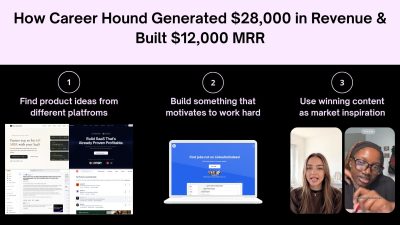
How Career Hound Reached $25K+ a Month With a Simple Job Board
Can a simple job board really become a $25,000-plus-per-month business? Career Hound is an interesting example of how it can happen without building an unusually complicated product. The platform helps people find jobs posted directly on company websites, giving job seekers another way to discover opportunities beyond traditional job boards. In one recent month, Career Hound generated $28,000 in total revenue, while its reported MRR was around $12,000. The platform had more than 8,000 users and 779 active subscribers, with an average customer lifetime value of approximately $50. At the same time, its social content generated 11.7 million views in 30 days. The numbers are impressive, but the product itself is not particularly complicated. > KEY TAKEAWAYS > > * Career Hound solved a specific problem: finding jobs directly from company websites. > * During the Starter Story interview, Roman reported $28K monthly revenue, $12K MRR, 8,000+ users, and 779 active subscribers. > * Social content generated 11.7M views in 30 days. > * Roman researched Reddit, TikTok, Instagram, and other platforms to understand what job seekers repeatedly wanted. > * The strategy focused on evergreen topics and repeatable content formats instead of constantly chasing trends. > * Creators received clear formats and instructions, making content production easier to repeat. > * Marketing experiments were measured by clicks, signups, subscriptions, retention, and revenue, not views alone. > * The core system was research → test → measure → repeat. A QUICK LOOK AT CAREER HOUND Career Hound was launched around 2024 by Roman Lakhnyuk, a non-technical founder who built the platform after seeing how difficult it was to find relevant jobs through traditional job boards. The idea came from a simpler approach: find job openings directly on company websites and make those opportunities easier to discover. Today, Career Hound focuses on helping job seekers find jobs that may not appear on LinkedIn or Indeed. The platform has grown to more than 8,500 job seekers and says it has identified over 4.5 million hidden jobs. What started as a simple job-search solution eventually became a business generating around $25,000 per month, with the growth driven less by complex technology and more by content, audience research, and creator-led distribution. THE CAREER HOUND PLAYBOOK FOR BUILDING A SAAS BUSINESS Career Hound’s growth story is useful because the business was not built around a complicated product or a large marketing department. Roman started with a specific job-search problem, turned an existing scraping process into a product, and then built distribution around content and creators. The strategy was repeated for roughly two years, with marketing experiments used to identify which topics, formats, creators, and messages could consistently attract the target audience. For solo founders and SaaS builders, the important part is not copying Career Hound’s job-board model. A developer tool, analytics platform, recruiting SaaS, or AI product will need different content. What can be copied is the process: start with an existing problem, identify a specific audience, research what already gets their attention, find repeatable content formats, test them continuously, measure business results, and put more resources into the formats that produce customers. STEP 1: START WITH A PROBLEM THAT ALREADY EXISTS Career Hound did not begin with the assumption that people needed another general-purpose job board. The original idea came from a friend who had built a scraper that found job openings directly on company websites. Roman and his friend saw an existing process that solved a real problem and turned it into a product. That distinction matters for SaaS founders. Instead of starting with a feature and then searching for a market, start with a problem people are already spending time, money, or effort trying to solve. Look at how people currently handle the problem. Search Reddit discussions, communities, app reviews, YouTube comments, support forums, social posts, and competing products. Pay attention to repeated complaints and workarounds. Tools such as Reddit, YouTube, and G2 can help founders research existing conversations, reviews, and customer complaints. A good starting question is not, "What should be built?" It is, "What are people already trying to accomplish, and where is the current process failing them?" Career Hound's product came from an existing job-search workflow. That reduced the need to convince people that the problem existed. The marketing challenge became showing people that there was a better way to find opportunities. STEP 2: DEFINE ONE SPECIFIC CUSTOMER GROUP Career Hound initially focused on people in the United States who were looking for jobs, including both employed and unemployed job seekers. That gave Roman a defined audience to study. A SaaS product should be equally specific at the beginning. "Anyone who needs productivity software" is too broad to create a useful marketing system. A more useful target could be freelance developers managing multiple clients, small SaaS teams tracking product analytics, recruiters sourcing technical candidates, or solo founders trying to automate customer support. The narrower the initial audience, the easier it becomes to understand what that audience watches, reads, searches for, shares, and buys. This also makes content research more useful. When the audience is specific, a founder can identify recurring questions and desired outcomes instead of producing general educational content that could apply to everyone and therefore feels relevant to nobody. Tools such as SparkToro can help research where a specific audience spends time online, while Google Trends can help identify search interest around audience problems. STEP 3: RESEARCH THE AUDIENCE BEFORE CREATING CONTENT Roman's marketing process starts with research. He spends substantial time looking at content across platforms such as Instagram, Reddit, and TikTok. He looks at both video and text because the objective is not to study one platform. The objective is to understand what attracts attention from people in the niche. This is where Career Hound's "content thrifting" approach comes from. Instead of opening a blank document and trying to invent a topic, Roman collects examples that already made people stop, watch, read, comment, or share. A SaaS founder can use the same process. Suppose the product is a developer monitoring tool. Instead of immediately writing "10 Benefits of Application Monitoring," research what developers are already discussing. Look for posts about production incidents, debugging failures, unexpected cloud bills, database bottlenecks, uptime problems, and deployment mistakes. Save the posts that receive strong engagement and examine what made them work. The goal is not to copy the content. The goal is to identify recurring demand. After collecting enough examples, patterns begin to appear. Certain problems appear repeatedly. Certain hooks receive attention. Certain formats make complicated subjects easier to consume. Those patterns can become the foundation for the company's own content strategy. Tools such as Google Trends, AnswerThePublic, and BuzzSumo can help identify recurring questions, topics, and content patterns. STEP 4: SEPARATE TIMELY TOPICS FROM TIMELESS DEMAND Career Hound's marketing strategy distinguishes between timely content and timeless content. Timely content depends on something happening now. It can generate attention quickly, but its usefulness may disappear when the trend ends. A company can spend significant time chasing these topics without building a repeatable acquisition system. Timeless content is different. It is based on a problem or desired outcome that keeps returning. Roman gave remote and worldwide job opportunities as an example. People continue searching for companies that hire remotely. The exact companies can change, but the underlying demand remains. This distinction is important for SaaS marketing. A founder should not build the entire acquisition strategy around whatever happens to be trending that week. Look for subjects where the underlying demand is likely to remain. For an analytics product, a timeless topic might be "how to understand where users drop out of a signup funnel." For a recruiting product, it could be "how to find qualified technical candidates." For an AI writing product, it could be "how to create consistent product documentation." The topic can be updated, but the underlying problem remains. Tools such as Google Trends can help compare search interest over time and identify whether interest around a topic is recurring or heavily tied to a particular moment. STEP 5: FIND THE DESIRED OUTCOME Career Hound's content is built around outcomes rather than product features. Job seekers want a better job, remote work, access to more opportunities, or a faster way to discover relevant openings. That gives the content a clear reason to exist. SaaS founders should identify the outcome their audience already wants before deciding what content to publish. The product can then become part of the path toward that outcome. For example, an accounting SaaS may sell automated financial reporting, but customers may care more about knowing whether the business is actually profitable. A project management tool may sell task management, but customers may care more about completing projects without missing deadlines. The marketing message should begin with the outcome the customer recognizes, then show how the product helps achieve it. Tools such as Hotjar can help founders understand what visitors are trying to do on a website through behavioral insights and feedback. STEP 6: TURN ONE SUCCESSFUL IDEA INTO A REPEATABLE FORMAT One of Career Hound's key strategies is finding content formats that convert and repeating them. Roman's remote-job example follows a simple structure: introduce a desirable outcome, present a list of companies that provide that outcome, and direct viewers toward Career Hound for more opportunities. The strength of this approach is repeatability. The entire concept does not need to be reinvented for every post. A SaaS company can create the same type of system around its own audience. A cybersecurity company could repeatedly publish security mistakes found in real applications. An analytics product could repeatedly show examples of why users abandon a funnel. A developer tool could repeatedly demonstrate common production problems and how developers diagnose them. Once a format produces meaningful results, the founder can change the subject while keeping the underlying structure. This creates a content system instead of a collection of unrelated posts. Tools such as Notion or Airtable can help organize content ideas, formats, production briefs, and publishing workflows. STEP 7: TEST VARIATIONS INSTEAD OF GUESSING Career Hound's marketing process treats content as a series of experiments. A founder can change one variable at a time: the hook, topic, creator, opening line, format, presentation, CTA, or audience segment. The purpose is to discover which combination produces the desired business result. For example, suppose three videos all discuss the same SaaS feature. One uses a problem-based hook, one uses a list format, and one uses a product demonstration. If one consistently generates more qualified website visitors, that provides evidence about the format. The process should continue after the first successful post. One successful video is not necessarily a repeatable acquisition channel. The next step is to reproduce the structure with different topics and creators and see whether the result happens again. This is why failed experiments are useful. A post that receives little attention eliminates one possible approach. A post that generates views but no signups reveals a different problem. A post that generates signups but few paid customers provides another piece of information. Every experiment should reduce uncertainty. Tools such as PostHog can help track product behavior and experiments, while Google Analytics can help measure website traffic and conversions. STEP 8: BUILD A CREATOR DISTRIBUTION SYSTEM Career Hound does not rely only on Roman's personal content output. He works with creators who already produce content for the target audience. The important part is audience fit, not simply follower count. Roman specifically described working with older creators for job-search content because he believed their appearance could communicate experience and credibility to the audience. That is a Career Hound-specific choice, not a universal rule. Another SaaS category may require a completely different creator profile. The general principle is to identify the type of person the audience already listens to. Creators can be found through creator marketplaces or by directly contacting people who are already making relevant content. The best candidates do not necessarily have enormous audiences. Someone with a smaller but highly relevant audience can be more useful than a large account whose followers have no connection to the product. Tools such as TikTok Creator Marketplace and Instagram Creator Marketplace can help brands discover creators and evaluate potential audience matches. STEP 9: MAKE THE CREATOR'S JOB EXTREMELY SIMPLE Roman's creator workflow removes research from the creator's responsibilities. He maintains a sheet containing content formats and precise instructions. The creator does not need to research the subject, determine the structure, or figure out what the company wants to communicate. The instructions explain what needs to be created. This is an important operational lesson. If a company hires ten creators and gives each person a vague instruction such as "make a video about our product," every creator will interpret the assignment differently. Quality becomes inconsistent, revisions increase, and the founder spends more time managing content. A better system defines the format, topic, hook, key information, CTA, and any important restrictions before the creator starts. Roman described trying to make the instructions simple enough that there is little room for confusion. That makes the system easier to scale and reduces the amount of management required from the founder. Tools such as Google Sheets, Notion, and Trello can help maintain creator briefs, instructions, deadlines, and content status. STEP 10: KEEP CREATOR COSTS CONTROLLED During the Starter Story interview, Roman said he generally aimed to pay no more than around $20 per video in most situations. The exact number should not be copied blindly. Creator pricing depends on the platform, niche, audience, quality, geography, and deliverables. The useful lesson is to control the cost of experimentation. If a company spends hundreds of dollars testing every new content idea, it becomes difficult to run enough experiments to identify a winning format. If the cost of testing is controlled, the company can run more experiments and learn faster. The objective is not to pay creators as little as possible. The objective is to establish a repeatable cost structure where enough experiments can be run to determine what works. Tools such as SideShift, Upwork and Fiverr can help founders compare creator and freelance production options. STEP 11: MEASURE THE ENTIRE FUNNEL Views alone do not tell a SaaS founder whether content is producing a business. Career Hound reported 11.7 million social views in the 30 days before the Starter Story interview. During the same interview, Roman reported 779 active subscribers, approximately $12,000 in MRR, $28,000 in total revenue for the previous month, an average lifetime value of around $50, and approximately 31% churn. These figures are from the interview period and should not be treated as current financial results. The important lesson is how to connect marketing activity to business results. A useful funnel is: If a video receives 100,000 views but produces almost no website traffic, the problem may be the CTA or audience fit. If it produces traffic but few signups, the landing page or offer may need work. If it produces signups but few paid users, the product or pricing may not match the promise made by the content. Without this funnel, a founder can mistake attention for growth. Tools such as PostHog and Google Analytics can help connect traffic, user behavior, conversions, and product activity across the funnel. STEP 12: USE THE PRODUCT TO SUPPORT THE MARKETING PROMISE Career Hound's product solves a clear problem: finding job openings directly from company websites. The marketing works because the content and product are connected. A video about finding companies that hire remotely naturally leads to a service designed to help users discover more job opportunities. SaaS founders should create the same connection. If the content promises faster customer research, the product should help users perform that research. If the content promises easier analytics, the product should make the analysis easier. If the content promises a list of opportunities, the product should provide access to more opportunities. The CTA should feel like the next step rather than an unrelated advertisement. Tools such as Framer or Webflow can help founders create and test landing pages that connect the content promise with the product experience. STEP 13: KEEP THE TECHNOLOGY FOCUSED ON OPERATIONS Career Hound does not rely on a large collection of specialized software. Roman reported using a relatively lightweight stack, with each tool supporting a specific operational requirement across marketing, creator management, analytics, email, hosting, and infrastructure. | Tool | Purpose | How Career Hound Uses It | | | | | | Shorttimize | Social tracking | Tracks clicks and connects social content with website traffic | | PostHog | Experiments and analytics | Supports product and marketing experiments and measures user behavior | | WhatsApp | Creator communication | Keeps communication with content creators simple and direct | | Microsoft Clarity | Visitor behavior | Shows how visitors interact with the website after arriving from content | | Hetzner | Server infrastructure | Provides the server infrastructure used to run the application | | Postmark | Email | Handles transactional and product-related email delivery | | Google Workspace | Business communication | Manages business email and day-to-day communication | | Cloudflare | Infrastructure and security | Supports website infrastructure, traffic management, and security | The important point is not to copy this exact stack. Career Hound uses each tool for a specific operational need. Short URL connects social activity with traffic, PostHog supports experiments, Clarity helps understand visitor behavior, and WhatsApp makes creator coordination easier. For a solo founder, the useful lesson is to add technology when a specific operational problem appears. If it is difficult to track which content sends visitors to the website, improve attribution. If visitor behavior is unclear, add analytics. If managing creators becomes difficult, improve the communication and production workflow. The technology should support the growth process rather than become the growth process. Career Hound's reported results came from audience research, repeatable content formats, creator distribution, marketing experiments, and measurement. The technology helped operate that system in the background. STEP 14: TURN EXPERIMENTS INTO A REPEATABLE OPERATING SYSTEM The real Career Hound playbook is not one viral video or one creator campaign. It is the repeated cycle behind them. Research what the audience already cares about. Identify recurring problems and desired outcomes. Find content formats that attract attention. Turn those formats into clear creator instructions. Publish multiple variations. Track traffic, signups, subscriptions, and revenue. Remove formats that repeatedly fail. Produce more versions of formats that generate customers. This creates a feedback loop. Research produces ideas. Experiments produce data. Data identifies useful formats. Useful formats become repeatable processes. Repetition creates more data. The process then starts again. That is much more useful than trying to find a single "perfect" marketing strategy. Tools such as Notion, Airtable, and PostHog can help document experiments, organize processes, and track results. STEP 15: BUILD A SIMPLE WEEKLY GROWTH ROUTINE A solo founder can turn this process into a weekly operating routine. At the beginning of the week, research the audience and collect new examples from the platforms where customers spend time. Identify recurring questions, problems, formats, and hooks. Next, select several content concepts based on those patterns. Turn each concept into a simple production brief containing the hook, topic, structure, key information, CTA, and target audience. Then publish or send the briefs to creators. Keep the experiments small enough that multiple variations can be tested without consuming the entire marketing budget. At the end of the week, review the numbers. Separate views from actual business outcomes. Identify which topics generated traffic, which generated signups, and which produced paying customers. The following week should not start from zero. Carry the strongest formats forward and test new variations against them. This is how a founder gradually builds a marketing system from repeated evidence rather than intuition. Tools such as Notion or Google Sheets can be used to manage the weekly research, content pipeline, experiments, and results. STEP 16: USE FAILURE TO NARROW THE STRATEGY Roman compares marketing experiments with his previous door-to-door sales experience. Every unsuccessful door eliminated one possibility, while each successful interaction moved him closer to a sale. The same logic applies to SaaS marketing. A failed topic tells you something about demand. A weak creator tells you something about audience fit. A high-view video with no signups tells you something about the connection between attention and product intent. A strong signup rate but poor paid conversion tells you something about the offer. The mistake is treating every failed experiment as wasted money. A failed experiment becomes useful when the result changes what the company does next. The objective is not to make every campaign successful. The objective is to learn quickly enough that unsuccessful approaches are removed and successful approaches receive more resources. Tools such as PostHog can help founders record experiment results and compare changes in user behavior. STEP 17: DO NOT CONFUSE CONTENT REACH WITH PRODUCT-MARKET FIT Career Hound's social reach is a major part of its distribution strategy, but content reach alone does not prove that a product has product-market fit. A SaaS business needs customers who continue using and paying for the product. Career Hound's interview data provides a useful example. Roman reported 779 active subscribers and approximately 31% churn at the time. For a job-search product, churn has to be interpreted in the context of the customer's situation because a user may stop needing a job-search service after finding employment. This is why founders should track retention alongside acquisition. A marketing campaign that produces thousands of new signups but very little continued usage can create a large audience without creating a durable business. Tools such as PostHog and Mixpanel can help founders analyze retention, cohorts, conversion, and user behavior. The product category changes. The research and testing process stays similar. Tools such as GitHub, Hacker News, Reddit, and YouTube can support research across different SaaS audiences. THE COMPLETE CAREER HOUND GROWTH LOOP Career Hound's strategy can be reduced to one operating loop: The strength of this approach is that it does not depend on guessing which marketing channel will suddenly work. It creates a process for discovering what works. For a solo founder, that distinction matters. The goal is not to become a full-time content creator or copy Career Hound's exact videos. The goal is to build a repeatable system where every week produces new information about the audience, the content, the creators, and the product. Career Hound's reported growth shows what can happen when that process is maintained for a long period. Roman started with a specific job-search problem, built a focused product, researched what the audience wanted to see, worked with creators who matched that audience, and repeated content experiments for roughly two years. For other SaaS founders, the practical playbook is straightforward: solve a problem people already have, study the audience before creating content, build around recurring demand, test many small ideas, measure customers rather than views, and keep repeating the formats that produce measurable business results. That is the part of the Career Hound story worth copying. CONCLUSION Career Hound's journey to more than $25,000 a month is not really a story about building a revolutionary product. It is a story about distribution. The product is simple, the market is proven, and the technology stack is lean. The growth comes from understanding the audience, finding evergreen content opportunities, identifying repeatable formats, and building a creator system around them. For solo founders and SaaS builders, that is the bigger takeaway. The next successful product does not necessarily need to be complicated or completely original. A simple product solving a proven problem can become a substantial business when the distribution system is strong enough. Build something people understand. Research what they care about. Find what content works. Then repeat and improve it.
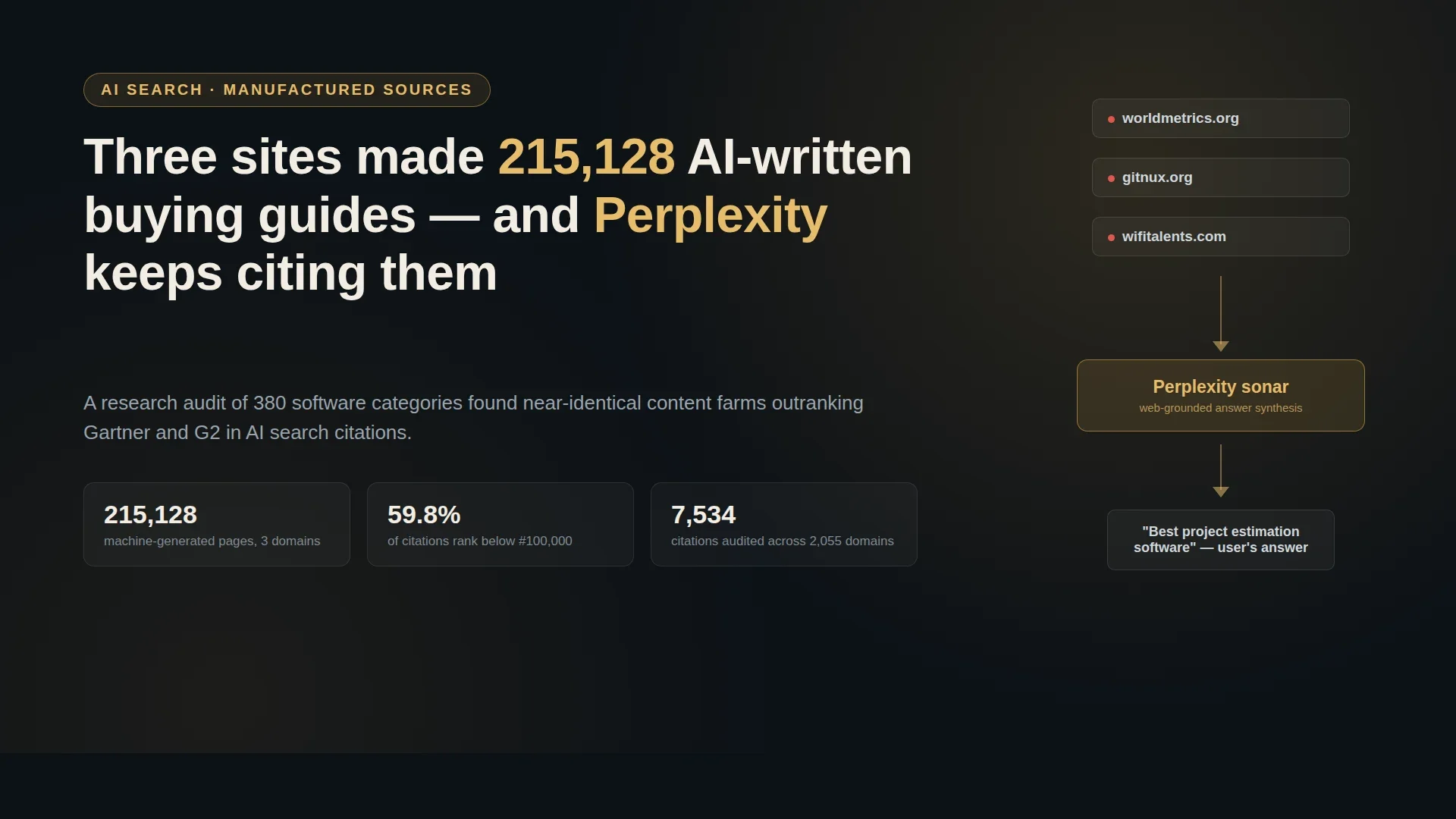
Three sites gamed AI search recommendations with 215,000 fake buying guides
Ask Perplexity for the best project estimation software and, depending on which source it pulls from, you'll get one of at least two different top-five lists, each cited to a research site that looks the same: named analysts, a GDPR badge, a claim of tens of thousands of independently verified software reviews. worldmetrics.org, recommends Float, Scoro, Teamwork.com, and Wrike. wifitalents.com, for the identical question,recommends Float, Scoro, Teamwork.com, Buildertrend, and Apropo. Neither site agrees with the other, and neither is actually independent. They're two of three domains that, according to a report published this week, generated 215,128 near-identical "best software" pages between them and now sit inside the citation graph Perplexity draws on to answer exactly this kind of question. The report comes from Trellner Research, an independent outfit that measures what AI systems actually cite when they answer questions. It queried Perplexity's sonar and sonar-pro models with 380 software-category questions ("best project estimation software," "top research data management platforms," and so on), asked for five ranked recommendations with sourced homepage domains, and logged every citation. The result: 7,534 citations spanning 2,055 distinct domains. It's a small, specific study, but the pattern it surfaces is not small at all. > SUMMARY: > > 1. The finding: Three domains, worldmetrics.org, gitnux.org, and wifitalents.com, published 215,128 machine-generated "best software" pages and now show up as cited sources in Perplexity's answers, more often than Gartner in some categories. > 2. The scale of the miss: 59.8% of all citations in the study point to domains ranked below #100,000 on Tranco's global traffic list; 23.4% aren't ranked in the top million at all. The median cited domain sits at rank 71,611. > 3. The tell: all three sites share the same two Cloudflare nameservers, the same page template and navigation, and were registered through NameCheap within a five-month window in 2023-2024, yet each credits a different set of three "named researchers" for identical rankings. > 4. It's not hypothetical harm: one citation for a research-data-management query resolved to a domain that no longer belongs to the real service and now redirects to a gambling site. > 5. A vendor's own marketing blog, Guideflow, ranked as the third most-cited domain overall, ahead of Gartner, despite not competing in most of the categories it was cited for. > 6. The report is careful about its limits: one prompt wording, one run per category, Perplexity only, no test of whether removing these sources would change the actual recommendations. Read the numbers as a real pattern worth watching, not proof the sources decided the outcome. WHAT THE THREE SITES ACTUALLY LOOK LIKE Open worldmetrics.org or gitnux.org and the pitch is confident: an "independent market research platform," 70,000+ software reviews across nearly a hundred categories, a five-step editorial process, named analysts with degrees from real institutions, and logos claiming citations from Microsoft, Forbes, Bloomberg, and Reuters. gitnux.org says it was founded in 2021. wifitalents.com runs the same pitch with the same structure: custom research from a few thousand euros, software advisory retainers, and a promise that "humans decide what gets published." None of that squares with what Trellner found underneath the branding. All three domains delegate DNS to the identical pair of Cloudflare nameservers, pam.ns.cloudflare.com and sean.ns.cloudflare.com. All three run the exact same page template with the exact same navigation bar: Services, Market Data, Software Advice, Editorial Process, Company. All three were registered through NameCheap between December 2023 and May 2024, a five-month window that doesn't line up with gitnux.org's own "founded in 2021" claim on its About page. The tell that's hardest to explain away is the bylines. Each page carries three named staff credits that never repeat across sites: Worldmetrics credits Kathryn Blake, Alexander Schmidt, and Victoria Marsh; Gitnux credits Diana Reeves, Helena Kowalczyk, and Olivia Thornton; WifiTalents credits Ryan Gallagher, Isabella Rossi, and Natasha Ivanova. Nine distinct named "researchers," for the identical project-estimation-software ranking, none of whom appear to have actually written anything, since the underlying page is a template. Trellner also found unrendered template variables surfacing in some bylines, like a "Within the next 26 days" placeholder that was clearly meant to be filled in by a script and never was. THE CITATION TABLE NOBODY WAS TRACKING Here's where it gets concrete. Across all 7,534 citations Trellner logged, the top of the table looks roughly like what you'd expect, mixed in with what you wouldn't: | Domain | Citations | Share | Tranco rank | | | : | : | : | | g2.com | 291 | 3.86% | 4,027 | | reddit.com | 261 | 3.46% | 105 | | guideflow.com | 194 | 2.57% | 177,039 | | gartner.com | 158 | 2.10% | 1,766 | | zapier.com | 82 | 1.09% | 2,919 | | wifitalents.com | 71 | 0.94% | 105,281 | | capterra.com | 68 | 0.90% | 6,387 | | linkedin.com | 67 | 0.89% | 18 | | worldmetrics.org | 60 | 0.80% | 104,737 | | gitnux.org | 50 | 0.66% | 42,759 | Three of the ten most-cited domains for software buying decisions are the manufactured network. Between them they out-cite Zapier, Capterra, and LinkedIn. And that top-10 list is the tame part: outside it, 59.8% of all citations point to domains ranked below #100,000 globally, 23.4% aren't in the Tranco top million at all, and the median cited domain sits at rank 71,611. Only 17.3% of citations concentrate in what you'd call the top ten "real" sources. The long tail isn't a rounding error, it's most of the answer. WHEN A MARKETING BLOG OUTRANKS GARTNER The other name worth sitting with is guideflow.com, sitting at #3 with 194 citations, ahead of Gartner's 158. Guideflow sells interactive product-demo software. It does not operate in most of the categories where Trellner found it cited, and its blog is, by the report's description, standard content-marketing material aimed at driving signups, not neutral comparison research. It still became "the third-largest evidence base" behind Perplexity's software recommendations, simply because it publishes a lot of content that happens to be structured the way these models like to extract from. That's the part that should worry anyone who has spent the last year hearing "just optimize for AI search" as the new SEO advice. It's true that AI answer engines reward clearly structured, frequently updated, citation-dense content; we wrote about the mechanics of that in our guide to Generative Engine Optimization. What this report adds is the uncomfortable flip side: that same reward function doesn't distinguish a neutral analyst from a vendor's own sales blog, or from three shell domains built specifically to look like one, provided the formatting checks the right boxes. THE BROKEN LINKS ARE THE PART THAT SHOULD HAVE CAUGHT SOMEONE Trellner also spot-checked whether the recommended vendor URLs actually resolved. 1.1% didn't. One example given in the report: a citation for "research data management platforms" pointed a reader toward dryad.co, presumably meant to be the well-known Dryad data repository, but the domain has since lapsed and now redirects to an Indonesian gambling site. Another recommendation, for Monte Carlo-style data tooling, pointed to a URL that now belongs to a Monegasque casino portal. Neither of these is a subtle SEO trick. They're stale links nobody bothered to re-verify, surfaced with full confidence as a citation inside an AI-generated answer that looks, at a glance, exactly as authoritative as every other line in the response. WHAT THE REPORT DOESN'T CLAIM To its credit, Trellner is explicit about where the evidence stops. The methodology is one prompt wording per category, one run, no repeat sampling, and it covers Perplexity's sonar models only, not ChatGPT, Gemini, or any other AI search product. The authors write plainly: "We have not shown that any of this changes the answers," and they didn't test the counterfactual of what Perplexity would recommend if these three domains were removed from its index entirely. It's entirely possible the underlying vendor rankings would look similar either way, since programmatic sites like these tend to scrape and remix the same public review data everyone else does. What the report does establish, carefully, is narrower and still significant: that a small, coordinated, unverifiable content network occupies real, measurable space inside the evidence base an AI search product presents as sourced fact, and that space is comparable to or larger than what long-established, actually-independent analyst firms occupy in the same answers. WHY THIS MATTERS PAST SOFTWARE LISTICLES The three sites in this report happen to sell "software advisory" and market research, which makes the story easy to dismiss as a B2B SaaS problem. It isn't. The same programmatic-content playbook, register a domain, adopt research-site branding, generate tens of thousands of templated pages, works for any category an AI search engine gets asked about: health supplements, financial products, legal services, hardware reviews. Software recommendations are just the category someone happened to audit first, with a public, checkable list of domains that anyone can verify by loading the pages. For founders and indie hackers, there are two takeaways worth carrying past the headline number. First, "an AI search engine recommended us" is not by itself a signal that you've earned real trust with a model. It might just mean your competitor's citation farm hasn't gotten around to your category yet, or already has, and is quietly outranking you with a page that took thirty seconds to generate. Second, if you're relying on ChatGPT, Perplexity, or Gemini traffic as a growth channel, it's worth actually checking who else gets cited alongside you for your category, the way Trellner did manually here. Run the query yourself, note every domain cited, and look up who's actually behind them. It costs five minutes and tells you whether you're competing against real alternatives or against a template with a different logo on it. None of this means AI search is untrustworthy across the board. It means the citation graph underneath it is exactly as gameable as the link graph underneath classic SEO was fifteen years ago, just with less scrutiny on it so far, because most people still assume "cited source" means "verified source." That gap is where 215,128 pages came from, and it's very unlikely to be the last network built to fill it. CONCLUSION AI citations can drive visibility, but being cited does not automatically mean a source is trustworthy. For SaaS brands, the focus should be on building accurate product information, credible reviews, community mentions, and trusted sources that AI systems can confidently reference. The key is not just getting cited, but understanding why you are being cited.
Why Brand-New Websites Are Invisible on Google for Months
Run site:hollowknight.wiki on Google, and you get roughly 2,300 results: articles on every boss, charm, and item, all fully crawled and indexed. Search for almost any of that content by name, "hollow knight hornet boss guide," say, and the wiki doesn't show up. Not on page one, not on page five. Older Fandom pages on the same topic, some of them years stale, outrank a wiki that Google's own index says it has fully read. That gap between "indexed" and "rankable" is what a growing number of wiki operators and independent site owners have started calling Google Jail: a stretch, sometimes lasting the better part of a year, where a brand-new domain is crawled and stored but rarely surfaced for anything except a search for its own name. It traces back to Google's March 2024 core update; it isn't officially acknowledged as a distinct penalty, and the evidence for it is now solid enough that it's worth understanding if you're about to point a new domain at anything. > SUMMARY > > 1. The pattern: since Google's March 2024 core update, new wikis on fresh domains get crawled and indexed (confirmed by site: searches showing thousands of pages) but essentially never surface for ordinary queries, sometimes for up to a year. > 2. The scale: Weird Gloop, the team behind several game wikis, estimates roughly 90% of wikis launched on new domains since March 2024 have hit this, including gta.wiki, hytalewiki.org, hollowknight.wiki, and the Path of Exile 2 wiki. Around 85% of a typical game wiki's traffic normally comes from Google, so the effect is close to existential for a new project. > 3. Google's public position: there's no such thing as a "sandbox." John Mueller has said as much since at least 2018. What Google confirms instead is three spam policies rolled out alongside the March 2024 update, expired domain abuse, scaled content abuse, and site reputation abuse, aimed at cutting low-quality and unoriginal content from search results by about 40%. > 4. A messier, competing explanation: one wiki operator traced their own visibility loss to aggressive crawler abuse through residential proxies hammering expensive, uncached pages, which caused server instability that they believe triggered the penalty, independent of domain age. > 5. The workaround is ironic: the fastest fix people have found is launching on a subdomain of an already-trusted domain, then migrating later, the exact centralization pattern many of these wikis exist to escape. INDEXED, BUT INVISIBLE The mechanism itself is the strange part. This isn't a crawl problem. Google is visiting these sites, parsing the pages, and adding them to its index at a normal rate; you can watch it happen in Search Console. The break happens one step later, at ranking. A page can be indexed and still functionally never be shown, because ranking and indexing are separate systems, and a low enough trust score on the ranking side means a page essentially never clears the bar for a real query, no matter how directly it answers it. > Illustration: Comparing a site: search showing a wiki fully indexed with thousands of results against a normal search query where the same wiki does not appear at all. That's a meaningfully different failure mode than the classic reasons a new site struggles: thin content, bad backlink profile, technical SEO mistakes. Those depress rankings gradually and unevenly. This is closer to a blanket suppression that lifts all at once, months later, for reasons that aren't visible from the outside. THE SCALE OF IT The clearest writeup of the pattern comes from Weird Gloop, the team that runs the RuneScape wikis and several others, in a post published in August 2026. Cookmeplox, writing for Weird Gloop, put a number on it: roughly 90% of wikis launched on brand-new domains since the March 2024 core update have run into this, and it has lasted "sometimes up to a year." The named list is not a handful of edge cases: gta.wiki, hytalewiki.org, hollowknight.wiki, poe2wiki.net (the Path of Exile 2 wiki), plus wikis for Undertale and Vampire Survivors, and the Overwatch and Fortnite wikis that recently migrated off Fandom onto their own domains. The reason this matters so much specifically for wikis is the traffic mix. Cookmeplox cites roughly 85% of video game wiki traffic as coming from Google. A wiki that isn't visible in ordinary search results isn't losing a growth channel, it's losing almost the entire reason anyone finds it, which starves the very thing a wiki needs to survive: enough visitors turning into enough editors to keep pages current. A few wikis have reportedly clawed their way out early by riding a big game update that generated a surge of fresh, timely content, but "wait for a viral event" isn't a strategy most projects can plan around. WHERE THIS TRACES BACK TO Google's own account of what changed in March 2024 is public, if you know to look at the spam policy announcement rather than the core ranking update. Alongside the core update, Google introduced three new spam policies aimed squarely at gaming trust rather than content quality in the traditional sense: expired domain abuse (buying a lapsed domain to inherit its old authority and load it with unrelated content), scaled content abuse (mass-producing pages, however they're generated, mainly to manipulate rankings rather than help anyone), and site reputation abuse (third parties publishing low-oversight content on a trusted host purely to borrow its ranking signal). Google gave two months' notice on enforcing the site reputation abuse policy specifically and started acting on it May 5, 2024. The stated goal for the whole update was to reduce the amount of low-quality, unoriginal content in search results by about 40%. None of those three policies is written to target new domains as a category. But if the practical signal Google is now weighting more heavily is something like is this domain's history and pattern of behavior something we already trust, a brand-new domain has, structurally, no history to weigh. It's not that new sites are penalized on purpose. It's that the fastest way to catch the abuse patterns Google actually named is a filter that also happens to catch everything with no track record yet, real projects included. IS THIS JUST THE OLD "SANDBOX," BACK UNDER A NEW NAME? SEO forums have talked about a "Google Sandbox" holding back new sites since at least the mid-2000s, and Google has been consistent in denying it exists as a formal mechanism. John Mueller said in a 2018 Search Central office-hours session: "With regards to sandbox, we don't really have this traditional sandbox that a lot of SEOs used to be talking about in the years past." He repeated essentially the same line in 2021, adding that what people perceive as a sandbox is more likely "a number of algorithms that might look similar" but are really just Google "trying to understand how this website fits in with the rest of the websites trying to rank for those queries." That's a real distinction, not just PR. There's a difference between "we hold new sites back on purpose" and "we don't have enough signal about a new site yet, so our trust-scoring algorithms rank it conservatively by default until it earns more." The end result looks identical from the outside: nothing ranks for months. But the second framing is closer to what Weird Gloop's data actually shows, because the effect isn't uniform. It concentrates specifically on new domains competing against something Google already trusts on the same topic. A MESSIER, MORE SPECIFIC CULPRIT The Hacker News discussion of the Weird Gloop post surfaced a data point that complicates the "just domain age" story. iamacyborg, who operates the Path of Exile 2 wiki, wrote that their visibility problem in the last few months wasn't really about being new at all: "The recent issues relate to site errors due to aggressive crawling of uncached, server-intensive pages (diffs, etc) hidden behind residential proxies. We were being hit sufficiently hard that the server had stability issues and we were penalised by Google." In other words, bot traffic disguised behind residential IPs hammered expensive, dynamically generated pages hard enough to make the server unreliable, and Google's systems appear to have read that instability as a quality signal and dropped the site's trust score accordingly, independent of how old the domain was. A second data point pushes in the same direction. miladyincontrol described running a wiki for "a rather specific niche" launched about 1.5 years ago that ranked well within a few months, no jail. Their read: "It sounds like the issue isnt for 'independent wikis' but for wikis competing with an existing domain already hosting one on the topic, in this case fandom.com's." A wiki with no real incumbent to displace seems to onboard normally. A wiki trying to out-rank an established Fandom page on the same subject is where the suppression shows up hardest, which reads less like a blanket new-domain penalty and more like Google being deliberately conservative about handing rankings to a challenger until it's proven itself over time. And it isn't limited to wikis with heavy dynamic content, either, arjie, a self-hoster running a personal blog on MediaWiki, described being "absent from all search engines for a year" on a low-traffic site with none of the crawler-abuse dynamics wikis like poe2wiki have. Put together, there probably isn't one clean cause. Domain trust, competing against an established incumbent on the same query, and the site's own operational health (whether bots are hammering it into instability) all look like inputs into the same underlying trust score, and a new site is more exposed on every one of those axes at once. THE IRONY OF THE FIX The workaround people have actually converged on says a lot about how the incentives shake out. Cookmeplox notes that the Overwatch wiki, freshly launched as a subdomain of the already-established weirdgloop.org, was indexing normally within seven days, a fraction of what a brand-new root domain takes. The plan for future wikis, per that post, is to launch on a subdomain of a domain Google already trusts, build an editing and traffic base there, and only later migrate to a clean, independent root domain with 301 redirects once the project has enough of a track record to survive the transition. That's a rational response to the actual algorithm, and it's also exactly backwards from the reason a lot of these projects exist in the first place. The entire pitch of an independent wiki is escaping a centralized host, Fandom, HN commenter unglaublich summed up the frustration bluntly as "another push to centralizing and walling off user content." A search algorithm that makes a brand-new independent domain functionally invisible for months, while a subdomain of an existing platform indexes in a week, is quietly re-creating the dependency on centralized hosts that these projects were trying to leave. WHAT THIS MEANS IF YOU'RE LAUNCHING SOMETHING NEW None of this is specific to game wikis. If you're about to point a new root domain at a SaaS product, a docs site, a blog, or any other content that's meant to be found through search, the practical planning assumption should be that Google is not your first channel. Budget for a multi-month gap, plausibly the better part of a year in a competitive niche, between launch and any meaningful organic traffic, and plan your early distribution around things that don't depend on Google at all: communities where your actual audience already gathers, direct links from people who already trust you, a newsletter, word of mouth. That's not a new idea for anyone who has watched a Show HN post or a Product Hunt or Product Watch launch actually move the needle for a new product, but it becomes a load-bearing plan rather than a nice-to-have once you know the SEO channel is functionally off for months. Once you're past that window, the fundamentals of making a new site properly crawlable and indexable are still worth getting right early, so there's nothing left blocking you once Google starts trusting the domain. Two more concrete takeaways follow from the causes above. First, since scaled content abuse is one of the three policies Google explicitly named, resist the urge to pad a new site with thin, templated, or AI-bulk-generated pages to look bigger faster; that's precisely the pattern the March 2024 policies were built to catch, and doing it on a domain with zero trust built up is the worst possible time to test the boundary. Second, since at least one operator traced their suppression to uncontrolled bot traffic destabilizing their server, it's worth hardening whatever endpoints get hit hardest on a new site (search pages, diff views, anything expensive and uncached) with basic rate limiting before launch, not after a scraper finds them. CONCLUSION Google's official line is that there's no sandbox, and taken literally, that's true: there's no single flag in some admin panel labeled "hold new sites back." What Weird Gloop's data, the named wiki examples, and the operator accounts on Hacker News add up to instead is a set of trust-scoring systems that, in combination, produce the same real-world outcome anyway: a brand-new domain, especially one trying to out-rank an established incumbent on the same topic, can be fully crawled and indexed and still be functionally unsearchable for months. Whatever you call the mechanism, if you're launching something new on a fresh domain, the honest plan is to expect Google traffic to be near zero for a while and to have already lined up somewhere else for your first readers to come from.
Top 10 SaaS Affiliate Marketing Tools for Founders in 2026
Affiliate marketing can become one of the most efficient acquisition channels for a SaaS business. Instead of paying for every click or running campaigns that may never convert, a SaaS company can work with affiliates, creators, customers, agencies, consultants, and industry experts who promote the product and earn a commission when they generate a qualified conversion. The difficult part is managing that process manually. A serious SaaS affiliate program needs more than a referral link. It needs accurate attribution, recurring commissions, coupon tracking, affiliate dashboards, payout management, fraud detection, reporting, integrations with billing systems, and sometimes tools for finding new partners. That is where SaaS affiliate marketing platforms come in. The right affiliate software can help a founder launch a program without building tracking infrastructure from scratch. For a growing company, it can also provide the controls needed to manage hundreds or thousands of affiliates. > QUICK SUMMARY > > * Affonso: A SaaS-focused affiliate platform with Stripe, Paddle, Polar, Creem, and Dodo integrations, affiliate discovery, fraud protection, API access, recurring commissions, and developer tools. > * Rewardful: A Stripe and Paddle-focused platform known for quick setup, recurring commissions, unlimited affiliates, REST API access, and 0% transaction fees on its core plans. > * FirstPromoter: A SaaS affiliate and referral platform with recurring commissions, affiliate portals, email automation, fraud detection, tax-form collection, and support for multiple billing providers. > * Tolt: A startup-focused affiliate platform built around SaaS referral programs, recurring commissions, affiliate management, and automated payouts. > * PartnerStack: An enterprise B2B partner platform combining affiliate tracking, lead and deal registration, partner payments, CRM integrations, onboarding, and access to its partner marketplace. > > impact.com, Tapfiliate, Dub Partners, Post Affiliate Pro, and Affise also support affiliate tracking, partner management, commission management, reporting, automation, and performance analytics. BEST SAAS AFFILIATE MARKETING PLATFORMS COMPARED |Platform | Key features | Minimum price | Best for | Free Trial | | | | : | | | | Affonso | SaaS-focused tracking, recurring commissions, fraud detection, affiliate discovery, API, SDK, webhooks, Stripe/Paddle integrations | $15/month | Early-stage and growing SaaS companies | ✓ 14 days | | Rewardful | Stripe/Paddle integration, recurring commissions, affiliate portal, REST API, mass payouts, fraud detection | $49/month | Stripe-powered SaaS businesses | ✓ 14 days | | FirstPromoter | Affiliate/referral/influencer programs, recurring commissions, affiliate portal, email automation, fraud detection | $49/month | SaaS and subscription businesses | ✓ 14 days | | Tolt | SaaS affiliate tracking, recurring commissions, affiliate management, automated payouts, Stripe/Paddle support | $69/month | Startups and SaaS founders | ✓ Trial available | | PartnerStack | Partner marketplace, affiliate tracking, lead/deal registration, partner payments, CRM integrations, onboarding | $1,000/month | B2B SaaS and enterprise partner programs | ✗ | | impact.com | Affiliate tracking, partner marketplace, influencer partnerships, contracting, reporting, automated partner management | $30/month | Businesses managing multiple partner types | ✗ | | Tapfiliate | 30+ integrations, recurring commissions, coupon tracking, real-time reports, affiliate groups, automated payouts | $89/month | SaaS and ecommerce teams needing flexible integrations | ✓ 7 days | | Dub Partners | Developer-focused tracking, APIs, SDKs, referral links, attribution, programmatic workflows | From $90/month | Developer-led SaaS businesses | ✓ 14 days | | Post Affiliate Pro | 125+ plugins, 220+ integrations on Pro, fraud protection, advanced reporting, recurring and multi-tier commissions | $89/month | Growing businesses needing deep customization | ✓ Trial available | | Affise | Partner tracking, campaign management, analytics, automation, fraud prevention, performance reporting | Custom quote | Performance marketing and larger partner programs | ✓ Trial available | 1. AFFONSO Affonso is one of the more interesting options for SaaS founders because it is designed specifically around SaaS affiliate and partner programs rather than treating SaaS as just another use case. The platform supports integrations with Stripe, Paddle, Polar, Creem, and Dodo Payments. That makes it useful for SaaS businesses that use modern subscription billing systems and do not want to build affiliate attribution around a single payment provider. For founders, the useful part is that Affonso covers much more than referral links. It includes recurring and one-time commissions, coupon tracking, partner groups, fraud detection, affiliate discovery, personalized referral links, webhooks, API access, SDKs, and CLI support. Developers can also integrate the platform directly into their application. API access, webhooks, SDK support, and programmatic conversion tracking make it suitable for products that need more control than a simple dashboard-based affiliate tool. The platform also includes an affiliate marketplace and discovery functionality, which can help SaaS teams find potential partners instead of relying entirely on inbound affiliate applications. PRICING From $15/month. The Launch plan includes up to $1,000/month in affiliate-attributed revenue, while higher plans increase the revenue limit and add features such as managed payouts, private programs, more team seats, and advanced partner management. Best for: SaaS startups and growing software companies that want a developer-friendly affiliate platform with modern billing integrations. 2. REWARDFUL Rewardful is built primarily for SaaS and subscription businesses using Stripe or Paddle. Its biggest advantage is simplicity. A founder can set up an affiliate or referral program without building a complicated partner-management system. Rewardful provides affiliate links, dashboards, campaign management, commission tracking, and integrations with billing systems. For SaaS businesses, recurring commissions are particularly important. If an affiliate refers a customer who continues paying for a subscription, the program can continue tracking the relationship rather than treating the initial payment as the only valuable event. Rewardful also provides a REST API, PayPal mass payouts, Wise bulk payouts, affiliate portals, custom rewards, custom domains, and campaign management on higher plans. Another useful feature is its Affiliate Finder, which searches the web for potential affiliates based on a query. This can help founders who have the affiliate infrastructure ready but do not yet have a large partner network. PRICING From $49/month. Rewardful currently lists Starter at $49/month, Growth at $99/month, and Enterprise at $149+/month. Core plans have a 0% transaction fee. Best for: SaaS companies using Stripe or Paddle that want a simple affiliate program without enterprise-level complexity. 3. FIRSTPROMOTER FirstPromoter has been focused on affiliate and referral programs for SaaS and subscription businesses for years. The platform can handle affiliate, referral, and influencer programs from one account. This is useful for SaaS companies that want to work with different types of partners without maintaining separate tracking systems. Its affiliate portal gives partners a place to access their links, see earnings, and monitor referrals. Founders can also customize the portal and collect information such as W-8/W-9 tax forms for affiliates. FirstPromoter also includes affiliate email automation, broadcast emails, fraud detection, commission tracking, coupon tracking, and integrations with multiple billing providers. That broader billing support can matter when a SaaS company has moved beyond a simple Stripe-only setup. For businesses with recurring subscriptions, the platform can calculate commissions based on billing events. This makes it useful for subscription products where the affiliate relationship continues after the first payment. PRICING From $49/month. FirstPromoter currently lists Starter at $49/month, Business at $99/month, and Enterprise starting at $149/month. Best for: SaaS and subscription businesses that need affiliate, referral, and influencer management with broader billing support. 4. TOLT Tolt is designed around modern SaaS affiliate and referral programs. The platform is particularly attractive to startups that want to create an affiliate program without implementing the extensive infrastructure associated with enterprise partner-management software. Tolt supports the workflows SaaS founders typically need, including affiliate tracking, referral management, recurring commissions, partner dashboards, and payouts. It is also designed to work with common SaaS billing environments such as Stripe and Paddle. The main appeal is its focus. Instead of trying to become a complete enterprise partnership platform, Tolt concentrates on giving SaaS teams the tools needed to operate an affiliate program and grow it as the business expands. This makes it worth considering for founders who want something more dedicated to SaaS than a general ecommerce affiliate platform. PRICING From $69/month. Current 2026 comparisons list Tolt plans at $69/month, $99/month, and $199/month, with limits based on affiliate-generated revenue and additional considerations around automated payouts. Best for: SaaS startups that want a focused affiliate platform without moving into enterprise partner-management software. 5. PARTNERSTACK PartnerStack is aimed at a very different stage of business compared with lightweight SaaS affiliate tools. Instead of focusing only on affiliate links, PartnerStack supports broader partner-led growth programs. Its platform includes affiliate link tracking, lead and deal registration, partner payments, onboarding, training, CRM integrations, and access to the PartnerStack Marketplace. The marketplace is particularly important for B2B SaaS companies. A startup can use the platform not only to track existing partners but also to become discoverable by partners already looking for software programs. PartnerStack is also built around longer B2B sales cycles. That matters when a partner referral does not immediately result in a credit-card purchase but instead becomes a lead, opportunity, or closed deal. For a SaaS company running affiliates, agencies, resellers, referral partners, and technology partnerships, PartnerStack can therefore function as a broader partner ecosystem rather than simply an affiliate tracker. PRICING From $1,000/month, paid annually, according to current 2026 pricing information. PartnerStack's official pricing page uses sales-led plans and does not display a standard public price directly, so buyers should confirm the current commercial terms with PartnerStack. Best for: Established B2B SaaS companies building a large partner ecosystem. 6. IMPACT.COM impact.com is much broader than a traditional SaaS affiliate platform. The platform supports affiliate partnerships, influencers, creators, referrals, and other partner types. This makes it useful for businesses that want to bring several partnership channels into one system. Its tracking infrastructure can monitor conversions, leads, app installs, bookings, and other events. The platform also provides partner contracting, reporting, automated partner recommendations, and access to a large partner marketplace on higher plans. For a SaaS company, the value becomes more apparent when the partnership strategy goes beyond traditional affiliates. A business might have content creators generating awareness, affiliates driving subscriptions, technology partners sending qualified leads, and influencers promoting specific campaigns. Instead of operating these channels separately, impact.com can provide a centralized partnership infrastructure. It is therefore more appropriate for companies with a broad partnership strategy than a founder who simply wants a referral link for the first 20 affiliates. PRICING From $30/month. impact.com currently lists a Starter plan at $30/month. Its Essentials plan starts at $500/month and adds features such as access to the Partner Marketplace and broader tracking capabilities. Best for: Businesses that want to manage affiliates alongside influencers, creators, referrals, and other partner channels. 7. TAPFILIATE Tapfiliate is a flexible affiliate management platform that works across SaaS, ecommerce, and other online businesses. One of its strengths is its integrations. The platform currently advertises more than 30 pre-built integrations, including Stripe, Shopify, BigCommerce, and other systems. Tapfiliate provides recurring commissions, coupon tracking, real-time reporting, affiliate payment methods, bulk actions, deep links, and short links. This makes it useful for companies that want more flexibility around how affiliates promote products. The Scale plan adds unlimited affiliates and programs, advanced commission management, affiliate groups, private creative assets, automated payouts, and multi-level marketing functionality. For a SaaS company that also sells through other channels, Tapfiliate can be useful because the platform does not force the business into a narrowly SaaS-only workflow. PRICING From $89/month. Tapfiliate currently lists Launch at $89/month, Scale at $179/month, and Enterprise with custom pricing. Annual billing reduces the effective monthly price. Best for: SaaS and online businesses that need broad integrations and flexible affiliate management. 8. DUB PARTNERS Dub Partners is particularly interesting for developer-led SaaS businesses. Traditional affiliate software often focuses heavily on dashboard configuration. Developer-focused teams may instead want APIs, SDKs, programmatic tracking, and the ability to integrate referral infrastructure directly into their application. Dub's ecosystem is built around link management and attribution, making it suitable for companies that want referral and partner functionality close to their existing product infrastructure. This approach can be useful for technical founders who want more control over the user experience rather than sending affiliates to a completely separate system. The developer-first positioning also makes it interesting for API companies, developer tools, AI products, and other technical SaaS businesses where referrals can be embedded directly into the product workflow. PRICING From $90/month. Current 2026 comparisons list Dub Partners at $90/month for its entry-level plan, with higher plans available for larger programs. Best for: Developer-led SaaS companies that prioritize APIs, SDKs, and programmatic control. 9. POST AFFILIATE PRO Post Affiliate Pro is one of the more mature options in this category. The platform provides extensive tracking capabilities, advanced reporting, fraud protection, customizable affiliate interfaces, and a large plugin and integration ecosystem. Its Pro plan currently advertises more than 220 integrations and more than 125 plugins. For SaaS businesses, recurring commissions are important because affiliates can continue receiving commissions from subscription payments. Post Affiliate Pro supports recurring commissions, lifetime referrals, product-specific commissions, action-based commissions, and multi-tier commission structures. Another advantage is tracking volume. The entry plan supports 10,000 tracking requests per month, while higher plans increase this to 1 million, 6 million, or 20 million depending on the plan. That makes Post Affiliate Pro a strong option for businesses that need more customization than lightweight SaaS affiliate tools provide. PRICING From $89/month when billed monthly, with annual billing reducing the effective monthly price to $79. Higher plans start at $139/month monthly or $129/month annually. Best for: Growing businesses that need extensive integrations, tracking controls, reporting, and commission customization. 10. AFFISE Affise is designed more around performance marketing and partner management than the simple SaaS referral programs offered by lightweight platforms. It can be useful for businesses running larger partner campaigns that need detailed tracking, analytics, automation, campaign management, and performance monitoring. This makes Affise more relevant when a company has moved beyond a small group of SaaS affiliates and is managing a broader performance marketing operation. For example, a business could use a platform in this category to manage multiple campaigns, partners, traffic sources, conversion events, and performance metrics from one environment. The tradeoff is complexity. A founder looking for a simple Stripe referral program probably does not need a platform designed for a larger performance marketing operation. PRICING Custom quote. Best for: Larger businesses and performance marketing teams managing complex partner and campaign operations. HOW TO CHOOSE THE BEST SAAS AFFILIATE MARKETING PLATFORM The best affiliate platform depends on the stage of the SaaS business. An early-stage founder does not necessarily need enterprise partner-management software. The most important requirements may simply be affiliate tracking, recurring commissions, Stripe or Paddle integration, an affiliate dashboard, and reliable payouts. For this use case, Affonso, Rewardful, FirstPromoter, or Tolt can be more practical than an enterprise platform. As the affiliate program grows, other requirements become important. A business may need multiple affiliate programs, different commission structures, team permissions, fraud detection, advanced reporting, affiliate recruitment, API access, and automated payouts. This is where platforms such as Tapfiliate and Post Affiliate Pro become more interesting. For a B2B SaaS company with agencies, resellers, technology partners, and referral partners, the definition of affiliate marketing also changes. The company may need lead registration, deal registration, partner onboarding, CRM synchronization, partner payments, and a partner marketplace. In that situation, PartnerStack or impact.com may make more sense than a lightweight affiliate tracker. Developers should also pay close attention to API and webhook support. If the affiliate platform cannot communicate properly with the application's backend, complex attribution workflows can become difficult to maintain. WHAT FEATURES SHOULD A SAAS AFFILIATE PLATFORM HAVE? RECURRING COMMISSION TRACKING Subscription SaaS products need to track more than one-time purchases. If a customer pays $50 every month, the affiliate program may need to calculate commissions on those recurring payments according to the program's rules. ACCURATE ATTRIBUTION Affiliate software should clearly identify which affiliate generated a signup, lead, trial, or paid customer. Cookie tracking is common, but SaaS companies should also investigate coupon tracking, direct referral attribution, server-side events, and other tracking methods when relevant. BILLING INTEGRATION The closer the affiliate platform integrates with the billing system, the easier it becomes to track upgrades, downgrades, cancellations, refunds, and recurring payments. Stripe and Paddle are particularly important for SaaS companies, but businesses using other billing providers should verify compatibility before selecting a platform. AFFILIATE DASHBOARD Affiliates should be able to see their links, clicks, conversions, commissions, and payouts without repeatedly asking the SaaS team for reports. A good affiliate portal can also provide promotional assets, campaign information, and commission details. FRAUD PROTECTION Affiliate fraud can quickly become expensive. Useful controls include self-referral detection, duplicate conversions, suspicious traffic detection, duplicate payout methods, and refund or chargeback handling. API AND WEBHOOKS Developers should not ignore this feature. API and webhook access can make it possible to connect affiliate events to internal databases, analytics systems, CRM platforms, billing workflows, and custom dashboards. AFFILIATE RECRUITMENT Tracking affiliates is only half the problem. A new SaaS program also needs affiliates. Features such as affiliate marketplaces, discovery tools, partner recommendations, and competitor-affiliate research can help founders find potential partners instead of waiting for applications. CONCLUSION A SaaS affiliate program can start with something as simple as a referral link, but it becomes much more complicated once dozens or hundreds of partners start generating customers. The best affiliate marketing platform should therefore match the company's current stage rather than simply having the longest feature list. Affonso, Rewardful, FirstPromoter, and Tolt are strong starting points for SaaS companies that want focused affiliate infrastructure without an enterprise implementation. Tapfiliate and Post Affiliate Pro are worth considering when broader integrations, tracking controls, and commission customization become important. PartnerStack and impact.com are better suited to businesses building larger partner ecosystems that include affiliates alongside other partner types. For developer-led companies, API and webhook capabilities should be treated as first-class requirements rather than optional extras. And for founders, one question should come before every feature comparison: Can this platform reliably turn partner referrals into accurately tracked customers and commissions without creating more operational work than the revenue it generates? If the answer is yes, the platform is probably worth testing.
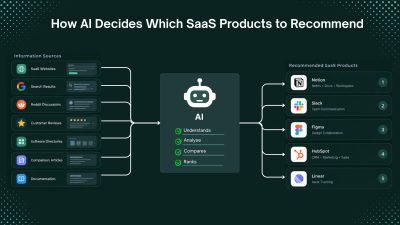
How AI Decides Which SaaS Products to Recommend
When someone asks an AI assistant to recommend a SaaS product, the answer may look like a simple list of software names. Behind that answer, however, can be multiple layers, including large language models, search engines, web retrieval systems, product databases, reviews, community discussions, and ranking systems. For example, someone looking for “the best project management software for a small startup” may ask ChatGPT, Google AI Mode, Perplexity, Claude, or another AI search tool instead of manually comparing search results. This is changing SaaS discovery. It is no longer enough for a product to rank well in traditional search. AI systems also need to discover the product, understand what it does, evaluate whether it fits the user's needs, and find reliable evidence before recommending it. This is often called AI visibility or AI search visibility. But one important distinction is often overlooked: an LLM is not the same as an AI application that uses an LLM. > QUICK SUMMARY > > * SaaS products enter AI recommendations through model knowledge, web retrieval, or both. > * AI platforms do not publish a single fixed SaaS ranking formula. > * Define the product clearly: explain its function, target users, and problem solved. Use Semrush and Ahrefs for competitor and search-intent research. > * Publish complete information: features, pricing, documentation, use cases, integrations, and comparisons. > * Build third-party presence: maintain accurate profiles on G2, Capterra, Product Hunt, and Product Watch. > * Participate authentically on Reddit: useful discussions, experiences, and comparisons provide valuable product context. > * Keep information updated: maintain current pricing, features, integrations, and availability. Monitor indexing with Google Search Console. > * Collect customer evidence: genuine reviews, testimonials, and case studies on G2 and Capterra. > * Maintain technical SEO: use Screaming Frog and PageSpeed Insights to check crawling, indexing, structure, and performance. > * Track AI visibility: use Ahrefs Brand Radar and Semrush AI Visibility Toolkit. > * The goal: make the SaaS product easy to discover, understand, verify, and recommend. LLMS AND AI APPLICATIONS WORK DIFFERENTLY Large language models (LLMs) primarily learn from training data. If a SaaS product appears frequently enough in the data used to train a model, the model may already have information about it. However, training knowledge is not the same as a live search database. An LLM does not automatically know every new product, pricing change, feature release, or company launched after its training data. AI applications can extend an LLM with web search, retrieval systems, databases, APIs, and other external sources. A simplified version looks like this image: This means a SaaS product does not always need to be famous in historical training data. If an AI application can retrieve reliable current information about the product, that information can potentially influence its answer. This creates two related visibility challenges: 1. Training-data visibility: Is the product already represented in model knowledge? 2. Retrieval visibility: Can current AI systems find useful information about the product? AI DOES NOT USE ONE UNIVERSAL RECOMMENDATION ALGORITHM There is no evidence of one universal AI ranking formula used across ChatGPT, Google AI features, Perplexity, Gemini, Claude, and other systems. Each system can use different models, search engines, retrieval methods, ranking systems, source-selection processes, and application-level instructions. The answer can also change based on the query, user requirements, available sources, freshness, and context. For SaaS companies, the more useful question is: What makes a SaaS product easy for AI systems to discover, understand, evaluate, and recommend? RELEVANCE IS MORE IMPORTANT THAN SIMPLY BEING FAMOUS AI recommendations are contextual. A large enterprise CRM may not be the best recommendation for a five-person startup. A powerful project management platform may not be the best option for a development team that needs deep GitHub integration. Clear positioning helps AI systems understand where a product fits. A vague description such as: > “An innovative platform that helps teams work better.” provides little useful context. A more precise description explains the category, audience, problem, and differentiator: > "An AI-powered project management platform for SaaS development teams that connects engineering tasks with GitHub workflows" The second description creates clearer associations between the product, category, audience, problem, and use case. PRODUCT POSITIONING CREATES AN ENTITY An AI system needs more than a company name. It needs enough information to understand what the company represents. An entity can be thought of as a recognizable concept connected to attributes, categories, audiences, problems, competitors, integrations, and use cases. For example: > Product → project management software → startup teams → task management → collaboration → Slack integration → alternative to Asana → customer reviews → Reddit discussions The homepage is only one source of this information. External references help create a broader information footprint around the product. Together, these sources create what can be called an information footprint. YOUR WEBSITE IS ONLY ONE PART OF YOUR AI VISIBILITY A strong website helps explain a product, but it is only one part of the information ecosystem. Compare: Product A: Strong homepage, but almost no independent information. Product B: Strong website plus customer reviews, product directories, comparison articles, tutorials, integration documentation, community discussions, and independent coverage. Product B gives AI systems more sources from which to understand and verify the product. This does not mean simply collecting mentions. The quality, relevance, independence, and consistency of information matter. AI visibility is not only a website optimization problem. It is an information ecosystem problem. WHY REDDIT DESERVES SPECIAL ATTENTION Reddit has become particularly interesting in AI search because it contains a large amount of first-hand discussion. Traditional marketing content usually comes from companies attempting to explain why their products are useful. Reddit discussions can contain something different: people explaining what happened when they actually used a product. > A user may ask: > > “Has anyone tried this CRM?” > > “What's the best alternative to this tool?” > > “Which project management platform works for a five-person startup?” > > “Is this AI writing tool actually worth paying for?” These conversations contain opinions, experiences, comparisons, complaints, recommendations, implementation details, and alternatives. That information can be highly useful to an AI system attempting to answer a recommendation question. Research from Semrush has found that Reddit URLs appear frequently among sources cited or mentioned by major AI search systems. Its research has also identified Q&A, comparison, and discussion content as important categories of Reddit pages appearing in AI-generated answers. However, Reddit should not be misunderstood as a guaranteed high-weight ranking signal. There is no reliable basis for saying that “Reddit gets a fixed 5x or 10x weight” in AI recommendations. Retrieval behavior changes between systems and over time. The more useful conclusion is that Reddit provides independent, conversational, first-hand information, which can be especially relevant to recommendation and comparison queries. REDDIT VISIBILITY CANNOT BE MANUFACTURED AT SCALE This distinction is important because some SaaS companies may interpret Reddit's visibility as an opportunity to create large numbers of promotional posts. That is usually the wrong approach. Reddit communities have their own rules, and Reddit's platform policies prohibit spam and repetitive promotional behavior. A better approach is to participate in relevant discussions with genuinely useful information. If someone is asking how to automate a particular workflow, an expert can explain the architecture, tradeoffs, tools, implementation problems, and possible solutions. If a product is genuinely relevant, it can be mentioned naturally. For a real-world example of how authentic community engagement can support SaaS growth, see how Goji Berry reached $4M ARR in under 12 months. The objective should not be “get the product mentioned on Reddit.” It should be to provide information that is genuinely useful to the community. INDEPENDENT SOURCES CAN STRENGTHEN BRAND UNDERSTANDING A product's own website is naturally biased toward the company's preferred positioning. Independent sources provide another layer. A SaaS company might describe itself as a “complete AI sales platform,” while customers and independent publications may describe it more specifically as an “AI outbound prospecting tool for small sales teams.” The second description may actually be more useful because it reflects how the market understands the product. This is why SaaS companies should monitor not only what they publish, but also how other websites describe them. Search for the brand alongside terms such as: > “alternative”, “review”, “vs”, “best”, “for startups”, “for agencies”, “for developers” “pricing”, “integrations”, “API”, “competitors”, “use cases” These searches reveal the language and categories that surround the product. That surrounding language can be valuable for understanding brand positioning. FRESHNESS MATTERS IN AI SEARCH One of the biggest advantages of web-connected AI applications is access to newer information. SaaS products change quickly. Pricing changes. Features change. Products launch and shut down. Integrations are added or removed. Free plans disappear. Companies reposition themselves. A product that was an excellent recommendation two years ago may not be the best option today. This makes freshness increasingly important for SaaS companies. Important product information should therefore remain current across the website and relevant external sources. Pricing pages, feature documentation, integration pages, product comparisons, changelogs, help documentation, and major product pages should not be allowed to become outdated. Freshness is particularly important for queries containing words such as “best,” “latest,” “current,” “2026,” “new,” or “updated.” WHY COMPARISON CONTENT IS SO VALUABLE Recommendation engines naturally deal with comparisons. > Users rarely ask only: > > “What is Product X?” > > They often ask: > > “What is the best alternative to Product X?” > > “Product A vs Product B?” > > “What should a startup use instead of Product X?” > > “Which is better for a small team?” These questions create opportunities for SaaS brands to establish competitive context. A strong comparison page should not simply declare that the company's own product wins. It should explain where each product is strongest, where each product has limitations, which customers each option suits, pricing differences, major feature differences, and situations where one option may be preferable. That creates useful decision-making content. It also gives AI systems clearer information about the relationship between products. ALTERNATIVES PAGES CAN BECOME IMPORTANT BRAND ASSETS An “alternatives” page can serve a different purpose from a standard product landing page. A product page answers: Why should this product be considered? An alternatives page answers: Why might someone looking at another product consider this one? That distinction aligns closely with how users interact with AI assistants. Someone who has already identified a competitor is often much closer to a purchasing decision than someone searching for a broad category. Therefore, SaaS companies should consider building high-quality pages around relevant competitor alternatives, but only when the comparison is genuinely useful and factually accurate. Thin pages created solely to capture competitor names are unlikely to provide the same value as detailed comparison resources. REVIEWS PROVIDE ANOTHER LAYER OF EVIDENCE Independent customer experiences can provide information about usability, reliability, support, pricing, implementation, integrations, and real-world use cases. No individual review should be treated as absolute truth. A broader collection of independent customer experiences provides better context. Useful platforms for collecting and managing SaaS reviews include G2, Capterra, Trustpilot, and TrustRadius. Customer feedback tools such as Delighted and Typeform can also help collect structured customer feedback and testimonials. TECHNICAL SEO STILL MATTERS AI visibility does not replace technical SEO. Search engines still need to crawl, index, understand, and retrieve website content. Google has also stated that existing SEO fundamentals continue to apply to AI search features. SaaS companies should therefore continue investing in technical fundamentals such as crawlability, indexability, internal linking, page structure, descriptive titles, useful headings, structured data where appropriate, canonicalization, performance, and accessible content. AI optimization should not become an excuse to ignore SEO. A better approach is to think of it as an extension of search visibility. Traditional SEO asks: Can the search engine find and rank this page? AI search adds: Can the AI system retrieve this information and use it to answer a user's question? Tools such as Google Search Console, Screaming Frog SEO Spider, Google PageSpeed Insights, and Google Rich Results Test can help SaaS teams identify crawling, indexing, technical, structured-data, and performance issues. BUILD A CONSISTENT PRODUCT KNOWLEDGE GRAPH ACROSS THE WEB Product information should remain consistent across websites, directories, reviews, documentation, communities, and other sources. For example, if a product is positioned as an: “AI-powered customer support platform for B2B SaaS companies,” that core identity should remain consistent even when different sources use different wording. The underlying relationships should make sense: Brand → category → audience → problem → use case → competitors → integrations → outcomes This is much stronger than simply trying to increase the number of brand mentions. HOW TO IMPROVE SAAS BRAND POSITION FOR AI RECOMMENDATIONS 1. MAKE THE PRODUCT CATEGORY UNMISTAKABLE The homepage should clearly state what the product does, who it is for, and the main problem it solves. Avoid describing the same product with several unrelated categories. For example, a developer-focused SaaS should clearly explain whether it is an API monitoring platform, developer analytics tool, CI/CD platform, or another specific category. Tools such as Google Search Console and Google Search Central can help identify how search engines discover and understand the website. Product directories such as Product Watch and Product Hunt can also provide additional places where the product category and description are publicly defined. 2. BUILD PAGES AROUND SPECIFIC USE CASES Create dedicated pages for important customer problems instead of describing every feature on one generic product page. For example: * /use-cases/remote-team-project-management * /solutions/project-management-for-saas-teams * /integrations/github * /compare/project-tool-for-startups Tools such as Ahrefs and Semrush can help identify the searches, questions, competitors, and topics related to those use cases. 3. STRENGTHEN INDEPENDENT VISIBILITY A SaaS product should have information available outside its own website. Useful platforms include: * G2 for software reviews and category pages * Capterra for software listings and reviews * Product Hunt for product launches and community discussions * Product Watch for SaaS and technology product discovery * Industry publications, newsletters, podcasts, and independent comparison websites The goal is not to create hundreds of listings. The important part is having accurate, consistent product information on relevant third-party websites. 4. PARTICIPATE IN COMMUNITIES WITHOUT TURNING THEM INTO ADVERTISING CHANNELS Reddit, developer communities, industry forums, and professional communities can provide first-hand product discussions. For example, a developer tool can answer technical questions, explain implementation problems, share lessons from building the product, and participate in relevant discussions. Reddit should not be treated as a link-building system. Communities can remove promotional content, and Reddit has rules covering spam and self-promotion. The useful approach is to contribute information that would still be valuable without the product link. 5. CREATE COMPARISON AND ALTERNATIVES PAGES Comparison pages help users who are already evaluating products. Useful formats include: * [Product] vs [Competitor] * Best [Category] Alternatives * Best [Category] for [Audience] * [Product] Alternatives for [Specific Use Case] For example, a project-management SaaS could create: > Asana alternatives for small SaaS teams or: > ClickUp vs [Product] for software development teams The comparison should contain specific differences in pricing, integrations, features, limitations, target users, and use cases rather than simply claiming that one product is better. 6. KEEP PRODUCT INFORMATION CURRENT Maintain current information for: Pricing, Features, Integrations, API documentation, Product availability, Supported platforms, Security information, Use cases A simple change log or regularly updated product documentation can help prevent outdated information from remaining on the web. Google Search Console can be used to monitor search performance and indexing. Google also recommends maintaining accurate sitemaps and making updated URLs discoverable. 7. IMPROVE THE WEBSITE'S TECHNICAL ACCESSIBILITY Important product and content pages should be crawlable and indexable. Useful tools include: * Google Search Console for indexing and search performance * Google PageSpeed Insights for page performance * Google Rich Results Test for structured-data testing * Screaming Frog SEO Spider for crawling and technical SEO checks Google specifically recommends checking crawlability, robots.txt, sitemaps, URLs, JavaScript rendering, and structured data when making websites search-friendly. 8. MEASURE AI VISIBILITY DIRECTLY Instead of manually asking an AI chatbot one question occasionally, create a fixed list of prompts and track the results over time. Useful tools include: * Ahrefs Brand Radar for monitoring AI mentions, citations, competitors, and AI share of voice * Semrush AI Visibility Toolkit for tracking AI mentions, cited pages, competitors, prompts, and technical issues * Google Search Console for measuring visibility from Google AI features such as AI Overviews and AI Mode Ahrefs Brand Radar, for example, tracks metrics including mentions, citations, AI share of voice, and estimated impressions. AI VISIBILITY AND SAAS GROWTH ARE CONNECTED AI visibility affects more than initial discovery. A customer may discover a product through an AI answer, visit the website, check reviews on G2, search Reddit for user experiences, compare competitors, check integrations, and then ask another AI system whether the product fits a specific use case. Each stage requires accurate information. This makes AI visibility a product research problem, not simply a ranking problem. THE NEW SAAS VISIBILITY FLYWHEEL A strong SaaS visibility strategy can create a continuous cycle: Better product → happier customers → stronger reviews → useful community discussions → independent mentions → stronger product information footprint → better search and AI discovery → qualified traffic → more customers The strongest foundation is therefore not artificial visibility. It is accurate information supported by real customer experiences and independent sources. WHAT SAAS COMPANIES SHOULD AVOID Do not use a formula such as: > Publish 100 articles + create 50 Reddit mentions + build 1,000 backlinks = AI recommendations Several tactics can weaken long-term visibility and trust: * Fake Reddit discussions * Repetitive promotional comments * Mass directory submissions * Hundreds of low-value AI-generated articles * Fake reviews * Inconsistent product descriptions * Outdated pricing and feature information * Optimizing AI visibility while ignoring website conversion Reddit is especially important here because promotional activity can violate community rules or result in content removal. THE PRACTICAL FRAMEWORK: DISCOVER, UNDERSTAND, VALIDATE, RECOMMEND, CONVERT Discover: Can search engines, AI systems, directories, communities, and review platforms find the product? Understand: Can they determine what the product does, who it serves, and which category it belongs to? Validate: Are there reviews, customer experiences, technical documentation, comparisons, and third-party sources supporting the product information? Recommend: Does the product match the user's requirements better than the available alternatives? Convert: Does the website provide clear pricing, features, documentation, customer evidence, and a simple signup or purchase path? A weakness at any stage can reduce the value of the other stages. THE FUTURE OF SAAS DISCOVERY IS MORE CONVERSATIONAL Traditional search often starts with a short keyword: > project management software AI search can start with a detailed requirement: > A project management tool for a 15-person remote SaaS team with GitHub integration, simple sprint planning, and affordable guest access. This means SaaS websites need to clearly communicate category, audience, problems solved, features, integrations, pricing, and use cases. The brands most likely to benefit from this shift are not necessarily those targeting the broadest keyword. Stronger opportunities can come from building clear associations between the product, a specific audience, a specific problem, and a specific workflow. CONCLUSION AI recommendations are influenced by model knowledge, web retrieval, relevance, source quality, freshness, and product context, not a single ranking formula. For SaaS companies, the goal is to build a clear and consistent information footprint through strong positioning, useful content, technical SEO, independent reviews, community discussions, comparisons, and current product information. The goal is not simply to “rank in ChatGPT.” It is to make the product easy to discover, understand, verify, and confidently recommend.
12 Best AI Social Media Automation Tools for Smarter Marketing in 2026
Social media automation used to mean one thing: write a post, choose a date, and schedule it. That is changing quickly. AI-powered social media tools can now help research topics, understand a brand's voice, generate platform-specific content, create visuals, schedule posts, analyze performance, identify trends, and, in some cases, let an AI agent handle several steps of the workflow from a single instruction. For SaaS founders, indie hackers, developers, creators, marketers, and business owners, this can remove a surprisingly large amount of repetitive work. Instead of spending hours every week moving content between LinkedIn, X, Instagram, Facebook, TikTok, and other platforms, a founder can build a repeatable system where AI handles the preparation while the human remains in control of the final message. But not every "AI social media tool" is actually agent-driven. Some are primarily schedulers with an AI writing assistant. Others are focused specifically on LinkedIn. Some are built around autonomous agents that can research, create, schedule, publish, and analyze content. This list focuses on the tools that provide the most useful combination of AI content creation, automation, scheduling, analytics, brand intelligence, and agent-style workflows. > QUICK SUMMARY > > * Gojiberry: Better viewed as an AI sales and social outreach agent than a social media publishing tool. It finds warm leads from intent signals and runs personalized outreach across email and social channels. > > * Velocity: An AI social media manager built around specialized autonomous agents for researching, writing, creating, scheduling, publishing, and analyzing content across major social networks. > > * Predis.ai: An AI-first social content platform that generates posts, creatives, and videos, builds content calendars, and supports bulk scheduling and auto-publishing. > > * Blotato: A LinkedIn-focused content workflow with writing, formatting, preview, scheduling, analytics, and creator tools, making it particularly useful for founder-led LinkedIn content. > > * AuthoredUp: Combines AI content creation, scheduling, automation, analytics, and multi-profile management for founders, freelancers, brands, and agencies. > > Buffer, Ocoya, PerfectPost, Sprout Social, and Hootsuite are the other notable AI-powered social media automation tools worth considering. AI SOCIAL MEDIA AUTOMATION TOOLS COMPARISON | Tool | AI & automation features | Starting price | Best for | Free option | | | | : | | | | Gojiberry | AI sales agent, intent signals, warm-lead discovery, personalized social/email outreach | $99/month | Founders focused on social selling | Free trial | | Velocity | Autonomous AI agents, brand agent, research agent, content creation, scheduling, publishing, analytics, brand health | $29/month | Founders, small businesses, agencies, multi-brand teams | Free agent access + 7-day full trial | | Postiz | AI agents, AI content, AI images/videos, 30+ networks, scheduling, publishing, API, MCP, CLI, n8n/Make automation, analytics | $29/month | Developers, SaaS founders, automation teams, agencies | 7-day trial | | Blotato | AI content creation, publishing, scheduling, 9+ networks, API, MCP, analytics, AI-agent integrations | $29/month | AI-native founders, creators, developers, agencies | 7-day trial | | Ocoya | AI writing, AI captions, AI art, scheduling, automation, analytics, best-time recommendations | $15/month | Solo founders, freelancers, brands, agencies | 7-day trial | | Predis.ai | AI posts, videos, creatives, content calendar, competitor analysis, scheduling, auto-publishing | Free plan available | Small businesses, marketers, creators, SaaS teams | Yes | | Buffer | AI Assistant, post ideas, rewriting, platform-specific copy, scheduling, analytics, publishing | Free plan; paid from $5/channel/month annually | Solo founders, startups, small teams | Yes | | AuthoredUp | LinkedIn AI writing, formatting, preview, scheduling, analytics, content workflow | $19.95/month | Founders and LinkedIn creators | 14-day trial | | PerfectPost | AI hooks, polishing, LinkedIn scheduling, analytics, Claude MCP integration | Free plan available | LinkedIn creators and founders | Yes | | Sprout Social | AI Assist, social intelligence, listening, analytics, publishing, engagement, AI insights | $79/month | Medium/large businesses and social teams | 30-day trial | | Hootsuite | Wisdom AI, AI writing, scheduling, analytics, listening, inbox automation, best-time publishing | $99/user/month | Marketing teams and growing businesses | 14-day trial | | Okara | AI CMO, LinkedIn/X agents, Reddit agent, influencer agent, UGC agent, SEO/GEO agents, content automation | From $99/month | SaaS founders, startups, small businesses, growth teams | Yes | 1. GOJIBERRY Gojiberry is slightly different from the other products in this article, but it is worth understanding because it sits at the intersection of AI agents, social channels, and sales automation. Its primary job is not to create a social media calendar. Gojiberry is an AI sales representative designed to identify warm leads using buying and social signals, qualify them against an ideal customer profile, and run personalized outreach across email and social channels. For a SaaS founder, this can be useful when the goal of social activity is not simply impressions or followers but finding potential customers and starting sales conversations. The platform can identify intent signals, build prospect lists, perform research, personalize messages, and run campaigns. That makes it more appropriate for founder-led sales and social selling than traditional social media publishing. It should therefore not be compared directly with Buffer or Predis for content scheduling. Its value lies in using AI to automate parts of the prospecting and outreach process. Best for: SaaS founders, B2B businesses, sales-led startups, and operators who want AI-assisted prospecting and social outreach. PRICING Gojiberry's Pro plan is listed at $99/month and includes email and social capabilities for founders and operators running outbound campaigns. 2. VELOCITY Velocity stands out because it is built around autonomous AI agents rather than treating AI as just a writing button. Its system includes specialized agents for research, brand understanding, publishing, content creation, and analysis. A founder can give the system a social media task and let the agents coordinate the work across channels such as Instagram, Facebook, YouTube, TikTok, LinkedIn, and X. The Brand Agent can apply a company's brand identity to captions, hooks, and visuals, while the Research Agent can investigate topics and the Publishing Agent can handle scheduling and publishing. Velocity also provides analytics and brand-health monitoring to help teams understand what is working. For a SaaS founder, this can be useful when social media has become another job on top of building the product. Instead of separately brainstorming LinkedIn posts, preparing images, scheduling content, and checking analytics, the founder can use one AI-driven workflow. Best for: Founders, small businesses, agencies, and teams managing several brands or social accounts. PRICING Velocity's Pro plan starts at $29/month and includes the AI Social Media Assistant, autonomous AI agents, 15 connected social channels, three brand identities, content creation, basic analytics, and brand health. Pro Max starts at $149/month, while Pro Max + Business starts at $399/month. A 7-day full-feature trial is available. Here are the two sections in the same detailed, ProductWatch-style format: 3. POSTIZ Postiz takes a more automation-focused approach to social media management, combining AI content creation with scheduling, publishing, analytics, and developer-friendly automation capabilities. Unlike a basic social media scheduler, Postiz is designed to work with AI agents and automation workflows. It supports publishing across more than 30 social networks and can help create posts, images, and short videos before scheduling them for publication. One of the most interesting aspects for SaaS founders and developers is its developer ecosystem. Postiz provides an API, MCP server, CLI and SDK, along with integrations for automation platforms such as n8n and Make. This makes it possible to connect social publishing with custom AI workflows instead of manually moving content between different tools. For example, a developer could build a workflow where a newly published blog post is detected, an AI agent creates platform-specific versions for LinkedIn, X, Reddit, or other supported networks, and Postiz handles the scheduling and publishing. This makes it particularly useful for teams trying to build a repeatable content distribution system. Postiz is also available as an open-source project, which can be attractive to technical teams that want more control over their social media infrastructure and automation workflows. Best for: Developers, SaaS founders, AI-native businesses, agencies, and teams that want to connect AI agents with multi-platform social media publishing. PRICING Postiz's paid plans start at $29/month, with higher tiers available for teams requiring additional accounts, features, and capacity. A free trial is also available. 3. AUTHOREDUP AuthoredUp is a specialized option for people who primarily want to build a personal brand on LinkedIn. Rather than trying to manage every social network, AuthoredUp focuses heavily on LinkedIn content creation, formatting, scheduling, previews, analytics, and publishing workflows. Its editor provides text styling, formatting, bullet points, and post previews. That focus can be useful for SaaS founders because LinkedIn often becomes an important distribution channel for founder-led content. Product lessons, technical insights, launch stories, customer lessons, hiring updates, and build-in-public posts can all be managed through a LinkedIn-specific workflow. AuthoredUp also supports business plans for multiple personal LinkedIn profiles, making it more useful for teams, ghostwriters, and organizations managing several founder or employee profiles. Best for: SaaS founders, executives, LinkedIn creators, ghostwriters, and businesses focused heavily on personal-brand content. PRICING The Individual plan starts at $19.95/month, or $16.63/month when billed annually. Business pricing starts at $12.46 per profile/month when billed annually and requires multiple profiles. A 14-day free trial is available. 5. BLOTATO Blotato is particularly interesting for developers and AI-native teams because it is not only a social media application. It also provides a social media API and MCP layer. The platform lets users create, schedule, and publish content across nine or more social networks, while also supporting comment replies, direct-message management, and analytics. More importantly for developers, Blotato can connect with AI systems such as ChatGPT and Claude through its API and MCP capabilities. This opens up more advanced workflows. A founder could build an automation where a blog post becomes multiple social posts, an AI agent prepares the variations, and Blotato handles the publishing layer. That makes Blotato especially useful for people who want to go beyond "schedule my posts" and build AI-powered content pipelines. It can also reduce repetitive copy-pasting between different social platforms. Best for: Developers, AI-native founders, solo creators, SaaS businesses, and agencies that want social publishing connected to AI agents or automation workflows. PRICING Blotato's Starter plan starts at $29/month, with Creator at $97/month and Agency at $499/month. The platform offers a 7-day free trial, and its pricing is flat rather than charging per post or per seat. 6. OCOYA Ocoya combines content creation, scheduling, publishing, automation, and analytics in one platform. Its AI capabilities include AI copywriting, captions, visual creation, and tools for producing social content. It also provides multi-profile management, content planning, analytics, and automation features, making it suitable for someone who does not want to maintain separate tools for every stage of social media production. For a solo founder, one useful aspect is consolidation. Instead of using one tool for writing, another for designs, another for scheduling, and another for performance tracking, Ocoya brings several of these tasks together. It is also relevant for agencies because its higher tiers support multiple workspaces, social profiles, team members, and AI credits. That gives agencies a way to manage multiple client accounts without building a completely separate workflow for each brand. Best for: Solo founders, freelancers, agencies, SaaS businesses, and brands that want AI content creation and social scheduling in one workspace. PRICING Ocoya's Bronze plan starts at $15/month. Silver starts at $39/month, Gold at $79/month, and Diamond at $159/month. The platform also offers a 7-day free trial. 7. PREDIS.AI Predis.ai takes an AI-first approach to social content creation. Instead of starting with a blank social media composer, users can provide an idea, product information, or other input and use AI to generate social posts, creatives, videos, captions, and other marketing assets. The platform also includes content planning, scheduling, and competitor-analysis capabilities. Its auto-posting workflow can generate and schedule a month's worth of content and publish across platforms including Instagram, Facebook, LinkedIn, Pinterest, and TikTok. This makes it useful for founders who know they need consistent social content but do not have a designer and dedicated social media manager. A SaaS company can use it to turn product features, blog topics, announcements, and marketing ideas into a larger content calendar. The platform also supports multiple languages, which can be useful for companies targeting audiences outside English-speaking markets. Best for: Small businesses, SaaS marketers, creators, founders, and teams that want AI-generated social posts and visual content with scheduling. PRICING Predis.ai offers a free plan, with paid plans available for users who need additional AI generation, scheduling, and account capacity. 8. BUFFER Buffer is one of the simpler choices on this list, which is exactly why it can work well for founders. Its AI Assistant helps brainstorm content ideas, rewrite existing posts, shorten or expand copy, and adapt content for different tones and platforms. This means a founder can start with one idea and quickly turn it into variations suitable for different audiences. Buffer also provides scheduling and publishing across major networks, including Facebook, Instagram, TikTok, LinkedIn, Threads, X, Pinterest, YouTube Shorts, Mastodon, and others. For an indie hacker, the biggest advantage is simplicity. A founder who does not need enterprise social listening or complex approval systems can use Buffer to create a queue, prepare content, and maintain a consistent publishing schedule. It also works well when social media is only one part of the growth strategy. Instead of spending hours managing the social calendar, a small team can prepare content in batches and use AI assistance when ideas or copy need improvement. Best for: Indie hackers, solo founders, startups, creators, and small businesses that want simple AI-assisted social scheduling. PRICING Buffer has a free plan, while paid plans start at $5/month per channel when billed annually. Its paid Essentials plan currently includes AI Assistant, unlimited scheduled posts, analytics, API access, and other features. 9. PERFECTPOST PerfectPost is another LinkedIn-focused platform, but it puts particular emphasis on post quality, hooks, scheduling, and analytics. The platform provides AI-powered hooks and polishing tools to help turn rough ideas into more structured LinkedIn posts. It also provides scheduling and analytics, allowing creators to move from writing to publishing without switching tools. One feature that makes PerfectPost particularly interesting for developers is its MCP integration with Claude. The company provides a way to connect PerfectPost with Claude so users can analyze LinkedIn posts, create content, and automate parts of the growth workflow through an AI interface. For a technical founder, that creates an interesting workflow. Instead of opening a social media dashboard every time a post needs to be created, an AI workflow can help analyze previous content, generate new ideas, and move content into the publishing system. Best for: LinkedIn-focused founders, creators, consultants, developers, and professionals who want AI-assisted content creation with scheduling and analytics. PRICING PerfectPost offers a free plan, with paid plans available for users who need additional capabilities. The platform states that users can start without a credit card. 10. SPROUT SOCIAL Sprout Social is positioned much more toward businesses and professional social teams than individual creators. Its AI capabilities go beyond writing captions. Sprout's AI offering is designed to turn social data into business intelligence, with tools for social listening, analytics, trend discovery, customer insights, and AI-assisted workflows. For a growing SaaS company, this distinction matters. At a certain point, social media stops being only a publishing problem. A company may need to understand what customers are saying, monitor competitors, identify emerging conversations, measure brand awareness, and connect social activity with business outcomes. Sprout also provides publishing, engagement, reporting, and collaboration capabilities, making it suitable for teams where multiple people work on social content and customer conversations. Best for: Medium and large businesses, SaaS companies with dedicated marketing teams, agencies, and organizations that need social intelligence alongside publishing. PRICING Sprout Social pricing starts at $79/month, with higher plans adding more advanced capabilities. 11. HOOTSUITE Hootsuite is one of the most established all-in-one social media management platforms in this category. Its current AI layer, Wisdom, acts as an AI teammate across the platform. Hootsuite describes it as an AI system that can draft, recommend, and analyze content while connecting AI assistance with the broader social workflow. Its AI content capabilities include generating captions and post ideas, creating content based on links, identifying and repurposing successful posts, and suggesting content around relevant topics. Hootsuite also offers best-time-to-publish recommendations based on account data. Beyond AI writing, Hootsuite provides scheduling, publishing, analytics, social listening, inbox management, and automation. This makes it particularly useful when social media is being handled by a team rather than a single founder. For a growing SaaS company, Hootsuite can therefore function as more than a content scheduler. It can become the central workspace for publishing, engagement, reporting, and social intelligence. Best for: Marketing teams, established SaaS companies, agencies, and businesses managing multiple social channels and team members. PRICING Hootsuite's Standard plan starts at $99/user/month, with Professional at $199/user/month and Advanced at $399/user/month. A 14-day free trial is available. 12. OKARA Okara approaches social media automation from a broader AI CMO perspective. Instead of focusing only on scheduling and publishing posts, it uses specialized AI agents to automate several parts of a company's marketing workflow. Its AI agents cover areas such as LinkedIn, X, Reddit, influencer marketing, UGC, SEO, GEO, content creation, and technical SEO. This makes Okara particularly interesting for SaaS companies where social media is only one part of the overall growth strategy. For a SaaS founder, the advantage is that content distribution can be connected with other marketing activities. For example, an AI workflow could help identify a topic, create content around it, prepare social posts, distribute the content through relevant channels, and work on improving visibility in search and AI-powered search engines. The Reddit and social-focused capabilities are particularly relevant for founders targeting communities where potential customers already discuss their problems. Rather than treating every platform as another place to publish the same announcement, an agent-based approach can help adapt the content and workflow to the specific channel. Okara is therefore better suited to businesses looking for an AI marketing system rather than a traditional social media scheduler. Founders who want one platform covering social content, community distribution, influencer outreach, UGC, SEO, and GEO may find it more useful than a tool focused exclusively on scheduling. Best for: SaaS founders, startups, small businesses, growth teams, and marketers looking to automate social media alongside broader AI-driven marketing activities. PRICING Okara offers a free starting option, while its paid AI CMO plans start at $99/month. WHICH AI SOCIAL MEDIA AUTOMATION TOOL IS BEST FOR YOU? Choosing an AI social media automation tool becomes easier when the decision starts with the workflow rather than the feature list. FOR SOLO FOUNDERS AND INDIE HACKERS Buffer, Ocoya, Predis.ai, and Velocity are strong starting points. Buffer is useful when simplicity matters most. Ocoya is useful when content creation and scheduling need to live together. Predis.ai is particularly useful when generating visual content is part of the problem. Velocity is the more agent-oriented option when the goal is to delegate larger parts of the workflow. FOR SAAS FOUNDERS Velocity, Blotato, Ocoya, and Buffer cover different stages of the SaaS growth journey. A founder who wants to connect AI agents to social publishing should look closely at Blotato. Someone who wants an autonomous social assistant can evaluate Velocity. A small SaaS marketing team that needs a simpler content workflow may prefer Buffer or Ocoya. FOR LINKEDIN-FOCUSED FOUNDERS AuthoredUp and PerfectPost deserve the closest look. Both focus specifically on LinkedIn rather than trying to become an everything-for-everyone social platform. This can be an advantage when LinkedIn is the primary channel for founder-led marketing, personal branding, hiring, networking, and B2B lead generation. FOR LARGER MARKETING TEAMS Sprout Social and Hootsuite are better suited to organizations that need more than AI-generated posts. Social listening, reporting, collaboration, customer engagement, analytics, permissions, and broader social intelligence become increasingly important as a company grows. FOR AI-NATIVE DEVELOPERS Blotato is particularly interesting because of its API and MCP capabilities. Instead of using AI only inside a traditional dashboard, developers can connect social publishing with broader AI workflows and automation systems. ([Blotato][3]) FOR SOCIAL SELLING Gojiberry belongs in a different category. If the objective is finding prospects and starting conversations rather than maintaining a content calendar, its AI sales-agent workflow is more relevant than a traditional social scheduler. WHAT SHOULD AN AI SOCIAL MEDIA AUTOMATION TOOL ACTUALLY AUTOMATE? The biggest mistake is assuming that automation means publishing more posts. The better question is: Which repetitive parts of social media can AI safely handle? A useful AI social media workflow can start with research. The system identifies relevant topics, customer questions, competitor activity, or industry trends. Next comes content creation. AI can turn those inputs into hooks, captions, threads, carousels, videos, or platform-specific variations. Interactive content can be created with a brochure maker, turning PDFs into engaging, branded experiences with videos and analytics Then comes optimization. The system can adapt the same idea to the format and audience of each platform instead of copying one post everywhere. After that comes scheduling and publishing. Finally, analytics can close the loop by identifying which topics, formats, hooks, and channels performed best. The most advanced platforms are moving toward this research → create → optimize → schedule → publish → analyze → improve cycle. Velocity, Blotato, Sprout Social, and Hootsuite are particularly interesting when evaluating this broader automation model. CONCLUSION AI social media automation is moving beyond the old idea of a scheduling tool. For a founder, the real opportunity is not simply scheduling 30 posts at once. It is building a system where AI handles repetitive social media work while the founder focuses on product, customers, strategy, and relationships. For lightweight publishing, Buffer remains a practical choice. For AI-generated creative content, Predis.ai is worth considering. Ocoya provides a broader combination of AI content creation and social management. AuthoredUp and PerfectPost make sense for LinkedIn-first personal brands. Velocity takes the agent approach further by giving specialized AI agents responsibility for research, brand understanding, content, publishing, and analysis. Blotato is particularly compelling for developers because its API and MCP capabilities can connect social publishing to AI workflows. Larger organizations may find the deeper social intelligence and team capabilities of Sprout Social or Hootsuite more appropriate. And then there is Gojiberry, which shows another direction for AI agents: using social data not only to publish content but to find and engage potential customers. The important takeaway is simple: The best AI social media automation tool is not the one that generates the most posts. It is the one that removes the most repetitive work while still helping the business publish useful content, understand its audience, and create measurable growth.
14 Best MMM Software & AI Marketing Mix Modeling Tools in 2026
Marketing teams can see how much they spend on Google, Meta, TikTok, YouTube, TV, CTV, influencers, and other channels. The harder question is which channels actually caused the additional revenue. Last-click attribution often gives too much credit to the final interaction. Marketing Mix Modeling (MMM) takes a broader view by analyzing historical marketing spend alongside sales, seasonality, promotions, pricing, geography, and other business factors. Modern MMM platforms can then estimate incremental impact, calculate ROI, model diminishing returns, and test how a different budget allocation could affect future results. That makes MMM particularly useful for companies running several marketing channels at once. Instead of asking whether Google Ads reported a 5x ROAS, a marketing team can ask a more useful question: "What happens to revenue if another $100,000 is moved from Google to Meta, CTV, or another channel?" The tools in this list take different approaches. Some are complete commercial platforms with data integration, experimentation, forecasting, and budget optimization. Others, such as Google Meridian and Meta Robyn, are open-source frameworks that give data science teams much more control but require technical resources to implement. This guide compares 14 AI and modern Marketing Mix Modeling tools for marketers, growth teams, ecommerce brands, analysts, and data science teams. > QUICK SUMMARY > > * Lifesight: Combines causal MMM, incrementality testing, geo testing, forecasting, scenario planning, and AI-powered optimization across online and offline marketing. > * Mutinex GrowthOS: An enterprise MMM platform that combines automated data ingestion, continuous modeling, scenario planning, and AI assistance through its MAITE analyst. > * Paramark: Combines continuous MMM with incrementality testing and scenario planning, with published plans starting at $100,000/year. > * Recast: A Bayesian MMM platform designed for data science teams that need transparent models, uncertainty analysis, and channel-level marketing measurement. Pricing is custom. > * Analytic Partners GPS Enterprise: An enterprise commercial analytics platform that combines marketing mix modeling with broader business-driver analysis, forecasting, scenario planning, and optimization. > > Prescient AI,Keen Decision Systems, Sellforte, Measured, SegmentStream, and Meta Robyn cover the rest of the market, ranging from omnichannel MMM and ecommerce optimization to enterprise experimentation, automated budget allocation, and open-source modeling. AI MARKETING MIX MODELING TOOLS COMPARISON | Tool | Features that matter | Minimum price | Best for | Free/Paid | | | | : | | | | Lifesight | Causal MMM, geo-lift testing, incrementality, forecasting, scenario planning, AI optimization, online + offline measurement | Custom annual subscription | Scaling brands and enterprises | Paid | | Analytic Partners GPS Enterprise | Commercial analytics, MMM, holistic business-driver modeling, forecasting, scenario planning, optimization, pricing, promotions, competition, macro factors | Custom quote | Large enterprises and complex marketing organizations | Paid | | LiftLab | Agile MMM, response curves, diminishing returns, incrementality calibration, scenario planning, next-best-dollar optimization | Custom quote | Growth leaders, DTC, retail, and CPG brands | Paid | | Keen Decision Systems | AI-driven MMM, incremental revenue measurement, what-if scenarios, forecasting, budget optimization | Custom quote | Enterprise and multi-channel marketing teams | Paid | | Sellforte | Causal MMM, incrementality testing, campaign/ad-set measurement, geo experiments, media planning, AI optimization | From $2,990/month | Ecommerce, DTC, and retail brands | Paid | | Recast | Bayesian MMM, GeoLift, incrementality testing, forecasting, scenario planning, budget optimization, response curves | Custom for MMM | DTC, retail, CPG, and enterprise teams | Paid | | Mutinex GrowthOS | Continuous MMM, automated data ingestion, campaign-varying analysis, scenario planning, forecasting, AI analysis | Custom quote | Enterprise marketing teams | Paid | | SegmentStream | Cross-channel measurement, marginal ROAS, incrementality testing, scenario planning, AI/MCP workflows, automated budget allocation | From $800/month | Digital-first marketing teams | Paid | | Triple Whale | MMM, incrementality testing, attribution, weekly modeling, budget recommendations, scenario planning, online + offline channels | Custom for MMM | Ecommerce, DTC, and omnichannel brands | Paid | | Measured | Causal MMM, incrementality testing, predictive ROI, media planning, diminishing-return curves, scenario modeling | Custom quote | Enterprise brands | Paid | | Prescient AI | Incremental revenue measurement, halo effects, MMM ROAS, channel analysis, forecasting, budget optimization | Custom pricing | Omnichannel and DTC brands | Paid | | Paramark | Bayesian MMM, incrementality testing, 60+ models, scenario planning, forecasting, weekly model refreshes | Custom pricing | Growth and enterprise marketing teams | Paid | | Google Meridian | Bayesian MMM, ROI analysis, response curves, budget optimization, geo-level modeling, open source | $0 software cost| In-house data science teams | Free | | Meta Robyn | Ridge regression, hyperparameter optimization, adstock, saturation curves, budget allocation, open source | $0 software cost | R/Python data science teams | Free | 1. LIFESIGHT Lifesight is a marketing measurement platform that combines Marketing Mix Modeling with incrementality testing, causal attribution, forecasting, and optimization. It is designed for businesses that need to understand which marketing investments are actually contributing to incremental growth across multiple channels. Its MMM methodology analyzes marketing investments alongside factors such as seasonality, pricing, promotions, distribution, competition, and macroeconomic changes. This gives marketing teams a broader view of performance than last-click or platform attribution and can help identify the actual contribution of different channels. One practical feature is scenario-based media planning. Teams can model different budget allocations and estimate how changes in spending could affect business outcomes before committing the budget. Depending on the plan, Lifesight also provides causal MMM, geo-test calibration, advanced geo and time testing, forecasting, and AI-powered campaign optimization. The platform supports online and offline marketing data, making it useful for brands investing in digital advertising alongside CTV, OOH, influencers, retail, and traditional media. This can help businesses bring fragmented marketing data into a single measurement framework. Best for: Scaling brands and enterprises that need causal MMM, incrementality testing, forecasting, and budget planning across online and offline channels. Price: Custom annual subscription. 2. MUTINEX GROWTHOS Mutinex GrowthOS is a continuous Marketing Mix Modeling and growth intelligence platform designed to make marketing measurement part of an ongoing planning workflow rather than a one-time analysis. The platform combines DataOS for data ingestion and cleaning with GrowthOS for MMM and growth intelligence. It also includes MAITE, an AI consultant designed to work with the company's model and business data, allowing teams to explore marketing performance and potential decisions using AI-assisted analysis. GrowthOS provides scenario planning that lets marketers test potential changes to their budgets before implementing them. Its campaign-varying MMM can also analyze factors such as creative, format, publisher, geography, and audience segment, giving teams more detailed insight into what may be driving performance. Mutinex has also introduced an on-demand workflow designed to automate parts of the MMM onboarding process. The company says the workflow can take raw marketing and business data through agentic onboarding and produce production-ready modeling in under 24 hours. Best for: Enterprise marketing teams that want continuous MMM, automated data processing, scenario planning, and AI-assisted marketing analysis. Price: Custom quote. 3. SEGMENTSTREAM SegmentStream combines marketing measurement with marginal ROAS analysis, incrementality testing, scenario planning, and automated budget allocation. Its focus is on turning measurement results into decisions that can influence how marketing budgets are distributed. Its marginal ROAS capability looks beyond the average return of a channel and estimates the potential return from additional spending. This can help marketers identify channels that still have room to scale and channels where additional investment may be producing diminishing returns. SegmentStream also provides geo-lift experimentation and AI workflows through MCP. This allows marketing measurement data to be connected with AI clients and workflows, making it possible for teams to interact with their measurement infrastructure through newer AI-based workflows. The platform can also connect measurement insights with budget allocation. For teams managing multiple advertising platforms, this can reduce the gap between analyzing performance and acting on the results. Best for: Digital-first marketing teams that want marginal ROAS, incrementality testing, scenario planning, AI workflows, and automated budget allocation. Price: From $800/month. | Plan | Starting price | | | : | | Online | $800/month | | Full Funnel | $1,200/month | | Enterprise | $5,000/month | Plans are priced per project rather than per user. 4. LIFTLAB LiftLab is a marketing measurement and optimization platform that combines Agile Marketing Mix Modeling with incrementality testing. Its focus is not simply reporting which channels generated revenue, but helping marketing teams determine where additional investment is likely to create incremental growth. LiftLab's Agile MMM is designed to separate advertising marketplace dynamics from consumer response. This can help teams understand how factors such as media costs, advertising pressure, and consumer behavior influence marketing efficiency instead of treating every change in performance as a direct result of increased or decreased spend. The platform provides response curves and diminishing-return analysis that can help marketers see how channel performance changes as budgets increase. These insights can be used to identify opportunities for reallocating spend and determine where the next marketing dollar may have the greatest potential impact. LiftLab also connects MMM with incrementality testing, giving teams a way to validate model conclusions with real-world experiments. This combination is useful for businesses that want to move from measurement toward continuous budget optimization. Best for: Growth-focused DTC, retail, CPG, and enterprise teams that want automated MMM, incrementality testing, response curves, and next-best-dollar budget decisions. Price: Custom quote. 5. KEEN DECISION SYSTEMS Keen Decision Systems is a marketing measurement and planning platform that uses AI-driven Marketing Mix Modeling to help businesses connect marketing measurement with future investment decisions. Its models can analyze marketing activity across channels and estimate incremental revenue and other business outcomes. Rather than relying only on historical performance reports, Keen focuses on using those measurements to understand how future marketing investments could affect business results. A key capability is what-if scenario planning. Marketing teams can change spending levels across channels and evaluate potential outcomes before implementing a new media plan. This can make it easier to compare competing budget strategies and understand the potential trade-offs involved in moving spend between channels. Keen is particularly useful for organizations managing large, complex marketing budgets where decisions need to account for multiple channels, markets, and business objectives. Its platform is designed to turn MMM outputs into planning decisions rather than leaving analysts with a static measurement report. Best for: Enterprise marketing teams that want AI-driven MMM, scenario planning, forecasting, and budget optimization. Price: Custom quote. 6. SELLFORTE Sellforte combines causal Marketing Mix Modeling with incrementality testing and marketing optimization. It is particularly focused on helping ecommerce, DTC, and retail companies connect marketing measurement with practical media and budget decisions. The platform can measure marketing performance at different levels, including channels, campaigns, and ad sets. This gives teams more detail than a traditional high-level MMM report and can help identify which parts of a media strategy are contributing to incremental sales. Sellforte also provides scenario planning, media planning, AI-powered optimization, and integrations with digital and offline sales data. Depending on the plan, businesses can work with marketplace sales, offline sales, external variables, multiple time series, and custom media taxonomies. This makes Sellforte useful when a marketing team wants to answer practical questions such as which campaigns should receive more budget, where diminishing returns are appearing, and how a proposed media plan could affect future sales. Best for: Ecommerce, DTC, and retail brands that want causal MMM connected to campaign-level measurement and budget optimization. Price: From $2,990/month + customizations. | Plan | Starting price | | | : | | Growth | $2,990/month + customizations | | Advanced | $3,990/month | | Enterprise | $4,990/month | Sellforte's published pricing is based on a stated average monthly media spend of €800,000, so actual pricing can vary. 7. RECAST Recast is a marketing planning and analysis platform built around Bayesian Marketing Mix Modeling. It is designed to help businesses understand how marketing channels contribute to revenue while accounting for uncertainty, changing market conditions, and the delayed effects of advertising. One of Recast's useful capabilities is time-varying ROI analysis. The platform can show how channel efficiency changes over time, helping teams identify the effects of seasonality, creative fatigue, competition, and other changes in the market. Response curves and time-shift analysis can also help marketers understand diminishing returns and delayed marketing effects. Recast connects MMM with incrementality testing through GeoLift. Teams can run geographic experiments and use the results to validate or calibrate their MMM. This can help answer practical questions such as whether increasing spending on a channel actually produces incremental sales or whether a channel is mainly capturing demand generated elsewhere. The platform also supports forecasting, scenario planning, and budget optimization. Businesses can model different channel budgets and constraints to estimate potential future outcomes, while hierarchical modeling can help organizations bring together data from DTC, Amazon, retail, and product-level sources. Best for: DTC, retail, CPG, and enterprise teams that need Bayesian MMM, incrementality testing, forecasting, and budget planning across online and offline channels. Price: Custom pricing for MMM. Recast's standalone GeoLift product is available free for six months, then starts at $100/month. 8. ANALYTIC PARTNERS GPS ENTERPRISE Analytic Partners GPS Enterprise is an enterprise marketing analytics platform built to help businesses understand how marketing and other business factors influence revenue and profit. Its approach goes beyond measuring individual advertising channels by connecting marketing activity with factors such as pricing, promotions, competition, distribution, and broader market conditions. The platform uses Marketing Mix Modeling to measure the contribution of different marketing investments and identify where marketing is creating incremental business results. This can help teams move away from platform-reported ROAS and understand the wider impact of their marketing across channels and markets. One of its useful capabilities is scenario planning and optimization. Marketing teams can test different investment plans and see how changing budgets across channels could affect business outcomes. This makes the platform useful for planning future campaigns rather than only analyzing what happened in the past. GPS Enterprise is particularly suited to large organizations with complex marketing mixes, multiple markets, and significant offline and online investments. Its broader business modeling can also help teams account for non-marketing factors that may affect sales, which is important when marketing performance cannot be separated cleanly from pricing, promotions, seasonality, or competitive activity. Best for: Large enterprises that need MMM, business-driver analysis, forecasting, scenario planning, and marketing optimization across complex markets. Price: Custom quote. 9. TRIPLE WHALE Triple Whale is an ecommerce analytics platform that combines attribution, Marketing Mix Modeling, incrementality measurement, and broader business analytics. Its MMM offering is particularly relevant for ecommerce and DTC brands that want to understand marketing performance across both digital and offline activity. Triple Whale's MMM can analyze historical revenue and marketing spend while incorporating factors such as promotions, seasonality, influencers, offline marketing, and other business variables. This gives ecommerce teams a broader view than relying exclusively on platform attribution from Meta, Google, TikTok, or other advertising networks. The platform is designed to make MMM more accessible to ecommerce teams that may not have a dedicated data science department. Teams can use the model to understand channel contribution, identify changing returns, and evaluate how different marketing investments may affect future revenue. Triple Whale also combines MMM with its broader measurement stack. This can be useful for brands that want attribution, experimentation, and MMM in the same ecommerce analytics environment rather than maintaining separate systems for each measurement method. Best for: Ecommerce, DTC, and omnichannel brands that want MMM alongside attribution and incrementality measurement. Price: Custom pricing for MMM. Triple Whale's public platform plans do not represent the price of its Enterprise MMM offering. 10. MEASURED Measured combines Marketing Mix Modeling with incrementality testing and focuses on causal measurement. It is designed for organizations that want to understand whether marketing activity is actually generating incremental business results rather than simply correlating with conversions. Its approach combines experimentation with MMM. Incrementality tests provide evidence about the causal impact of marketing activities, while MMM provides a broader view across channels and longer time periods. This can give marketing teams multiple sources of evidence when evaluating channel performance. Measured provides predictive ROI, diminishing-return curves, what-if budget planning, and cross-channel measurement. These capabilities can help teams investigate how much additional investment a channel can absorb and what may happen when budgets are shifted between channels. The platform is particularly relevant to enterprise brands where marketing budgets are distributed across many channels and a single attribution model cannot adequately explain the full customer journey. Best for: Enterprise brands that want causal MMM, incrementality testing, predictive ROI, and budget planning. Price: Custom enterprise quote. 11. PRESCIENT AI Prescient AI focuses on measuring incremental marketing impact for omnichannel and DTC brands. Its platform is designed to account for the fact that customers can interact with several marketing channels before completing a purchase. A notable feature is halo-effect measurement. Marketing activity in one channel can influence sales through another channel, and Prescient's models attempt to measure these relationships. The platform provides metrics such as incremental revenue, MMM-paid revenue, MMM-paid ROAS, new customers, CAC, channel revenue, and halo revenue. Prescient also provides forecasting and budget optimization. Teams can create different budget scenarios and estimate how those changes could affect revenue, helping marketers compare potential allocation strategies before changing their media plans. This makes the platform particularly useful for omnichannel brands where digital advertising, retail, offline activity, and other channels interact. Prescient reports that its models have analyzed more than $100 billion in revenue and $7.2 billion in advertising spend across 100+ omnichannel brands. These figures are vendor-reported and should not be treated as independent performance guarantees. Best for: Omnichannel and DTC brands that need incremental revenue measurement, halo-effect analysis, forecasting, and budget optimization. Price: Custom pricing. 12. PARAMARK Paramark combines Marketing Mix Modeling with incrementality testing and scenario planning. Its platform is designed for companies that want a more continuous view of marketing performance and the ability to connect measurement with future budget decisions. Paramark uses Bayesian modeling and evaluates multiple models to identify an approach that fits the available business data. The platform provides frequent model refreshes and reporting, allowing marketing teams to monitor how channel performance changes rather than relying on a single annual MMM study. Its models can include paid, owned, and earned channels while accounting for factors such as seasonality, macroeconomic trends, advertising carryover, and diminishing returns. Paramark also connects MMM with incrementality experiments, which can provide additional evidence for validating model results. The platform's scenario planning capabilities allow teams to explore potential budget allocations and estimate how different investment strategies could affect business outcomes. This can be useful when marketing leaders need to compare budget scenarios before finalizing a media plan. Best for: Growth and enterprise marketing teams that want Bayesian MMM, incrementality testing, forecasting, and scenario planning. Price: From $100,000/year. | Plan | Price | | | : | | Essentials | $100,000/year | | Advanced | $150,000/year | | Enterprise | $220,000/year | 13. GOOGLE MERIDIAN Google Meridian is an open-source Marketing Mix Modeling framework from Google. Unlike the commercial platforms above, Meridian provides the modeling framework rather than a complete managed SaaS service. Meridian uses Bayesian modeling to estimate marketing ROI, channel contribution, response curves, and budget allocation. Google provides tools and documentation for data preparation, model building, evaluation, calibration, and optimization. The biggest advantage is control. Data science teams can inspect the framework, customize their implementation, work with their own data, and build their own reporting and optimization layers. This can make Meridian attractive to companies that already have analytics and engineering resources. The trade-off is that the company is responsible for the surrounding infrastructure and workflow. Teams need to manage data preparation, implementation, model monitoring, interpretation, reporting, and maintenance themselves. Best for: Companies with data scientists, analysts, and engineers that want a customizable Bayesian MMM framework. Price: Free, open source. Internal engineering and data science costs apply. 14. META ROBYN Meta Robyn is an open-source Marketing Mix Modeling framework developed by Meta Marketing Science. It gives data science teams a foundation for building their own MMM workflow rather than providing a managed marketing analytics platform. Robyn uses techniques such as ridge regression, evolutionary algorithms for hyperparameter optimization, time-series decomposition, adstock modeling, saturation curves, and gradient-based budget allocation. These methods allow teams to model advertising effects and investigate how marketing returns change as spending levels increase. The framework is useful for organizations that want direct control over the modeling process. Teams can customize the implementation, inspect the underlying methodology, and build their own reporting or optimization systems around Robyn. However, Robyn requires technical expertise. Data preparation, infrastructure, model execution, interpretation, monitoring, and reporting remain the responsibility of the internal team. For businesses without data science resources, a managed MMM platform may be easier to deploy and maintain. Best for: Data science and analytics teams that want a free, open-source MMM framework and have R/Python expertise. Price: Free, MIT-licensed open source. Internal development and maintenance costs apply. HOW TO CHOOSE THE RIGHT AI MARKETING MIX MODELING TOOL Choosing an MMM tool starts with the business decision you need to make, not the number of features a platform offers. For teams that want automation, forecasting, scenario planning, and optimization without building everything internally, platforms such as Analytic Partners GPS Enterprise, Lifesight, LiftLab, Keen Decision Systems, Sellforte, Recast, Mutinex GrowthOS, and SegmentStream offer managed solutions. Ecommerce and DTC brands should also consider how easily a tool can connect advertising, ecommerce, retail, offline, and promotional data. Sellforte, Recast, and Triple Whale are particularly relevant for these use cases. Next, consider how the results will be used. If the goal is simply understanding channel contribution, basic MMM may be enough. If the team needs to decide where the next marketing dollar should go, look for response curves, marginal ROAS, diminishing-return analysis, scenario planning, forecasting, and budget optimization. Incrementality testing is also important because historical models alone cannot always prove causation. Tools such as Lifesight, LiftLab, Sellforte, Recast, Measured, and Paramark combine MMM with experimentation or incrementality analysis to provide additional evidence for budget decisions. Finally, companies with strong data science teams can consider Google Meridian or Meta Robyn. Both are free and open source, but businesses still need internal resources for data preparation, implementation, modeling, and maintenance. CONCLUSION The best MMM tool is not necessarily the one with the most AI features. It is the one that helps the business make better marketing budget decisions. The right platform should help answer questions such as: Which channels generate incremental revenue? Where are returns declining? What happens if the budget changes? And where should the next marketing dollar go? For enterprise teams, Analytic Partners, Lifesight, LiftLab, and Keen Decision Systems are strong options to explore. For ecommerce and DTC brands, Sellforte, Recast, and Triple Whale offer relevant measurement and optimization capabilities. For teams that prefer to build internally, Google Meridian and Meta Robyn provide free open-source foundations. Ultimately, modern MMM is moving beyond reporting past performance. Its real value is helping marketing teams decide what to do with the next dollar of budget.
15 Best Backlink Marketplaces and Link Building Platforms in 2026
Building backlinks is still one of the most time-consuming parts of SEO. For SaaS founders, developers, indie hackers, agencies, and businesses, the difficult part is usually not knowing that backlinks matter. The difficult part is finding relevant websites, checking their traffic and authority, negotiating with publishers, creating content, following up, and tracking whether the placement actually went live. Backlink marketplaces simplify much of that process. Instead of finding every publisher manually, you can search a database of websites, compare metrics, choose a placement, and manage the order from one platform. However, not every backlink marketplace works the same way. Some focus on self-serve guest posts, some specialize in editorial outreach, some are designed for link exchanges, while others combine backlinks with digital PR, content creation, AI visibility, or managed SEO services. > Important: A backlink marketplace should not be treated as a shortcut to spam links. Google recommends focusing on helpful content and avoiding link schemes designed primarily to manipulate rankings. Relevance, editorial quality, traffic, and the actual value of the referring website matter more than simply collecting a large number of backlinks. For this comparison, the platforms were evaluated based on publisher selection, website metrics, topical relevance, link insertion options, guest posting, content support, transparency, campaign management, international coverage, and usefulness for SaaS founders and businesses. The ranking is based on the overall usefulness of the platform, not simply the number of websites listed. > QUICK SUMMARY > > * INSERT.LINK: A strong all-around marketplace for finding relevant pages, guest posts, link insertions, listicles, and PR placements, with page-level search and API/MCP capabilities for teams that want to automate link-building workflows. > * SearchEye: A large marketplace focused on vetted publications, transparent pricing, publisher approval, and placements that can also support visibility across AI search engines. > * Linkhouse: A mature marketplace with 90,000+ portals, 25 languages, 60+ filters, link insertions, guest posts, competitor backlink analysis, and campaign planning tools. > * Collaborator: A large digital PR and content distribution marketplace with 40K+ websites, thousands of Telegram channels, advanced filtering, and verified traffic data from Google Analytics and Search Console. > * WhitePress: A strong choice for international SEO campaigns because it combines a large publisher database with multilingual content, SEO metrics, publication management, and international targeting. > * Loganix: A more managed approach to link building, offering marketplace placements alongside niche edits, guest posts, premium editorial links, digital PR, and white-label SEO services. > * Authority Builders: Focuses on manually reviewed editorial placements from real websites, with guest posts, link insertions, high-authority links, and managed campaigns. > > Adsy, FatJoe, Accessily, Swappsy, Bazoom, Linksman, and Link Publishers are useful options for curated backlink placements, guest posts, publisher discovery, link exchange management, and affordable thematic backlinks. COMPARISON OF THE BEST BACKLINK MARKETPLACES | Rank | Platform | Key features | Minimum price | Best for | | : | | | : | | | 1 | INSERT.LINK | Page-level search, NLP relevance, guest posts, niche edits, listicles, PR, API/MCP, campaign management | From $20/link | SaaS founders, agencies, SEO teams, automated campaigns | | 2 | SearchEye | 50K+ publications, vetted publishers, publisher approval, transparent pricing, AI-search visibility | From $40 shown on marketplace | SaaS brands, digital PR, AI visibility | | 3 | Linkhouse | 90K+ portals, 60+ filters, guest posts, link insertions, backlink gap, Link Planner | From $15 listed marketplace offers | Agencies, businesses, international campaigns | | 4 | Collaborator | 40K+ websites, 3K+ Telegram channels, 70+ filters, GA/GSC verification, PR distribution | From $20+ per placement | SEO teams, SaaS companies, digital PR | | 5 | WhitePress | Large international database, multilingual content, 50+ filters, backlink monitoring, content publishing | From ~$20/link | International SEO and multilingual campaigns | | 6 | Loganix | Marketplace, niche edits, guest posts, premium editorial links, digital PR, white-label services | From ~$99/link | Agencies and quality-focused businesses | | 7 | Authority Builders | Manually vetted sites, guest posts, link insertions, high-authority placements, managed campaigns | From ~$177/link | High-quality editorial backlinks | | 8 | Swappsy | Backlink swaps, content collaborations, tool placements, partner discovery, DR/traffic filters | Free during beta | SaaS founders and genuine link exchanges | | 9 | Linksman | Guest posts, link insertions, visible traffic/DA/DR, country filters, marketplace management | From ~$150 listed offers | SaaS, agencies, niche-relevant placements | | 10 | Bazoom | Intelligent marketplace, content engine, strategy builder, insights, 80K+ media network | From ~$60/link | Businesses wanting managed link-building support | | 11 | Link Publishers | AI-powered marketplace, publisher database, digital PR, managed services, campaign support | From ~$75/link | Agencies, SaaS, digital PR | | 12 | FatJoe | Blogger outreach, niche edits, multilingual outreach, digital PR, white-label services, content | From ~$80/link | Agencies and done-for-you SEO | | 13 | PressWhizz | Publisher metrics, traffic graphs, referring domains, keyword/page search, guest posts, niche edits | From ~$20/link | Fast self-serve placements | | 14 | Adsy | Large guest-post database, site metrics, writing + placement, link insertions, content options | From ~$12/link | Budget-conscious SEO campaigns | | 15 | Accessily | Publisher marketplace, website monetization, buyer connections, order management, hosting ecosystem | From ~$20/link | Small businesses and publisher-driven campaigns | 1. INSERT.LINK INSERT.LINK ranks first because it combines the flexibility of a traditional backlink marketplace with more advanced page-level discovery. Instead of searching only by domain metrics, the platform focuses heavily on finding relevant pages and contextual opportunities. Its current marketplace lists more than 31,000 websites, while its page-level system analyzes more than 50 million indexed publisher pages. This is particularly useful for SaaS founders. Suppose a developer has built an API monitoring product. Finding a website with DR 70 is not enough. The better opportunity may be an existing article about API testing, webhooks, developer monitoring, or DevOps where the product can naturally fit. The platform supports link insertions, guest posts, listicles, press releases, PR publications, and fast-delivery placements. It also provides project and budget management, which is useful for agencies managing multiple clients. Another major advantage is automation. INSERT.LINK offers API and MCP access, allowing teams to connect marketplace data and link-building workflows with their own systems. That makes it particularly interesting for technical SEO teams and SaaS companies building repeatable acquisition workflows. PRICING From $20 per link. BEST FOR: SaaS founders, agencies, SEO teams, and businesses that want page-level relevance and scalable link-building workflows. 2. SEARCHEYE SearchEye takes a modern approach to backlink acquisition by connecting traditional SEO with AI search visibility. Its marketplace currently advertises more than 50,000 publications across different countries and niches. Buyers can see publisher information and pricing before ordering, while placements require publisher approval. One of its most interesting features is the focus on whether publications are already being cited by AI systems. The marketplace shows examples of publications associated with visibility in systems such as ChatGPT, Perplexity, and Gemini. For SaaS brands trying to build visibility beyond traditional Google results, this is an important differentiator. SearchEye is also useful when a company wants more control over publisher selection. Rather than purchasing an unspecified "high authority backlink," buyers can examine individual opportunities and decide which publication makes sense for the brand. For founders building a recognizable SaaS brand, this can be more valuable than simply increasing the number of referring domains. A relevant mention on a publication that potential customers actually read can contribute to referral traffic, brand discovery, and broader search visibility. PRICING From $40 for currently displayed marketplace offers. BEST FOR: SaaS companies, digital PR campaigns, AI search visibility, and brands looking for vetted publications. 3. LINKHOUSE Linkhouse is one of the more established platforms in this category and is particularly useful for businesses running larger or international campaigns. The platform says its database contains more than 90,000 portals across 25 languages. Its marketplace provides more than 60 filters and combines SEO data from external tools to help advertisers compare potential publishers. Linkhouse supports several formats, including sponsored articles, link insertions, advertising links, banners, and press mentions. This gives businesses more options than simply buying a guest post. Its Link Planner can also help create a campaign based on a domain and budget, while the Backlink Gap tool is designed to help compare a site's link profile with competitors. For businesses targeting several countries, this international inventory is one of Linkhouse's strongest advantages. A SaaS company expanding from the US into Europe, for example, can use country and language filters rather than searching for publishers manually in every market. PRICING From $15 for listed marketplace offers. BEST FOR: Agencies, SaaS businesses, international SEO campaigns, and companies that need advanced filtering. 4. COLLABORATOR Collaborator is more than a simple backlink marketplace. It combines guest posting, digital PR, website publishing, and Telegram distribution in one platform. The current platform advertises more than 40,000 websites and 3,000+ Telegram channels. It also provides advanced filtering with more than 70 parameters. A useful feature for businesses is the availability of verified traffic information. Collaborator says more than 8,500 websites have real Google Analytics data and more than 7,000 have been verified through Google Search Console. That matters because a website's DR alone does not tell you whether it can send meaningful visitors. A SaaS founder can compare traffic, geography, category, authority, and other metrics before selecting a placement. Collaborator is therefore a good fit for teams that want both SEO value and distribution. A product launch, research report, or industry article can potentially reach readers through the publisher's website and additional distribution channels. PRICING From $20+ per placement. BEST FOR: SEO teams, SaaS companies, agencies, and digital PR campaigns. 5. WHITEPRESS WhitePress is particularly useful when a backlink strategy needs to cover multiple countries and languages. The platform combines content marketing with link building and provides publishers across international markets. It supports content creation and publication while giving advertisers access to SEO metrics for comparing websites. This makes WhitePress useful for SaaS companies expanding internationally. A product targeting Germany, France, Spain, Poland, and the UK may need different publisher types and content languages in each market. The platform also provides tools for monitoring published links and managing campaigns, which becomes increasingly important once a company has dozens or hundreds of placements. For a small founder running a single website, the large inventory can feel overwhelming. But for an agency or international business, the ability to search across different markets from one dashboard can save substantial prospecting time. PRICING From approximately $20 per link. BEST FOR: International SEO, multilingual SaaS campaigns, agencies, and businesses targeting multiple countries. 6. LOGANIX Loganix is better suited to companies that care about the quality and execution of the placement rather than simply finding the cheapest backlink. The platform offers a marketplace alongside niche edits, guest posts, premium editorial placements, digital PR, brand mentions, and other SEO services. This makes it particularly useful for agencies. An agency can use Loganix for individual placements or combine it with managed SEO and white-label services. The marketplace model also gives buyers more control over selecting placements, while the managed services provide an alternative for teams that do not want to handle every part of the link-building process themselves. For SaaS founders, Loganix can make sense when the goal is to build a smaller number of stronger, relevant editorial links instead of buying a large volume of inexpensive placements. PRICING From approximately $99 per link. BEST FOR: Agencies, SaaS businesses, white-label SEO, and quality-focused link campaigns. 7. AUTHORITY BUILDERS Authority Builders focuses heavily on editorial quality and manually reviewed publisher relationships. The platform offers guest posts, link insertions, high-authority links, managed campaigns, digital PR, listicles, and other authority-building services. Authority Builders says its publisher relationships are developed through direct outreach and manual review rather than automated listings. This approach is designed to prioritize real websites and actual audiences. That makes the platform more appropriate for businesses that are willing to spend more for carefully selected placements. A B2B SaaS company competing for difficult commercial keywords may prefer several highly relevant editorial links rather than dozens of low-quality placements. The platform also provides managed campaign options, which can be useful when the founder understands the importance of backlinks but does not have time to manage publisher outreach. PRICING From approximately $177 per link. BEST FOR: High-quality editorial backlinks, established SaaS companies, agencies, and businesses targeting competitive keywords. 8. SWAPPSY Swappsy is different from most platforms on this list because its core model focuses on backlink exchanges and content collaborations. Instead of paying for every placement, founders can create a profile containing their website, niche, domain rating, and partnership requirements. They can then discover potential partners and request collaborations. The platform also supports tool and listicle placements, which can be particularly interesting for SaaS companies. A developer who has built a useful tool may find another website that wants relevant tools for a comparison article, creating a mutually beneficial opportunity. Swappsy includes filters based on metrics such as DR and traffic, along with built-in messaging and link tracking. For founders with limited link-building budgets, this model is worth exploring because the emphasis is on finding genuine partnerships rather than purchasing every backlink. PRICING Free during beta. BEST FOR: SaaS founders, indie hackers, bloggers, and businesses interested in genuine backlink exchanges. 9. LINKSMAN Linksman combines a backlink marketplace with broader link-building services. The marketplace displays information such as organic traffic, DA, DR, country, and offer type. Current listings include both guest posts and link insertions, allowing buyers to compare different placement options. This makes the platform relatively straightforward for founders who want to inspect actual opportunities before purchasing. The additional SEO tools are another useful feature. Linksman offers link analysis, backlink status checking, broken-link checking, and other SEO utilities alongside its marketplace. For SaaS founders, the ability to compare traffic and authority before selecting a placement can help avoid buying links based solely on a publisher's claimed metrics. PRICING From approximately $150 for currently listed guest-post offers. BEST FOR: SaaS companies, agencies, and businesses looking for visible publisher metrics and niche-relevant placements. 10. BAZOOM Bazoom combines a link marketplace with content and strategic SEO services. Its platform includes an intelligent marketplace, content engine, strategy builder, support, and insights. Bazoom also says its network includes more than 80,000 media outlets. This broader approach can be useful for businesses that do not want to manage the entire link-building process manually. For example, a SaaS founder can use the marketplace to identify publishers, while the content services can help create material suitable for those publications. Bazoom also targets agencies and direct clients, so it can work for both a company building links to its own website and an agency managing multiple client campaigns. PRICING From approximately $60 per link. BEST FOR: Businesses, agencies, SaaS companies, and teams that want marketplace access plus strategy and content support. 11. LINK PUBLISHERS Link Publishers positions itself as an AI-powered link-building and digital PR marketplace. The platform currently advertises more than 114,000 websites, more than 25,000 verified link builders, and more than 71,000 completed orders. The marketplace is designed to give buyers access to publisher opportunities while also offering managed services for companies that want additional support. One useful aspect for agencies is the combination of marketplace access and managed campaigns. That allows a team to start with individual placements and move toward larger campaigns when the process becomes more established. For SaaS companies, the digital PR component is also worth considering. A backlink campaign does not always need to revolve around traditional guest posts. Product launches, research, original data, and industry reports can create stronger reasons for publishers to mention a company. PRICING From approximately $75 per link. BEST FOR: SaaS companies, agencies, digital PR, and businesses looking for a large publisher marketplace. 12. FATJOE FatJoe takes more of a service-based approach than a pure self-serve marketplace. Its offerings include blogger outreach, niche edits, multilingual outreach, digital PR, media placements, content syndication, brand mentions, community mentions, and content writing. This makes FatJoe particularly useful for agencies that need to outsource link building rather than manually selecting and managing every publisher. The company also emphasizes white-label delivery, which means agencies can use the service as part of their own client fulfillment process. It reports more than 256,000 orders delivered since 2012 and offers a money-back guarantee on its services. For a founder without an SEO team, this managed model can be easier than learning how to evaluate hundreds of websites. The tradeoff is that there is less of the hands-on marketplace experience found on platforms built primarily around self-service selection. PRICING From approximately $80 per link. BEST FOR: Agencies, SaaS businesses, white-label SEO, and founders who want managed link building. 13. PRESSWHIZZ PressWhizz is designed around fast, self-serve backlink purchasing. Its marketplace provides publisher data including Moz and Ahrefs metrics, traffic graphs, referring domains, and other information. Buyers can filter publishers and even search for pages that already contain relevant keywords. That page-level search can save time because a relevant existing article may be more useful than simply choosing a domain with a high DR. PressWhizz supports both guest posts and link insertions, including niche edits. It also reports that most orders are delivered within 24 hours, although some publishers can take longer. For founders running short campaigns, this speed can be useful. Instead of waiting weeks for traditional outreach, a team can find a suitable publisher, place an order, and track the publication through the marketplace. PRICING From approximately $20 per link. BEST FOR: Fast self-serve campaigns, SaaS founders, SEO freelancers, and businesses that want detailed publisher data. 14. ADSY Adsy is a large guest-posting marketplace with a strong focus on publisher selection and content placement. The platform lets advertisers choose websites and order different publishing options, including writing and placement. Its FAQ explains that buyers can select a site and request content according to specific requirements, with additional charges depending on content length. Adsy also publishes detailed research based on its own marketplace. Its 2026 pricing study analyzed more than 52,000 websites and found that pricing varies considerably according to DR, traffic, niche, country, and whether the placement is a guest post or link insertion. That makes Adsy particularly useful for marketers who want a large selection and granular publisher comparisons. For SaaS founders, the platform can be useful when building links to specific product pages, comparison pages, integrations, or educational content. The important part is still selecting websites that are relevant to the actual audience rather than choosing solely on domain metrics. PRICING From approximately $12 per placement. BEST FOR: Budget-conscious SEO campaigns, guest posting, SaaS founders, and marketers who want a large publisher selection. 15. ACCESSILY Accessily connects website publishers with businesses looking for publishing opportunities. Its current platform is evolving beyond a simple guest-post marketplace into a broader publisher ecosystem covering hosting, monetization, buyer demand, orders, indexing, backups, and payouts. Accessily says it already connects more than 3,000 publishers with buyers. This publisher-focused approach makes the platform useful for businesses that want to discover websites while also giving publishers tools to manage their own inventory. For a small business or SaaS founder, the main attraction is simplicity. Rather than contacting publishers individually, the marketplace creates a central place to discover and manage opportunities. It is also useful for website owners themselves. Publishers can bring their websites to the platform, list them in the marketplace, and manage monetization and orders from one dashboard. PRICING From approximately $20 per link. BEST FOR: Small businesses, SaaS founders, publishers, and teams looking for a straightforward marketplace. HOW TO CHOOSE THE RIGHT BACKLINK MARKETPLACE The cheapest backlink is rarely the best backlink. A $20 placement on a website that has no relevant audience, declining organic traffic, and hundreds of unrelated outbound links may be less useful than a more expensive placement on a publication that regularly attracts the exact customers a SaaS company wants. Start with relevance. If a developer has built an API testing platform, look for technology, software development, DevOps, testing, backend, and developer publications. If the company sells accounting software, finance, accounting, small-business, and SaaS publications are more appropriate. Next, check organic traffic and traffic trends. A high DR does not automatically mean that a website has useful traffic. Platforms such as Collaborator provide verified traffic information for many publishers, while marketplaces such as PressWhizz and INSERT.LINK expose additional publisher or page-level data. Then check where the link will actually appear. A contextual link inside an established article can be very different from a link placed on a generic "sponsored posts" page. Finally, think about the purpose of the campaign. If the goal is SEO, prioritize relevant editorial placements. If the goal is referral traffic, prioritize publications with real audiences in the target market. If the goal is brand visibility, consider digital PR and listicle placements. If the goal is AI search visibility, platforms such as SearchEye are worth investigating because they specifically offer publication opportunities tied to AI citation visibility. BACKLINK MARKETPLACE VS. LINK EXCHANGE These two approaches are often confused. A backlink marketplace lets a business purchase a placement from a publisher or through a platform. The marketplace handles discovery, ordering, and often content or publication management. A link exchange works differently. Two websites agree to mention each other, either directly or through more sophisticated collaboration structures. For a bootstrapped SaaS, link exchanges can be attractive because they reduce cash costs. A developer tool might exchange a useful integration article with another complementary SaaS company, for example. Swappsy is specifically built around this type of relationship, with backlink swaps, content collaborations, and tool placements. However, exchanges should still be natural and useful to readers. Creating large-scale reciprocal linking purely to manipulate rankings can create SEO risk. CONCLUSION The best backlink marketplace depends on your goals, budget, and how much control you want over link building. INSERT.LINK is ideal for backlink discovery and automation, while SearchEye focuses on AI search visibility and digital PR. Linkhouse, WhitePress, and Collaborator are strong choices for large-scale publisher outreach. Loganix and Authority Builders suit quality-focused campaigns, while Adsy, PressWhizz, and Swappsy offer flexible options for smaller budgets. FatJoe and Bazoom are better suited to businesses looking for managed link-building services. The key takeaway is simple: choose backlinks based on relevance, audience, and editorial quality, not just DR or price. A link that genuinely helps readers and fits naturally within useful content is more likely to deliver sustainable SEO value over time.
Top 10 AI Demand Forecasting Tools for Smarter Business Planning in 2026
Demand forecasting is no longer just about looking at last year's sales and estimating what might happen next month. For retailers, manufacturers, distributors, and consumer brands, demand can change because of promotions, seasonality, pricing, weather, customer behavior, new product launches, economic conditions, and supply disruptions. A forecast that misses those changes can quickly turn into excess inventory, stockouts, rushed production, or lost sales. AI demand forecasting tools help planning teams analyze historical demand alongside additional signals and automatically generate forecasts. Depending on the platform, they can also support demand sensing, scenario planning, inventory optimization, collaborative planning, and automated decision-making. The right platform, however, depends heavily on company size and planning complexity. A global manufacturer managing thousands of SKUs across multiple markets may need a completely different system from a $50 million manufacturer trying to move beyond spreadsheets. This guide compares 10 AI demand forecasting tools and explains what each one is designed to do, who should consider it, and how its pricing works. > QUICK SUMMARY > > * o9 Solutions: An enterprise AI planning platform that combines ML forecasting, demand sensing, scenario planning, and an Enterprise Knowledge Graph for complex global supply chains. > * Kinaxis Maestro: Uses machine learning, real-time signals, and concurrent planning to help large organizations create explainable forecasts and respond quickly to demand changes. > * Blue Yonder: A broad supply chain planning platform using statistical methods, ML, AI, external signals, and demand-driver analysis for enterprise demand planning. > * SAP Integrated Business Planning: Combines AI with traditional time-series forecasting, demand sensing, automated forecasting, collaboration, and SAP's wider supply chain planning ecosystem. > * Anaplan PlanIQ: Provides ML-powered forecasting without requiring a dedicated data science team and can be embedded into broader Anaplan planning workflows. > > RELEX Solutions, ToolsGroup, Logility, BetterDemand, and Netstock cover different parts of the market, from retail-focused AI forecasting and probabilistic planning to mid-market manufacturing and developer-oriented forecasting. Amazon Forecast is now closed to new customers, so it should generally be considered a legacy option rather than a new project choice. AI DEMAND FORECASTING TOOLS COMPARISON | Tool | Key features | Minimum price | Best for | Free/Paid | | | | : | | | | o9 Solutions | AI/ML forecasting, demand sensing, demand drivers, scenario planning, Enterprise Knowledge Graph | Custom quote | Large global enterprises | Paid | | Kinaxis Maestro | ML forecasting, demand sensing, concurrent planning, real-time signals, scenario planning | Custom quote | Complex global supply chains | Paid | | Blue Yonder | AI/ML forecasting, demand sensing, demand drivers, consensus planning, automated decisions | Custom quote | Retail, manufacturing, and enterprise supply chains | Paid | | SAP Integrated Business Planning (IBP) | AI forecasting, demand sensing, time-series forecasting, S&OP, scenario planning | From $2,707/month for Starter Edition | SAP-based enterprises | Paid | | Anaplan PlanIQ | AI/ML forecasting, statistical models, automated forecasting, scenario planning | Custom quote | Enterprise planning teams | Paid | | RELEX Solutions | ML forecasting, demand sensing, new-product forecasting, retail demand planning | Custom quote | Retail and CPG companies | Paid | | ToolsGroup Decision | Probabilistic forecasting, AI demand sensing, demand shaping, inventory planning | Custom quote | Retail, manufacturing, and distribution | Paid | | Logility | AI forecasting, demand sensing, demand drivers, GenAI, AI agents | Custom quote | Supply chain and demand planning teams | Paid | | BetterDemand | Customer-level forecasting, weekly/monthly forecasts, safety stock, reorder points, AI agent | From $500/month | Mid-market manufacturers and distributors | Paid | | Netstock | AI-powered demand forecasting, inventory optimization, demand planning, scenario forecasting, ERP integrations | $900/month | SMBs and mid-market businesses managing inventory and supply chains | Paid | 1. O9 SOLUTIONS o9 Solutions is designed for organizations that need demand forecasting as part of a much larger planning environment rather than as an isolated forecasting application. Its demand planning capabilities combine AI and machine learning with internal and external demand signals. The platform supports multi-level and multi-horizon forecasting, demand sensing, demand assumptions, collaborative planning, and exception-based forecasting. One of its notable components is the Enterprise Knowledge Graph. o9 describes this as a digital twin of the business that connects data, models, and decisions. This makes the platform particularly relevant when demand planning needs to connect with supply planning, inventory, financial planning, and other business processes. The platform is primarily aimed at large multinational organizations with complex operations. o9 states that its typical customers manage multiple business units, product portfolios, ERP systems, and global supply networks. Pricing is not publicly listed and is scoped according to business complexity, users, functions, and deployment requirements. Best for: Large enterprises with complex global supply chains, multiple planning functions, and a need to connect demand forecasting with broader business planning. Price: Custom enterprise quote. 2. KINAXIS MAESTRO Kinaxis Maestro takes a different approach by connecting AI forecasting with concurrent supply chain planning. Its machine learning demand forecasting can combine historical data with real-time signals such as promotions, weather, and market activity. The system is designed to produce forecasts across different time horizons while helping planners understand the factors influencing those forecasts. A major strength is explainability. Rather than presenting a forecast as an unexplained number, Kinaxis provides visibility into the demand drivers affecting the result. This can be important when sales, operations, finance, and supply chain teams need to agree on one forecast. Kinaxis also emphasizes concurrent planning. Changes in demand can be evaluated alongside their effects on supply, inventory, production, and logistics. This makes Maestro more suitable for organizations where forecasting is directly connected to complex operational decisions. Best for: Large manufacturers and enterprises that need AI forecasting connected to real-time supply chain decisions and cross-functional planning. Price: Custom quote. Kinaxis directs prospective customers toward a demo rather than publishing a standard public price. 3. BLUE YONDER Blue Yonder offers demand planning as part of a wider supply chain platform. The system combines statistical forecasting, machine learning, AI, and external signals to understand customer demand. Its demand planning capabilities include consensus planning, demand transparency, automated predictions, demand and supply planning, and scenario planning. One useful feature is its focus on demand drivers. Instead of relying only on historical sales, Blue Yonder can incorporate internal and external signals to identify the factors affecting demand. Its outside-in forecasting approach is particularly relevant for retailers and consumer businesses where promotions, market conditions, and customer behavior can change quickly. Blue Yonder is therefore a strong option when demand forecasting needs to connect with inventory, supply planning, retail operations, and broader enterprise planning. It is not positioned as a lightweight forecasting tool for a small team. Best for: Enterprise retailers, manufacturers, and supply chain organizations that need demand forecasting integrated with broader planning and inventory operations. Price: Custom quote. 4. SAP INTEGRATED BUSINESS PLANNING SAP Integrated Business Planning is particularly relevant for companies already operating within the SAP ecosystem. Its demand planning functionality combines AI with traditional time-series algorithms. It can automatically analyze demand drivers, classify historical patterns, select forecasting algorithms, detect and correct outliers, and automate statistical forecasting. SAP also provides demand sensing for short-term forecasts. The system can use current order patterns and downstream signals such as point-of-sale data to adjust forecasts and help supply planning respond to near-term changes. It also supports forecasting for new products using synthetic history or representative product curves when sufficient historical data does not exist. Pricing is one of the few areas where SAP provides a public reference point. Its published Integrated Business Planning starter edition is listed at $2,707 per month, with a three-month contract, up to 10 concurrent users, and specific proof-of-concept limits. A full production deployment can have different pricing and requirements. Best for: Organizations already using SAP that want AI-powered demand planning connected to S&OP, inventory, supply planning, and the broader SAP ecosystem. Price: SAP IBP starter edition listed at $2,707/month. Production pricing varies by configuration. 5. ANAPLAN PLANIQ Anaplan PlanIQ brings AI and machine learning forecasting into the Anaplan planning environment. PlanIQ combines statistical, AI, and ML techniques to generate forecasts from internal and external data. Anaplan positions it as a way to generate forecasts without requiring an in-house data science team to build and maintain forecasting models. The platform can be used for demand forecasting, sales forecasting, inventory planning, and other planning scenarios. Its connection to the wider Anaplan platform makes it particularly useful when forecasts need to flow into business planning and scenario analysis rather than remain inside a separate forecasting application. PlanIQ uses a prediction-point model for usage. Anaplan documentation explains that prediction points depend on the number of items being forecast and the number of forecast actions being run. This means the cost depends partly on how extensively the forecasting engine is used. Best for: Enterprises that already use Anaplan and want AI-powered forecasting integrated with broader business planning. Price: Custom quote. Usage is based partly on forecasting activity and prediction points. 6. RELEX SOLUTIONS RELEX Solutions is particularly strong for retail and consumer goods companies where demand changes rapidly across stores, products, and channels. RELEX uses machine learning to analyze demand drivers and automate large parts of the forecasting process. Its platform can process large datasets and generate forecasts at scale, which is important for retailers dealing with large numbers of products and locations. Its demand sensing functionality uses new internal and external signals to identify short-term changes in demand. RELEX also has a Product Attribute AI agent designed to help forecast new products by finding suitable reference products and creating day-one forecasts. This makes RELEX especially interesting for businesses dealing with promotions, seasonality, new products, omnichannel sales, and frequent changes in customer behavior. It is designed as part of a broader planning platform rather than a simple standalone forecasting API. Best for: Retailers, consumer packaged goods companies, and large organizations managing complex product and location networks. Price: Custom quote. 7. TOOLSGROUP DECISION ToolsGroup Decision focuses heavily on probabilistic forecasting. Instead of producing only a single expected demand number, ToolsGroup's approach models a range of possible demand outcomes and their probabilities. This can be particularly useful for businesses dealing with intermittent, seasonal, long-tail, or highly variable demand. The platform combines probabilistic forecasting, machine learning, real-time demand sensing, and demand shaping. It also supports collaborative demand planning and connected planning across demand, inventory, supply, and operations. ToolsGroup is designed for manufacturers, retailers, distributors, and other organizations with large and complex product portfolios. Its official materials report forecast accuracy improvements and inventory reductions, although those figures are company-reported results rather than guarantees for every implementation. Best for: Organizations with unpredictable, intermittent, long-tail, or promotion-driven demand that need probabilistic forecasting and inventory-aware planning. Price: Custom quote. 8. LOGILITY Logility combines AI-first demand forecasting with generative AI and broader supply chain planning capabilities. Its DemandAI+ solution is designed to help planners understand the factors driving demand instead of simply presenting a forecast number. The system can expose the impact of events and promotions on forecasted demand, helping planners understand why the forecast changed. Logility is also moving beyond forecasting into AI-assisted decision-making. Its current DemandAI+ offering includes agents designed to surface risks, recommend next actions, and guide planners through multi-step workflows. This makes Logility worth considering for organizations that want demand forecasting combined with supply chain collaboration and AI assistance. Its official materials also describe an AI accelerator package combining DemandAI+ with its Logility Expert Advisor. Best for: Supply chain teams looking for AI-powered forecasting combined with generative AI and planning assistance. Price: Custom quote. 9. BETTERDEMAND BetterDemand targets a different segment from many of the enterprise platforms on this list. BetterDemand is built specifically for mid-market manufacturers and distributors, particularly companies in the $30 million to $250 million revenue range that have outgrown spreadsheets but may not need a large enterprise planning implementation. Its Forecaster module supports weekly or monthly customer-level forecasts using shipments, orders, POS data, and other available business data. It can also reconcile retailer forecasts against the company's own forecast and calculate safety stock and reorder points that change as demand changes. Pricing is significantly more transparent than most enterprise competitors. BetterDemand states that its platform costs $6,000 to $70,000 per year all-in depending on the package and also lists a starting price of $500 per month. This makes it one of the more accessible options for mid-market manufacturers that need dedicated forecasting without moving directly into a large enterprise planning suite. Best for: Mid-market manufacturers and distributors that have outgrown spreadsheets but are not ready for a large enterprise planning platform. Price: Starts at $500/month; official site also states $6,000 to $70,000/year all-in. 10. NETSTOCK Netstock is an AI-powered supply and demand planning platform designed to help businesses improve inventory decisions and forecast future demand. It is particularly focused on small and mid-sized businesses that need more accurate forecasting without the complexity of large enterprise supply chain platforms. The platform uses demand forecasting, inventory optimization, and supply planning capabilities to help teams identify potential stockouts, excess inventory, and changing demand patterns. Netstock can also provide recommendations that help businesses determine what to order and when, making forecasts more actionable for inventory and purchasing teams. One of Netstock's advantages is its focus on turning forecasts into practical inventory decisions. Rather than treating demand forecasting as a standalone analytics task, the platform connects forecasting insights with inventory planning and replenishment decisions. G2 currently lists Netstock among the products defining its AI-Powered Solutions theme for demand planning. The platform is also rated highly by users for demand forecasting and inventory management on Capterra. Best for: Small and mid-sized businesses looking for AI-powered demand forecasting and inventory planning. Price: Starts at $900/month. WHICH AI DEMAND FORECASTING TOOL SHOULD YOU CHOOSE? There is no single best demand forecasting platform for every business. For a large multinational enterprise, o9 Solutions, Kinaxis Maestro, Blue Yonder, SAP IBP, and Anaplan PlanIQ are the more natural choices because they connect forecasting with wider planning processes. For retail and consumer goods, RELEX and Blue Yonder are particularly relevant because their forecasting capabilities are designed around complex product, store, promotion, and demand-sensing scenarios. For businesses dealing with highly variable or intermittent demand, ToolsGroup's probabilistic approach is worth evaluating because it models uncertainty rather than relying only on a single forecast value. For mid-market manufacturers, BetterDemand is particularly interesting because it targets companies between spreadsheet-based planning and large enterprise planning suites, while publishing a starting price that is easier to understand than most enterprise platforms. For organizations already deeply invested in SAP or Anaplan, staying within the existing ecosystem can reduce integration complexity and make the forecasting output easier to connect with other planning processes. WHAT TO LOOK FOR IN AN AI DEMAND FORECASTING TOOL Forecast accuracy should not be the only metric used to compare these platforms. A good system should be able to work with the data your business actually has. Historical sales are important, but promotions, pricing, weather, holidays, customer behavior, point-of-sale data, inventory levels, and external market signals can also influence demand. Explainability is another important consideration. A forecast that says demand will increase by 18% is less useful if planners cannot understand what caused the change. Tools such as Kinaxis, SAP, Blue Yonder, and Logility emphasize visibility into demand drivers and forecast logic. The system should also fit the planning process. If forecasts remain inside an analytics dashboard and never influence purchasing, inventory, production, or replenishment decisions, the business may not get the full value of the technology. Finally, consider implementation effort. Enterprise platforms can provide extensive capabilities, but they may require significant integration and change management. A mid-market manufacturer may get more practical value from a focused platform such as BetterDemand than from implementing a large enterprise suite. CONCLUSION AI demand forecasting is becoming less about simply predicting next month's sales and more about connecting prediction with action. The strongest platforms on this list do more than generate numbers. They can analyze demand drivers, detect short-term changes, model uncertainty, explain forecast changes, automate repetitive planning tasks, and connect demand decisions with inventory and supply planning. For enterprise-scale planning, o9 Solutions, Kinaxis Maestro, Blue Yonder, SAP IBP, and Anaplan PlanIQ offer broad planning capabilities. RELEX and ToolsGroup are strong options for businesses dealing with retail, consumer goods, complex inventory, and volatile demand. Logility adds AI-assisted forecasting and generative AI capabilities, while BetterDemand focuses on making advanced forecasting more accessible to mid-market manufacturers. The most important consideration is not which platform has the most AI features. It is which tool can turn your company's actual demand data into forecasts that planners can understand, trust, and use to make better inventory, production, purchasing, and customer decisions.
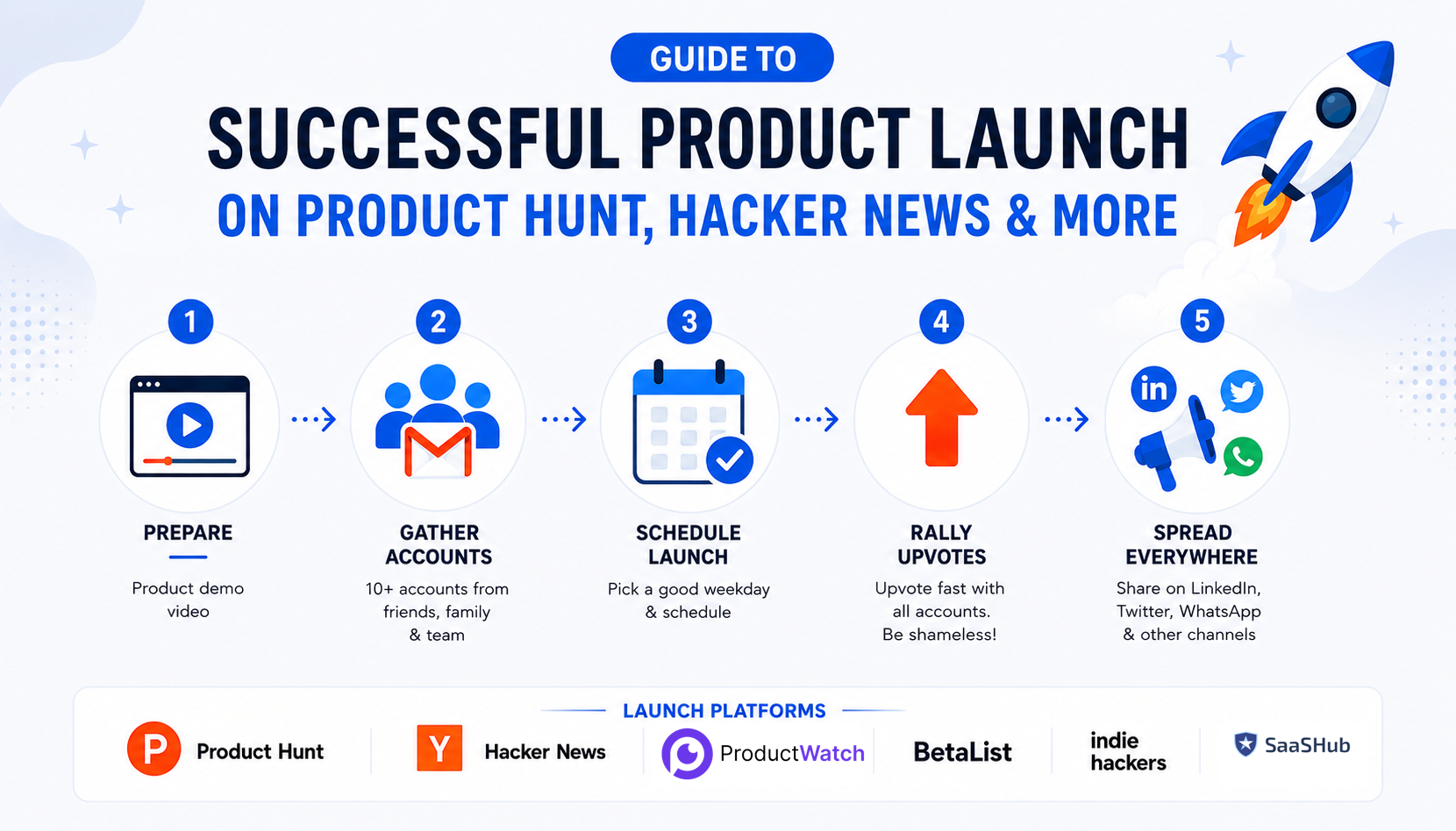
How to Successfully Launch a Product on Product Hunt, Hacker News, and Other Launch Platforms
Launching a SaaS product is easy. Getting the right people to notice it is the difficult part. For indie hackers, solo-founders, and SaaS developers, launch platforms such as Product Hunt, Hacker News, Indie Hackers, Reddit, LinkedIn, and X can create a powerful burst of visibility. But simply publishing a product page does not guarantee users, customers, or even meaningful attention. A successful launch starts well before launch day. The product needs a clear demo, the launch page needs to communicate its value quickly, the team needs to choose an appropriate launch time, and the founder needs a plan for distributing the launch across existing networks. This guide focuses on the practical launch process, particularly preparing a demo, building a genuine Product Hunt presence, choosing launch timing, generating legitimate launch-day momentum, distributing the launch through social and personal networks, and understanding why buying or manipulating votes is not a sustainable strategy. > QUICK SUMMARY > > * Product Hunt: Record a short demo before launch, complete the launch page, prepare your screenshots and description, schedule the launch when your team can be available, and ask your real network for feedback and sharing rather than creating fake accounts or buying votes. > * Hacker News: Launch when the product has something genuinely useful or technically interesting for developers. Write a clear post explaining what was built and why it matters, then stay available to answer technical questions. > * Indie Hackers: Share the actual building journey, including the problem, product decisions, launch experience, early users, mistakes, and results. Start participating in discussions before promoting the product. > * Reddit: Find subreddits where your target users already discuss the problem your product solves. Check each community's rules, contribute useful information, and share the launch only where self-promotion is allowed. > * Startup directories: Submit the product to relevant directories such as Product Watch to create additional discovery opportunities, referral traffic, and long-term SEO value. Do not expect every directory to generate immediate launch-day traffic. > * LinkedIn & X : Turn the launch into several posts instead of sharing the same announcement repeatedly. Publish the demo, explain the problem, show the product in action, share the founder story, and post early results > * WhatsApp and personal networks: Send the launch to friends, colleagues, existing users, and relevant professional contacts who may genuinely be interested. Ask them to try the product and share honest feedback rather than simply asking everyone to upvote. > * After launch: Do not stop when the Product Hunt ranking settles. Follow up with people who tried the product, collect feedback, fix the biggest problems, share the results, and continue promoting the product through content, communities, directories, and social media. USEFUL TOOLS FOR THE LAUNCH PROCESS | Launch task | Tool | Primary use | | | | | | Product graphics and video | Canva | Screenshots, launch graphics, thumbnails and video | | Screen recording | Loom | Product demos and technical walkthroughs | | AI/UGC video | HeyGen | AI presenter and UGC-style videos | | Social scheduling | Buffer | Preparing and scheduling launch posts | | Product launch | Product Hunt | Product discovery and launch | | Technical launch | Hacker News | Developer-focused launches | | Founder distribution | Indie Hackers | SaaS stories and founder discussions | | Community distribution | Reddit | Niche communities | | Professional distribution | LinkedIn | B2B and founder audiences | | Developer/founder distribution | X | Threads, product updates and build-in-public content | 1. PREPARE A PRODUCT DEMO BEFORE LAUNCHING The first thing to prepare is a short product demo. A common mistake among SaaS founders is spending weeks preparing the product and then trying to record a demo a few hours before launch. The demo should make the product understandable without requiring the visitor to read a long description. Ideally, someone should be able to watch it and understand what the product does, who it is for, and why it is useful within a minute or two. > For example, imagine an indie hacker launching an AI tool that converts GitHub commits into social media posts. Instead of explaining every feature, the demo could show a GitHub repository, select a commit, generate the post, make a small edit, and publish the result. The entire value proposition becomes visible through the workflow. A simple structure works well: show the problem, introduce the product, demonstrate the core workflow, and finish with the result.* For visual assets and lightweight video editing, Canva can be used to create product screenshots, launch graphics, thumbnails, captions, and short videos. For straightforward screen recording, Loom is particularly useful for SaaS and developer products because the founder can simply record the actual product in action. The goal should not be to make the video look like a large company's advertisement. The goal is to make the product immediately understandable. Product Hunt itself includes product media and launch preparation guidance for makers preparing their pages. 2. BUILD YOUR PRODUCT HUNT PRESENCE BEFORE LAUNCH One of the most common Product Hunt launch tactics found in older growth guides is to create multiple accounts through friends and family and use them to generate a large number of votes immediately after launch. That is not a strategy worth following. Product Hunt explicitly says makers should not ask friends or family to upvote their products. It expects people to vote because they genuinely like or find the product interesting, and coordinated requests can result in ranking drops or removal from the homepage. Product Hunt also works to detect fake accounts, voting rings, and other forms of vote manipulation, and suspicious votes can be removed. The useful idea behind the old strategy is actually starting early. Instead of creating accounts solely for voting, founders and team members should create genuine Product Hunt profiles well before launch and participate in the community. Product Hunt recommends joining the community before launching and says newly created accounts must wait at least one week before posting a product. It also recommends becoming familiar with the community considerably earlier than launch. For an indie hacker, this means the founder can start following other makers, discovering products, leaving useful comments, and understanding how successful launches are presented. If there is a team, genuine team members can also participate. The important distinction is that every account should represent a real person rather than an account created simply to manipulate launch rankings. 3. SCHEDULE THE LAUNCH AT THE RIGHT TIME Launch timing matters, but there is no magical weekday that guarantees a Product Hunt win. Product Hunt itself says there is no universal "golden-ticket" day because launch performance depends on several factors, including competing launches, events, audience behavior, and the maker's ability to participate during the launch. Product Hunt currently recommends 12:01 a.m. Pacific Time as the default launch time when makers do not have another timing constraint. This gives the product a full 24-hour launch cycle. Product Hunt also allows makers to schedule launches up to one month in advance. For a SaaS founder, the practical question is therefore not simply "Which day gets the most votes?" It is "When can the team give the launch its full attention?" If the founder launches at midnight but goes to sleep immediately, a theoretically perfect launch window becomes much less useful. Someone should be available to respond to comments, answer questions, monitor the application, investigate bugs, and talk to early users. Before scheduling, the Product Hunt page, demo video, screenshots, launch description, first comment, website, analytics, social posts, and support process should all be ready. 4. LAUNCH DAY: CREATE MOMENTUM WITHOUT MANIPULATING VOTES This is where the traditional "get 10 accounts and upvote immediately" strategy should be replaced with something much more effective. When the product goes live, activate the people who already know about the product. That could include beta users, newsletter subscribers, existing customers, genuine community members, friends who are actually interested in the product, previous collaborators, and the founder's professional network. The message should not be: > "Go upvote this Product Hunt launch." Instead, it can be: > The launch is live 🚀 Would love to get your honest feedback on the product. If you have a few minutes, check it out and let us know what you think. That small change matters. It invites genuine engagement rather than attempting to manufacture votes. Product Hunt recommends asking people to visit, comment, provide feedback, and share rather than directly asking them for upvotes. A person who genuinely likes the product can decide whether to upvote it themselves. This approach also produces something more valuable than a vote. Someone may become a customer, report a bug, introduce another founder, write a review, share the product, or provide feedback that improves the product. Product Hunt says its ranking system considers multiple signals, including votes, comments, time since submission, and other factors, while keeping the exact algorithm private to prevent manipulation. The objective should therefore be real engagement, not a particular vote number. 5. TELL YOUR NETWORK ABOUT THE LAUNCH Once the product is live, do not simply wait for Product Hunt's internal traffic. Use the channels where the founder already has relationships. LinkedIn can be particularly effective for B2B SaaS. Instead of publishing a generic "We are live on Product Hunt" announcement, explain the problem that led to the product. For example: > After months of building, [Product Name] is finally live. > The problem was simple: developers were spending too much time switching between tools to debug API requests. > The new workflow puts the entire process into one place. > Here's a 45-second demo. > Feedback from developers and SaaS founders would be especially useful. That type of post gives the audience a reason to care before asking them to visit the launch. The same principle applies to X. A founder can turn the launch into a short story showing what was built, why it was built, what changed during development, and what the product does now. For visual content, Canva can turn the same product screenshots into LinkedIn graphics, X images, carousels, thumbnails, and short videos. 6. USE WHATSAPP AND PERSONAL NETWORKS CAREFULLY WhatsApp can be useful for early-stage launches because founders often have personal and professional relationships there. However, blasting dozens of groups with "Please upvote this" can quickly become spammy and can also produce low-quality engagement. A better approach is to contact people who are actually relevant. For example, if a founder has built a developer tool, a personal message to developer friends can say: > The product is finally live. Since you work with APIs, would love your honest opinion after trying it. If the person likes the product, they can share it naturally. The same principle applies to Slack groups, Discord communities, Telegram groups, email lists, and private communities. The launch should be relevant to the audience rather than simply distributed everywhere. Product Hunt specifically recommends sharing launches through email, LinkedIn, in-app notifications, and communities where the maker has already established a presence. It also warns against suddenly spamming communities such as Reddit or Indie Hackers on launch day. 7. PREPARE SOCIAL POSTS BEFORE LAUNCH DAY Launch day can become surprisingly chaotic. A founder may need to answer Product Hunt comments, solve bugs, respond to customers, monitor infrastructure, speak with potential users, and track traffic at the same time. Social content should therefore be prepared before launch. Buffer can help schedule posts across social platforms so the founder does not have to manually publish every update during the launch. Instead of publishing the same announcement repeatedly, create different angles around the same product. The first post can announce the launch. A later post can show the product demo. Another can explain the problem that inspired the product. Another can highlight a feature. A later post can share what users discovered during launch day. This makes the launch feel like an ongoing story rather than a single promotional message repeated five times. 8. TURN ONE PRODUCT DEMO INTO MULTIPLE LAUNCH ASSETS The demo video created before launch should not be used only on Product Hunt. A 60-second product demo can be transformed into several pieces of content. The full version can appear on the Product Hunt page. A shorter version can be posted on LinkedIn and X. Individual scenes can become screenshots. A particularly interesting workflow can become a GIF. A technical section can become an X thread or developer-focused post. Canva is useful for creating these variations, while Loom can be used when additional technical walkthroughs are needed. For founders experimenting with different hooks, HeyGen can also create different AI-presenter or UGC-style versions. For example, the same SaaS product can have one video starting with: > "Still doing this manually?" Another can start with: > "This used to take 20 minutes. Now it takes 30 seconds." Another can start with: > "Here's how this developer workflow works." The product remains the same. The positioning changes according to the audience. 9. USE REDDIT TO REACH THE RIGHT AUDIENCE Reddit can be a strong launch channel for SaaS products, indie projects, and developer tools, but the approach should be different from Product Hunt. Instead of posting the same promotional message everywhere, find subreddits where potential users already discuss the problem the product solves. Some useful communities to research include r/SaaS, r/SideProject, r/indiehackers, r/buildinpublic, r/microsaas, r/startups, r/EntrepreneurRideAlong, and r/RoastMyStartup. For example, rather than saying "Our SaaS is live, check it out," share the problem, development journey, results, or ask for genuine feedback. Always check the current subreddit rules before posting because many communities restrict self-promotion or provide dedicated launch threads. The goal is not to post on the most subreddits. It is to find the communities where the product genuinely belongs. 10. STAY ACTIVE AFTER THE PRODUCT GOES LIVE Launching is not the end of the process. The first few hours can generate questions that reveal exactly what potential customers do not understand. If multiple people ask how pricing works, the pricing page may need improvement. If people repeatedly ask whether a certain integration exists, that integration may be worth considering. If visitors watch the demo but do not sign up, the onboarding or landing page may have friction. If developers love the technical idea but struggle to install the product, the documentation may need work. Product Hunt recommends being available and responding to comments as quickly as possible during launch day. For a small SaaS team, this can be one of the most valuable parts of the launch because the founder is suddenly receiving concentrated feedback from people who discovered the product without being personally recruited. 11. DON'T OBSESS OVER THE PRODUCT HUNT LEADERBOARD It is tempting to refresh the Product Hunt ranking every few minutes. But ranking is only one part of the outcome. Suppose a launch receives 5,000 visitors but only two customers. Another source sends 500 visitors and produces ten paying customers. The second channel may be much more valuable. Product Hunt itself identifies goals such as website traffic, sales and leads, early adopters, feedback, networking, social buzz, and brand recognition as potential launch outcomes. For an early-stage SaaS, track what happens after the click. Website visitors matter. Signups matter more. Activated users matter more than signups. Paying customers matter more than activated users. Retention matters more than one-time purchases. The launch should therefore be evaluated as a funnel rather than simply as a leaderboard position. 12. WHAT ABOUT BUYING UPVOTES? The original six-step strategy includes buying upvotes if there is enough budget. That should not be part of a legitimate Product Hunt launch strategy. Product Hunt explicitly warns against artificial engagement, vote manipulation, paid hunters, and incentivized voting. It states that products involved in rule-breaking can be unfeatured or removed and that makers may face permanent bans. There is a major difference between paying for distribution and paying for votes. A founder can legitimately spend money on a video, design, advertising, sponsorships, creator partnerships, or other marketing activities. But paying people specifically to create artificial Product Hunt engagement can put the launch and account at risk. For a limited SaaS marketing budget, money is generally better spent improving the assets that create genuine demand. A better $100 can be spent on a better demo, landing-page improvements, customer interviews, or content that continues generating traffic after launch. PRODUCT HUNT LAUNCH WORKFLOW FOR SAAS FOUNDERS The entire process can be reduced to a straightforward workflow. Before launch: Build the product, prepare the demo, create a genuine Product Hunt profile, participate in the community, prepare the launch page, and schedule the launch. One week before: Prepare LinkedIn, X, email, and personal-network content. Make sure analytics and support are ready. Launch day: Publish the product, notify the existing audience, share the demo, ask for feedback, respond to comments, and monitor the product. During the first 24 hours: Continue genuine distribution instead of repeatedly asking for votes. Talk to users, answer questions, identify friction, and monitor signups. After launch: Share what was learned, improve the product, follow up with interested users, and turn the launch into additional content. CONCLUSION A successful Product Hunt launch is not about creating ten accounts, asking everyone to upvote, or purchasing votes. The real advantage comes from preparation and distribution. Prepare a product demo that makes the SaaS immediately understandable. Build a genuine Product Hunt presence before launch instead of creating accounts solely for voting. Schedule the launch when the team can actually participate. On launch day, activate the people who genuinely care about the product and ask for feedback rather than manufactured engagement. Then take the launch outside Product Hunt. Share the story on LinkedIn. Turn the development journey into an X thread. Reach relevant people through personal networks and email. Use communities where the founder already participates. Repurpose the demo into multiple pieces of content. Tools such as Canva, Loom, HeyGen, and Buffer can make this process significantly easier for a small team. Most importantly, do not confuse votes with traction. The strongest launch is not necessarily the one with the highest leaderboard position. It is the one that brings the right people into the product, creates meaningful conversations, generates customers, reveals product weaknesses, and gives the founder enough momentum to keep growing after launch day. Launch day gets attention. What happens after launch determines whether that attention becomes a business.
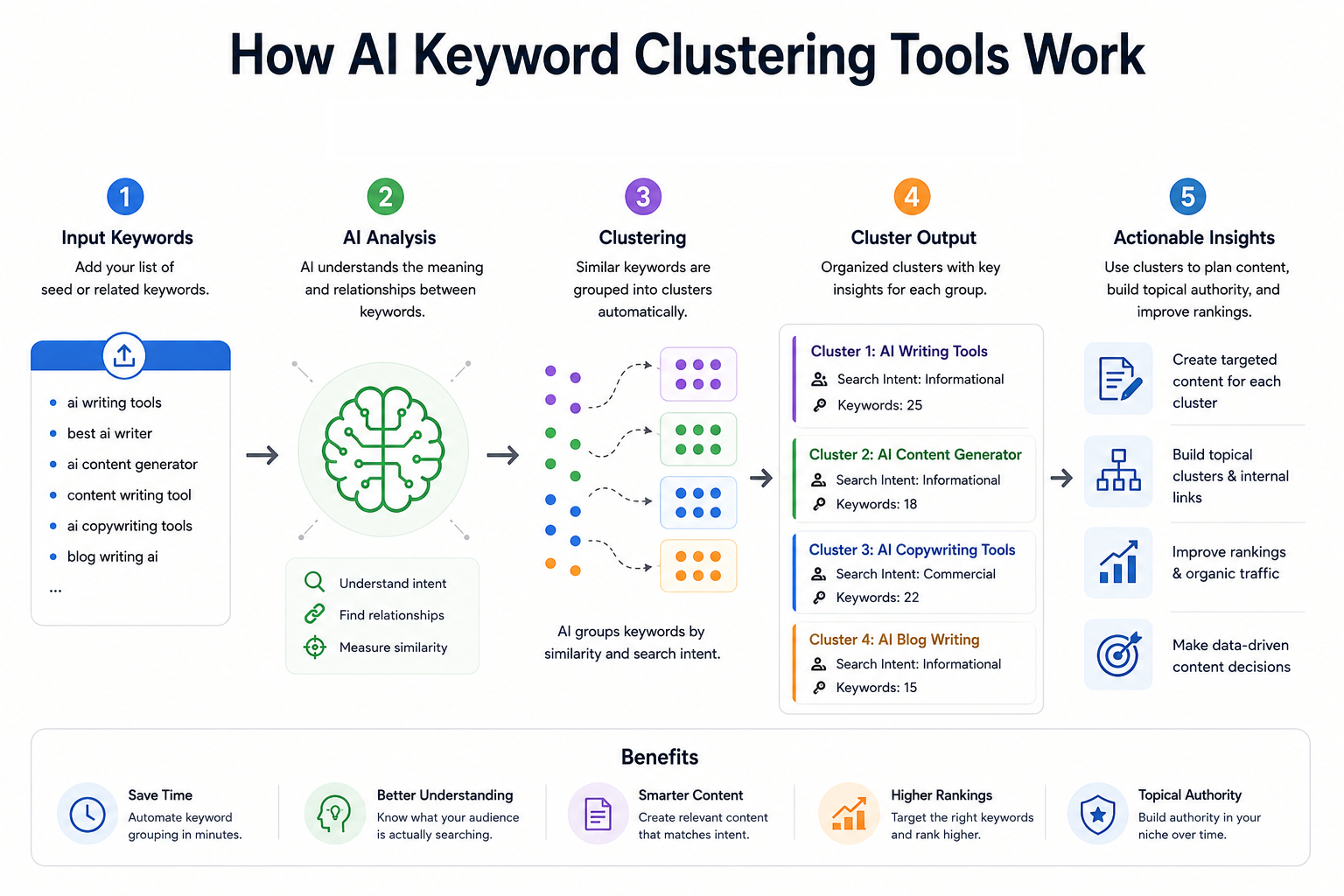
10 Best AI Keyword Clustering Tools in 2026 for Better SEO & Content Strategy
Keyword clustering has become an important part of modern SEO because one search query rarely represents the entire topic a user wants to understand. A SaaS founder researching “API monitoring,” for example, may also need content around API monitoring tools, API observability, API testing, uptime monitoring, alerts, dashboards, and related implementation questions. Treating every variation as a separate article can create overlapping pages, thin content, and keyword cannibalization. AI-assisted keyword clustering tools solve this by grouping related queries into logical topics based on factors such as search intent, semantic similarity, shared SERPs, ranking URLs, and topic relationships. The result is a clearer content architecture that can help developers, solo-founders, SaaS teams, and content teams decide which keywords belong on the same page and which deserve separate pages. The tools in this list take different approaches. Some, such as Keyword Insights and Keyword Cupid, are dedicated clustering platforms. Others, including Ahrefs and Semrush, combine clustering with large-scale keyword research and competitive SEO data. Surfer and Frase connect clustering with content optimization, while MarketMuse takes a broader topic-authority approach. KeyClusters focuses on pay-as-you-go SERP clustering, and Answer Socrates is particularly useful for question-led keyword discovery and clustering. One important distinction is that not every platform here is an AI-first keyword clustering product. Some use proprietary algorithms, SERP analysis, machine learning, or semantic models rather than generative AI. For SEO, that distinction matters less than the quality of the resulting clusters and whether those clusters reflect actual search behavior. > QUICK SUMMARY > > * Keyword Insights: A dedicated SERP-based clustering platform that analyzes live, country-specific search results and supports clustering up to 200,000 keywords at once. > * Keyword Cupid: A SERP-based clustering platform with neural-network clustering, SERP analysis, silo structuring, mind maps, and large keyword-report limits depending on the plan. > * Semrush: A broad SEO platform whose Keyword Strategy Builder organizes keywords into topics, pillar pages, and subpages, with clustering actions available across paid SEO Toolkit plans. > * Ahrefs: A full SEO suite with Keywords Explorer clustering by Parent Topic and related terms, backed by a large keyword database and extensive competitive SEO data. > * Surfer: A content-focused SEO platform whose Keyword Research feature groups keywords by intent and competitor SERP data and connects clusters directly to content optimization workflows. > > KeyClusters, Answer Socrates, LowFruits, MarketMuse, and Frase: These cover pay-as-you-go SERP clustering, question-led keyword discovery, SERP and semantic clustering, topic-authority analysis, and visual topic-cluster planning respectively. COMPARATIVE TABLE: BEST AI KEYWORD CLUSTERING TOOLS | Tool | Key clustering features | Starting price | Best for | Free or paid | | | | : | | | | Keyword Insights | Live SERP clustering, adjustable SERP overlap, search intent, ranking URLs, opportunity volume, up to 200K keywords | $58/month | Dedicated large-scale keyword clustering | Paid, $1 trial | | Keyword Cupid | SERP-based clustering, neural-network clustering, SERP Spy, silo structuring, mind maps, geo/device targeting | $9.99/month | SEO professionals and agencies needing detailed clustering | Paid, 7-day trial | | Semrush | Keyword Strategy Builder, topic clusters, pillar pages, subpages, keyword metrics, content workflow | $139.95/month | All-in-one SEO and content strategy | Paid, 7-day trial | | Ahrefs | Parent Topic clustering, related-term clustering, SERP similarity, keyword metrics, Traffic Potential | £99/month | Developers and teams needing clustering plus competitive SEO | Paid | | Surfer | SERP-driven keyword clusters, intent, sub-keywords, content-score benchmarks, Topical Maps | $99/month or $79/month annually | Content-focused SaaS teams and writers | Paid | | KeyClusters | Real-time Google SERPs, 3+ shared URLs, CSV export, Ahrefs/Semrush imports, geo/device targeting | $19 one-time credit pack | Pay-as-you-go clustering | Paid credits | | Answer Socrates | Keyword research, question discovery, clustering, PAA, recursive searches, trending topics | Free; paid from $15/month | Question-led content and solo founders | Free + paid | | LowFruits | SERP clustering, semantic clustering, intent grouping, low-competition analysis, SERP scores | $29.90/month | Niche sites and low-competition SEO | Paid + PAYG | | MarketMuse | Cluster Analysis, topic modeling, personalized difficulty, Topic Authority, content gaps, content planning | Free tier; paid plans via demo | Topic authority and content planning | Free + paid | | Frase | Visual topic clusters, pillar/supporting pages, missing subtopics, briefs, SEO/GEO optimization | $49/month or $39/month annually | Content teams building topical authority | Paid, 7-day trial | 1. KEYWORD INSIGHTS Keyword Insights is one of the most specialized options in this list. Its primary focus is keyword clustering rather than treating clustering as a small feature inside a much larger SEO suite. The platform uses live, country-specific SERP data and groups keywords when their ranking URLs overlap. The default SERP overlap threshold is 40%, and users can adjust the clustering settings depending on how strict the grouping needs to be. The scale is particularly relevant for large SaaS websites, programmatic SEO projects, agencies, and developers managing thousands of product-related queries. The platform currently supports clustering up to 200,000 keywords in one operation. Reports can include ranking URLs, average rankings, search intent, potential traffic opportunities, difficulty, and SERP features. Another useful feature is intent analysis. The system classifies keywords into informational, commercial, transactional, and other intent categories and can identify the dominant intent of a cluster. This makes the output more actionable than a simple spreadsheet containing groups of similar phrases. A developer launching documentation, comparison pages, or SaaS landing pages can use the intent information to decide whether a cluster should become a guide, feature page, comparison page, or commercial landing page. Price: The current pricing page lists Basic at $58/month with 10,000 credits and Professional at $99/month with 20,000 credits. Clustering costs one credit per keyword, while a $1 seven-day trial provides 5,000 credits and allows up to 500 keywords to be clustered. Enterprise pricing is custom. Best for: For teams that want a clustering-first workflow rather than a general SEO suite, this is one of the strongest options. The ability to control SERP overlap and work with large keyword sets makes it particularly useful for SaaS companies with extensive feature, integration, documentation, or comparison-page inventories. 2. KEYWORD CUPID Keyword Cupid approaches clustering through search-result relationships and is specifically designed for keyword grouping. Its system analyzes live Google SERPs and examines ranking URLs that appear across multiple keywords. Keywords with meaningful SERP overlap are grouped according to search intent, creating clusters that can then be used for content and site architecture. The platform goes beyond simply producing a CSV of grouped keywords. Its feature set includes SERP Spy, URL Analyzer, content briefs, neural-network clustering, interactive mind maps, downloadable Excel reports, SERP geotargeting, and device or search-engine targeting. It also supports silo structuring, which can be useful when the goal is to turn keyword research into an actual website architecture. For developers and solo-founders, the "Bring Your Own Data" approach is useful because keyword research can be collected elsewhere and then sent into the clustering workflow. This makes it possible to export keyword data from another SEO platform, upload it, and use the clustering engine to decide which terms should share a page. Price: The Starter plan costs $9.99/month and includes 500 keyword credits per month with reports supporting up to 2,000 keywords. Freelancer costs $49.99/month with 5,000 credits and up to 20,000 keywords per report. Agency costs $149.99/month with 20,000 credits and reports of up to 40,000 keywords, while Enterprise costs $499.99/month with 80,000 credits and reports of up to 80,000 keywords. A seven-day trial is available. Best for: The main advantage is depth. If the goal is simply to group 500 keywords, there are cheaper and simpler approaches. If the goal is to understand how keywords relate to SERPs, pages, silos, and search intent, Keyword Cupid provides a more specialized workflow. 3. SEMRUSH Semrush is better understood as an all-in-one SEO platform that happens to have a substantial keyword clustering workflow. Its Keyword Strategy Builder can analyze and organize up to 10,000 keywords into topics, pillar pages, and subpages. Users can start from seed keywords, import research from other Semrush tools, or upload their own keyword lists. The structured workflow is useful for building a content architecture rather than merely obtaining keyword groups. The system considers relevance, search volume, keyword difficulty, domain diversity, and SERP features when prioritizing pages. Users can then send keywords to content workflows or Position Tracking, making the transition from research to execution relatively direct. For a developer-led SaaS business, this wider ecosystem can be valuable. A founder may begin with competitor keywords, move those terms into Keyword Strategy Builder, organize them into pillar and supporting pages, and then use the rest of the platform for site audits, ranking tracking, competitor research, and content production. Price: The current SEO Toolkit pricing lists Pro at $139.95/month, Guru at $249.95/month, and Business at $499.95/month. Keyword Strategy Builder clustering actions are limited by plan, with 10 monthly actions on Pro, 30 on Guru, and 50 on Business. Semrush also advertises a seven-day free trial. Best for: Semrush makes the most sense when keyword clustering is only one part of a larger SEO operation. It is more expensive than specialist clustering tools, but the additional competitor, technical SEO, content, and rank-tracking capabilities can justify that cost for growing SaaS companies and agencies. 4. AHREFS Ahrefs takes a slightly different approach to keyword clustering. Keywords Explorer can instantly group keywords by Parent Topic or related terms, allowing users to identify which searches can potentially be targeted by the same page. The platform combines this with keyword difficulty, search volume, Traffic Potential, SERP analysis, and a very large keyword database. Its Parent Topic concept is especially useful for understanding whether a specific keyword belongs under a broader search topic. Ahrefs explains that the Parent Topic is determined from the keyword responsible for sending the most traffic to the top-ranking page. This makes the clustering approach closely connected to actual ranking behavior rather than simply matching words. The tool also provides a SERP similarity comparison for checking whether two individual keywords should be targeted by the same page. This is useful when a developer is deciding between two potentially overlapping articles, such as "API monitoring tools" and "API observability tools." If the SERPs are highly similar, combining them may make more sense than publishing two competing pages. Price: The current Ahrefs pricing page lists the Lite plan at £99/month, Standard at £199/month, and Advanced at £359/month. Annual billing can save up to 17%. Best for: Ahrefs is particularly suitable when clustering needs to sit alongside backlink analysis, competitor research, keyword research, SERP analysis, and traffic estimation. It is not the cheapest choice for clustering alone, but it becomes considerably more compelling when SEO research is part of a broader growth workflow. 5. SURFER Surfer connects keyword clustering directly with content planning and optimization. Its Keyword Research feature analyzes top-performing Google results for a target keyword and identifies how terms are grouped by intent. Each cluster can contain a main topic keyword, search intent, suggested sub-keywords, and a benchmark based on the content scores of ranking pages. The workflow is particularly useful for content teams that do not want to stop at keyword grouping. Once a cluster has been identified, it can be sent into Content Editor to create a content brief. This makes it possible to move from keyword discovery to article planning without manually copying every related keyword into another document. For SaaS teams, this can help when building topical coverage around developer-oriented subjects. A cluster around "webhook testing," for example, could reveal related searches around webhook debugging, webhook testing tools, local webhook testing, webhook security, and webhook automation. Those terms can then inform a pillar page and supporting articles instead of becoming a collection of disconnected posts. Price: Surfer's current Essential plan is $99/month, or $79/month when billed annually. It includes Keyword Research, Topical Maps, 30 Content Editor articles per month, and five AI articles per month. Scale costs $219/month or $175/month annually and raises the limits substantially. Enterprise pricing is custom. Best for: Surfer is a good choice when the real objective is not just clustering keywords but turning those clusters into optimized content. Its strongest use case is therefore content-led SEO teams, SaaS marketers, founders publishing regularly, and developers who also handle their own technical content. 6. KEYCLUSTERS KeyClusters is built around a straightforward concept: upload a keyword list, let the system analyze Google SERPs, and receive the keywords grouped according to shared ranking pages. It checks the top 10 results for each keyword and groups keywords when three or more ranking pages are shared. The pay-as-you-go model makes it different from most large SEO suites. There is no recurring subscription. Users purchase credits, and one credit represents one keyword. Credit packs include 2,500 keywords for $19, 20,000 for $110, and 100,000 for $350. Credits do not expire. The workflow also supports keyword files from Ahrefs and Semrush, along with custom files. Results can be exported to Excel, and the platform supports real-time SERP data, geographic targeting, desktop and mobile clustering, and large-scale keyword processing. That makes it practical for someone who already has keyword research and only needs a dedicated clustering layer. Price: The entry point is $19 for 2,500 keyword credits, with larger packs reducing the cost per keyword. There is no monthly subscription, no recurring charge, and no credit expiration. Best for: For solo-founders, developers, and agencies that only need clustering occasionally, this pricing model can be attractive. Instead of paying for a full SEO suite every month, a team can buy credits when a new content project begins and process the keyword set in one batch. 7. ANSWER SOCRATES Answer Socrates began with question-focused keyword research, but its current feature set also includes keyword clustering and grouping. The platform can generate search ideas from a seed topic, surface People Also Ask questions, identify long-tail searches, and organize related keywords into topic clusters. The question-first approach is particularly useful for developers building documentation, tutorials, help centers, and educational SaaS content. Instead of beginning with a large commercial keyword such as "API gateway," a developer can discover questions around how API gateways work, why they are used, API gateway security, API gateway vs reverse proxy, and implementation-related queries. The platform also includes recursive search, which can uncover additional searches connected to the initial research path. It supports country and language selection, CSV downloads, trending-topic research, and an LLM Brand Tracker. This combination makes it useful for content planning that needs to account for both traditional search and emerging AI-search visibility. Price: There is a free version for basic research. Paid plans currently start with Socrates Lite at $15/month, followed by Seneca at $29/month, Aurelius at $49/month, and Senate at $299/month. Paid plans add SEO metrics, larger keyword allowances, recursive searches, clustering credits, CSV downloads, and LLM tracking depending on the tier. Best for: This is one of the better choices for solo-founders and developers who want to understand what people actually ask rather than only looking at traditional head keywords. It is especially useful for FAQs, documentation, tutorials, comparison content, and question-driven content hubs. 8. LOWFRUITS LowFruits combines keyword discovery, SERP analysis, low-competition research, and keyword clustering. Its clustering workflow has two primary methods: SERP clustering and semantic clustering. SERP clustering groups keywords according to shared ranking URLs, while semantic clustering groups terms according to shared word patterns. The SERP method is particularly interesting because the default grouping threshold is based on a 40% URL overlap. Users can adjust the similarity threshold, allowing the clusters to become broader or narrower depending on the project. The platform also identifies the keyword with the highest estimated search volume as the main keyword for a cluster. LowFruits is also designed around finding weaker SERPs and lower-competition opportunities. That makes the clustering output more useful for smaller sites that cannot realistically compete with high-authority domains for every broad keyword. The platform can export keyword lists containing cluster information, which is useful when building content plans in spreadsheets or project-management tools. Price : The Standard plan costs $29.90/month, or $20.75/month when billed yearly, and includes 3,000 credits per month. Premium costs $79.90/month, or $62.45/month annually, with 10,000 credits. Pay-as-you-go credits start at $25 for 2,000 credits, and purchased PAYG credits remain valid for one year. Best for: LowFruits is a strong option for niche-site builders, smaller SaaS projects, affiliate sites, and founders who want keyword clusters combined with practical competition analysis. It is less focused on enterprise content governance than MarketMuse or Semrush, but its low-competition orientation can make the resulting clusters easier to act on. 9. MARKETMUSE MarketMuse approaches keyword clustering as part of a broader topic-authority and content-planning system. Its Cluster Analysis workflow can group topics and keywords while also examining rankings, search volume, intent, URLs, Topic Authority, Personalized Difficulty, parent terms, and competitive information. The platform's Topic Model is another important part of the workflow. It analyzes related topics and provides information such as volume, CPC, and trend data. Those topics can then be added to an inventory and used to build content plans and briefs. This makes the system more focused on understanding an entire subject than simply grouping a spreadsheet of keywords. MarketMuse can also analyze a site or collection of pages to determine what content already exists within a topic cluster, what is missing, and what should be updated or created. Its personalized metrics are designed to account for the authority and coverage of a particular website rather than relying only on generic keyword difficulty. Price: MarketMuse has a Free plan with one user and 10 queries per month. Paid tiers include Optimize with 100 tracked topics, Research with 1,000 tracked topics, and Strategy with 10,000 tracked topics. The current public pricing page does not display dollar amounts for those paid tiers and instead directs users to book a demo. Best for MarketMuse is best suited to teams that care about topical authority, content gaps, existing-site analysis, and content prioritization rather than simply producing keyword groups. For a mature SaaS site with hundreds of articles, documentation pages, and product resources, that broader perspective can be more valuable than clustering alone. 10. FRASE Frase has evolved from a content research and optimization platform into a broader SEO and GEO content workflow. Its Topic Clusters feature maps pillar pages and supporting content, identifies missing subtopics, and turns those gaps into content briefs. The result is a visual representation of how content fits together around a central topic. The cluster map is particularly useful for content teams that need to understand their website architecture. Instead of receiving a list of keywords and deciding manually where everything belongs, the platform can suggest where a new piece of content fits within existing clusters. It also surfaces questions and sections found in ranking results that the current cluster does not adequately cover. The GEO component is increasingly relevant for 2026. Frase can score content for both SEO and GEO and provides AI visibility features involving systems such as ChatGPT and Google AI. It also supports planning, research, and writing in more than 70 languages, which makes it useful for teams building content for multiple markets. Price: The Starter plan costs $49/month month-to-month, or $39/month when billed yearly. Professional costs $129/month month-to-month, or $103/month annually. Scale costs $299/month month-to-month, or $239/month annually. A seven-day free trial is available without a credit card. Best for: Frase is a strong fit for content teams that want keyword and topic clustering connected directly to briefs, writing, optimization, publishing, and GEO analysis. For solo founders, Starter provides a relatively accessible entry point, while larger content operations can use the higher tiers for multiple sites and users. HOW TO CHOOSE THE RIGHT KEYWORD CLUSTERING TOOL The right choice depends less on the word "AI" and more on how the tool decides that two keywords belong together. A semantic model may group keywords because they look similar linguistically, while SERP-based systems look at whether Google ranks similar pages for those queries. For SEO content planning, SERP-based clustering can often provide a clearer indication of whether two searches can realistically be targeted by one page. For developers and SaaS founders, Keyword Insights, Keyword Cupid, KeyClusters, and LowFruits are worth considering when clustering itself is the primary requirement. They are particularly useful when there is already a keyword list from another source and the next question is, "Which of these keywords should share a page?" For teams that need a complete SEO workflow, Semrush and Ahrefs make more sense. Their clustering features sit alongside keyword research, competitor analysis, rank tracking, backlinks, SERP analysis, and other SEO capabilities. That broader functionality can justify the higher subscription cost when SEO is a major acquisition channel. For content-heavy teams, Surfer, MarketMuse, and Frase offer a different advantage. They connect clustering with content optimization, topic authority, briefs, content gaps, and publishing workflows. This is particularly useful for SaaS companies that need to transform keyword research into a repeatable editorial system. Answer Socrates is the standout option when questions and long-tail searches are central to the strategy. A developer writing technical tutorials, documentation, FAQ pages, or educational content can use question-led clusters to understand what users are trying to solve, not simply what short keyword they entered into Google. KEYWORD CLUSTERING BEST PRACTICES FOR DEVELOPERS AND SAAS FOUNDERS Keyword clustering should not mean putting every keyword containing the same words on one page. The most important question is whether the searches have sufficiently similar intent and SERPs. If "API monitoring" produces tool pages while "how does API monitoring work" produces educational guides, they may belong to different content types even though they contain the same core phrase. A practical workflow is to begin with a broad keyword list, remove irrelevant terms, cluster the remaining keywords, and then inspect the SERPs for the largest or most commercially important clusters. This additional manual review matters because automated clustering is an aid to decision-making, not a substitute for understanding the search landscape. For SaaS websites, clusters can also be mapped to different page types. Informational clusters can become guides and tutorials. Commercial investigation clusters can become comparison or alternatives pages. Transactional clusters can support product, feature, integration, or landing pages. Question clusters can feed documentation, FAQ, and educational resources. Internal linking should then connect related pages. A pillar page can cover the broad concept while supporting pages answer narrower questions. This creates a useful structure for visitors and gives search engines clearer signals about how individual pages relate to the broader subject. Keyword clustering is also useful for avoiding unnecessary content production. If five keywords consistently return the same type of pages in Google, publishing five separate articles may create competing pages instead of five independent ranking opportunities. Combining those queries into one comprehensive page can provide broader topical coverage while keeping the site architecture cleaner. CONCLUSION The best AI keyword clustering tool is not necessarily the one with the most AI features. The more important question is whether it produces clusters that reflect actual search intent, SERP relationships, and the way users expect information to be organized. For a developer or solo-founder starting a SaaS content strategy, a simple workflow can be enough: discover keywords, cluster them by search behavior, identify the primary intent, assign each cluster to a page type, and build internal links between related pages. As the website grows, more advanced platforms can add ranking data, competitive analysis, personalized difficulty, content briefs, topic authority, and GEO insights. Among the ten options, Keyword Insights is particularly compelling for dedicated large-scale clustering, Ahrefs and Semrush are strong for broader SEO research, Surfer and Frase are useful for content execution, MarketMuse stands out for topic authority, LowFruits, is well suited to lower-competition opportunities, KeyClusters works well for pay-as-you-go clustering, Keyword Cupid provides a specialized clustering environment, and Answer Socrates is particularly useful for question-driven content research. The most effective approach is to use keyword clusters as a planning layer rather than treating them as an SEO shortcut. When clusters are based on genuine search behavior and then translated into useful pages, clear site architecture, strong internal linking, and comprehensive answers, they can become the foundation of a scalable SEO and GEO strategy.
Top 10 AI Automated A/B Testing Tools in 2026 (Compared, Reviewed & Priced)
A/B testing has long been one of the most reliable ways to make better product and marketing decisions. The basic idea is simple: show different versions of a page, feature, message, or user experience to different audiences and measure which version performs better. The difficult part is everything around the test, from finding good ideas and building variations to choosing the right audience, collecting enough data, analysing results, and deciding what to test next. AI is changing that workflow. Modern experimentation platforms can help generate test ideas, identify opportunities, analyse experiment results, personalise experiences, allocate traffic dynamically, and in some cases automate parts of the testing process. This is particularly useful for developers and solo founders who may not have a dedicated conversion-rate-optimization team. However, an AI-powered A/B testing tool is not automatically the right choice for every business. Some platforms are designed primarily for website optimisation, while others are built for product experimentation, feature flags, server-side testing, landing pages, or enterprise personalization. The implementation model also varies significantly. Some tools provide visual editors that marketers can use without code, while developer-focused platforms provide SDKs and APIs for experiments directly inside an application's codebase. This guide compares the top AI automated A/B testing tools available in 2026, with a focus on features, pricing, testing capabilities, AI functionality, and the type of team each platform is best suited for. The goal is to help developers, solo founders, marketers, SaaS teams, agencies, and larger businesses choose an experimentation platform that fits their actual workflow. > QUICK SUMMARY > > * VWO combines website A/B testing, multivariate testing, feature experimentation, personalization, behavioural analytics, and newer AI-powered experimentation capabilities in one platform. > * Kameleoon stands out with Prompt-Based Experimentation, allowing teams to create experiments using natural-language instructions alongside more traditional experimentation capabilities. > * Optimizely provides experimentation across websites, applications, and product experiences, with feature flags, targeted rollouts, and its Stats Engine for analysing experiments. > * Unbounce is particularly useful for marketers and solo founders who want to create landing pages and test variations without depending heavily on developers. > * Statsig combines A/B testing, feature flags, product analytics, session replay, and developer-friendly SDKs, with a free Developer tier that includes up to 2 million events per month. > > AB Tasty, Coframe, Convert Experiences, Adobe Target, and Varify offer additional approaches ranging from enterprise experimentation and AI-driven optimization to automated website testing and personalization. COMPARISON TABLE | Tool | Best For | A/B Testing | AI / Automation | Developer Support | Starting Price | Free Plan / Trial | | : | : | : | : | : | : | : | | VWO | End-to-end experimentation | A/B, split URL, MVT, feature experiments | AI analysis, workflows, Autopilot, synthetic testing | SDKs, APIs, code editor | Custom | Free trial | | Kameleoon | AI experimentation & personalization | A/B, multivariate, feature experiments | Prompt-Based Experimentation, MAB | APIs, SDKs, feature experimentation | From $495/month | 30-day trial | | Optimizely | Enterprise & product experimentation | A/B, multivariate, feature experiments | AI-powered experimentation and optimization | SDKs, APIs, feature flags | Custom | Free Rollouts tier | | AB Tasty | Web experimentation & personalization | A/B/n, MVT, split URL | AI-assisted experimentation and personalization | APIs, integrations | Custom | Demo / proof of concept | | Unbounce | Landing page optimization | A/B testing | Smart Traffic, AI copy and optimization | Visual editor, low-code | From $22/month | 14-day trial | | Coframe | Continuous AI website optimization | Automated experimentation | AI-generated variations and optimization | Developer-friendly implementation | Custom | Contact for access | | Convert Experiences | Advanced A/B testing & personalization | A/B, split URL, MVT, multipage, full-stack | AI automation, MCP server, Multi-Armed Bandit | SDKs, APIs, feature flags, code editor | From $299/month annually | 15-day trial | | Adobe Target | Enterprise personalization | A/B, multivariate, automated allocation | AI-powered optimization, Auto-Target, Auto-Allocate | Adobe ecosystem, APIs | Custom | No public free plan | | Statsig | Product & developer experimentation | A/B, A/B/n, multivariate | Automated analysis and experimentation | SDKs, APIs, feature flags | Free; paid plans available | Free Developer plan | | Varify | Accessible AI-assisted A/B testing | A/B, split URL, personalization | AI CRO Audit, prompt-based experiments, AI credits | Visual editor, JS/CSS, API, MCP | From €199/month annually| 30-day trial | WHAT MAKES AI A/B TESTING DIFFERENT? Traditional A/B testing normally requires a person to decide what should be tested, create the variations, configure the audience, define success metrics, launch the experiment, and analyse the results. AI can assist with several of these steps. The most useful AI experimentation platforms do not simply generate alternative headlines. They can help identify friction points, suggest hypotheses, analyse historical experiments, recommend new tests, or dynamically adjust traffic based on performance. For developers, the distinction is important. An AI tool that only changes website copy is very different from a platform that can run experiments against backend algorithms, product features, pricing logic, or application experiences. The latter requires reliable SDKs, event tracking, statistical analysis, and careful control over experiment exposure. 1. VWO A/B testing is only one part of conversion optimization. Teams often need behavioural analytics, personalization, feature rollouts, and experimentation in the same workflow. VWO brings these capabilities together, making it one of the most complete experimentation platforms for businesses that want to test and optimize digital experiences without maintaining several disconnected tools. VWO supports standard A/B testing as well as split URL and multivariate testing. Its visual editor allows marketers to create variations without changing production code, while its code editor provides developers with more control when an experiment requires HTML, JavaScript, CSS, or jQuery. Teams can also run multiple experiments simultaneously and control traffic allocation between variations. The platform has also expanded its AI capabilities. VWO's current offering includes Wandz, with features such as AI Analyze for interpreting campaigns and behavioural data, AI Workflow for automated routines, AI Autopilot for continuously monitoring live tests within configured guardrails, and Synthetic A/B testing that uses AI-generated digital twins to pre-screen hypotheses before exposing them to live traffic. That combination is particularly useful for teams moving from occasional A/B tests toward continuous experimentation. A solo founder can start with straightforward website tests, while a larger product team can use feature experimentation, targeting, reporting, and AI-assisted optimization as the experimentation program grows. For developers, VWO also provides feature experimentation capabilities with SDKs, feature flags, variables, variations, rollouts, and testing rules. This makes it possible to move beyond changing a button or headline and experiment with product functionality itself. PRICING VWO does not present one universal public starting price across its experimentation products. Its pricing structure varies by product and usage, with different tiers available for different capabilities. BEST FOR SaaS companies, ecommerce businesses, agencies, product teams, marketers, and developers that want website experimentation, feature testing, analytics, personalization, and AI-assisted optimization in one ecosystem. 2. KAMELEOON Many A/B testing platforms still require teams to manually configure experiments before they can begin learning from them. Kameleoon is taking a more AI-first approach with Prompt-Based Experimentation, allowing users to describe experiments in natural language and turn those instructions into testable experiences. Kameleoon's current PBX offering is designed around creating experiments through prompts rather than requiring every test to be built manually. The platform also provides sequential testing, segmentation criteria, mutually exclusive groups, holdouts, multiple-testing correction, sample-ratio-mismatch detection, and experimentation metrics. This makes Kameleoon particularly interesting for teams where experimentation involves both marketers and developers. A marketer can define the business hypothesis, while technical teams can maintain control over implementation, targeting, and integrations. Kameleoon goes beyond website A/B testing with feature management, feature experimentation, personalization, mobile app testing, JavaScript/CSS editing, contextual bandits, and CUPED depending on the plan. Another important consideration is performance. Kameleoon provides experimentation infrastructure designed for high availability and low page impact, alongside security and enterprise features. PRICING Kameleoon currently lists a 30-day free trial for its PBX Starter offering. Paid pricing starts from $495/month for the listed Starter plan, while Enterprise pricing is custom. BEST FOR Growth teams, SaaS businesses, product teams, and enterprises looking for AI-assisted experimentation, personalization, segmentation, and natural-language experiment creation. 3. OPTIMIZELY For large product organizations, A/B testing often needs to happen far beyond a marketing website. Teams may want to test recommendation algorithms, application features, onboarding flows, APIs, or different product experiences while controlling how new functionality reaches customers. Optimizely addresses this through a combination of experimentation and feature management. Optimizely Feature Experimentation allows teams to place features behind feature flags, run A/B tests, and roll changes out or back immediately without redeploying code. Experiments can be run across applications and different parts of a technology stack using Optimizely's SDKs. This developer-oriented architecture is one of Optimizely's biggest advantages. Instead of treating experimentation as a marketing layer placed on top of a website, developers can build experiments directly into application logic. A team could test two versions of a recommendation algorithm, compare different UI components, or evaluate a new feature before making it available to everyone. Optimizely also uses its Stats Engine to help teams interpret experiment results. The platform supports targeted deliveries and feature flags, giving teams a way to separate experimentation from permanent rollout decisions. For website teams, Optimizely Web Experimentation provides visual experimentation capabilities where users can create variations, target URLs and audiences, define metrics, test the setup, and publish experiments. PRICING Optimizely uses custom pricing for its experimentation products. Pricing varies according to factors such as traffic, selected experimentation products, and implementation complexity. Optimizely also offers Rollouts, a free version of Feature Experimentation intended for startups and teams getting started with feature flags and A/B testing. BEST FOR Enterprise product teams, SaaS companies, developers, engineering organizations, and businesses that need feature flags, application experimentation, controlled rollouts, and sophisticated experimentation analytics. 4. AB TASTY For teams that want experimentation and personalization in the same workflow, AB Tasty is a strong option. The platform supports A/B testing, multivariate testing, personalization, feature management, and experimentation across digital experiences. AB Tasty is designed to let marketing and product teams launch experiments without making every test dependent on engineering resources. Its experimentation capabilities can be used to compare different page experiences, content, layouts, and customer journeys, while its personalization functionality allows experiences to be targeted to different audiences. The platform is particularly useful for organizations running a larger experimentation program. Rather than limiting testing to a single landing page, teams can combine experimentation with personalization and feature management. This makes it possible to test an experience, understand how different audiences respond, and then use those insights to create more relevant experiences. AB Tasty is also incorporating AI into its experimentation workflow, with AI designed to help experimentation teams discover insights and move beyond simple automation toward faster decision-making. PRICING AB Tasty uses custom pricing. Costs depend on factors including traffic volume, number of domains, selected modules, and implementation scope. BEST FOR Mid-market and enterprise teams that need A/B testing, personalization, feature management, and digital experience optimization in one platform. 5. UNBOUNCE For solo founders and marketers, setting up an A/B test should not require a dedicated development team. Unbounce takes a simpler approach by combining a no-code landing page builder with A/B testing and AI-powered conversion optimization. It is particularly useful for businesses that want to create landing pages, launch experiments, and improve conversion rates without building an experimentation infrastructure from scratch. Unbounce's visual workflow lets users create landing page variants and run A/B tests without writing code. This makes it possible to test headlines, calls to action, page layouts, forms, images, offers, and other conversion-focused elements without waiting for developers to implement every variation. Its Smart Traffic feature uses machine learning to automatically route visitors toward the landing page variant where they are more likely to convert. This allows businesses to use automated traffic allocation rather than manually waiting for a conventional A/B test to finish. This makes Unbounce particularly attractive to solo founders and small marketing teams. A founder launching a SaaS product, for example, can create several versions of a signup page, allow the platform to optimize traffic, and use conversion data to decide which messaging deserves further investment. PRICING Unbounce offers a 14-day free trial. Its current pricing page provides multiple paid plans, with pricing varying according to the selected plan and usage requirements. BEST FOR Solo founders, startups, marketers, agencies, and businesses that primarily need no-code landing page creation, A/B testing, and AI-powered conversion optimization. 6. COFRAME Most A/B testing platforms begin with a human deciding what to test. Coframe takes a different approach by using generative AI and automated optimization to continuously create and evaluate website variations. Instead of asking a team to manually build every version, Coframe is designed to continuously adapt website experiences based on performance. The platform combines generative AI, business context, and its optimization system to create variations and determine which experiences perform better. Coframe describes its approach as continuously optimizing websites rather than relying on manually created static variants. This approach can be particularly interesting for websites with many pages. Manually testing hundreds of pages can quickly become impractical because every experiment requires a hypothesis, implementation, traffic, analysis, and follow-up. Coframe's approach is designed to reduce that manual workload and allow optimization to happen across a broader website surface. Coframe also works on predicting experiment outcomes before spending live traffic. Its research describes a system designed to predict which of two design variants will win before the experiment consumes real visitor traffic. For developers and growth teams, the interesting part is the shift from traditional test management toward continuous optimization. Rather than treating A/B testing as an occasional project, Coframe attempts to make experimentation an ongoing layer of the website. PRICING Coframe uses custom pricing. Teams should contact Coframe for current availability and pricing. BEST FOR Startups, growth teams, SaaS companies, and businesses interested in AI-driven continuous website optimization rather than manually managing every A/B test. 7. CONVERT EXPERIENCES Convert Experiences is a strong alternative for teams that want advanced experimentation without moving entirely into a large enterprise marketing suite. It supports A/B testing, multivariate testing, split testing, personalization, audience targeting, and full-stack experimentation, making it suitable for both marketing websites and product experiences. Convert also provides developer-focused capabilities through APIs and server-side experimentation, which makes it useful for SaaS teams that need more control over how experiments are implemented. One of its advantages is the depth of experimentation available for smaller and mid-sized teams. Instead of limiting testing to simple landing-page changes, teams can experiment across different parts of the customer journey while maintaining control over targeting and data. This makes Convert particularly useful when a business has outgrown lightweight website testing but does not necessarily need the complexity of a large enterprise platform. PRICING Convert Experiences uses usage-based pricing, with plans depending on traffic and experimentation requirements. Check the official pricing page for the latest rates and available plans. BEST FOR SaaS companies, developers, growth teams, agencies, and businesses that need advanced experimentation, personalization, and full-stack testing without an overly enterprise-focused workflow. PRICING Evolv AI uses custom pricing rather than publishing a standard monthly plan. Pricing depends on the organization's experimentation and optimization requirements. BEST FOR Enterprise websites, ecommerce companies, growth teams, and organizations with sufficient traffic to support continuous AI-driven experimentation. 8. ADOBE TARGET Large organizations often need more than basic A/B testing. They may need to experiment across websites, mobile applications, customer journeys, and multiple audience segments while connecting experimentation with broader marketing and customer data. Adobe Target is built for this type of environment. Adobe Target supports A/B testing, multivariate testing, automated optimization, personalization, and recommendations. Adobe positions the platform around AI-powered testing, experimentation, optimization, and automation across the customer journey. One of its important strengths is automated decision-making. Features such as Auto-Allocate and Auto-Target use machine learning to help determine which experiences should be shown to visitors. Adobe also provides automated personalization and recommendation capabilities, allowing businesses to move from simply finding one winning variation toward delivering different experiences to different audiences. For developers, Adobe Target can also be used with Adobe Experience Manager and other parts of the Adobe ecosystem. This makes Target relevant to organizations already using Adobe's digital experience stack. The statistical side is also important for enterprise experimentation. Adobe Target provides reporting around conversion rate, lift, confidence intervals, and other statistical measures used to evaluate A/B tests. PRICING Adobe Target uses custom enterprise pricing. Adobe does not publish a standard monthly price for the platform on its official product page. BEST FOR Enterprise organizations, ecommerce businesses, large marketing teams, and companies already invested in Adobe Experience Cloud that need experimentation, personalization, and AI-powered optimization. 9. STATSIG For developers, experimentation is often closely connected to feature flags, product analytics, and software releases. Statsig is built around this product-development workflow rather than treating A/B testing as a separate marketing tool. Its platform combines experimentation, feature management, product analytics, and session replay. Statsig allows development teams to run experiments directly within their applications while controlling feature releases through feature flags. This makes it possible to gradually release a new feature, expose it to a specific audience, and measure whether it actually improves the intended product metric. The platform's experimentation capabilities are particularly useful for SaaS products. A developer could test two onboarding flows, compare pricing page experiences, evaluate a new recommendation algorithm, or measure the impact of a new feature without creating a separate testing system. Statsig also uses a usage-based pricing model. Rather than charging simply for the number of users sitting in the platform, pricing is based on events and exposures sent by applications. This model can be attractive to early-stage startups because teams can begin with a free tier and increase usage as the product grows. It also makes Statsig particularly accessible to developers who want production-grade experimentation without immediately committing to a large enterprise contract. PRICING Statsig offers a free Developer plan, while its paid pricing follows a usage-based model. The company currently lists Pro and Enterprise options, with costs depending on events and exposures. BEST FOR Developers, SaaS startups, product teams, engineering teams, and companies that want A/B testing, feature flags, analytics, and controlled releases in the same platform. 10. VARIFY Varify is another interesting alternative for businesses looking for a simpler approach to AI-assisted experimentation. The platform combines A/B testing with AI-powered CRO capabilities, including AI-generated test hypotheses and prompt-based experiment creation. This allows teams to describe what they want to test and use AI to help turn the idea into an experiment. The platform is particularly relevant for teams that want to reduce the research and setup work involved in traditional experimentation. Instead of manually analysing every page and coming up with test ideas from scratch, Varify's AI features can help identify potential optimization opportunities and generate test hypotheses. For smaller businesses and marketing teams, this can make experimentation easier to adopt. Developers can also benefit when marketers need to create experiments without requiring engineering resources for every small website change. PRICING Varify currently lists a €199/month flat-rate plan, with pricing and included features depending on the current plan structure. The platform also positions itself around cookie-less experimentation and GDPR-focused implementation. BEST FOR Solo founders, SMBs, marketers, ecommerce teams, and growth teams looking for AI-assisted CRO research and relatively straightforward A/B testing. HOW TO CHOOSE THE RIGHT AI A/B TESTING TOOL The best AI A/B testing platform is not necessarily the one with the most AI features. The right choice depends on what is being tested, how much traffic the product receives, who will manage experiments, and how closely experimentation needs to integrate with the development workflow. For a solo founder or small business, simplicity is usually more important than having dozens of enterprise features. Unbounce is useful when the main requirement is creating and optimizing landing pages without relying on developers. ABTesting.ai can also be interesting when the goal is automated website experimentation with minimal operational overhead. For SaaS developers and product teams, the requirements are different. Experiments may involve application functionality rather than just website copy. Statsig and Optimizely are particularly relevant here because feature flags and SDK-based experimentation allow tests to be integrated directly into the product. For growth teams running websites at scale, VWO, Kameleoon, and AB Tasty provide broader experimentation and personalization capabilities. These platforms are better suited to teams that want visual experimentation, segmentation, analytics, and optimization within a larger CRO workflow. For large enterprises, Adobe Target and Optimizely are strong candidates when experimentation needs to connect with existing customer data, personalization, product, or marketing infrastructure. Enterprise platforms also become more valuable when multiple teams need governance, permissions, integrations, and centralized reporting. Traffic volume should also influence the decision. AI cannot create statistical certainty where there is not enough data. A website receiving a few hundred visitors per month may struggle to run meaningful conventional A/B tests, while a high-traffic ecommerce site can potentially run multiple experiments simultaneously. AI can help prioritize and automate experiments, but it cannot remove the underlying need for reliable data. AI A/B TESTING VS TRADITIONAL A/B TESTING Traditional A/B testing generally follows a predictable process. A team creates a hypothesis, develops two or more variants, divides traffic between them, measures the chosen metric, and determines whether the difference is statistically meaningful. AI-powered experimentation adds another layer. Instead of stopping after identifying a winner, AI can help discover test ideas, generate variants, identify audience patterns, allocate traffic, or continue experimenting automatically. The distinction is important because not every "AI A/B testing" platform works in the same way. Unbounce's Smart Traffic, for example, uses machine learning to route visitors toward the landing page variant where they are more likely to convert. Adobe Target similarly provides automated optimization and personalization capabilities. Coframe and Evolv AI go further toward continuous optimization, while developer-oriented platforms such as Statsig and Optimizely focus heavily on experimentation inside products and feature-release workflows. For that reason, teams should look beyond the word "AI" when comparing tools. The important question is what the AI actually automates. CONCLUSION AI is speeding up A/B testing by reducing the manual work involved in creating variations, analysing results, and optimizing user experiences. However, successful experimentation still depends on clear hypotheses, meaningful metrics, sufficient traffic, and reliable implementation. From VWO and Kameleoon to Optimizely, Statsig, and Unbounce, each platform approaches experimentation differently. Coframe, Convert Experiences, Adobe Target, AB Tasty, and Varify offer additional options for teams with different testing and optimization needs. The best tool depends on your product, traffic, technical setup, and budget. AI can automate much of the repetitive work, but human judgment remains essential for deciding what to test and why.
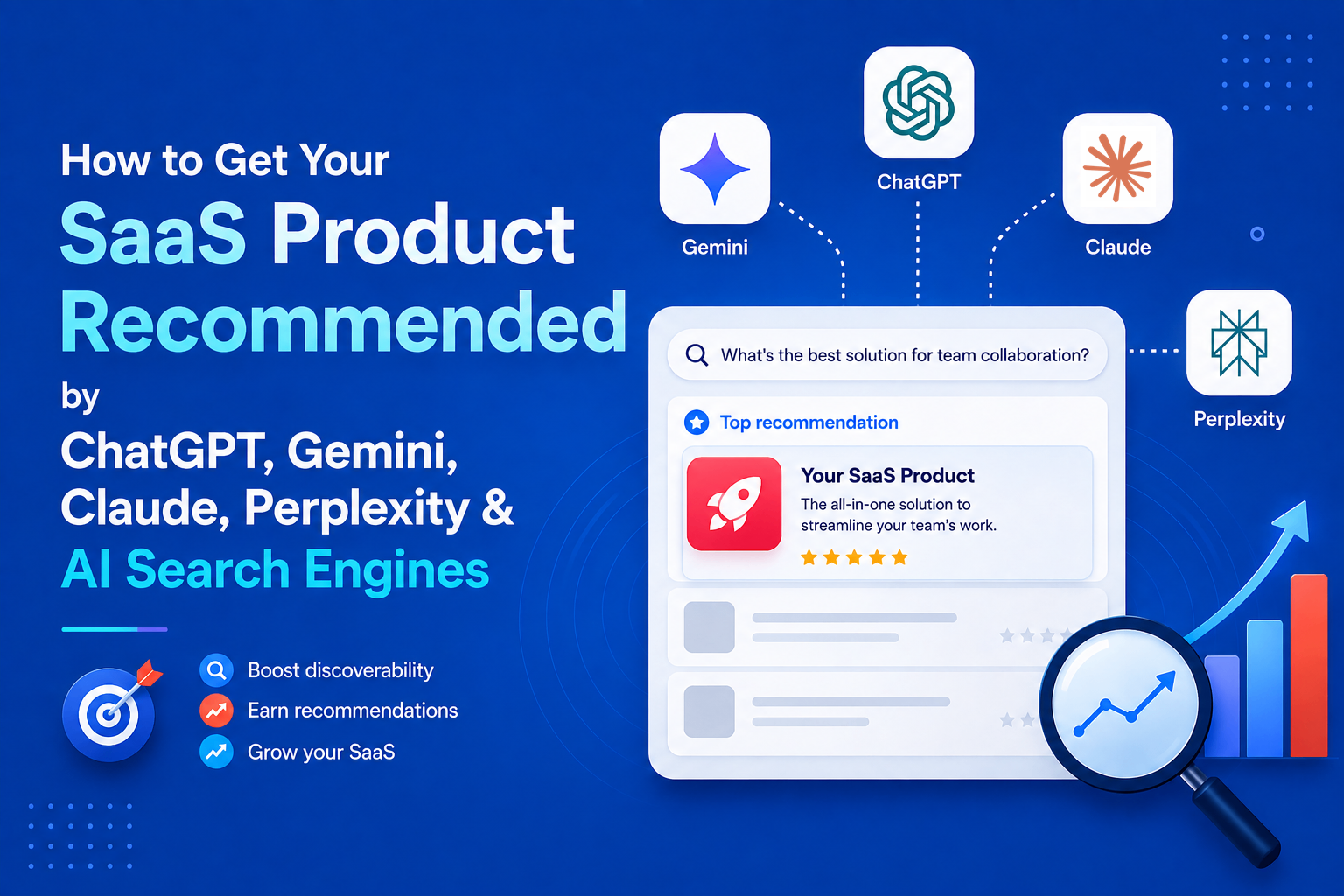
How to Get Your SaaS Product Recommended by ChatGPT, Gemini, Claude, Perplexity & AI Search Engines
A SaaS buyer who once searched Google for “best project management software” can now ask ChatGPT, Gemini, Perplexity, Claude , or Google AI Mode the same question in natural language: “What’s the best project management tool for a 10-person remote team?” Instead of returning a list of blue links, these systems can synthesize information from multiple sources and recommend a small set of products. That changes how SaaS companies need to think about search visibility. Ranking on Google still matters, but it is no longer the only way a potential customer can discover a product. AI search visibility is becoming an additional layer of SaaS SEO. It combines technical SEO, clear product positioning, useful content, third-party mentions, review platforms, community discussions, and consistent brand information across the web. There is no single tactic that guarantees a product will be recommended by an AI search engine. However, research from Google, OpenAI, Anthropic, Perplexity, Microsoft, Ahrefs, Semrush, and independent researchers reveals several recurring patterns. This guide explains what those patterns mean for SaaS companies and how to build a practical strategy for increasing visibility across ChatGPT, Google AI, Gemini, Perplexity, Claude, and Microsoft Copilot. > QUICK ANSWER > > For SaaS companies, AI search visibility comes down to six core areas: > > 1. Technical accessibility: Make sure search engines and AI crawlers can discover, crawl, and understand important pages. > 2. Entity clarity: Clearly explain what the product does, who it is for, what problem it solves, and how it differs from alternatives. > 3. Answer-focused content: Create comparison, alternatives, use-case, pricing, integration, and problem-focused content that directly answers buyer questions. > 4. Third-party presence: Build genuine visibility across platforms such as G2, Capterra, Reddit, YouTube, GitHub, Product Watch, Product Hunt, and relevant industry publications. > 5. Brand consistency: Keep product descriptions, categories, audiences, features, and other important facts consistent across the web. > 6. Measurement: Track realistic buyer prompts across multiple AI platforms instead of assuming that visibility on one platform means visibility everywhere. > > None of these guarantees a citation or recommendation. AI answers vary between platforms, queries, users, and model updates. The goal is to make the product easy for both people and AI systems to discover, understand, verify, and mention. WHAT "AI SEARCH VISIBILITY" ACTUALLY MEANS FOR A SAAS COMPANY Traditional SEO optimizes for a ranked list of links. AI search systems, including ChatGPT Search, Google's AI Overviews and AI Mode, Gemini, Perplexity, Claude, and Microsoft Copilot, instead synthesize answers from multiple retrieved sources and often attach citations. Princeton, Georgia Tech, the Allen Institute for AI, and IIT Delhi introduced the concept of "generative engines" in their Generative Engine Optimization (GEO) research paper, later published at KDD 2024. In a 10,000-query benchmark, adding citations, statistics, and quotations to content improved visibility by roughly 30 to 40% in their test setup. This was a controlled benchmark, not a guarantee of visibility on today's AI search platforms. Three distinctions matter. First, being retrieved is not the same as being cited: AI systems can retrieve pages without ultimately using them in the answer. Second, visibility is platform-specific. A page cited by Perplexity may not appear in ChatGPT for the same query because platforms use different retrieval and ranking systems. Third, AI visibility is not deterministic. The same prompt can produce different sources, so visibility should be measured as an ongoing trend rather than a one-time ranking. HOW THE MAJOR AI SEARCH PLATFORMS ACTUALLY RETRIEVE AND CITE CONTENT Each platform has published at least some documentation about how it handles web content, and independent research has filled in some of the gaps. None of the platforms discloses its full ranking logic, and none should be assumed to work identically to the others. CHATGPT SEARCH ChatGPT can rewrite a user's request into targeted search queries, retrieve web results, and generate answers with linked sources. OpenAI's OAI-SearchBot crawls sites for search visibility, while third-party research indicates ChatGPT may rely partly on Bing's index for live results. Bing indexing therefore matters alongside Google SEO. GOOGLE AI OVERVIEWS & AI MODE Google says there are no special SEO requirements, schema, or AI-specific files needed for AI Overviews or AI Mode. Pages must be indexed and eligible for normal Google Search. Both features use Google's Search index and existing quality signals, making strong traditional SEO the foundation for visibility. GEMINI Gemini and Google AI Mode use Google's Search infrastructure and Knowledge Graph. Third-party citation research suggests Gemini frequently draws from sources such as YouTube, Wikipedia, and Reddit, depending on the query. PERPLEXITY Perplexity uses its own crawler, PerplexityBot, to retrieve and cite web content. Its retrieval system evaluates multiple candidate pages before selecting sources based on factors such as relevance, freshness, and content structure. Fresh, recently updated content appears particularly important for fast-moving topics. CLAUDE Claude's web search and Research features provide real-time results with citations. Third-party reporting identifies Brave Search as its underlying search provider. Independent analysis of Claude citations has also found a strong presence of practitioner and company blogs containing detailed primary-source information. MICROSOFT COPILOT Microsoft Copilot uses Bing for current web information and applies Bing's ranking signals, including relevance, engagement, and freshness. For SaaS companies, Bing Webmaster Tools, sitemaps, and IndexNow can therefore help improve discoverability in Copilot. PLATFORM COMPARISON | Platform | Search/Web Access | Sources/Citations | SaaS Visibility Considerations | | | | | | | ChatGPT Search | Auto-triggers or manual search; OpenAI crawlers plus third-party search partners (Bing among them) for live retrieval | Inline citations with a linked sources panel; OpenAI documents exactly one official crawler-access lever (allowing OAI-SearchBot) | Bing indexing matters independently of Google; server-rendered, fact-dense pages are more reliably fetched than JS-heavy pages | | Google AI Overviews / AI Mode | Built on the standard Google Search index and Gemini models; no separate crawl or index | Supporting links must already be indexed and snippet-eligible in regular Search; Google states no special schema or markup is required | Classic technical SEO and Search Console health are the primary levers; there is currently no confirmed SaaS-specific override | | Gemini (standalone) | Google Search grounding plus Knowledge Graph; third-party analysis suggests heavier reliance on YouTube, Wikipedia, Reddit for some categories | Citations vary by mode; less transparent sourcing than Perplexity | Video content and community-sourced corroboration may carry more relative weight than on other platforms | | Perplexity | Dedicated PerplexityBot crawler plus live retrieval; roughly ten pages retrieved, three to four typically cited | Always shows inline, clickable citations | Strong, measurable recency bias; review-site and forum trust signals (G2, Trustpilot) reported to carry extra weight for commercial queries | | Claude | Web search tool (Brave Search backend, per independent reporting) and Research feature; both cite sources | Citations reference specific retrieved passages; Anthropic documentation confirms citation behavior but not ranking logic | Third-party analysis suggests a preference for primary-source, well-structured practitioner and company content over aggregated news | | Microsoft Copilot | Routes web queries through the Bing search service across all Copilot surfaces (consumer, Edge, Microsoft 365) | Cited answers; Bing Webmaster Tools now reports "AI Performance" showing which URLs are cited | Bing-specific indexing (Bing Webmaster Tools, IndexNow) is a separate, necessary channel from Google SEO | Two caveats apply to the whole table. None of the platforms discloses its complete ranking algorithm, so the "considerations" column reflects a mix of official documentation and credible third-party research, not confirmed formulas. And overlap between platforms is smaller than intuition suggests. Ahrefs' analysis of citation data found only about 13.7 percent URL overlap between Google's own AI Overviews and AI Mode, and other research has found only around 2 percent of cited URLs appear consistently across AI Overviews, ChatGPT, and Perplexity together. Treating "AI search" as one monolithic channel is a measurable mistake. DEFINING THE SAAS ENTITY CLEARLY Before any content or outreach tactic matters, AI systems first need to understand what the product is, who it serves, and what problem it solves. Generative engines rely heavily on entity recognition, connecting a brand to consistent facts across multiple sources. A useful framework is: For SaaS, a simple entity statement can be: [Product] is a [category] for [audience] that helps them [solve problem]. Instead of vague copy like “an all-in-one platform that helps teams work better,” clearly state something like “asynchronous status-update software for distributed engineering teams.” This gives AI systems concrete signals to match against relevant queries. The same core facts should remain consistent across the official website, G2, Capterra, Product Watch, Product Hunt, LinkedIn, GitHub, founder profiles, and industry coverage. Wording can vary, but category, core function, and audience should not contradict each other. HubSpot's semantic-restructuring experiment also suggests that making key facts explicit and consistently associated with the brand can improve AI citation visibility, although it was only one part of a broader strategy. Product association is the next layer. Category positioning answers “What is this?” while association answers “What tools, workflows, and platforms is it mentioned alongside?” Founder interviews, integration directories, tech-stack articles, comparison pages, and third-party coverage can expand these associations and help a product appear in adjacent AI-generated recommendations. CONTENT STRATEGY: ANSWERING REAL QUESTIONS, NOT JUST PUBLISHING UPDATES Generative engines are frequently used for genuinely comparative and evaluative questions, "what are the best expense management tools for startups," "what's the difference between Linear and Jira for a small engineering team," "what are good alternatives to Asana that are cheaper", and a SaaS company's content has the best chance of being useful to a retrieval system when it exists to answer exactly these questions, rather than existing primarily to announce product releases or promote features. This points toward several content types with a demonstrated logical fit for AI-search queries, though the degree to which any one of them "works" varies by category and competitive density: Comparison and alternatives pages directly match a large share of observed AI search queries in B2B SaaS ("X vs Y," "alternatives to X"), and Search Engine Land's analysis of cited content formats found articles, listicles, and comparison-style product pages among the most frequently cited formats across AI Mode, ChatGPT, and Perplexity. A comparison page written honestly, including where a competitor genuinely does something better, tends to be more citable than one written as thinly veiled marketing, because it more closely matches the kind of even-handed synthesis a language model is trying to produce. Use-case and audience-specific pages ("expense management for remote agencies," "CRM for solo consultants") map onto the highly specific, qualifier-heavy way people phrase conversational AI queries, which tend to be longer and more contextual than typed search queries. Integration pages matter disproportionately for SaaS because buyers frequently ask about compatibility ("does X integrate with Salesforce") as a filtering question before evaluating the product itself. Implementation and how-to guides serve two audiences simultaneously: the human reader deciding whether the product is usable for their situation, and a retrieval system looking for concrete, procedural, extractable answers rather than abstract claims. Pricing-comparison content addresses one of the most common conversational AI queries in SaaS ("what does X cost compared to Y") and is a category where accuracy and freshness matter more than almost anywhere else, since pricing pages go stale quickly and AI systems have been shown to favor recently updated sources for this reason. Problem-focused content, written around the buyer's actual pain point rather than the product's feature list, tends to match how people phrase questions to a conversational assistant more closely than product-centric copy does. What should get comparatively less priority, based on the evidence above, is content whose primary purpose is announcing releases, company milestones, or internal news, not because such content is worthless, but because it rarely matches the kind of evaluative or comparative question that triggers an AI-generated answer with citations in the first place. Product update content still has value for existing users and for direct-traffic engagement; it is simply not where AI-search visibility is most likely to be won. It helps to think concretely about how these queries actually sound in a conversational assistant, since phrasing shapes what gets retrieved. A typed Google query like "expense management software" becomes, in ChatGPT or Gemini, something closer to "what's a good expense management tool for a 15-person agency that already uses Xero, and does it handle multi-currency reimbursements." The qualifiers, team size, existing stack, a specific feature requirement- are exactly the kind of detail a generic homepage rarely addresses but a well-built use-case or integration page does. Content built around these longer, more specific phrasings has a structural advantage: it more closely mirrors both the query itself and the kind of self-contained, directly answerable passage a retrieval system is built to extract. This is also why FAQ-style sections embedded within longer pages, not necessarily marked up with the now-retired FAQPage rich result, but written as clear question-and-answer pairs, continue to have practical value for extraction even where the visual search-result benefit has gone away. Depth matters more than volume here. Search Engine Land's format analysis found listicles, standalone articles, and product pages among the most-cited content types, but none of the underlying research suggests that publishing a higher number of thin pages outperforms fewer, more thorough ones. A single comparison page that accurately covers pricing, feature parity, ideal-customer fit, and honest limitations for both products is more likely to be extracted cleanly than five shorter posts that each cover part of the same ground with less rigor. DO SAAS DIRECTORIES ACTUALLY HELP? Yes, with real caveats. G2's own account of third-party data, corroborated independently by Semrush and by the AI-visibility platform Profound, indicates G2 is disproportionately dominant among software review platforms as a citation source, accounting for roughly one-third to three-quarters of review-site citations across ChatGPT, Google AI Overviews, and Perplexity, depending on the study and platform measured. Separate research from AirOps and from SE Ranking found that review platforms collectively appear in roughly a third of commercial AI Overview answers, with the top five review platforms, Gartner Peer Insights, G2, Capterra, Product Watch, Software Advice, and TrustRadius, accounting for the large majority of review-site citations. In a notable consolidation, G2 completed a $110 million acquisition of Capterra, Software Advice, and GetApp from Gartner in early 2026, meaning a single company now operates several of the most-cited software review destinations. The practical implication is that a G2 and Capterra listing, populated with a meaningful number of genuine, detailed reviews, functions less like a marketing nicety and more like a prerequisite for being included in AI-generated software recommendations for many B2B categories; several independent analyses describe the absence of any review-platform presence as something close to a de facto exclusion from AI recommendation sets for competitive SaaS categories. Product Hunt operates differently: a launch can generate a short-term spike in mentions, backlinks, and community discussion, and Product Hunt pages themselves are occasionally cited directly, but the evidence for Product Hunt as an ongoing citation source is thinner and more anecdotal than the evidence for G2 or Capterra. Smaller or niche directories (SaaSHub, Product Watch, BetaList, category-specific lists) can support discoverability and backlink profiles in a modest way, but no available research shows they function as meaningful AI citation sources in their own right. This is also where a clear line needs to be drawn between legitimate directory presence and low-quality directory spam. Submitting a SaaS product to dozens of low-authority, auto-approval directories primarily built to sell backlinks does not have documented evidence of improving AI visibility, and several of the same studies that show backlink volume correlating only weakly with AI citation (discussed below) suggest this kind of mass submission is largely wasted effort. A small number of relevant, actively used, review-based platforms, where real customers leave real reviews that get periodically refreshed, appear to matter considerably more than a large number of generic listings. WHERE SAAS DIRECTORIES FIT INTO AI SEARCH VISIBILITY SaaS directories can contribute to discoverability, but not all directories provide the same value. A listing on a well-established platform can give AI systems another independent source that confirms what a product is, which category it belongs to, who uses it, and how it compares with other products. Review platforms such as G2 and Capterra are particularly relevant because they contain structured product information, customer reviews, category classifications, comparisons, and other signals that can help establish a product's presence in the software ecosystem. Product discovery platforms and niche SaaS directories can also help create additional references to a product, particularly when their pages are indexed, maintained, and genuinely useful to users. However, submitting a product to hundreds of low-quality directories purely to obtain backlinks should not be confused with building AI search visibility. A large number of duplicate or low-value listings is not a substitute for genuine reviews, community discussion, editorial coverage, useful comparisons, and strong product information. The goal is not to collect the largest possible number of directory links. The goal is to build a consistent and credible web presence around the product. COMMUNITY AND THIRD-PARTY VISIBILITY Independent research consistently finds that the large majority of what AI systems cite about a brand originates from sources the brand does not own or directly control. Muck Rack's analysis of AI citations across ChatGPT, Claude, and Gemini found that the substantial majority of citations traced back to earned media rather than brand-owned domains, with paid or advertorial content accounting for a negligible fraction. Separate analysis attributes only a small single-digit-to-low-double-digit percentage of AI-cited sources to a brand's own website. This reframes the practical objective: a SaaS company's own blog and documentation matter, but the majority of the visibility work happens in coverage, mentions, and discussion the company does not directly author. Reddit and Hacker News discussions occupy an unusual position here. On one hand, several platforms, Gemini and, to a lesser extent, ChatGPT and Perplexity, have been documented drawing on Reddit as a grounding source, and HubSpot's own case study reported Reddit-driven citations of its content growing from roughly 178 in May 2025 to around 146,000 by December 2025, a scale shift the company attributes partly to deliberate community engagement. On the other hand, Reddit's own CEO, Steve Huffman, stated on the company's Q3 2025 earnings call that AI chatbots were not, at that point, a meaningful source of referral traffic back to Reddit, a reminder that a platform can be an important input to AI answers while sending little direct traffic in return, and that community visibility should be evaluated as a citation-source strategy, not primarily as a traffic-generation one. Indie Hackers, relevant subreddits, and product-specific Slack or Discord communities function best as venues for genuine participation rather than promotion: answering real questions, being named organically by other founders and users in threads about tooling choices, and letting a product accumulate the kind of independent, third-party corroboration that both traditional SEO and AI retrieval systems treat as a trust signal. GitHub carries particular weight for developer-facing SaaS products specifically: an active, well-documented repository, responsive issue handling, and genuine community contribution function as both a technical credibility signal and a discovery surface, since developer questions about tooling are disproportionately likely to surface GitHub activity, README content, and developer blog posts in both traditional search and AI-assisted coding tools. The distinction between being present and being mentioned is important. Creating a Reddit account and repeatedly posting links to a product does not create the same signal as a product being discussed by independent users. Similarly, having a GitHub repository is different from having developers reference, contribute to, or discuss that repository. For AI search, the stronger objective is not simply to publish more links. It is to become part of the existing conversations around a category, problem, workflow, or use case. The core limitation to keep in mind: none of this research supports treating a single viral Reddit thread, one well-performing Hacker News post, or one favorable YouTube review as proof of a repeatable strategy. These are individual data points in a large and shifting system, useful for identifying directional patterns rather than as standalone case studies. TECHNICAL SEO AND STRUCTURED DATA: WHAT STILL MATTERS, AND WHAT DOESN'T Google's own documentation is explicit that AI Overviews and AI Mode rely on the same underlying index and ranking systems as regular Search, and that a page ineligible for a normal Search snippet is not going to appear in either AI feature. That single fact does most of the work in explaining why technical SEO fundamentals have not become obsolete: crawlability (robots.txt not blocking relevant bots, no accidental noindex tags), clean XML sitemaps, sensible internal linking, server-side or properly hydrated rendering for JavaScript-heavy sites, reasonable page performance, and a healthy Search Console account remain foundational, not because they are new AI-search tactics, but because AI features are downstream of the same indexing pipeline as everything else. For crawler access specifically, each AI platform operates named bots that a SaaS site can allow or block through robots.txt: OpenAI's GPTBot and OAI-SearchBot, Google's crawlers (including the Google-Extended designation relevant to AI training and features), Anthropic's ClaudeBot, PerplexityBot, and Bingbot for Microsoft's ecosystem. Blocking a platform's crawler is a legitimate choice some publishers make for data-use reasons, but it comes with a direct visibility trade-off for that specific platform, and several analyses note that blocking AI training crawlers (distinct from AI search/retrieval crawlers, which are frequently separate bots with separate directives) has been shown to have negligible measurable effect on Google ranking specifically, the two access decisions are not the same lever. On structured data, the evidence is more mixed than much of the SEO industry content on this topic suggests. Google's documentation states directly that no special or new schema is required to appear in AI Overviews or AI Mode. That does not make schema markup pointless; Organization, Product, SoftwareApplication, Article, and BreadcrumbList markup remain useful for classic rich-result eligibility and for giving any parsing system (human-built or AI-built) an unambiguous, structured description of entities like pricing, ratings, and authorship. FAQPage markup is a partial exception worth flagging precisely: Google discontinued the FAQ rich-result search feature in mid-2026, along with related Search Console reporting, though FAQPage itself remains a valid schema.org type and well-structured question-and-answer content can still support extraction by AI systems even without the now-retired rich-result treatment. Review schema, applied honestly to genuine customer reviews rather than manufactured ones, supports the same trust signals that third-party review platforms provide, though it does not substitute for an actual G2 or Capterra presence. JavaScript rendering deserves a specific note because SaaS marketing sites, often built on modern frontend frameworks, are more exposed to this issue than many other website categories. Several independent crawler analyses have found that AI retrieval bots are less consistent than Googlebot at executing client-side JavaScript before extracting content, meaning a page that renders correctly in a browser can still return largely empty or partial content to a crawler that only reads the initial HTML response. Server-side rendering, static generation, or dynamic rendering specifically for known bot user agents reduces this risk. This is a case where a technical SEO best practice that predates AI search, ensuring content is present in the initial HTML rather than requiring script execution, has become more, not less, important, because the cost of failure (a blank or truncated page fed to a retrieval system) is more consequential when the page might otherwise have been quoted directly in an answer. Freshness signals also merit a more precise treatment than "keep content updated." Visible, accurate "last updated" dates, genuinely refreshed statistics and screenshots (not just a changed timestamp on unchanged text), and updated comparison data as competitors change pricing or features all appear to matter, particularly for Perplexity and for any AI Overview query with a time-sensitive dimension. Several industry analyses report a measurable citation gap between recently updated and stale content, though exact figures vary by study and should be read as directional rather than as a precise, universal multiplier. The llms.txt file deserves a direct, evidence-based answer, because it has generated disproportionate attention relative to what has actually been confirmed. llms.txt is a community-proposed convention, not a standard endorsed by any standards body, and not something any major AI company has publicly confirmed using in production retrieval or citation systems. Google's Search Advocate Gary Illyes has stated on the record that Google does not support it, and John Mueller has compared it to the long-discredited keywords meta tag. Independent research reinforces this: SE Ranking's analysis of roughly 300,000 domains found no statistically significant correlation between having an llms.txt file and AI citation frequency, and removing the variable from a predictive citation model reportedly improved the model's accuracy. Separate crawler-log analysis covering hundreds of millions of AI bot visits found that llms.txt files were fetched only a negligible number of times relative to total AI crawler traffic. The honest, evidence-based conclusion is that llms.txt is low-cost to implement, occasionally useful for developer-documentation sites and for the emerging category of AI coding agents that may consume it directly, but it is not a confirmed AI-search ranking or citation factor, and content teams should not treat it as a substitute for the fundamentals above. THE STEP-BY-STEP VISIBILITY PLAYBOOK The sections above explain what the evidence supports. This playbook turns that evidence into an order of operations, sequenced by dependency and effect rather than by calendar time. Each step builds on the one before it. Skipping ahead, for example, chasing press coverage before the product's own category positioning is settled, tends to waste the later effort, because journalists, reviewers, and community members have nothing consistent to repeat back. The steps below are not a schedule. They are a priority order: work through them in sequence, and revisit earlier steps whenever a later one exposes a gap. STEP-BY-STEP AI SEARCH VISIBILITY PLAYBOOK Step 1: Make the site fully crawlable. Ensure important pages are crawlable, indexable, and rendered correctly without relying entirely on JavaScript. Check robots.txt, Search Console, XML sitemaps, Bing Webmaster Tools, and key pages such as the homepage, pricing, comparison, and use-case pages. Keep AI search crawlers and training crawlers as separate access decisions. Step 2: Define the product clearly and consistently. Create one clear statement covering the category, audience, problem, use cases, and differentiator. Use the same core description across the website, G2, Capterra, Product Hunt, LinkedIn, and other relevant profiles. Consistency makes the product easier to identify and distinguish. Step 3: Create content around real buyer questions. Prioritize comparison, alternatives, use-case, integration, pricing, and problem-focused content. Write for specific queries such as "expense software for a 15-person agency using Xero," rather than relying only on broad category pages. Keep comparisons balanced and information accurate. Step 4: Build genuine third-party presence. Maintain relevant G2 and Capterra profiles, encourage genuine customer reviews, and participate naturally in Reddit, Indie Hackers, Slack, and Discord communities. For developer-focused SaaS, GitHub activity, documentation, and issue responsiveness can also strengthen the product's wider web presence. Step 5: Earn independent coverage. Build relationships with industry publications, independent bloggers, reviewers, and relevant media. Since AI systems frequently use third-party sources, independent mentions can provide additional evidence about what the product is and where it fits. Step 6: Measure and iterate. Track a fixed set of buyer-focused prompts across major AI platforms. Record mentions, recommendation position, accuracy, competitors, and cited sources. Treat the first results as a baseline and use subsequent changes to decide where to invest more in content, technical SEO, community, and third-party coverage. AN ORIGINAL AI SEARCH VISIBILITY FRAMEWORK FOR SAAS The framework below is an editorial tool for structuring internal audits and prioritization; it is not an official scoring system from Google, OpenAI, Anthropic, or Perplexity, none of which publish a visibility score of this kind. It organizes the areas covered in this article into eight dimensions a SaaS team can walk through, roughly in order of foundational dependency: later dimensions matter less if earlier ones are unresolved. 1. Entity clarity: Is the product's category, audience, and function stated unambiguously and consistently across owned and third-party surfaces, following the Product → Category → Audience → Problem → Use Case → Features → Alternatives → Differentiator chain? 2. Technical discoverability: Is the site fully crawlable and indexable by Googlebot, Bingbot, and the relevant AI crawlers; is content accessible without heavy client-side rendering dependencies; is Search Console clean of major errors? 3. Content depth and answer-readiness: Does the site have dedicated pages answering real comparison, alternative, use-case, and pricing questions, structured with direct, extractable answers rather than only marketing narrative? 4. Topical authority, Does the site demonstrate depth across a coherent topic cluster relevant to its category, rather than isolated, disconnected posts? 5. Third-party and earned presence, Does independent coverage exist in industry publications, comparison sites, and community discussion that a generative engine is likely to retrieve alongside or instead of the owned domain? 6. Review-platform strength, Is the product listed and actively reviewed on G2, Capterra, and any category-relevant review platform, with a volume and recency of reviews that supports trust signals? 7. Community visibility: Is the product discussed organically, without being purely self-promotional, in Reddit, Hacker News, Indie Hackers, and (for developer products) GitHub? 8. Brand consistency and freshness: Do the core facts about the product remain accurate and current across all of the above, with a visible cadence of updates rather than stale, unmaintained pages? A team scoring itself honestly against these eight dimensions, even informally, without a numeric system, will generally find gaps concentrated in dimensions five through seven, since most SaaS marketing organizations are structurally built to manage dimensions one through four (owned content and technical SEO) and much less equipped to manage earned, third-party, and community presence. HOW TO MEASURE AI SEARCH VISIBILITY Because AI platforms do not offer a universal equivalent of Google Search Console, most SaaS teams combine manual prompt testing with AI-visibility monitoring tools. Bing Webmaster Tools and Google Search Console are also adding limited AI-search reporting. Start with realistic buyer queries rather than brand searches: * “What are the best [category] tools?” * “What are the best [category] tools for startups?” * “What are alternatives to [competitor]?” * “Compare [Product A] vs [Product B] for [use case].” * “What is the best [category] tool for [use case]?” Run these prompts across ChatGPT, Gemini, Perplexity, Claude and Copilot and record whether the product appears, its position, whether the description is accurate, and which sources are cited. Repeat the same prompts regularly because AI answers can change over time. For larger-scale tracking, tools such as PromptWatch, Profound, Peec AI, Otterly.AI, Semrush, and Ahrefs can automate prompt monitoring, competitor comparisons, and citation analysis. The goal is not a single visibility score. Look for sustained patterns across realistic buyer queries, especially which competitors appear consistently and which third-party sources are behind their recommendations. CONCLUSION AI search visibility is not a replacement for SEO. For SaaS companies, it is becoming an additional layer of search visibility built on many of the same foundations. A product still needs a crawlable website, useful content, strong technical SEO, and clear information. But that is only part of the picture. AI systems also need enough independent evidence to understand what the product does, who it serves, how it compares with alternatives, and whether other people and organizations recognize it as a credible solution. That makes AI search visibility a broader ecosystem problem rather than a single-page optimization exercise. The strongest approach is therefore straightforward: make the product technically accessible, define the product clearly, answer the questions buyers actually ask, build genuine third-party presence, keep information consistent, and measure visibility across multiple AI platforms. There is no guaranteed formula for appearing in ChatGPT, Gemini, Perplexity, Google AI, Claude, or Copilot. But SaaS companies that consistently make their products easier to discover, understand, verify, and discuss are better positioned for the way software discovery is changing. REFERENCES 1. Xu, H., Iqbal, U., & Montgomery, J. M. (2026). Measuring Google AI Overviews: Activation, Source Quality, Claim Fidelity, and Publisher Impact. arXiv:2605.14021. 2. Zhang, P., Cui, R., & Zhang, D. J. (2026). The Impact of AI Search on the Online Content Ecosystem: Evidence from Google and Reddit. arXiv:2605.16428. 3. Top 10 AI Search Visibility Tools in 2026 4. Top 8 Programmatic SEO Tools to Scale Organic Search Traffic in 2026 5. Best 50 Product Hunt Alternatives in 2026