
Best Design Tools products of the month June 2026
Explore the most innovative and popular design tools products that captured the community's attention during month. These rankings help builders compare standout launches, understand what each product does, and discover practical tools shaping the future of technology.
Period
Monthly ranking
Published for
June 2026
Selection
10 ranked products
Ranked list
Community-backed design tools picks
Each product profile includes the launch story, visual preview, and direct product link so readers can move from discovery to evaluation quickly.
01

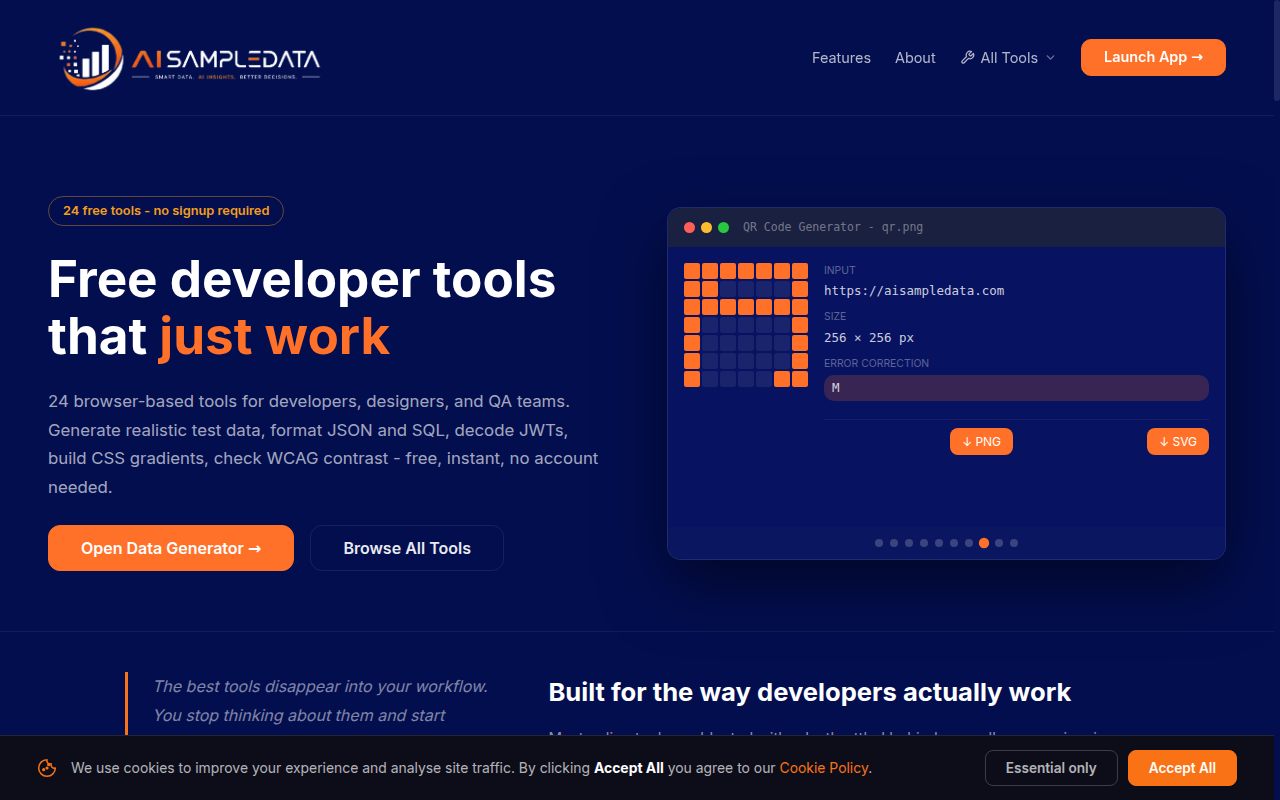
AISampleData is a comprehensive suite of 24 free, browser-based tools designed to streamline your development and design workflow. Whether you need to generate realistic test data, format JSON and SQL, encode tokens, or build CSS gradients, this platform delivers instant results without any setup or account requirements. Every process runs locally in your browser, ensuring your data remains private while you work. Stop tab-hopping and consolidate your daily tasks with this fast, reliable, and developer-friendly utility set.
02

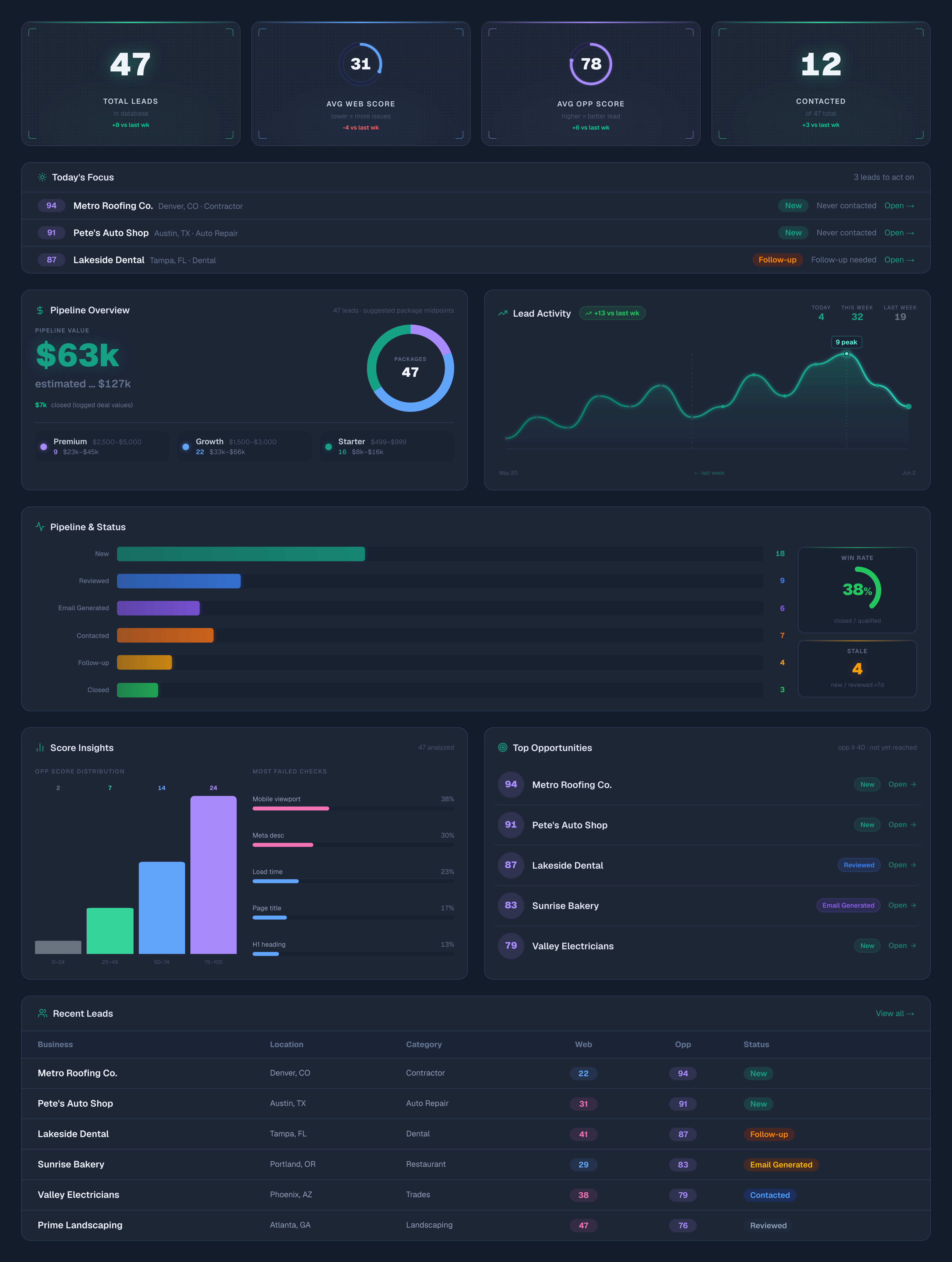
ClientJam streamlines your prospecting workflow by turning website audits into actionable sales opportunities. Simply paste a business URL to receive a comprehensive technical scan, an AI-powered opportunity score, and three personalized outreach emails in seconds. Whether you are identifying site issues like speed or SEO gaps or managing your sales pipeline, ClientJam helps you land more clients with less effort. It is the perfect tool for solo designers and agencies looking to replace hours of manual research with a faster, smarter way to pitch.
03

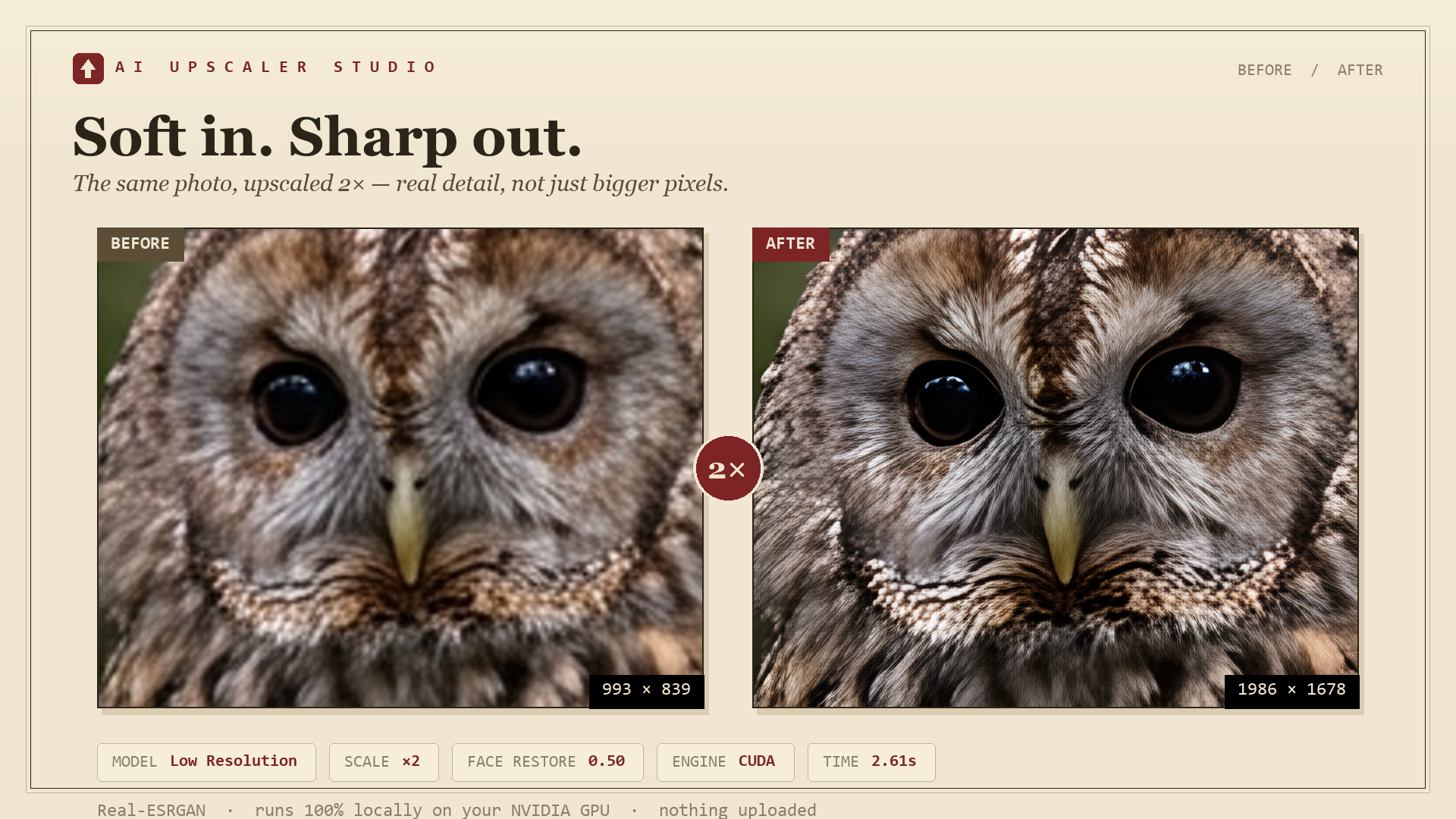
AI Upscaler Studio batch-upscales whole folders on your own NVIDIA GPU - no per-image limit. 1x to 10x scale slider, three Real-ESRGAN / RealESRNet models, optional GFPGAN face restoration with a fidelity slider, and a watch folder that auto-upscales anything you drop into it. Poster-size presets bake DPI (up to 600) into the file so Etsy and Redbubble accept it, and transparent PNGs keep clean edges. No GPU? Use the optional Replicate cloud fallback with your own key. Runs 100% locally - nothing uploaded, no account, no watermark. One-time price, no subscription, 30-day refund. Windows 10/11. Honest note: the v1 installer isn't code-signed yet, so Windows SmartScreen warns on first launch (More info -> Run anyway); a certificate is on the way.
04

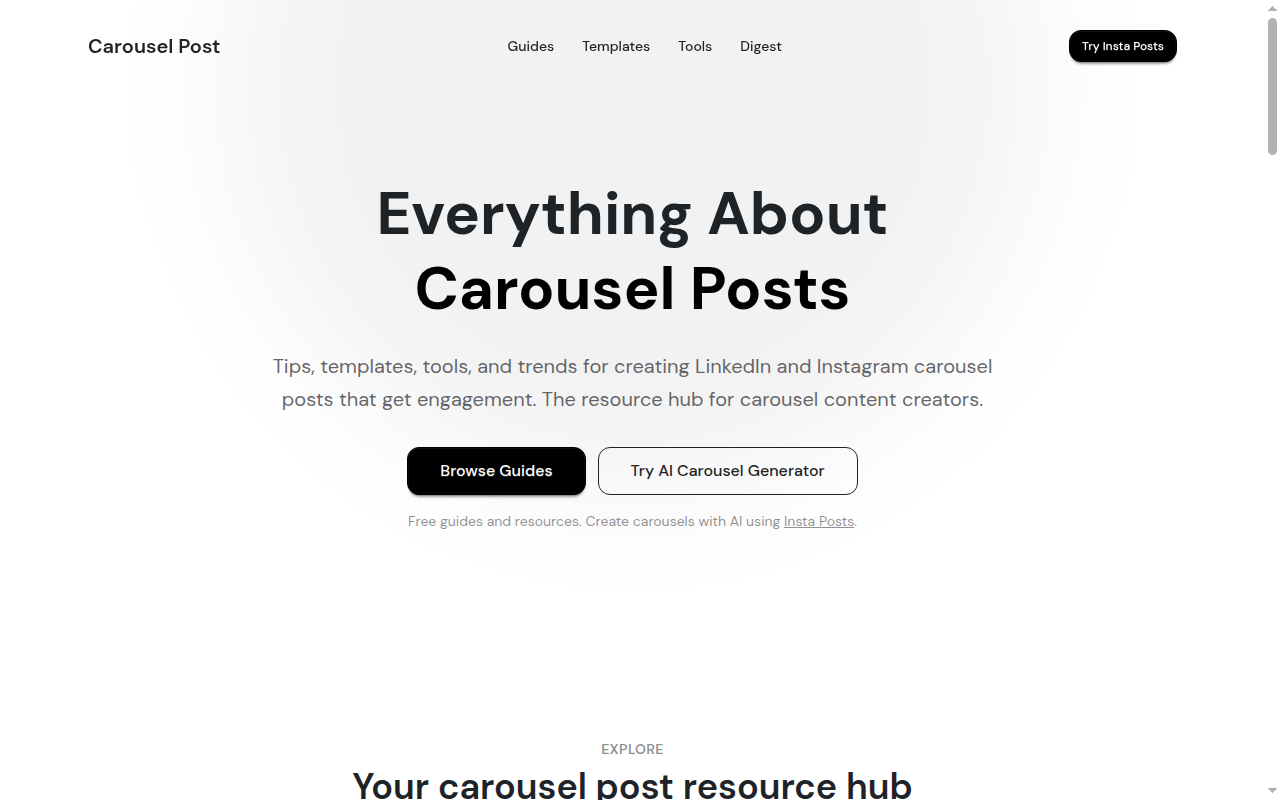
Carousel Post is a practical resource hub for creators, marketers, founders, social media managers, agencies, and content teams who want to create better carousel posts for LinkedIn and Instagram. The site publishes guides, templates, tool reviews, trend analysis, engagement data, examples, and content ideas to help users plan, design, and publish carousel content that performs. Carousel Post covers the full carousel workflow: what a carousel post is, how LinkedIn and Instagram carousels work, the best carousel sizes and formats, how to structure slides, how to write stronger hooks, how to use templates, how to compare carousel tools, and how to create carousels faster with AI. It is built for people who want to turn ideas, blog posts, tips, product lessons, case studies, and educational content into swipeable posts that are easier to save, share, and engage with.


07

MAI-Image-2.5 is a powerful model for text-to-image generation and image editing. It excels at tasks like localized edits, preserving subject identity, and rendering text accurately within images. Developers can access it through Foundry or OpenRouter to integrate high-quality, professional image workflows into their own applications.
08

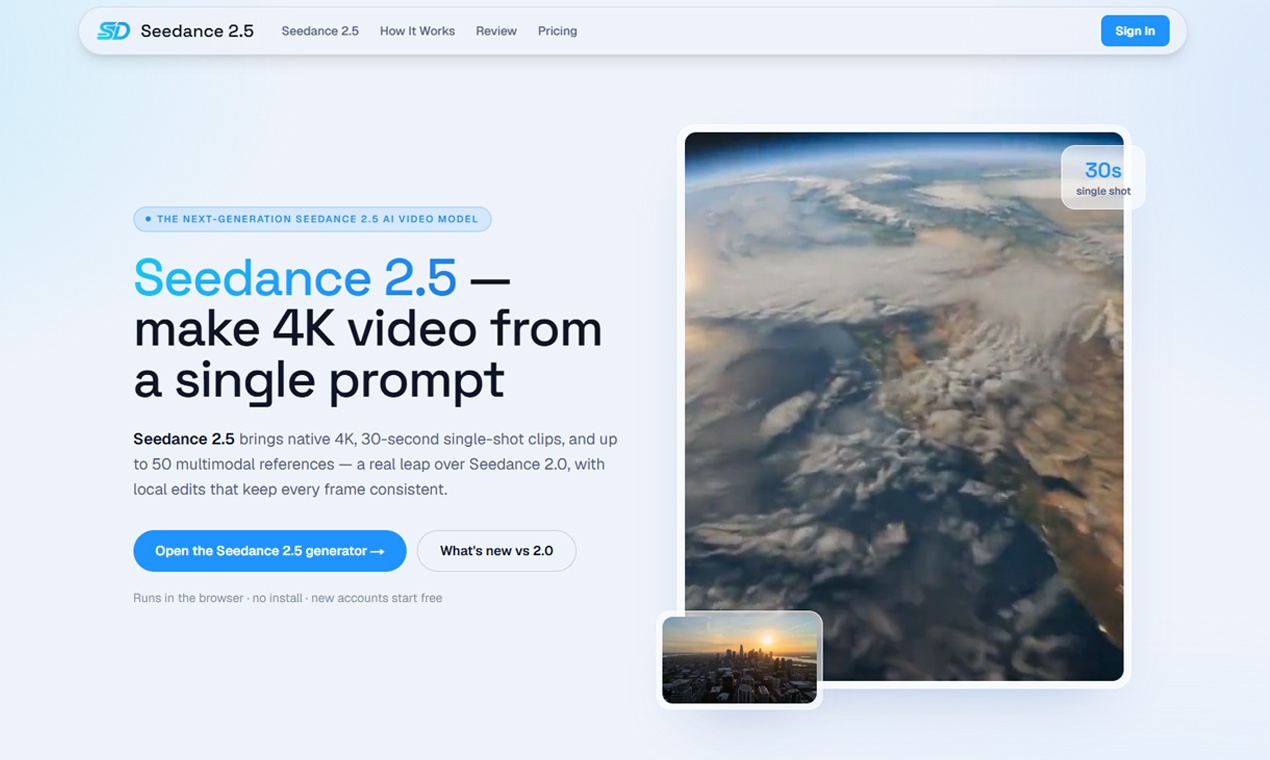
Seedance 2.5 is a next-generation AI video generator designed for high-quality, finished work rather than just drafts. It enables creators, marketers, and product teams to produce native 4K, 30-second single-shot clips directly in their browser. With support for up to 50 multimodal references and precise local editing, users can maintain consistent characters and styles, making it perfect for film, advertising, social media content, and product visualization.
09

Branda transforms a simple name and initial idea into a comprehensive, professional brand identity in just minutes. It generates everything you need for a strong brand presence, including core strategy, distinctive logos, cohesive color palettes, refined typography, and a complete brand kit. You can start fresh or effortlessly import your existing assets. With 200 free credits upon signup, you have the flexibility to let AI lead the creative process with "Lucky," or actively guide the strategy, sketches, and vector concepts yourself. Utilize precise visual prompts to ensure consistency across every generation, extract specific design elements, vectorize your creations to SVG, upscale for high-resolution use, export your final assets, and easily share your brand's public showcase.
10

Paint by JSON is an essential Figma plugin that intelligently binds your design layers to live REST endpoints. This allows you to design with real, dynamic data instead of relying on generic lorem ipsum placeholders. The process is straightforward: simply paste a URL, map specific JSON paths to your layer names, save your custom configuration as a reusable Palette, and then apply it to any frame within your Figma project. This powerful tool ensures your designs are always accurate and reflect real-world content, enhancing efficiency and realism in your design workflow.