
Best Design Tools products of the week June 8, 2026
Explore the most innovative and popular design tools products that captured the community's attention during week. These rankings help builders compare standout launches, understand what each product does, and discover practical tools shaping the future of technology.
Period
Weekly ranking
Published for
June 8, 2026
Selection
9 ranked products
Ranked list
Community-backed design tools picks
Each product profile includes the launch story, visual preview, and direct product link so readers can move from discovery to evaluation quickly.
01

MAI-Image-2.5 is a powerful model for text-to-image generation and image editing. It excels at tasks like localized edits, preserving subject identity, and rendering text accurately within images. Developers can access it through Foundry or OpenRouter to integrate high-quality, professional image workflows into their own applications.
02


Carousel Post is a practical resource hub for creators, marketers, founders, social media managers, agencies, and content teams who want to create better carousel posts for LinkedIn and Instagram. The site publishes guides, templates, tool reviews, trend analysis, engagement data, examples, and content ideas to help users plan, design, and publish carousel content that performs. Carousel Post covers the full carousel workflow: what a carousel post is, how LinkedIn and Instagram carousels work, the best carousel sizes and formats, how to structure slides, how to write stronger hooks, how to use templates, how to compare carousel tools, and how to create carousels faster with AI. It is built for people who want to turn ideas, blog posts, tips, product lessons, case studies, and educational content into swipeable posts that are easier to save, share, and engage with.
03

Great ideas deserve great slides. LUMO uses AI to turn your thinking into polished decks instantly, beautifully, and exactly the way you want them. LUMO turns your ideas into beautiful presentations in seconds. Generate slides from a prompt, refine them in the canvas editor, and share with your team - all in one place.
04

Gather makes it incredibly easy to find any design references you need. Think of it as your personal second brain for visual inspiration, allowing you to save screenshots, photos, and links effortlessly. The best part is how you can search through them: simply describe what you're looking for, just like you would to a friend, such as 'that muted retro car ad,' and Gather will find it for you.

06
Fluido is a generative design tool that brings the stunning aesthetic of liquid metal and chrome directly into your Figma canvas. You can instantly transform any vector, text, or frame into an organic, fluid masterpiece, giving your designs a unique and mesmerizing professional look with very little effort.
07

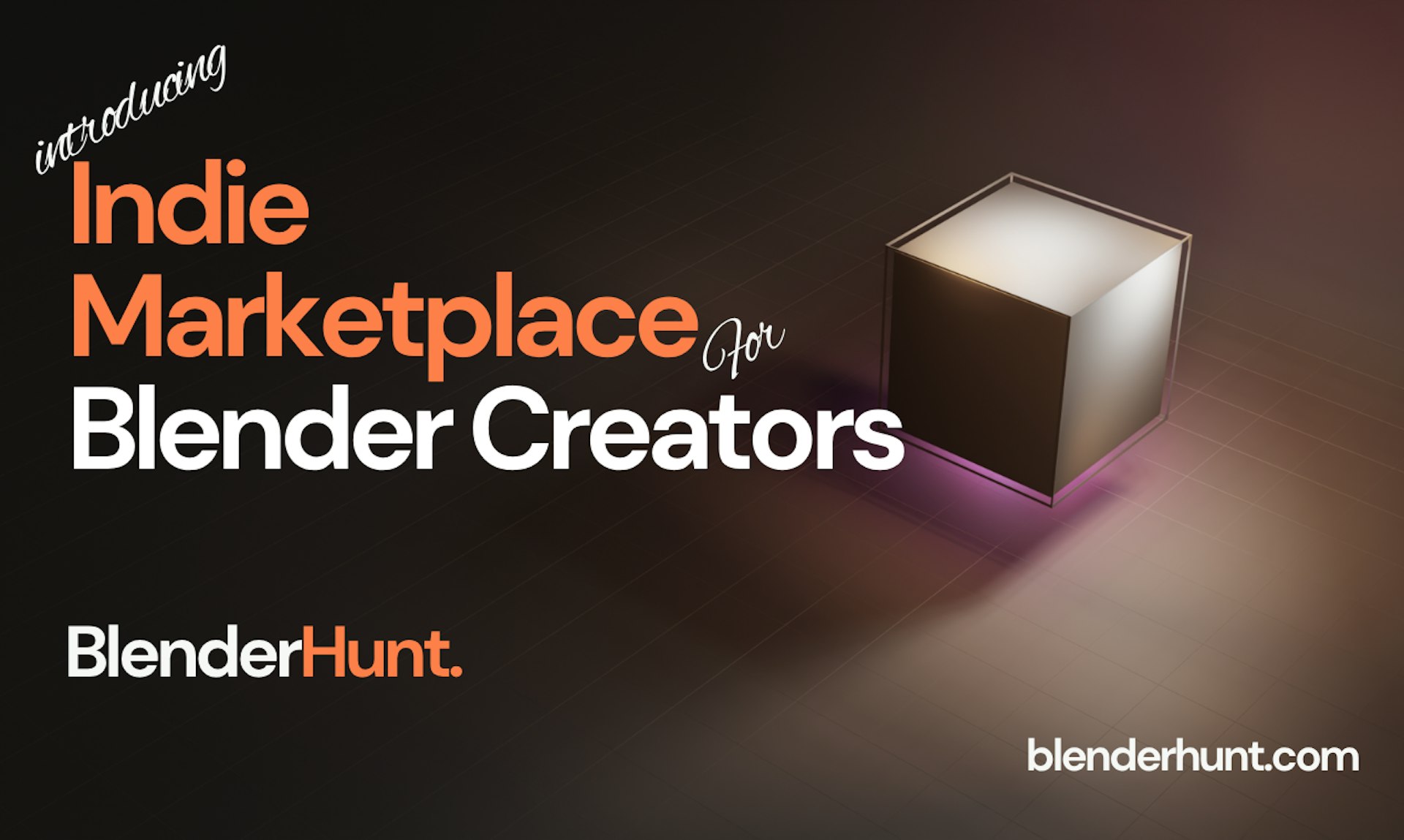
Blenderhunt is a specialized marketplace where Blender creators can find, sell, and buy high-quality assets. Whether you need materials, addons, or tools, you can discover resources crafted by independent artists from all around the world.
08

Reve 2.0 generates and edits 4K images using a layout first model that divides each image into addressable regions. It is designed for creative teams, marketers, and designers who require precise control over image composition, allowing for professional grade editing and generation in a streamlined workflow.
09

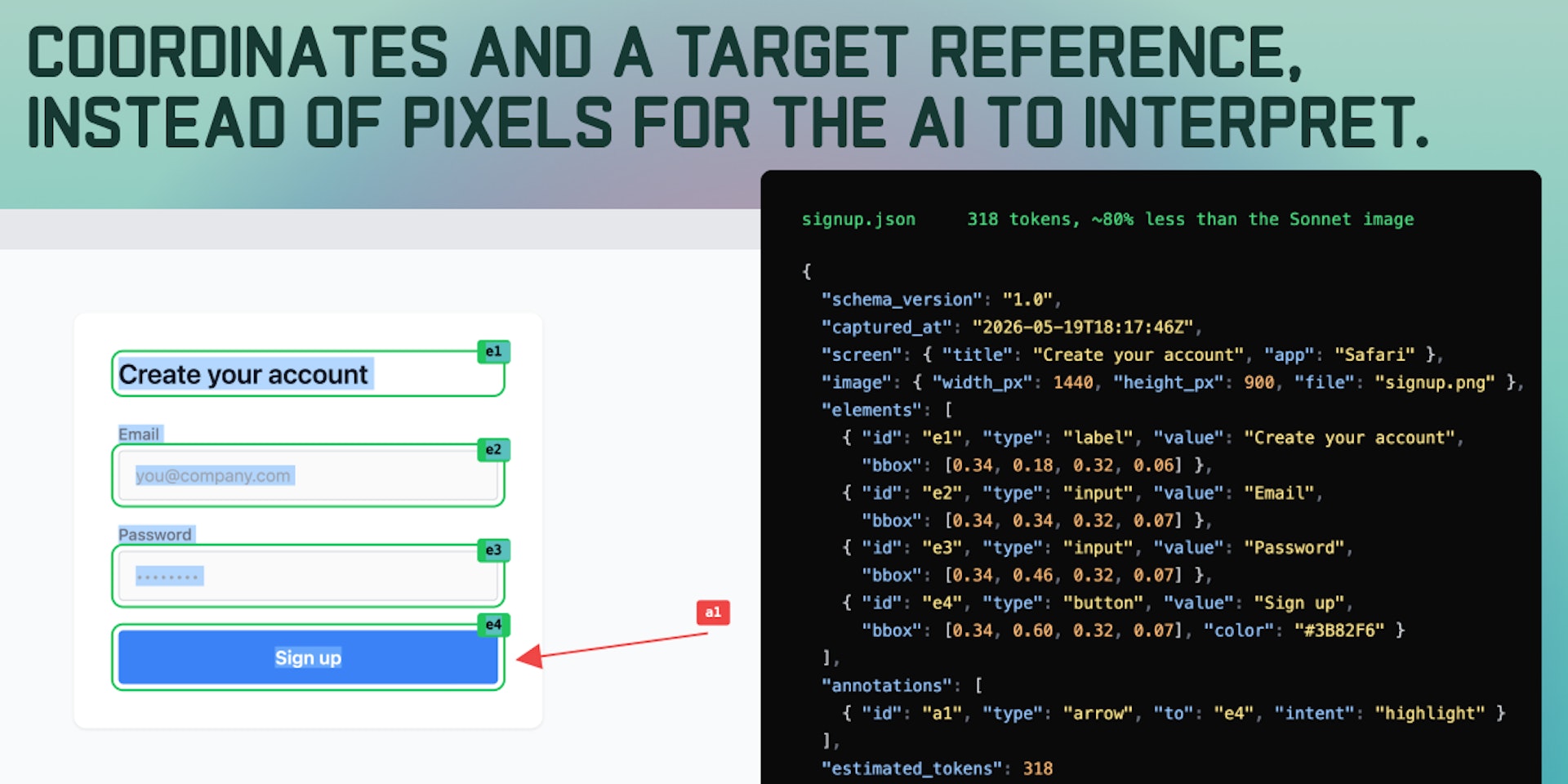
SlimSnap uses on-device AI to interpret your screenshots as structured data, identifying buttons and UI elements with precision. It converts your screenshot and annotations into a clean JSON format containing element IDs and coordinates, which is highly efficient for LLM token usage. This free Mac application is open-source and runs entirely on your local machine for maximum privacy and performance.