Best Design Tools products of the week October 26, 2026
Explore the most innovative and popular design tools products that captured the community's attention during week. These rankings help builders compare standout launches, understand what each product does, and discover practical tools shaping the future of technology.
Period
Weekly ranking
Published for
October 26, 2026
Selection
10 ranked products
Ranked list
Community-backed design tools picks
Each product profile includes the launch story, visual preview, and direct product link so readers can move from discovery to evaluation quickly.
01

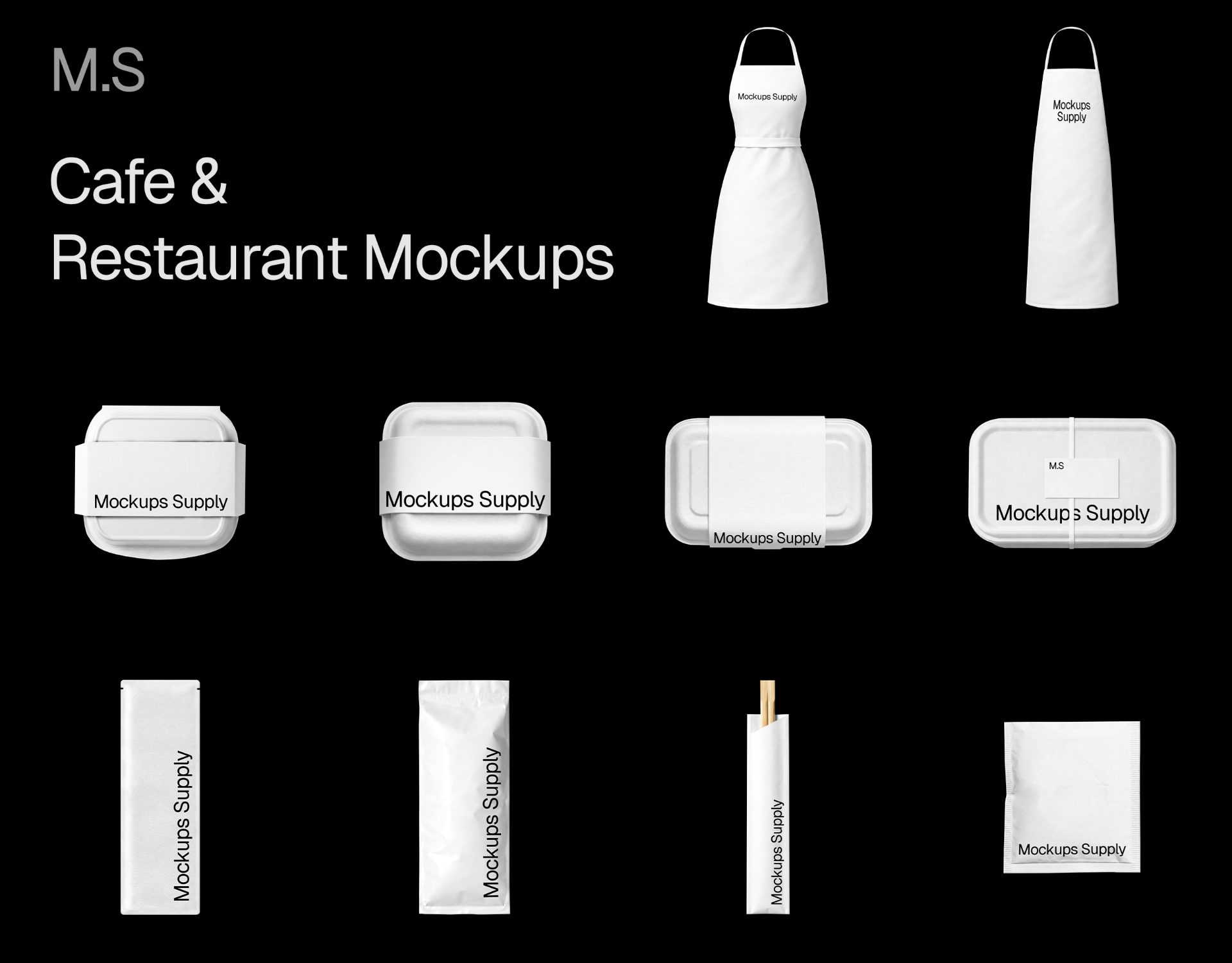
Mockups Supply provides a vast collection of high quality, professionally designed mockups to elevate your creative work. With a single subscription, you get unlimited access to download and use a variety of realistic assets, including billboards, posters, and retail displays. Every file is thoughtfully layered and easy to customize in Photoshop, making it perfect for designers, agencies, and creators who need fast, reliable presentation tools. Whether you are working on personal branding or commercial client projects, our platform offers the assets you need to showcase your designs with confidence.
02
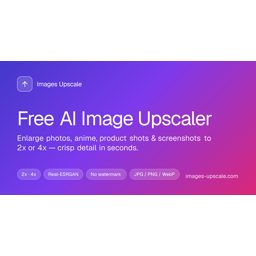

Images Upscale is a free AI image upscaler that runs in the browser. Upload JPG, PNG, or WebP (up to 25 MB), choose 2x or 4x, and download a sharper image with no watermark — typically in about 5–15 seconds. Modes for photos, anime, product shots, screenshots. Guests get 2 free credits per day.
03


RoomDesignGPT is an AI-powered interior design tool that lets you visualize home makeovers in seconds. Simply upload a photo of your space, choose from over 60 curated design styles, and receive a photoreal render that preserves your room's layout, windows, and proportions. Whether you are a homeowner planning a renovation, a real estate agent virtual staging a listing, or an interior designer pitching concepts, this tool eliminates the need for expensive 3D software or complex manual rendering. Get professional-grade design inspiration and mood boards without the wait.
04

UseIt is an AI design studio for things you can hold. Describe what you want in one sentence. UseIt asks what a designer would ask, designs it with you, and lets you refine any detail by pointing at it. You get a real, editable design file, not a flat image, ready to print, cut and fold, with real dimensions, bleed and dielines. Make pins, stickers, gift boxes, pop-up cards, brand kits and more. Use it in your browser, or call it up anywhere on your Windows desktop.
05

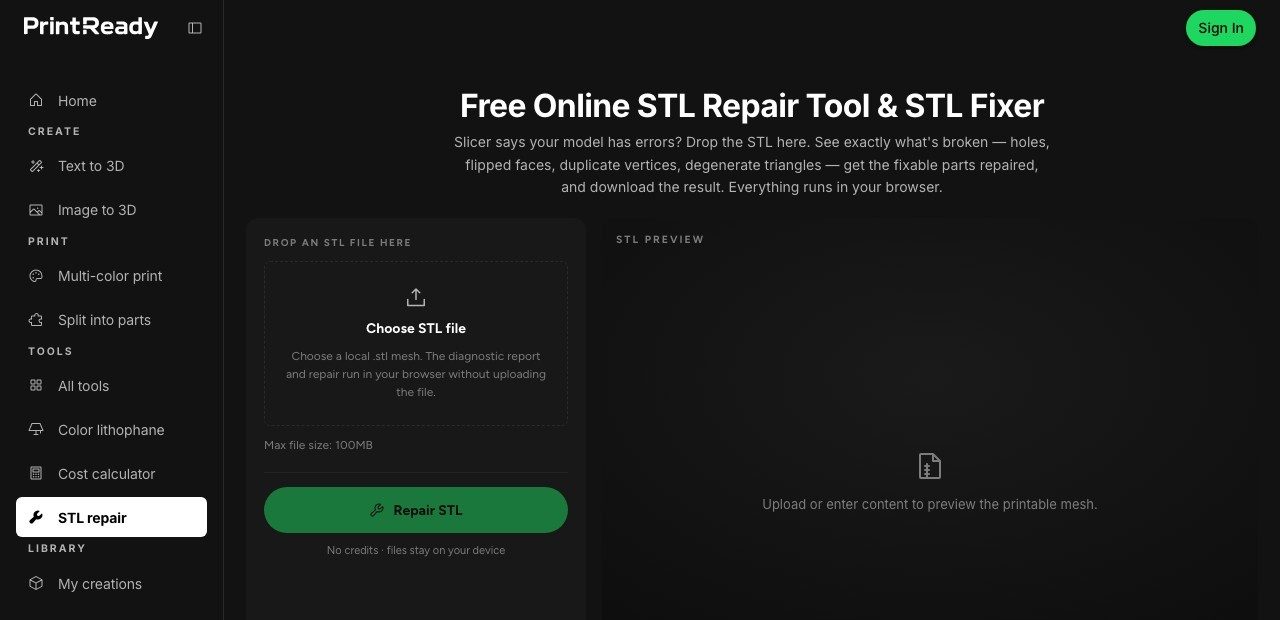
PrintReady3D is an AI 3D print generator. Create 3D models from text or images with an AI STL generator, check printability, split parts, prepare colors, and export STL or 3MF for your slicer. It also offers free browser tools: STL repair, image to STL, text to STL, OBJ/STEP to STL converters, a color lithophane maker and a 3D print cost calculator.
06


Label Watermark provides a simple and effective way to add custom watermarks to your photos. Whether you are a photographer, creator, or business owner, this tool helps you protect your visual content and reinforce your brand identity. Easily apply professional labels to your images to ensure your work stays attributed to you.
07

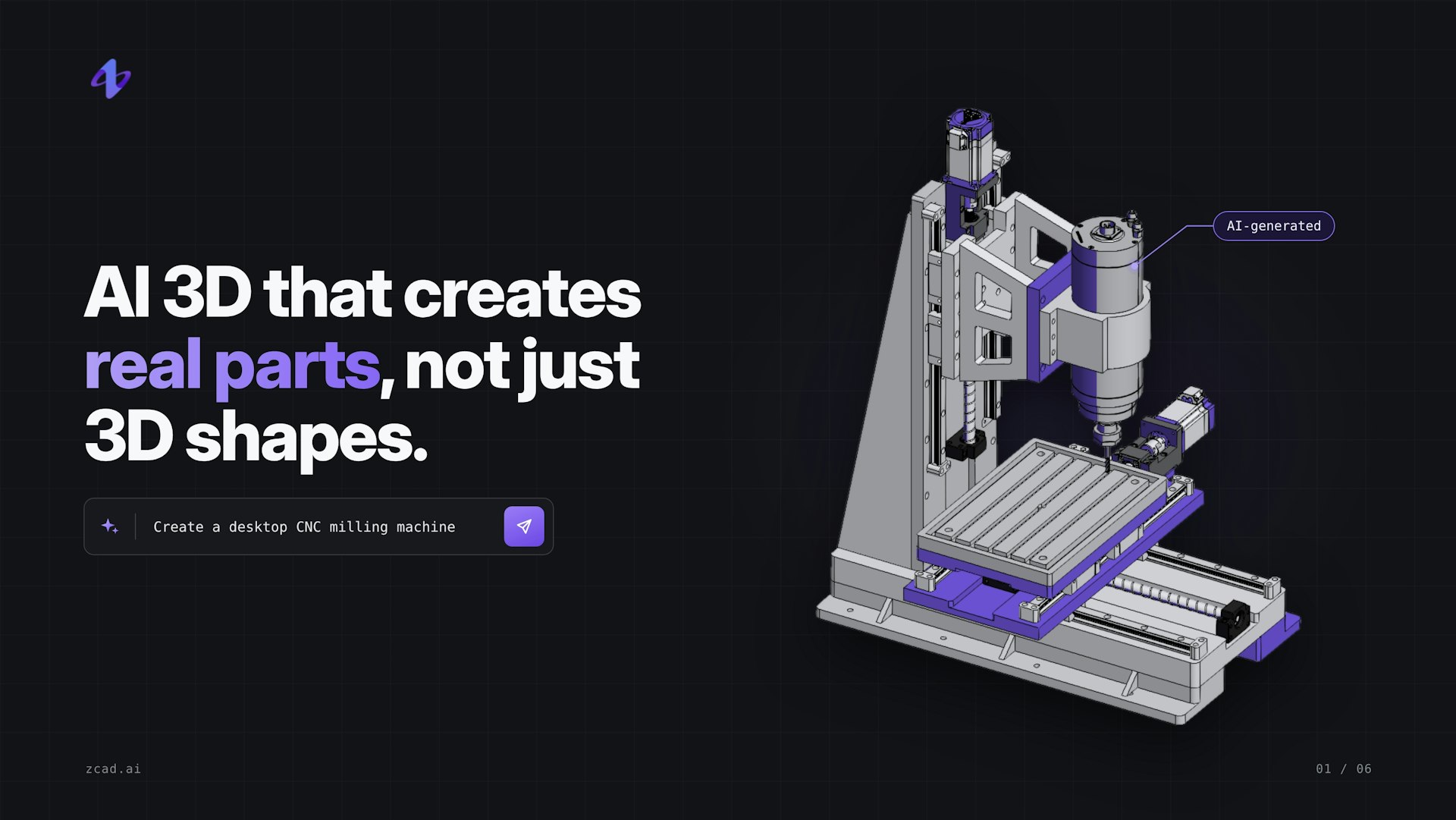
zCAD. AI is an AI-native platform for creating parametric 3D models, built for designers, makers, and engineers. Instead of starting from scratch, you describe a part or assembly in plain language, and zCAD. AI produces an editable, dimension-driven 3D model based on real CAD geometry. That means it is a true solid model, not a static mesh. You can generate complete assemblies from a single prompt, and the mates between parts are handled for you. If something needs adjusting, you can refine the model in plain language or open the browser-based CAD editor and change dimensions directly. When you are ready, export to STEP and take the model into any CAD tool you already use.

09

Most AI image tools stop after generating a single image. SurgePix keeps going. You can edit any layer, swap out text, repaint a specific region, and keep everything on brand using your brand kit. If you would rather not use the interface, open-source agent skills let tools like Claude Code and Cursor generate and edit visuals for you directly. This flexibility makes it easier to iterate quickly and produce polished results.
10