Best Productivity products of the week October 26, 2026
Explore the most innovative and popular productivity products that captured the community's attention during week. These rankings help builders compare standout launches, understand what each product does, and discover practical tools shaping the future of technology.
Period
Weekly ranking
Published for
October 26, 2026
Selection
10 ranked products
Ranked list
Community-backed productivity picks
Each product profile includes the launch story, visual preview, and direct product link so readers can move from discovery to evaluation quickly.
01

Toggle9 provides a comprehensive collection of over 200 free, privacy-focused calculators and unit converters designed for US and UK users. From financial planning and tax preparation to kitchen conversions, home projects, and educational tools, every calculator is built to show the math and cite official sources like the IRS, HMRC, and NIST. It is a reliable resource for anyone needing accurate, step-by-step calculations that run directly in your browser.
02
If you can do it on your iPhone, your AI can too. Zeptap is a Mac app that hands your iPhone to an AI agent. It opens apps, reads the screen, taps, swipes and types in your real apps and signed-in accounts, so the jobs you keep picking up your phone for get done without you. Ask it to answer buying questions in your Instagram comments, post a Story from your camera roll, send an approved video from WhatsApp to TikTok, reply to your mentions, book the 7am spin class or move your 3pm to tomorrow. Building an app? Your coding agent can open it on a real iPhone and check its own work. Use the built-in chat with the Claude or ChatGPT plan you already pay for, or connect Claude Code, Codex, Cursor or any MCP agent in one click. Watch every step from your Mac, ask it to pause before it sends or posts, and run up to five iPhones at once. No Xcode, no Developer Mode, nothing installed on the phone. Pricing: $25/month, or $99 lifetime for 1 iPhone ($149 for up to 5). First hour of live use is free.
03
sideOS lives in your Mac's notch and turns voice into action. Hold Control and Option, say what you want, then let go. It can read your screen, open apps, click, type, and tell you when it is done. You can run it fully offline on local models, or bring your own API key for Claude, OpenAI, Gemini, or Grok. It is a fast, hands-free way to get things done on your Mac.
04


CutBay is an AI video agent that turns anything into videos via chat. Instead of manually editing timelines, users simply describe what they want, and CutBay handles planning, scripting, visuals, voiceovers, subtitles, and editing. It creates videos from prompts, URLs, docs, PDFs, presentations, spreadsheets, and media assets, then refines them through natural conversation. Professional video creation, as easy as having a conversation.
05

Every team has a backlog full of tasks that never make it into a sprint. Ovren puts AI frontend and backend engineers on those tasks. They work inside your real codebase, execute well-scoped tasks, and deliver reviewable code updates. You stay in control because nothing ships without your approval. It is a practical way to clear out the work that keeps getting pushed aside.
06

Savor is an Intention Layer for all those thoughts that never quite make it onto your to-do list. You can speak, type, or snap a photo, and Savor creates a clear card organized into Now, Soon, or Later. Reminders bring each thought back when it actually matters. The Take Action (Beta) feature helps you explore your options, build a plan or list, and draft words you can use. You can review and adjust as you go, or hand off a whole card or a single step with a private chat for context. You decide what happens next, and it is free on iOS and Android.
07
Many Displays takes window management off your hands. There is nothing to save, no layouts to name, and nothing to click. It quietly remembers where every window lives, including the display, position, and size, and puts everything back by itself when your Mac wakes, unlocks, or reconnects its monitors. Grant Accessibility once and you can forget it is there. It is built for identical monitors that macOS often gets confused by, and it can tell them apart even by the port they are plugged into. No cloud, no account, just a one-time $19 payment and a 14-day free trial.
08

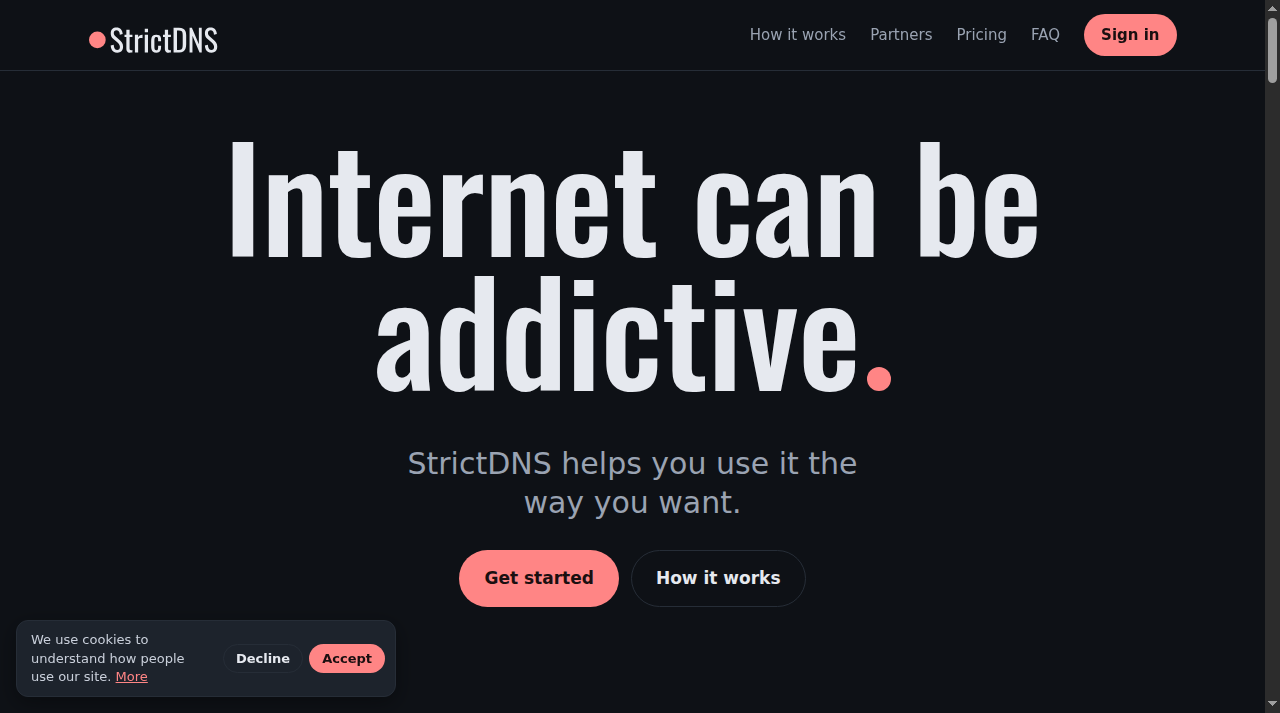
StrictDNS helps you use the internet the way you want. It blocks adult content, gambling and anything else you choose, on all your devices. Add an accountability partner, a friend who is notified, and stay on track together. Available as an iOS and macOS app and a web app, with Android coming soon. Free for 14 days, then $2.99/month or $29.99/year. Partners are always free.
09
Red-F Studios offers six free browser-based tools: PDF Compressor, Image Compressor, Image to PDF, PDF to Image, QR Generator and PDF Splitter. Files are processed privately on your device, with no account or upload required.