
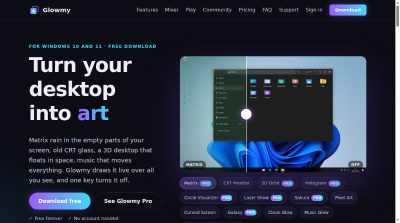
Glowmy draws live effects over your whole Windows desktop: Matrix rain in the empty parts of your screen, old CRT glass, a 3D desktop that floats in space, music visualizers and your own mixes. One key turns it off, and it's free for Windows 10 and 11.
Launch Team / Built with

Overview
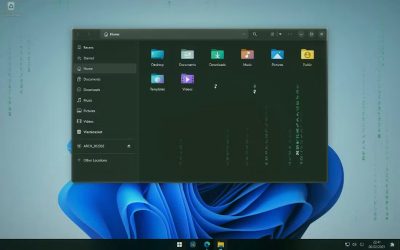
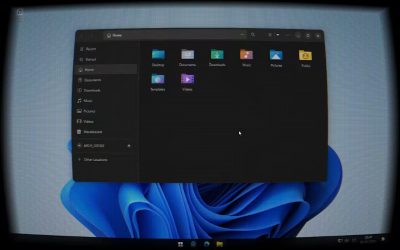
Glowmy is a Windows app that draws live effects over everything on your screen. You get Matrix rain in the empty parts of your desktop, CRT and VHS screen looks, a 3D desktop that floats in space, and music visualizers that react to whatever your PC is playing.
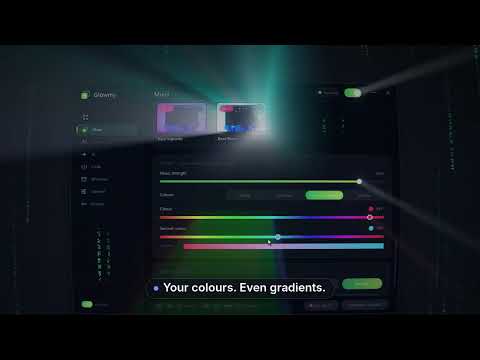
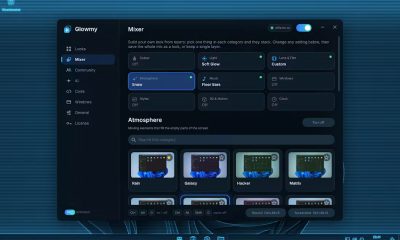
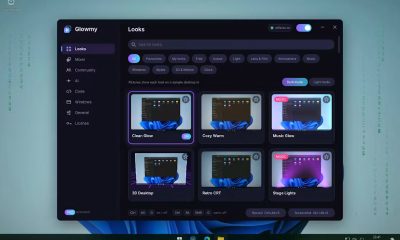
There are 83 ready looks, and the Mixer lets you stack your own look layer by layer from colour grades, glows, film looks, atmospheres, music effects, window effects, styles, motion and a clock. It's free to download, no account needed, and a Pro version unlocks everything with a one-time key.
Features
- 83 ready looks: Switch from the window, the tray icon or Ctrl+Alt+]. Every look redraws your entire screen live: windows, games, videos, everything.
- The Mixer: Stack one layer from each category, tune every setting, then save the mix as your own look or share it. 168 things to mix, 44 of them free.
- Music effects: Glowmy listens to whatever your PC is playing, including Spotify, YouTube and games. Bars, rings, lasers and glows move with the bass.
- Calm looks: The glow and colour looks add light on top instead of redrawing your screen, and hold back around text so it stays crisp.
- Light on your PC: Draws only when something changes. Pauses for fullscreen games, battery saver and the lock screen.
Pricing
Pro is a one-time key, no reinstall needed. It comes with a 30-day money-back guarantee.
Who It's For
Windows 10 and 11 users who want to make their desktop look different, whether that's retro CRT vibes, Matrix rain, or a screen that moves to their music.
Frequently Asked Questions
Is Glowmy free?
Yes, the base app is free forever and needs no account. Pro is a one-time $7.99 launch price, or $2.99 for 30 days.
Does it get in the way of using my PC?
No. Clicks pass through, it never touches your mouse, keyboard or other apps, and Ctrl+Alt+Shift+G removes every effect instantly.
Will it slow my PC down?
It draws only when something changes, and pauses for fullscreen games, battery saver and the lock screen.
Does it work on multiple monitors?
Yes, it works across all your screens at once, or just the main one.