ProductWatch Logo
LaunchesCategoriesAward WinnersBlogs
Launches
Categories
Award Winners
Blogs

Top Categories

ProductivityArtificial IntelligenceDeveloper ToolsSaaS
Web AppMarketingDesign ToolsOpen Source

Trending Products

ekstraktScribble PartyGraft AIPixFit
AyeFlutterFlow

Highlights

Best Design Tools products of the yearBest SaaS products of the yearBest Productivity products of the monthBest Artificial Intelligence products of the week

© 2026 Product Watch

AboutFAQTermsPrivacy & CookiesNewsletterllms.txtContact Us

50 Best AI Tools in 2026 for your startup journey from Idea to Scale

Updated on 19 June, 2026 · 15 mins read

Growth Strategy
SaaS Marketing
solo-founder
developer-tools

AI tools in 2026 are solving these practical problems at the infrastructure level. The shift is no longer about chatbots answering questions. Developers are running AI inside their editors, connected to repositories. Researchers work with document-aware assistants that reason across private knowledge bases. Founders automate entire go-to-market workflows with AI agents.

The difficulty is not finding AI tools; it is choosing the right one. Thousands of products exist, and most comparisons skip the hard part: what breaks at scale, what gets expensive, and what actually fits a small technical team's workflow.

This guide covers 50 AI tools that are useful for real workflows in 2026. The list focuses on tools that developers, founders, creators, marketers, and small teams can actually use.
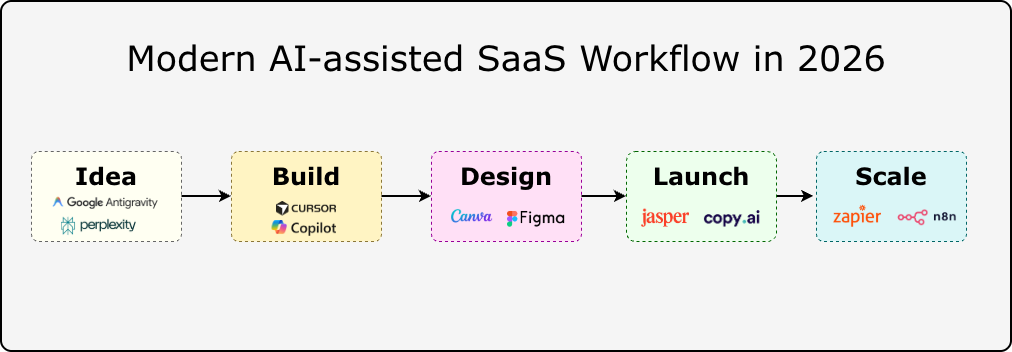
Saas

Each tool is evaluated based on:

  • Practical use cases
  • Pricing approach
  • Strengths
  • Limitations
  • Where it fits best
  • Key Takeaways

    • The best AI tool depends on your workflow, not its product-hunt ranking. A developer, marketer, and founder often needs completely different tools for what looks like the same problem.
    • AI coding tools are becoming standard in engineering workflows, but generated code still requires testing, security review, and architectural judgment.
    • Affordable and open-source AI tools now match enterprise products in many categories, with more control over data and deployment.
    • AI productivity tools compound when integrated into existing processes. Used as standalone experiments, they rarely stick.
    • Agentic and multi-model workflows are the frontier. Tools like LangGraph and AutoGen are moving from research to production.

    1. Best AI Tools for Productivity

    Productivity AI tools in 2026 are becoming more focused on reducing repeated work rather than replacing human decision-making.

    The useful tools are the ones that fit into existing workflows: researching information, organizing knowledge, managing tasks, writing content, and connecting different applications.

    Perplexity

    Website: https://www.perplexity.ai

    Pricing: Free plan available. Perplexity Pro starts at $20/month. Enterprise plans are available.
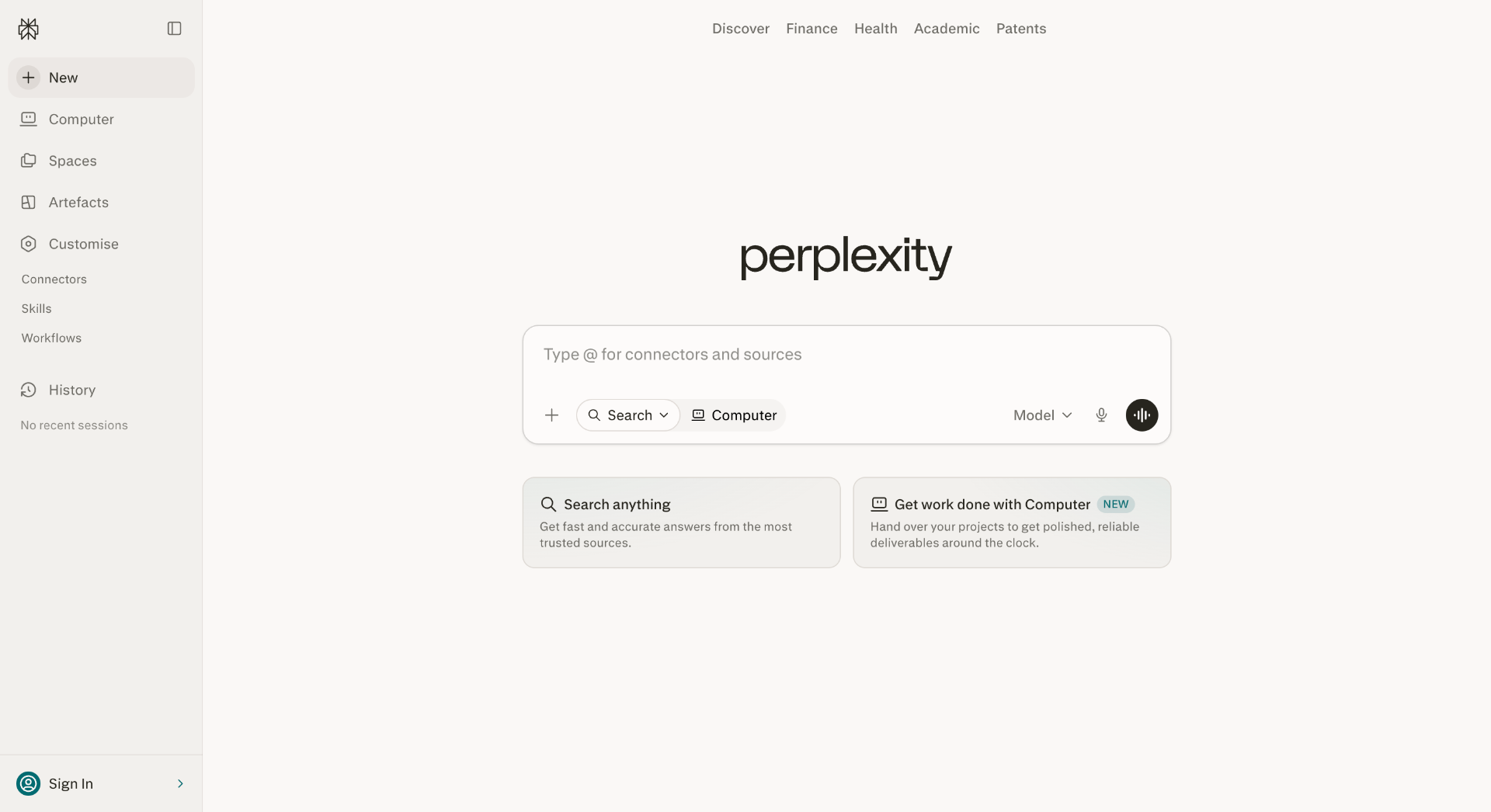
    perplexity

    Perplexity is an AI-powered search and research assistant built for finding information with references.

    Instead of returning only search results, it creates summarized answers by analyzing multiple sources and attaching citations. This makes it useful for developers, researchers, founders, and professionals who need quick context before making decisions.

    A developer researching a new framework can use Perplexity to compare documentation, community discussions, and technical explanations before starting implementation.

    Best use cases

    • Technical research
    • Market analysis
    • Comparing software tools
    • Understanding documentation
    • Learning new technologies

    Strengths

    • Provides source references with answers
    • Faster than manually reviewing many pages
    • Useful for exploring unfamiliar topics

    Limitations

    • Sources still require verification
    • Complex technical decisions need deeper research
    • Not a replacement for reading original documentation

    Antigravity

    Website: https://antigravity.com

    Pricing: Pricing depends on available plans and product features.
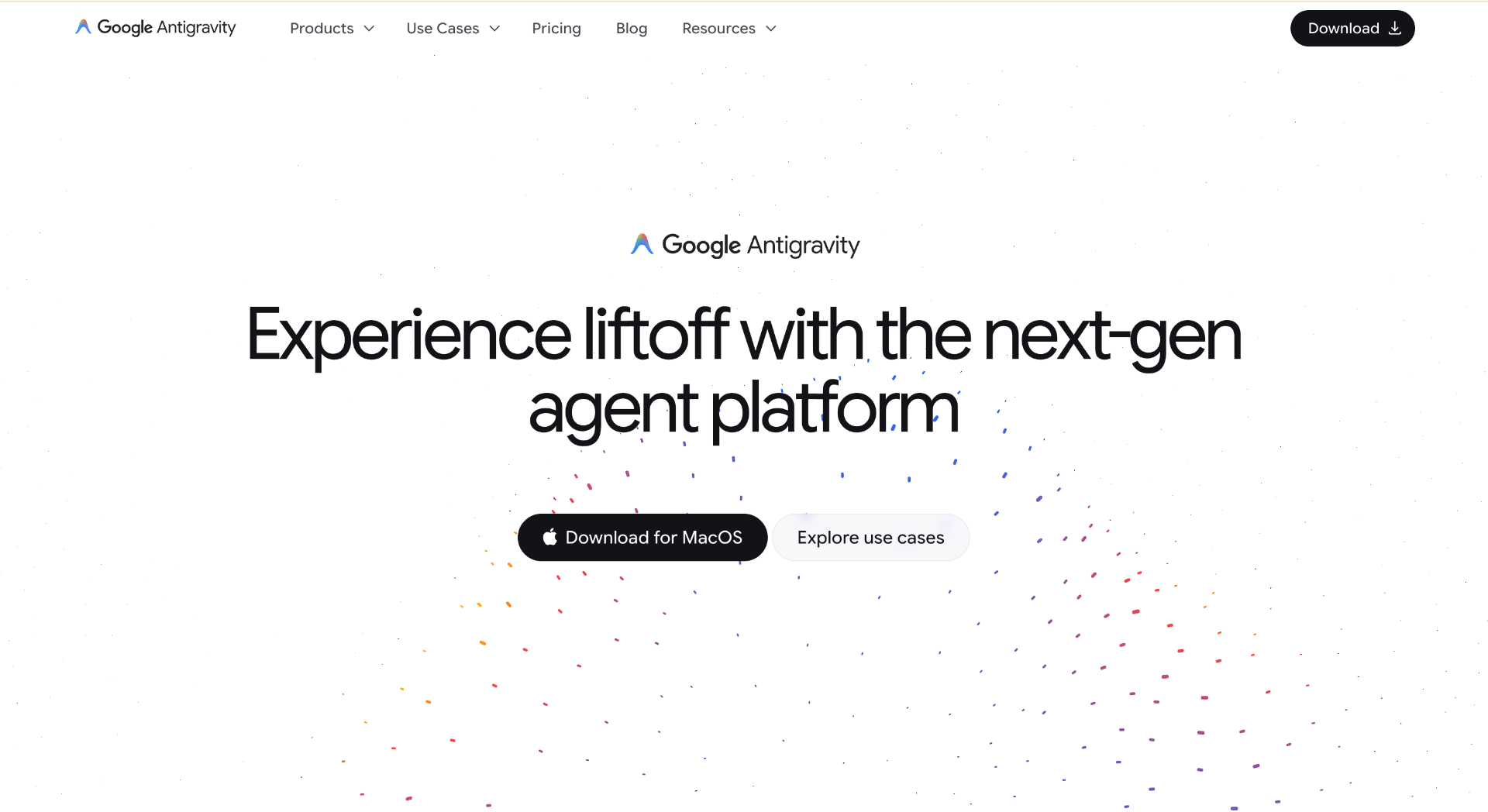
    ag

    Antigravity is an AI-assisted productivity platform designed around organizing tasks, information, and workflows.

    Many productivity problems come from scattered information rather than a lack of tools. Antigravity focuses on helping users structure projects, manage knowledge, and create more organized workflows with AI assistance.

    It is useful for founders, teams, and individuals handling multiple projects where keeping information organized becomes difficult.

    Best use cases

    • Project planning
    • Workflow organization
    • Managing information
    • Task management
    • Personal productivity systems

    Strengths

    • Helps organize complex workflows
    • Useful for planning and information management
    • Reduces repetitive organization tasks

    Limitations

    • Results depend on workflow setup
    • Specialized tools are better for coding or design work
    • Requires consistent usage to provide value

    2. Best AI Tools for Developers

    AI development tools in 2026 are moving beyond autocomplete.

    Modern coding assistants can understand repositories, explain unfamiliar code, generate tests, and help developers modify larger sections of applications.

    They still require engineering review because generated code can contain bugs, security issues, or incorrect assumptions.

    Cursor

    Website: https://cursor.com

    Pricing: Free plan available. Pro plan starts at $20/month. Business plans are available.
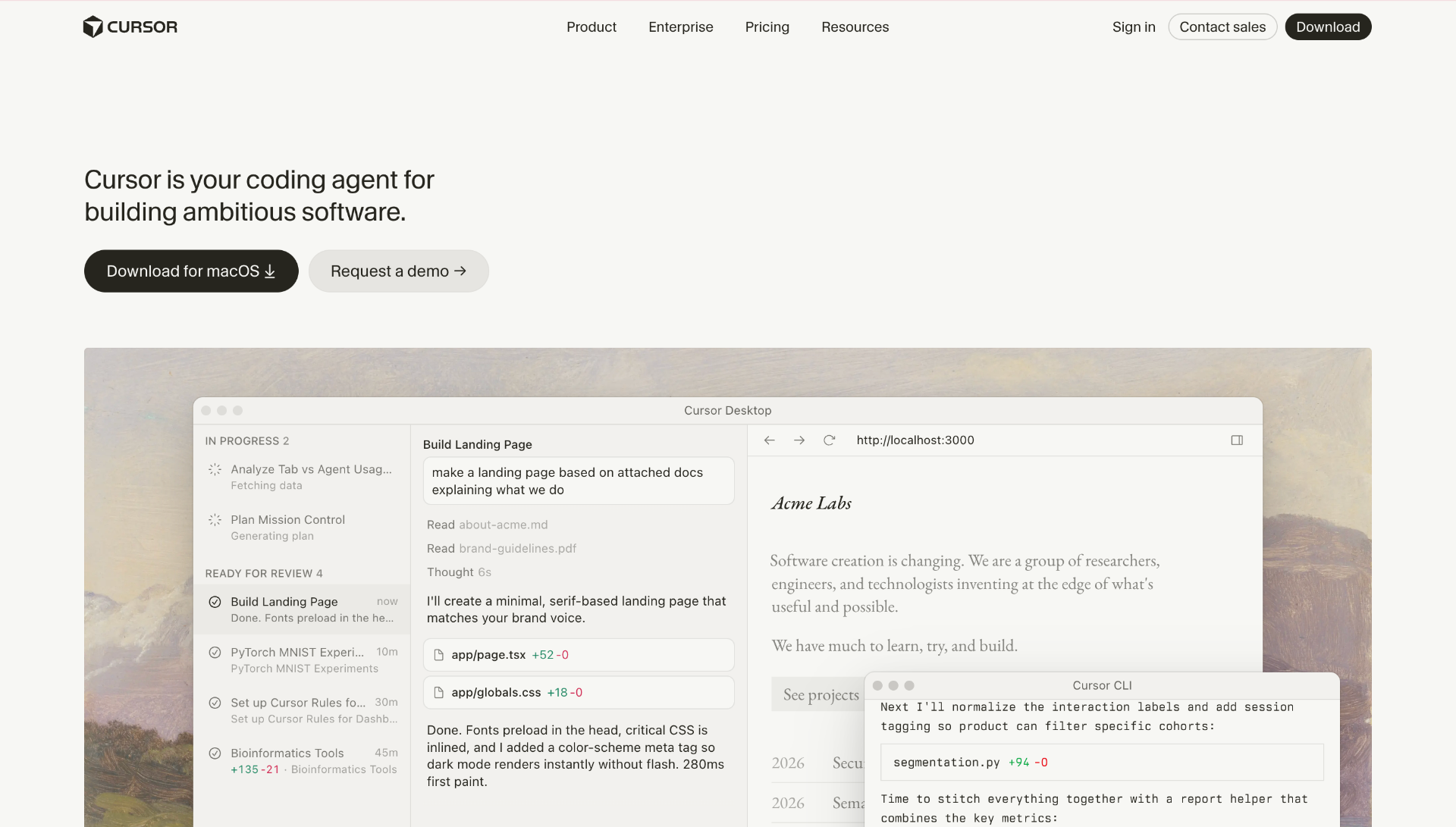
    cursor

    Cursor is an AI-powered code editor built on Visual Studio Code.

    The main difference between Cursor and traditional code completion tools is their ability to work with the entire project context. Developers can ask questions about a repository, modify multiple files, and understand relationships between different parts of an application.

    For example, a developer joining an existing project can ask Cursor to explain the authentication flow, database connections, or API structure.

    Best use cases

    • Understanding large repositories
    • Refactoring applications
    • Debugging problems
    • Building prototypes
    • Writing tests

    Strengths

    • Project-level code understanding
    • Works inside the development environment
    • Supports multiple AI models
    • Useful for existing applications

    Limitations

    • Large repositories need careful context handling
    • Generated changes require review
    • Poor instructions can create unnecessary edits

    GitHub Copilot

    Website: https://github.com/features/copilot

    Pricing: Individual plans start at $10/month. Business plans start at $19/user/month.
    github-copi

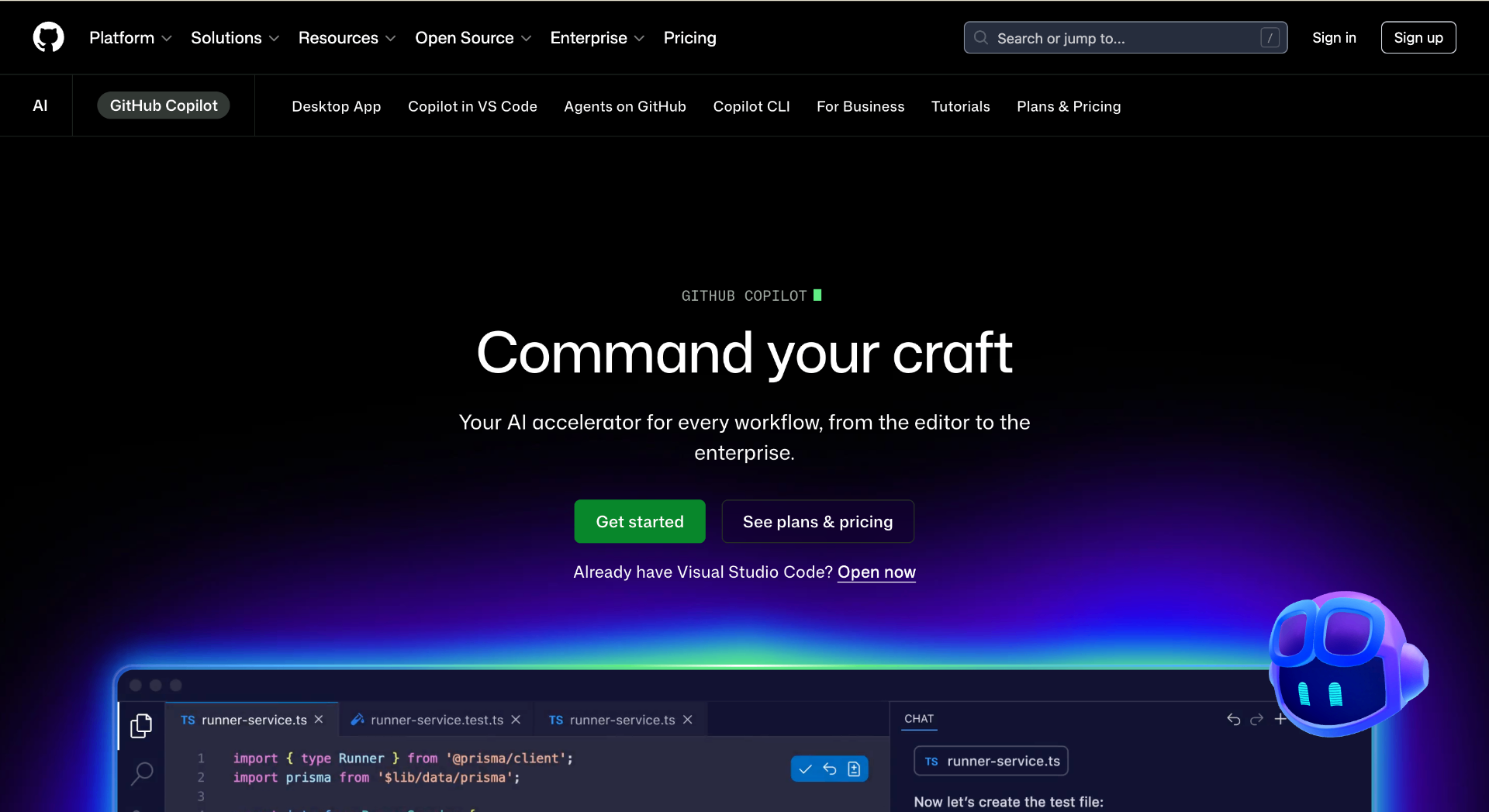
    GitHub Copilot is an AI coding assistant integrated into popular development environments, including Visual Studio Code, Visual Studio, JetBrains IDEs, and Neovim.

    It helps developers write code faster by suggesting implementations, generating tests, explaining functions, and creating documentation.

    Copilot works best as a coding partner for repetitive tasks. Developers still need to decide on the architecture, review the output, and validate security.

    Best use cases

    • Code completion
    • Test generation
    • Documentation
    • Code explanation
    • Learning new frameworks

    Strengths

    • Strong IDE integration
    • Supports many programming languages
    • Reduces repetitive coding work
    • Fits existing developer workflows

    Limitations

    • Suggestions can be incorrect
    • Does not understand complete business requirements
    • Generated code needs testing

    3. Best AI Tools for Design and Content Creation

    AI design tools are helping teams create visual assets, prototypes, and marketing materials faster.

    The biggest benefit is reducing repetitive design tasks while allowing creators to spend more time refining ideas.

    Canva AI

    Website: https://www.canva.com

    Pricing: Free plan available. Canva Pro starts at $15/month per person.
    canva-ai

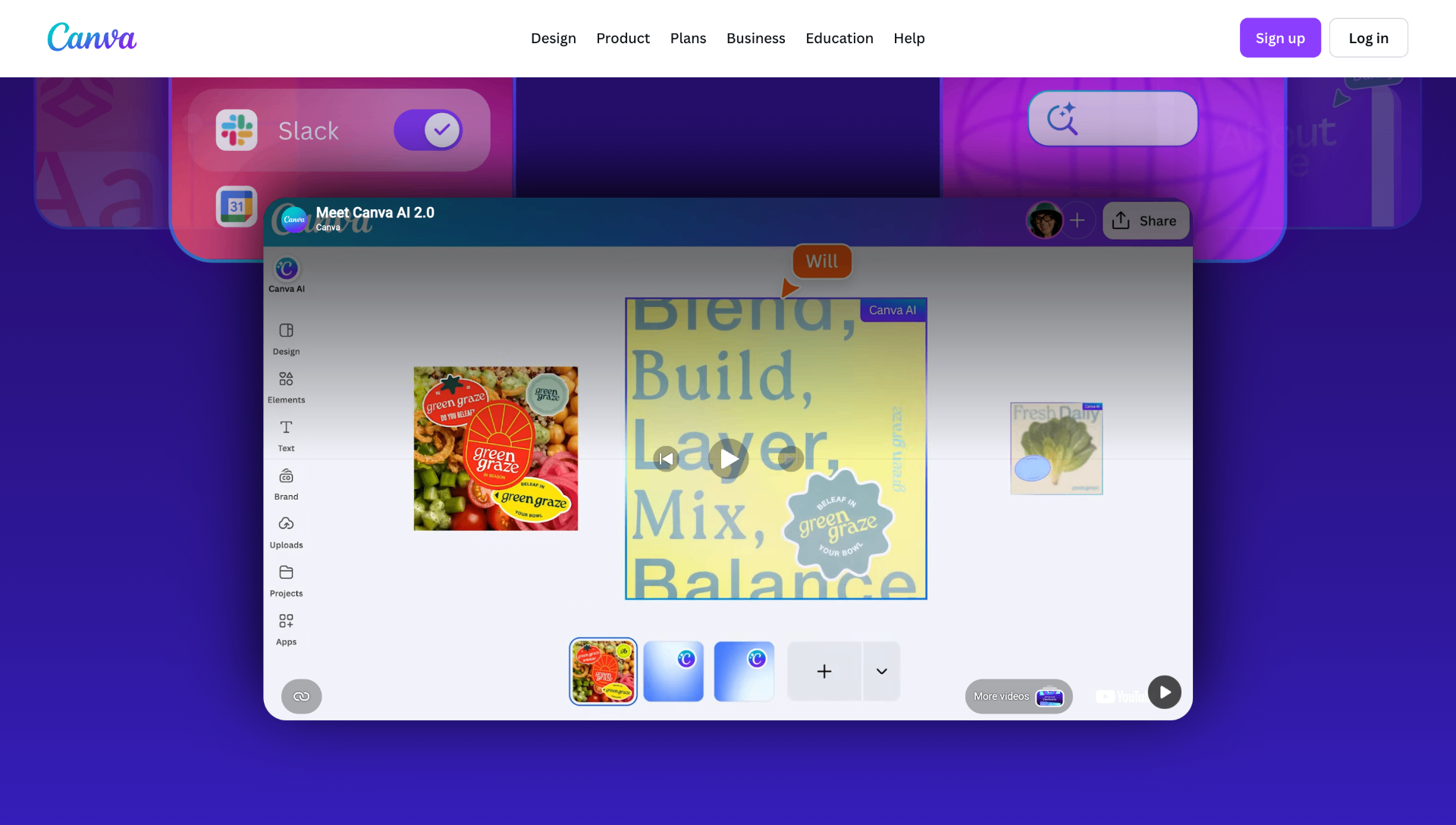
    Canva AI combines generative AI features with Canva's existing design platform.

    It allows users to create presentations, social media graphics, marketing materials, and visual assets using AI-assisted tools.

    For startups and content teams, Canva AI is useful because it combines templates, editing features, and AI generation in one workspace.

    Best use cases

    • Social media graphics
    • Presentations
    • Marketing designs
    • Brand assets
    • Quick visual experiments

    Strengths

    • Easy learning curve
    • Large template library
    • Useful AI editing features
    • Good for non-design teams

    Limitations

    • Less control than professional design tools
    • Generated assets need review
    • Complex UI design requires dedicated software

    Figma AI

    Website: https://www.figma.com

    Pricing: Free plan available. Professional plans start at $16/editor/month, billed monthly.
    figmaai

    Figma AI brings artificial intelligence into product design workflows.

    It helps designers and product teams generate interface ideas, organize designs, create content, and speed up prototype development.

    For software teams, the advantage is keeping AI assistance inside the same environment used for wireframes, prototypes, and design systems.

    Best use cases

    • UI prototyping
    • Product design
    • Design systems
    • Interface content generation

    Strengths

    • Works inside product design workflows
    • Useful for team collaboration
    • Helps speed up early design stages

    Limitations

    • AI suggestions need design judgment
    • Complex interfaces still require manual work
    • Not a replacement for UX research

    4. Best AI Tools for Marketing

    Marketing AI tools help teams research audiences, create campaigns, optimize content, and automate communication.

    The best results come from combining AI assistance with human strategy and editing.

    Jasper

    Website: https://www.jasper.ai

    Pricing: Creator plans start at $49/month. Business pricing is customized.
    jasper

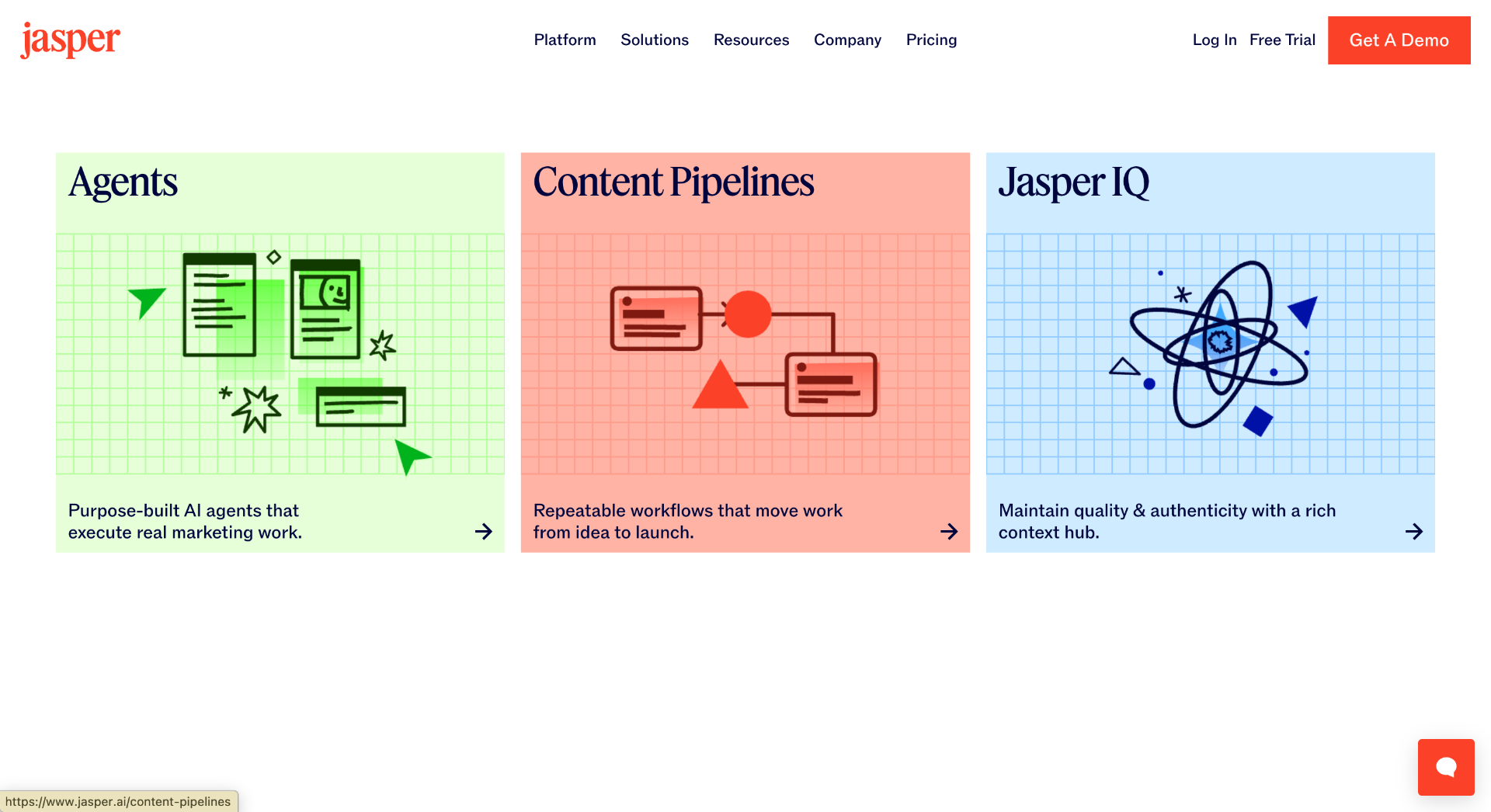
    Jasper is an AI content platform designed specifically for marketing teams.

    It focuses on creating marketing copy, campaign materials, product descriptions, and brand-focused content.

    Unlike general AI assistants, Jasper provides workflows around marketing tasks and brand consistency.

    Best use cases

    • Marketing campaigns
    • Email content
    • Social media writing
    • Product descriptions
    • Brand messaging

    Strengths

    • Marketing-focused features
    • Brand voice controls
    • Team collaboration support

    Limitations

    • Requires human editing
    • Generic prompts create average content
    • Strategy decisions still require marketers

    Copy.ai

    Website: https://www.copy.ai

    Pricing: Free plan available. Paid plans and enterprise options are available.
    copy-ai

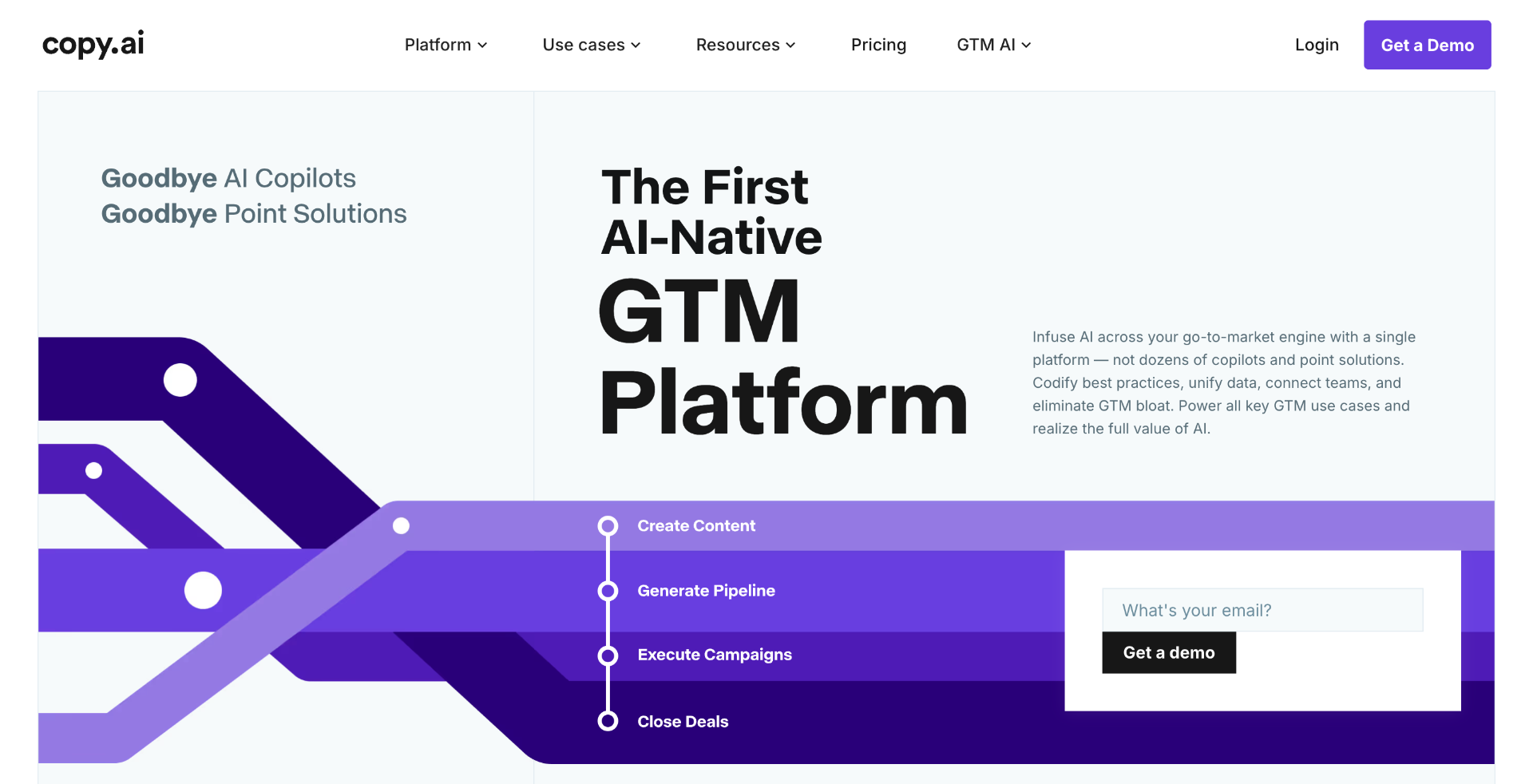
    Copy.ai is an AI platform focused on sales and marketing workflows.

    It helps teams create emails, sales messages, social media content, and campaign materials.

    The platform is especially useful for repetitive marketing tasks where teams need multiple variations of content.

    Best use cases

    • Sales emails
    • Marketing campaigns
    • Social media posts
    • Content workflows

    Strengths

    • Marketing templates
    • Workflow automation
    • Useful for sales teams

    Limitations

    • Requires editing for final content
    • Output quality depends on input instructions
    • Does not replace customer research

    Best AI Tools for Automation

    Automation platforms connect AI with real business workflows.

    Instead of only generating responses, these tools can trigger actions across applications and reduce manual operations.

    Zapier AI

    Website: https://zapier.com

    Pricing: Free plan available. Professional plans start at $19.99/month billed annually.
    zapier

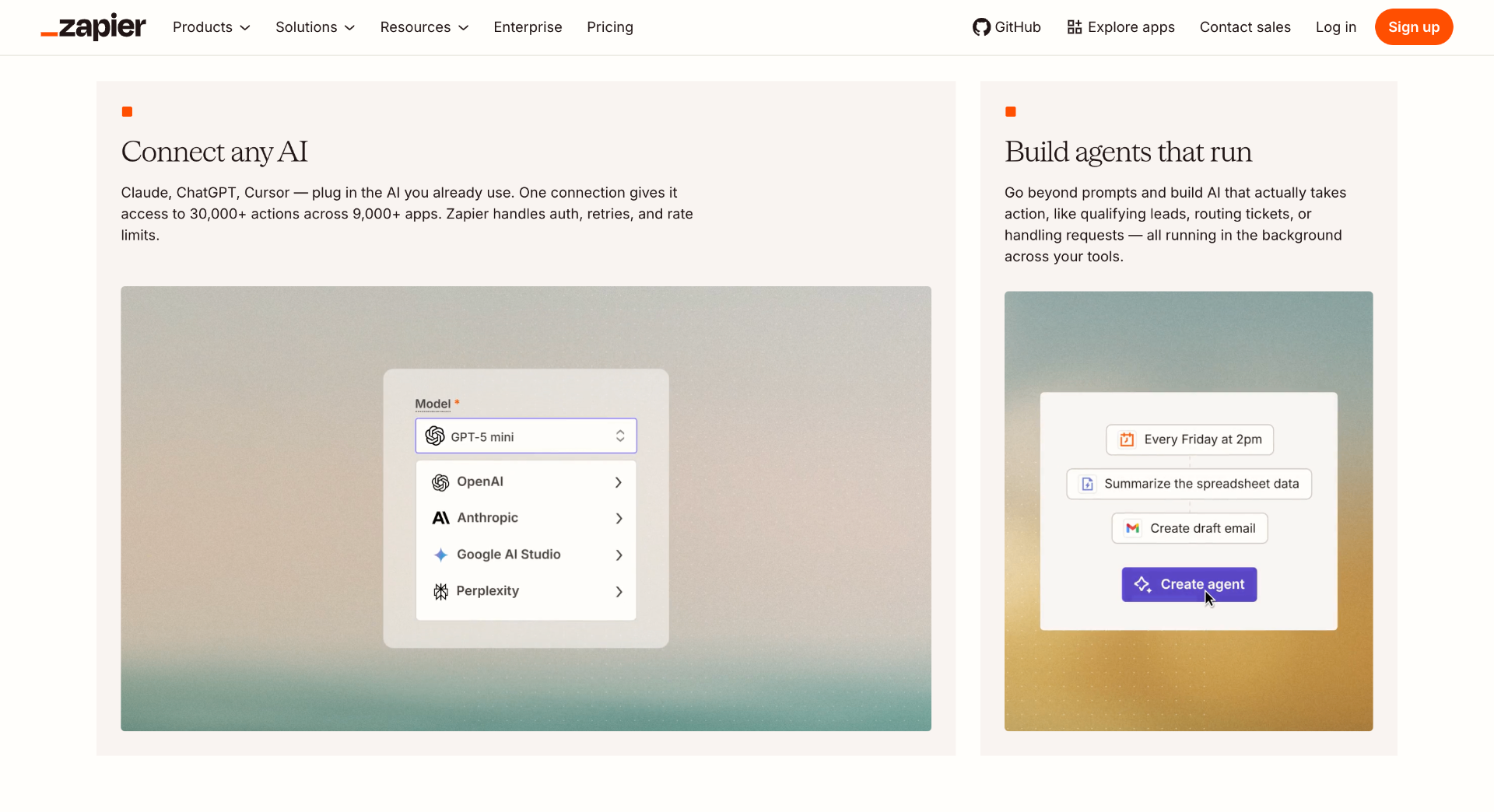
    Zapier AI connects thousands of applications and helps automate repetitive business processes.

    A typical workflow can capture information from one application, process it with AI, and send the result to another service.

    Example:

    Customer form submission → AI summary → CRM update → Team notification

    Best use cases

    • Business automation
    • Lead management
    • Data workflows
    • Email automation

    Strengths

    • Large integration ecosystem
    • Easy workflow creation
    • Useful for non-developers

    Limitations

    • Costs increase with usage
    • Complex workflows need maintenance
    • Advanced logic may require custom development

    n8n

    Website: https://n8n.io

    Pricing: Self-hosted version is free. Cloud plans start at €24/month.
    n8n

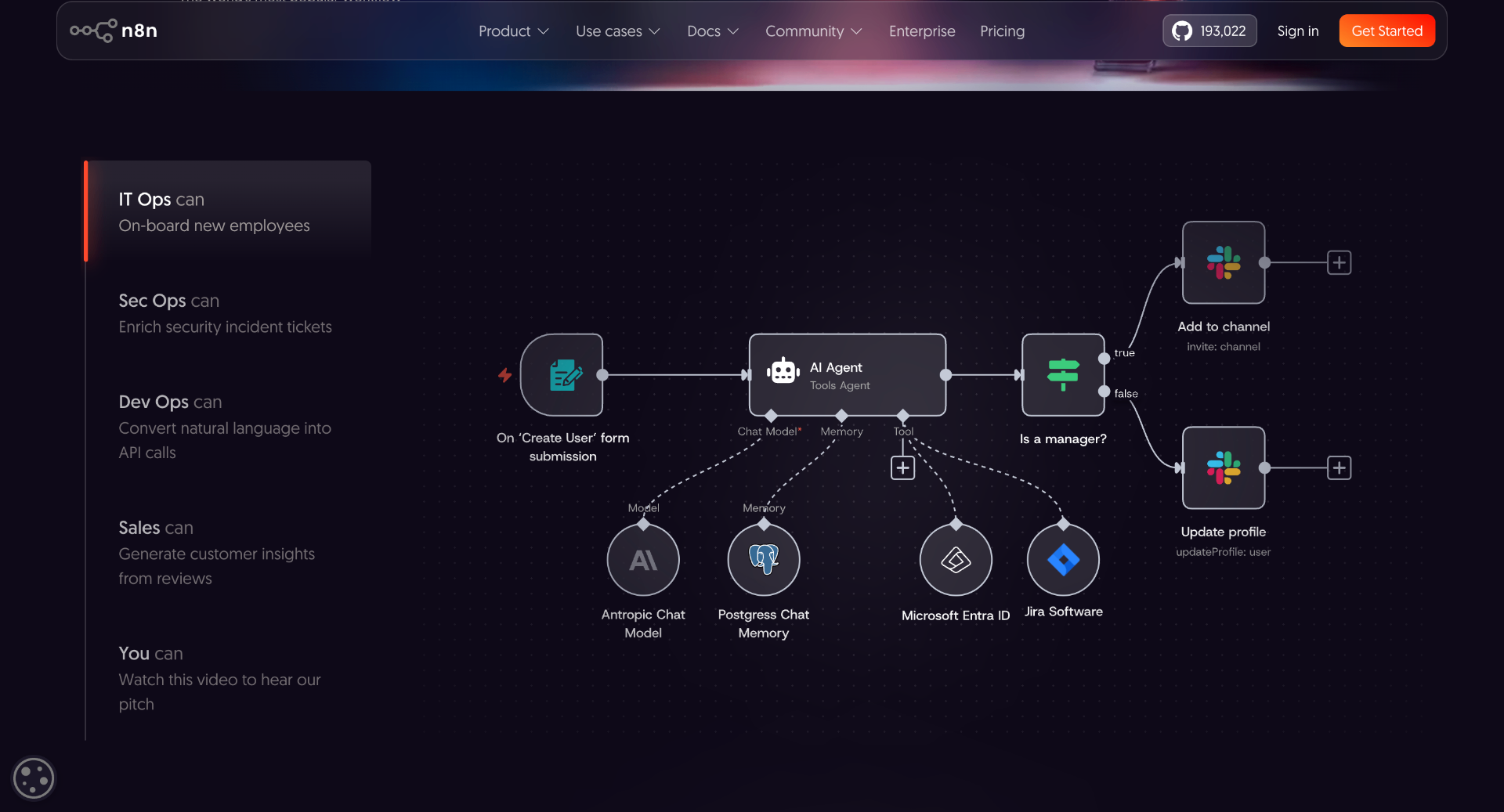
    n8n is an open-source workflow automation platform designed for technical users.

    Unlike simpler automation tools, n8n provides more control through self-hosting, custom integrations, API connections, and advanced workflow logic.

    It is commonly used by developers building internal tools, AI agents, and automated data pipelines.

    Best use cases

    • AI agent workflows
    • API automation
    • Internal tools
    • Data processing

    Strengths

    • Self-hosting support
    • Developer-friendly architecture
    • Flexible workflow control

    Limitations

    • Requires technical knowledge
    • Self-hosting needs maintenance
    • More complex than simple automation tools

    40 More AI Tools in 2026 Compared

    The first 10 tools cover some of the most commonly used AI workflows. However, many specialized tools solve specific problems better.

    A developer building an AI application may need a framework like LangChain. A marketing team may need SEO tools. A creator may need video- or voice-generation platforms.

    The following table compares 40 additional AI tools by category, primary use case, pricing model, and where they fit.

    Product NameCategoryBest UsePricing
    Amazon Q DeveloperDeveloper ToolsAWS application development, code suggestions, debugging, and cloud workflow assistanceFree tier available, Pro plan: $19/user/month
    WindsurfDeveloper ToolsAI-powered coding editor, repository understanding, and AI pair programmingFree plan available, paid plans available
    TabnineDeveloper ToolsPrivate AI code completion focused on developer teams and enterprise environmentsStarter plans available, paid plans vary by usage
    AiderDeveloper ToolsTerminal-based AI pair programming, code editing, and Git workflow assistanceFree open-source tool, model API costs vary
    ContinueDeveloper ToolsOpen-source AI coding assistant for VS Code and JetBrains IDEsFree and open source
    Vercel AI SDKAI DevelopmentBuilding AI-powered web applications using JavaScript and TypeScriptFree and open source
    LangChainAI FrameworkDeveloping LLM applications, AI agents, retrieval systems, and AI workflowsOpen source, paid platform options available
    LlamaIndexAI FrameworkConnecting language models with private data, documents, and knowledge basesOpen source, cloud plans available
    LangGraphAI AgentsBuilding structured AI agent workflows with state managementFree and open source
    AutoGenAI AgentsCreating multi-agent AI applications and conversational agent systems

    How to Choose the Right AI Tool in 2026

    With thousands of AI tools available, choosing the right one depends on the workflow, not popularity.

    1. Define the Problem First

    Start with the task you want to improve.

    Examples:

    • Code understanding → Cursor or Claude Code
    • Research and analysis → Perplexity or NotebookLM
    • Design workflows → Canva AI or Midjourney
    • Automation → Make or n8n

    The best tool is the one that solves a specific bottleneck.

    2. Check Workflow Compatibility

    Before adopting a tool, evaluate:

    • API availability
    • Existing integrations
    • Data handling policies
    • Export options
    • Team collaboration features

    A tool should fit into existing systems instead of creating another isolated workflow.

    3. Consider Limitations

    AI tools still require human review.

    Common challenges include:

    • Incorrect outputs
    • Limited context understanding
    • Privacy considerations
    • Increasing costs with higher usage

    The most effective AI workflows combine automation with human judgment.

    Conclusion

    The AI tool landscape in 2026 is becoming more specialized.

    A single AI assistant is no longer enough for every workflow. Developers need coding tools that understand repositories. Researchers need systems that work with documents. Creators need tools for images, video, and audio. Businesses need automation that connects existing software.

    The most useful approach is to choose tools based on specific problems rather than following every new release.

    A small team using the right combination of AI tools can reduce repetitive work, test ideas faster, and spend more time on decisions that require human judgment.

    The goal is not to use more AI tools. The goal is to build better workflows with the tools that actually solve problems.

    Free and open source
    CrewAIAI AgentsBuilding collaborative AI agent teams for automated workflowsOpen source, enterprise plans available
    Hugging FaceAI PlatformAccessing AI models, datasets, machine learning libraries, and model hostingFree tier available, paid compute options
    ReplicateAI InfrastructureRunning machine learning models through APIs without managing infrastructureUsage-based pricing
    PineconeAI InfrastructureVector database infrastructure for semantic search and retrieval applicationsFree tier available, paid usage plans
    ModalAI InfrastructureRunning AI workloads, GPU jobs, and machine learning applications in the cloudUsage-based pricing
    Weights & BiasesMachine LearningTracking experiments, evaluating models, and managing ML workflowsFree tier available, paid team plans
    MLflowMachine LearningManaging machine learning experiments, deployment, and model lifecycleFree and open source
    LM StudioLocal AIRunning and testing local language models on personal computersFree
    MidjourneyImage GenerationCreating AI-generated images, concept art, product visuals, and creative assetsPlans start at $10/month
    Adobe FireflyDesign AIAI image generation, editing, and creative workflow assistanceFree credits available, paid Creative Cloud plans available
    Leonardo AIImage GenerationGenerating artwork, marketing visuals, game assets, and product imagesFree plan available, paid plans available
    RunwayVideo AIAI video generation, editing, background removal, and creative productionFree plan available, paid plans available
    PikaVideo AIShort AI video generation and creative visual effectsFree plan available, paid plans available
    SynthesiaVideo AIAI avatar videos, training videos, and business presentationsPaid plans available
    HeyGenVideo AIAI avatar creation, video translation, and marketing video productionFree plan available, paid plans available
    DescriptVideo Editing AITranscript-based video editing, podcast editing, and content productionFree plan available, paid plans available
    GrammarlyWriting AIWriting improvement, grammar checking, and communication assistanceFree plan available, Premium plans available
    WritesonicContent AISEO content creation, AI writing workflows, and marketing content generationFree plan available, paid plans available
    FraseSEO AISEO research, content briefs, optimization, and search content analysisPaid plans available
    Surfer SEOSEO AIContent optimization, keyword analysis, and SEO planningPaid plans available
    MakeAutomationVisual workflow automation connecting applications and APIsFree plan available, paid plans start around $9/month
    Microsoft Power AutomateAutomationBusiness process automation across Microsoft services and external applicationsFree trial available, paid plans available
    Bardeen AIAutomationBrowser automation, data extraction, and repetitive workflow automationFree plan available, paid plans available
    Reclaim AIProductivity AutomationAI calendar management, scheduling, and task planningFree plan available, paid plans available
    MotionProductivity AIAI scheduling, project management, and task prioritizationPaid plans available
    Intercom Fin AICustomer Support AIAI-powered customer support conversations and helpdesk automationUsage-based pricing
    HubSpot AIBusiness AICRM assistance, sales automation, marketing workflows, and customer managementFree CRM available, paid Hub plans available
    GongSales AISales conversation intelligence, call analysis, and revenue insightsCustom pricing
    TypefullySocial Media AISocial media writing, scheduling, and content planningFree plan available, paid plans available