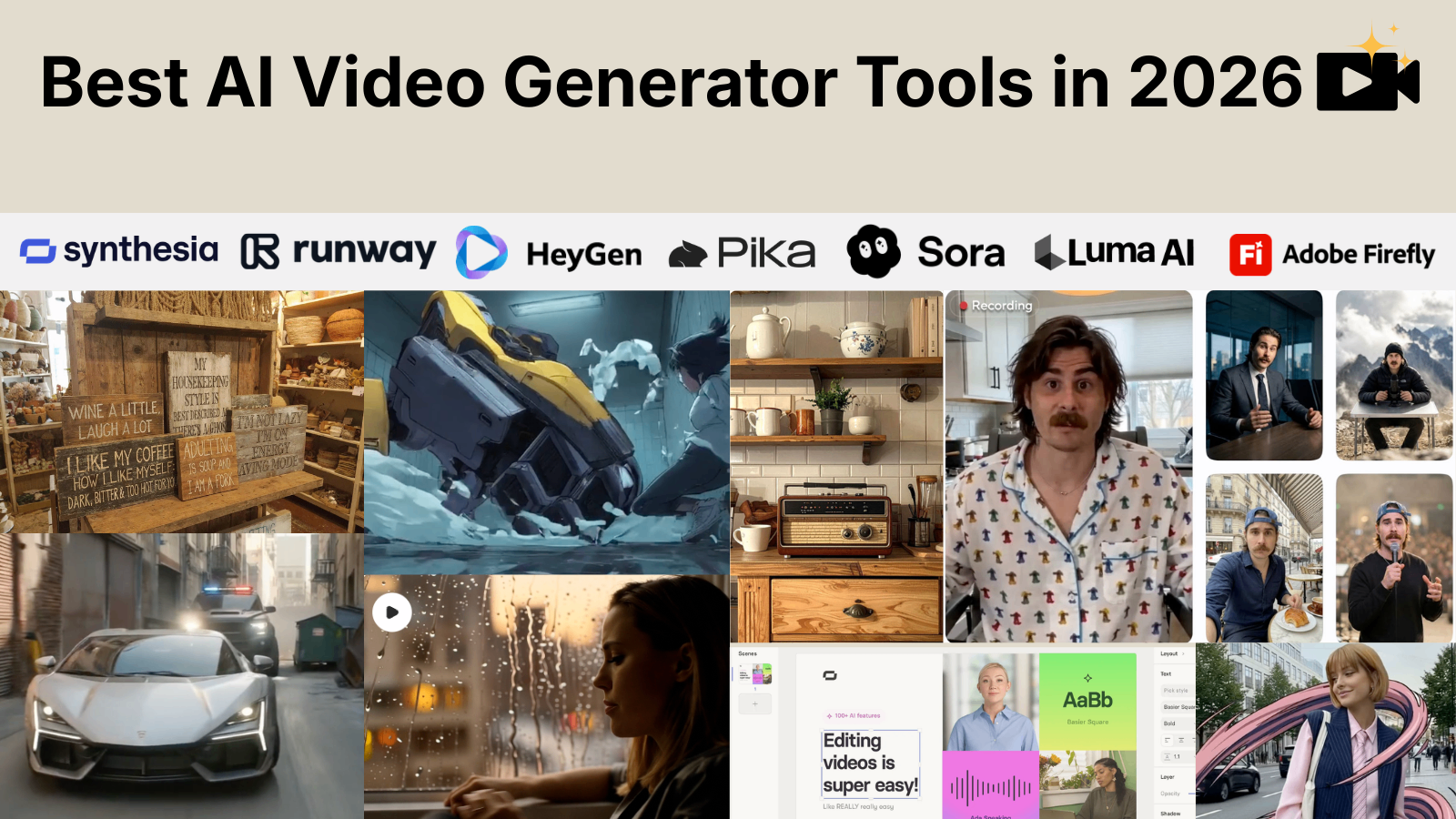
A developer types a short prompt describing a product demo: “Create a 30-second video showing a mobile app onboarding flow with a clean interface and animated transitions.” A few minutes later, an AI model generates a complete video draft.
This workflow was difficult to imagine a few years ago. Creating video content traditionally required cameras, editing software, motion designers, voice recording, and hours of post-production work. AI video generators are changing that process by allowing users to create clips from text prompts, images, existing videos, or structured inputs.
However, AI video generation is not a replacement for professional video production in every scenario. Current models still struggle with long-form consistency, precise object control, realistic physics, and complex storytelling.
This guide explores the best AI video generator tools available today, how they work, where they perform well, their limitations, and which tool fits different technical and creative workflows.
AI video generation has moved from simple visual experiments to practical tools used for product demos, education, marketing, and creative workflows. Modern AI video generators can transform a text prompt, image, or script into short video sequences within minutes, reducing the time needed for early-stage video production.
The right tool depends on the workflow:
However, AI video generators are not complete replacements for traditional production pipelines. Current models still face challenges with long videos, consistent characters, realistic physics, and precise scene control.
For developers and founders, the biggest opportunity is not only generating videos manually but also integrating AI video models into applications through APIs and automated workflows. From personalized product demos to AI-powered content platforms, video generation is becoming another programmable layer of modern software.
The future of AI video will likely depend on better control, longer generation lengths, improved consistency, and deeper integration with existing creative tools.
AI video generator tools use machine learning models to create or modify video content based on user input.
Most modern systems use variations of diffusion models, transformer architectures, and multimodal AI models trained on large datasets containing images, videos, text descriptions, and motion patterns.
A typical AI video workflow looks like this:
User provides an input:
The AI model interprets:
The system generates:
The quality depends heavily on the model, prompt quality, generation settings, and available compute resources.
Startups and software companies use AI video tools to create:
Instead of recording every interface interaction manually, teams can generate supporting visuals and combine them with screen recordings.
Common applications include:
AI tools can reduce the time required for initial video concepts, especially during early content planning.
Developers working on creative applications use AI video APIs to build:
AI-generated videos can help create:
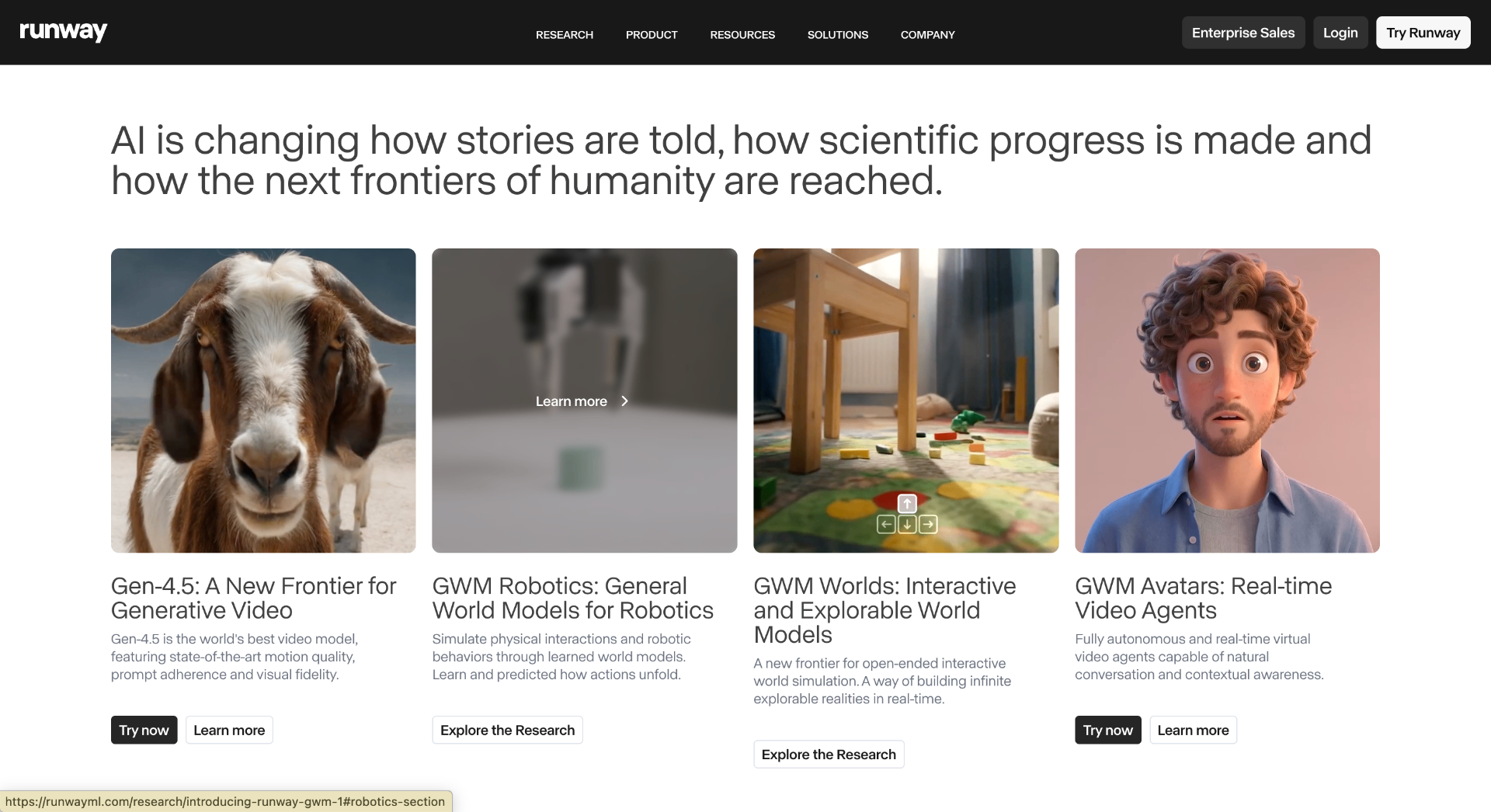
Runway AI is one of the most recognized platforms for AI-powered video creation.
The platform provides text-to-video and image-to-video generation capabilities through models such as Gen-3 Alpha.
Users can generate short clips from prompts, edit existing footage, remove backgrounds, and create visual effects.
Runway works best for creative shots and concept videos. It is less suitable for generating long narratives with multiple characters maintaining identical appearance across scenes.
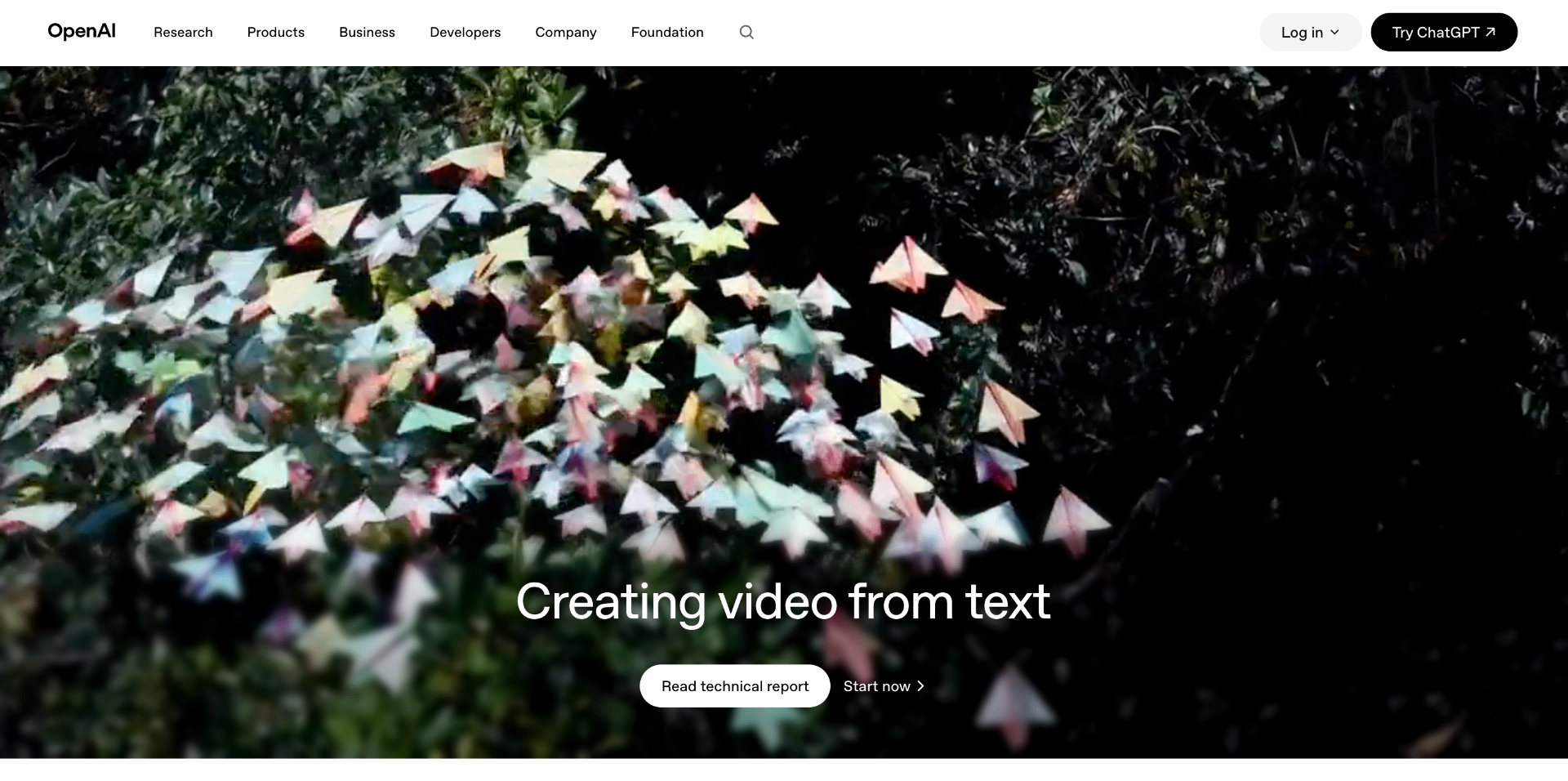
OpenAI developed Sora, a text-to-video model designed to generate realistic video sequences from text descriptions.
Sora focuses on understanding physical environments, motion, and scene relationships.
AI-generated video still faces issues such as:
Sora availability and features can change over time, so current access should be checked through official OpenAI announcements.
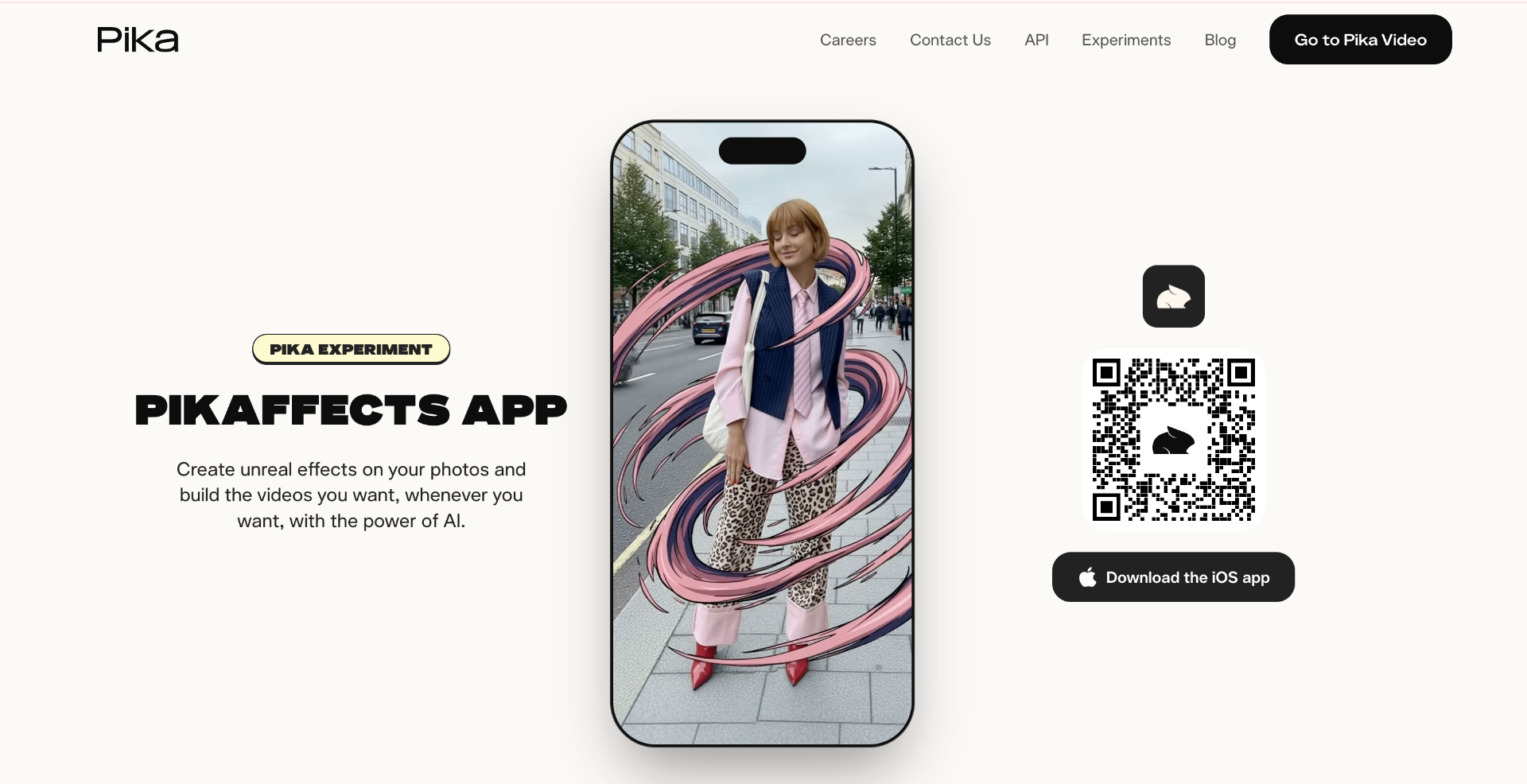
Pika Labs focuses on creating short AI-generated videos from text and images.
The platform is designed around quick experimentation and social content creation.
A designer creates a static product image and uses Pika to animate camera movement, lighting changes, or object motion.
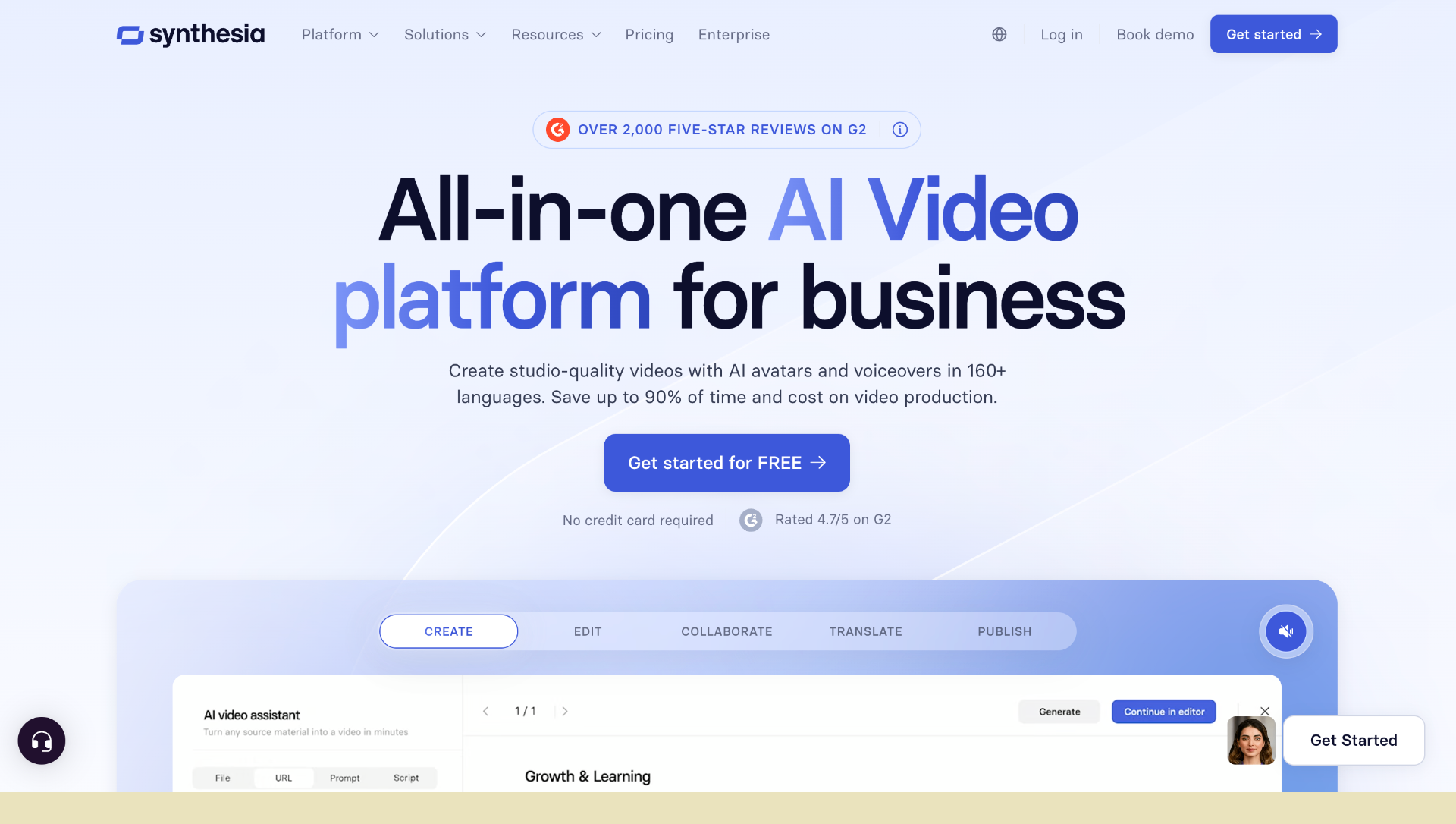
Synthesia focuses on AI avatar videos.
Instead of generating cinematic scenes, Synthesia creates presenter-style videos using digital avatars and generated voices.
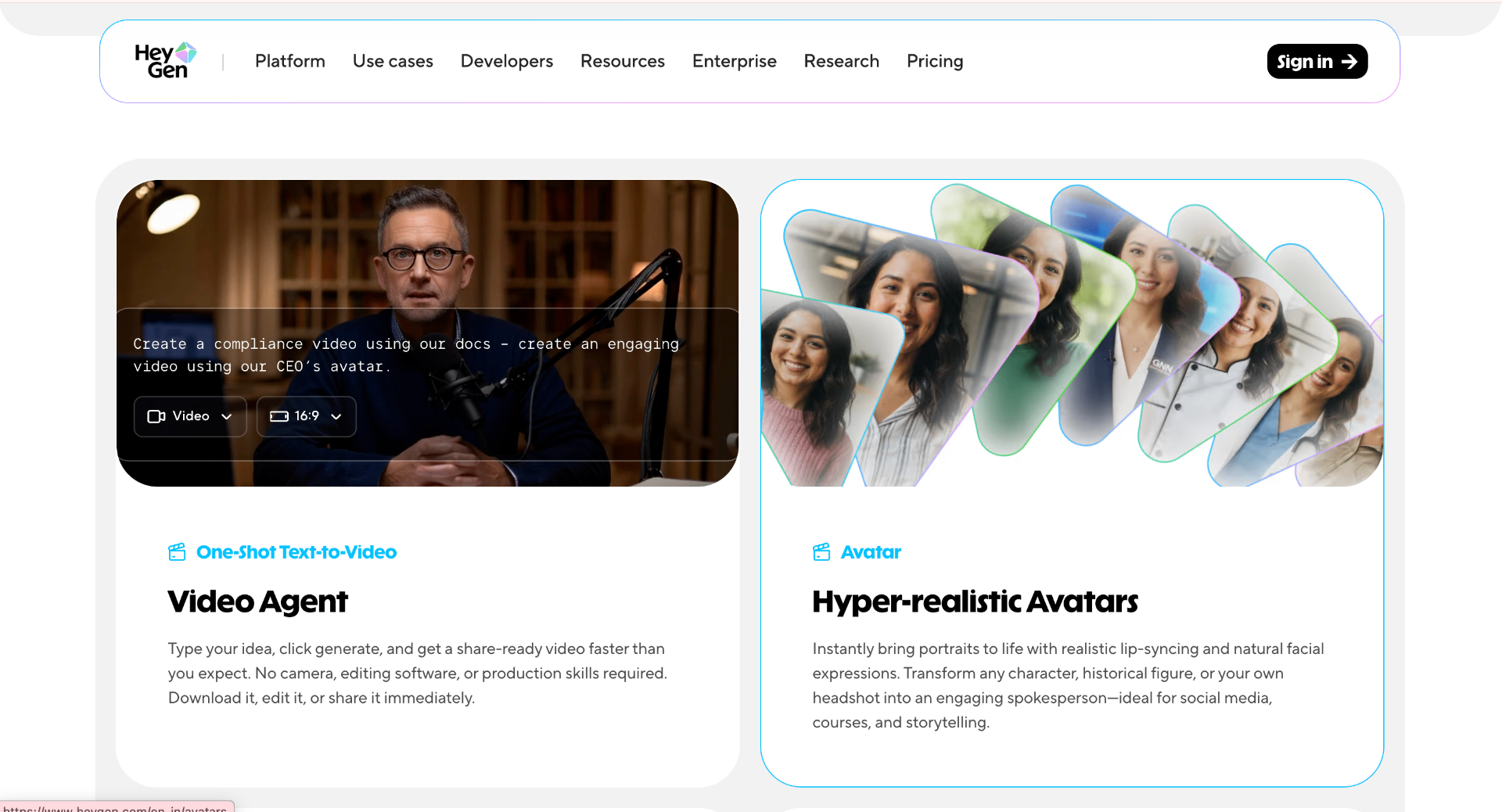
HeyGen provides AI avatar generation, voice translation, and video creation tools.
It is commonly used for marketing videos, presentations, and localization workflows.
Generated presenter videos can still appear less natural than professionally recorded human videos, especially in emotional or highly expressive scenarios.

Luma AI developed Dream Machine, a text-to-video and image-to-video generation model designed for creating realistic motion from simple prompts.
The tool focuses on generating short video clips with natural camera movement, object motion, and cinematic-style scenes.
Luma AI Dream Machine works well for visual exploration and short creative sequences. Like most current AI video models, maintaining consistent characters and detailed environments across multiple scenes remains difficult.
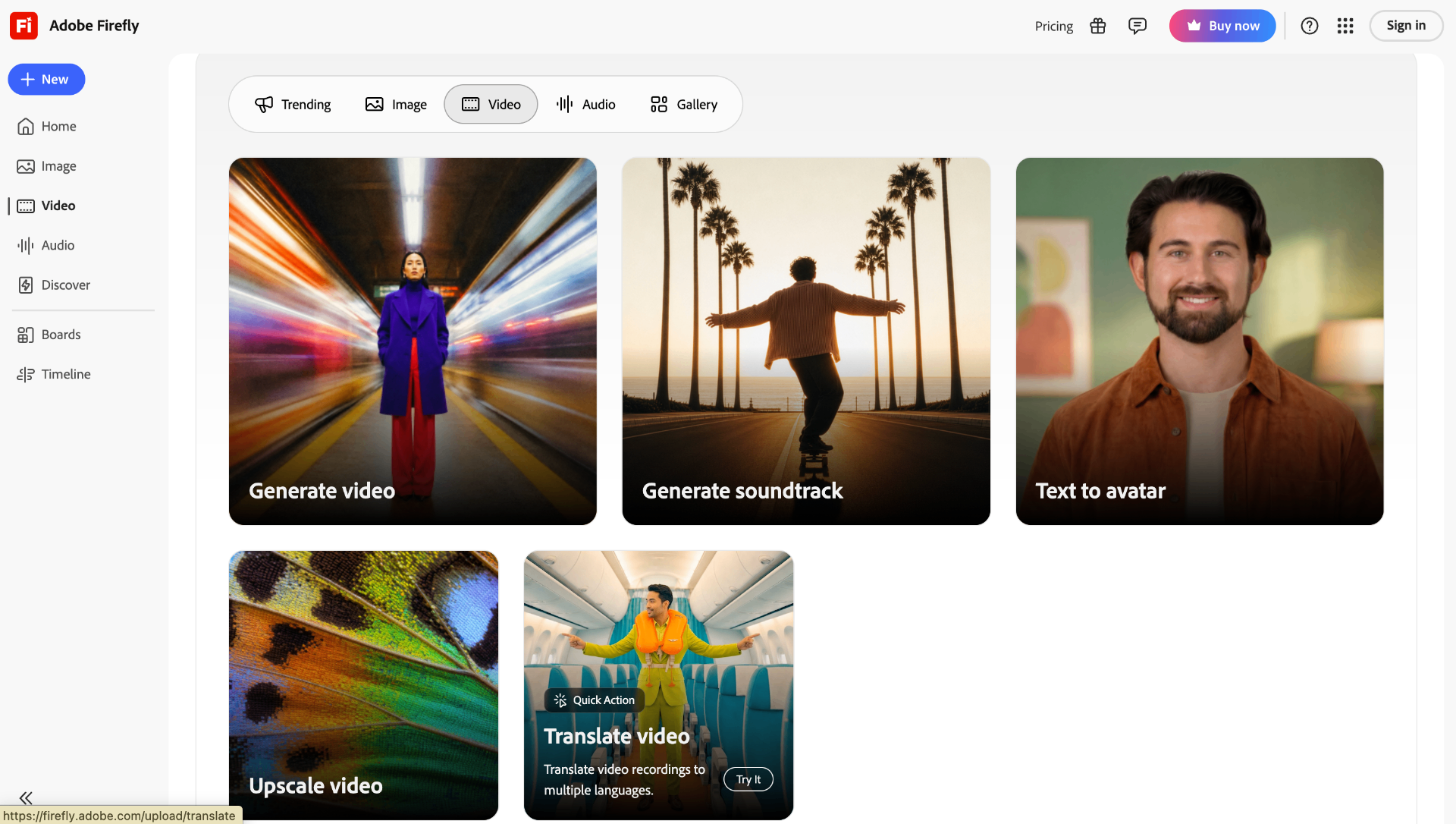
Adobe introduced video generation capabilities through Adobe Firefly, integrating generative AI features into creative workflows.
Unlike standalone AI video generators, Firefly is designed to work alongside professional editing tools such as Adobe Premiere Pro.
A video editor has a product shot with a plain background and uses AI tools to generate a new environment without recording additional footage.
Adobe Firefly is more focused on assisting creative professionals than replacing complete video production pipelines. Editors still need to review generated clips for accuracy, consistency, and brand requirements.
The best tool depends on the type of video being created.
Look for:
Tools with APIs allow developers to integrate video generation into applications instead of manually creating videos.
Useful features include:
Runway, Luma AI Dream Machine, and Adobe Firefly can be useful for early concepts and marketing assets.
Avatar-based tools such as Synthesia and HeyGen are better suited because they focus on script-to-video workflows.
AI video tools have improved significantly, but several technical challenges remain.
A generated character may change appearance between clips, making long storytelling difficult.
Models can create unrealistic:
Most consumer AI video generators are optimized for short clips rather than full-length videos.
Generated videos often require editing, fact-checking, and visual corrections before publishing.
AI video generators are changing how creators, developers, and businesses approach video production. Tools like Runway, Sora, Luma AI, Synthesia, HeyGen, and Adobe Firefly each solve different problems, from creative experiments to professional training content.
While these tools can speed up video creation, they still need human direction for accuracy, storytelling, and quality control. The biggest opportunity for developers is integrating AI video models into products and workflows to create new automated video experiences.