
Best Design Tools products of the week November 16, 2026
Explore the most innovative and popular design tools products that captured the community's attention during week. These rankings help builders compare standout launches, understand what each product does, and discover practical tools shaping the future of technology.
Period
Weekly ranking
Published for
November 16, 2026
Selection
10 ranked products
Ranked list
Community-backed design tools picks
Each product profile includes the launch story, visual preview, and direct product link so readers can move from discovery to evaluation quickly.
01

MagicShot is an all-in-one AI studio. Turn a text prompt or photo into images, videos, photoshoots, edits, voiceovers, and music. Use one account and one shared credit balance to access leading AI models and tools. Headshots, product shots, video ads and more, made in seconds from a single prompt or photo. Trusted by 500,000+ creators.
03
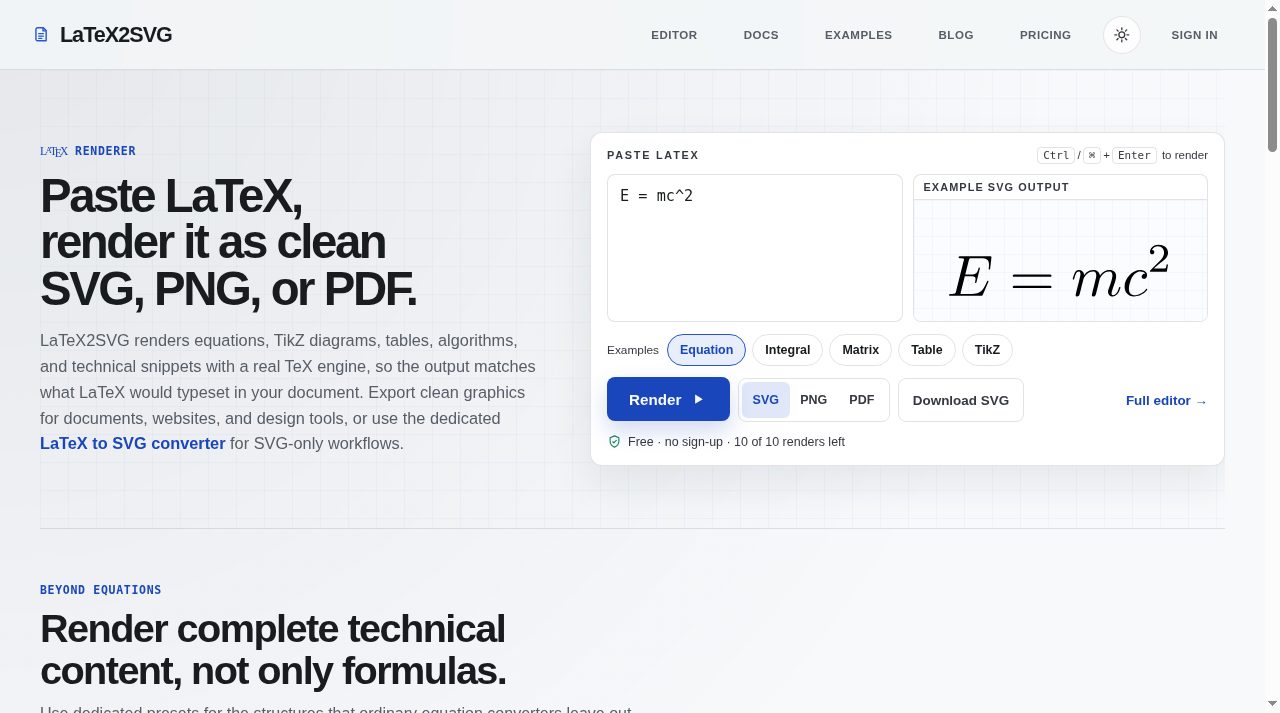
LaTeX2SVG is an online LaTeX renderer. Paste LaTeX and get it compiled with a real TeX engine, then exported as clean SVG, PNG, or PDF. It handles equations, TikZ diagrams, tables, algorithms, and technical text with theorem and proof environments, not just single formulas.
04

Watermark Eraser removes the visible Gemini sparkle mark from original Gemini images you created. It reverses the fixed blend used to add the mark instead of repainting pixels with AI. Processing happens in your browser, so image files are never uploaded. Process one image or a batch, then download lossless PNG results. There is no account, credit system, or daily limit. It supports original Gemini PNG, JPG, and WebP files up to 30 MB each; screenshots, crops, resized images, and re-saved copies may not work reliably. Check the magnified corner before keeping the result.
05


Wan 3.0 AI wraps the Wan 3.0 video model in a clean web interface. Write what you want to see, choose text-to-video or image-to-video, and get a short clip in minutes. It helps makers and marketers produce teasers, social posts and visual mockups quickly, and it rewards iteration: change one element of the prompt at a time and compare results. Nothing to install and no special hardware needed.
06


WithAI.Top is a curated AI tools directory that helps creators, marketers, founders, and professionals discover and compare practical AI apps and agents. Visitors can explore tools across writing, image generation, video, coding, audio, marketing, and productivity categories, review focused summaries, and find suitable products for specific workflows without searching across dozens of separate sources.
07

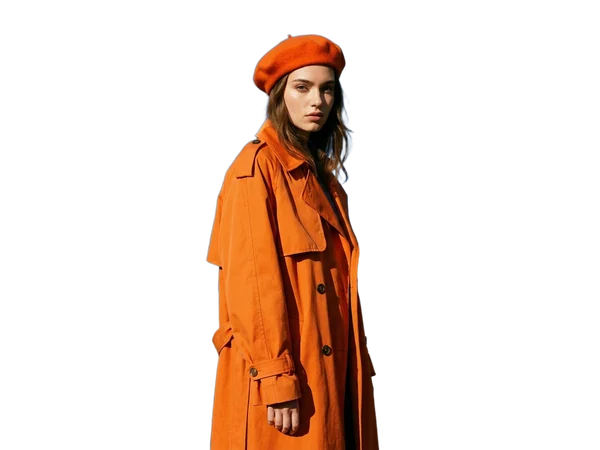
DREAMMMER is an AI creative workspace for images and video. Describe your idea in plain language, and an agent turns it into a prompt, picks a suitable model and refines the result with you in conversation. Create product visuals, posters, portraits and social content, or edit and restyle photos. Get 50 free credits.
08

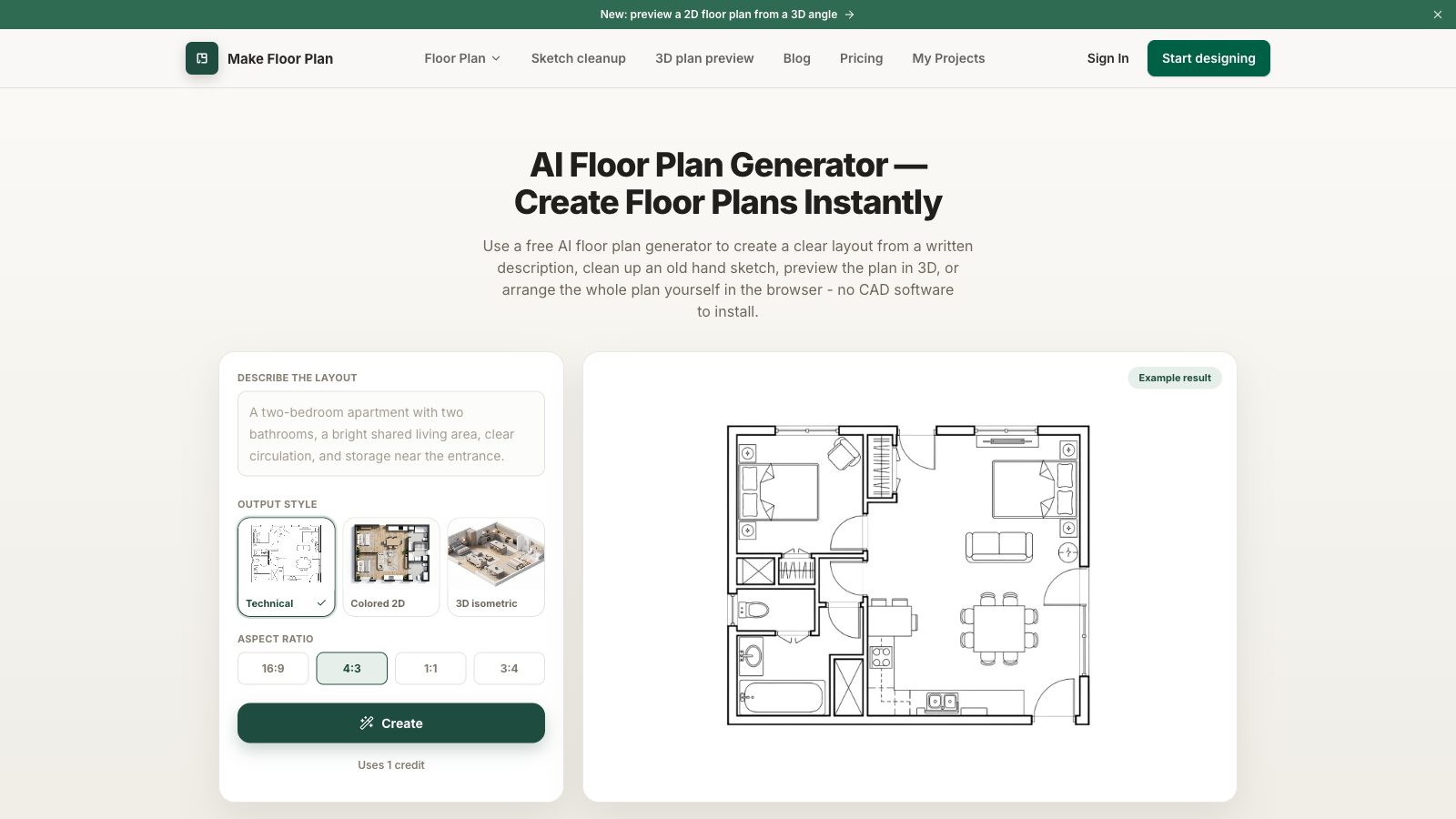
Make Floor Plan is an AI-assisted floor plan generator/editor for early residential layout discussions. Start from a written room brief, clean up a rough hand-drawn sketch, or revise a plan in the browser before comparing a static 3D-style preview. The output helps homeowners and interior designers discuss room relationships and alternatives before detailed professional work. New accounts receive 3 trial credits; continued AI use requires paid credits or a subscription. Pro starts at $14.99 per month, and Studio at $49.99 per month; a 120-credit pack is $29.99. These are concept visuals, not measured CAD/BIM files, construction documents, code checks, editable 3D models or walkthroughs.
09


Zippic is a free, privacy-first image toolkit. Every file is processed locally in your browser via WebAssembly, so your photos never leave your device. It's fast for large batches because nothing uploads. Compress and convert JPG, PNG, WebP, GIF, AVIF, BMP and RAW; batch compression with quality control; 19 tools including crop, resize, watermark, HEIC/PSD/PDF to image and video to GIF; no account, no upload, no file-size paywall; available in 11 languages.
10

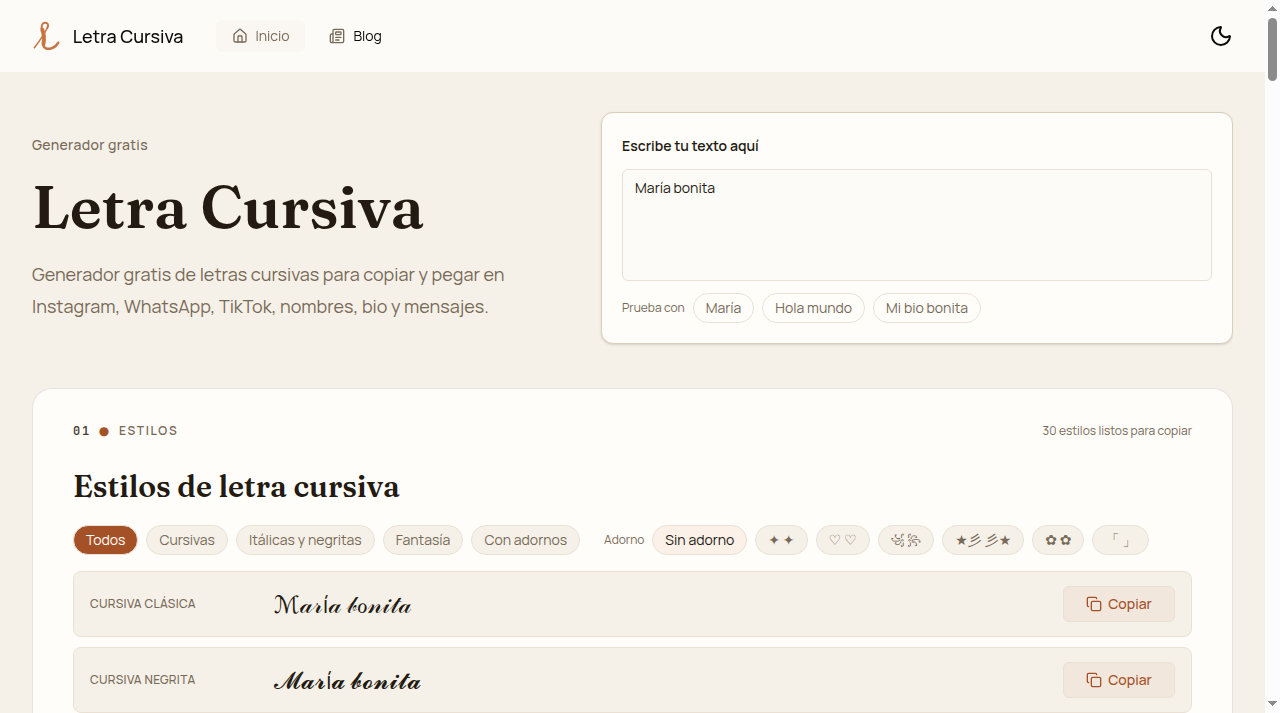
Letra Cursiva is a free web-based tool that allows you to transform plain text into various cursive and decorative styles using Unicode characters. Perfect for enhancing your Instagram bios, TikTok captions, WhatsApp messages, and gaming nicknames, it requires no downloads or account registration. Simply type your text, choose from over 30 unique styles, and copy the result to use anywhere.