

H3ImageGen
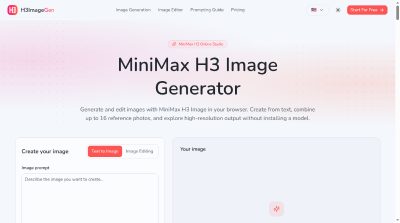
Generate and edit images with MiniMax H3 Image in your browser. Create from text, combine up to 16 reference photos, and explore high-resolution output without installing a model.
H3ImageGen is a browser-based studio for the MiniMax H3 image model. You type a prompt, optionally upload up to 16 reference images, pick an aspect ratio and a resolution tier, then generate and download the result. It handles both text-to-image creation and natural-language editing of existing photos in one place. Resolution options are 1K (about 1 MP, 5 credits), 2K (about 4 MP, 7 credits) and 4K (about 16 MP, 15 credits), and editing adds 1 credit per reference image. Output defaults to PNG. It's an independent third-party tool, not an official MiniMax site. Pricing is one-time credit packs with no subscription, and new accounts get 10 signup credits when the offer is enabled.

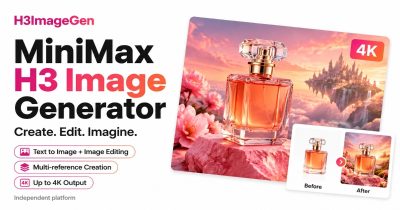
Launch Team / Built with

Overview
MiniMax H3 Image Generator is a browser tool for making and editing images with the MiniMax H3 model. Start from a written prompt, or upload a photo and describe what you want changed in plain language. Both tasks live in the same workflow.
You can combine up to 16 reference images to guide the subject, style, objects or scene of a new composition, then pick an aspect ratio and a 1K, 2K or 4K output tier. No model installation is needed since everything runs in the browser.
Features
- Text-to-Image Generation: Generate original photography, illustrations, product images, and concept art from natural-language descriptions.
- Image Editing: Upload an image and describe changes to backgrounds, objects, clothing, lighting, colors, or visual style.
- Reference-Based Generation: Use multiple reference images, up to 16, to guide the appearance, composition, and style of a new image.
- High-Resolution Output: Choose approximately 1 MP at 1K, 4 MP at 2K, or 16 MP at 4K to match your workflow.
- Accurate Prompt Following: Describe complex scenes, visual relationships, and specific edits in English or Chinese.
Pricing
No subscription or recurring charges. Base cost is 5 credits for 1K, 7 for 2K, and 15 for 4K, and image editing adds 1 credit per reference image. Failed tasks return the full charge. New accounts receive 10 signup credits.
Who It's For
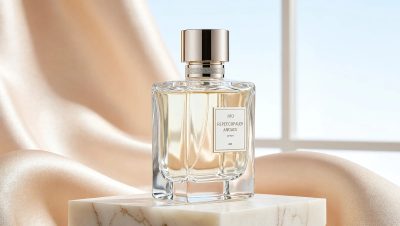
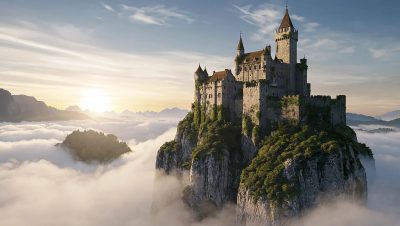
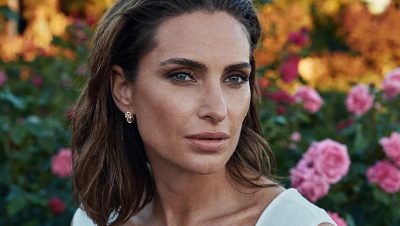
The examples and use cases mentioned on the site cover product photography, fantasy art, portraits, infographics, interior and architecture work, game design, digital artwork, product visuals, and social content.
Frequently Asked Questions
What is MiniMax H3 Image Generator?
It's an independent browser tool for text-to-image creation and photo editing with the MiniMax H3 model.
Is there a free MiniMax H3 Image generator?
New accounts get 10 free signup credits when the signup offer is enabled, visible after you sign in. Each 1K image costs 5 credits, 2K costs 7, and 4K costs 15, plus 1 credit per reference image for editing.
Can MiniMax H3 Image edit existing images?
Yes. Upload a photo and describe changes to the background, objects, outfit, lighting, or style.
Can MiniMax H3 Image generate consistent characters?
Reference images can help guide character appearance across new scenes. Use the same clear character references, say which facial features, hairstyle and clothing to keep, and state pose or setting changes explicitly. Exact identity consistency isn't guaranteed, so review each result.
How many reference images can I add?
Image Editing accepts up to 16 references in JPG, PNG, WebP, HEIC, or BMP format, at 1 credit per reference.
How long are generated images kept?
Images stay in your dashboard for 30 days from creation. After that they're no longer available in the library or download API and may be removed from storage, but your purchased credit balance isn't affected.