Every tool tested across three side projects over 18 months. Here's what actually earned its place in the stack - and a few that sounded good but weren't worth the tab.
At $0 MRR you need to be careful what you pay for. But the free tiers across infrastructure, tooling, and SaaS have genuinely improved over the last few years. You can build, ship, and market a real product today without a credit card - at least until you have users who justify the cost.
This post covers the stack that held up across three side projects over 18 months - actual usage, not speculation. Two of those projects are still running, and one now pays for its own hosting.
Pricing: Free up to 100GB bandwidth/month
The Hobby plan is genuinely good. You get automatic deploys on push, preview URLs per branch, serverless functions, and Edge Config. For a solo founder running a Next.js or SvelteKit app, this handles 90% of prod deployments without configuration.
The unexpected upside: how much faster iteration gets when every PR has a preview URL. Share it with a beta user in Slack. They test. They reply. No staging server to manage.
Free tier limit: 100GB bandwidth and 6,000 function-hours per month. You'll hit these with real traffic - which is fine, because at that point you should have paying customers.
Pricing: Free for individuals
Postgres with a dashboard, row-level security, auth (including OAuth and magic links out of the box), and a storage layer - all free to start. The DX is better than you'd expect from a hosted database. The SQL editor works, the table view is usable, and supabase gen types typescript keeps client types in sync with the schema.
Auth alone makes it worth it. Setting up email/password + Google + GitHub OAuth takes about 20 minutes, including the callback routes. That's time previously spent reinventing the same plumbing on every project.
Free tier limit: Projects pause after 1 week of inactivity. Fine for dev; pin your prod project to avoid cold starts for real users.
Pricing: $5 monthly usage credit
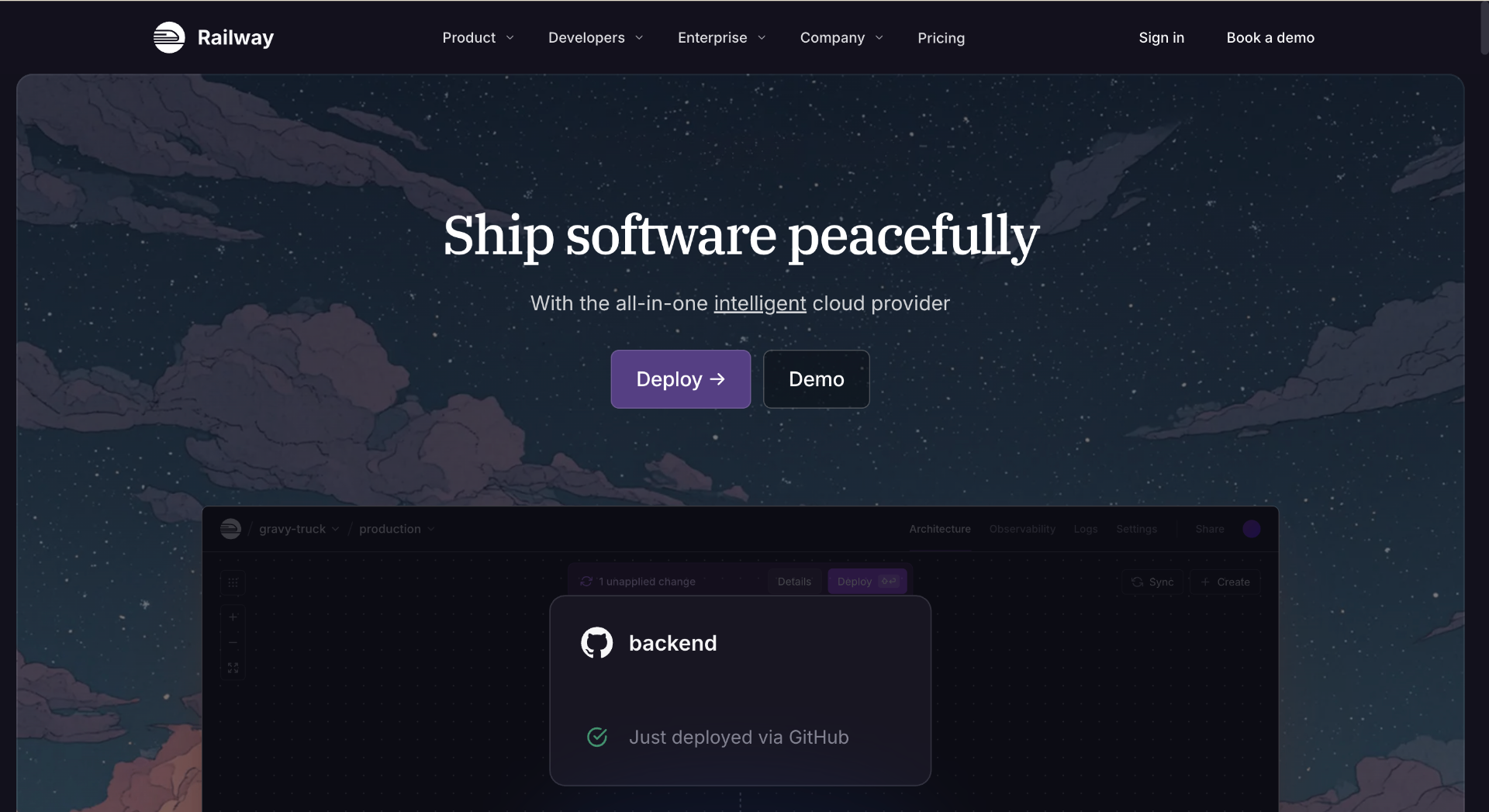
Where Vercel handles the frontend, Railway handles the stuff that needs to run longer than a serverless function - background queues, cron jobs, a separate Python service for ML inference. Everything deploys from a GitHub repo with environment variables and a Dockerfile or Nixpacks auto-detection.
The $5/month free credit covers low-traffic services comfortably. A Node worker + Redis queue processing a few hundred jobs per day can run free for months before hitting the credit ceiling.
Pricing: Free ( program, eligible startups can receive up to $ 100,000 to $ 200,000 in promotional credits to offset cloud infrastructure costs, including compute, storage, and machine learning models like Amazon Bedrock)
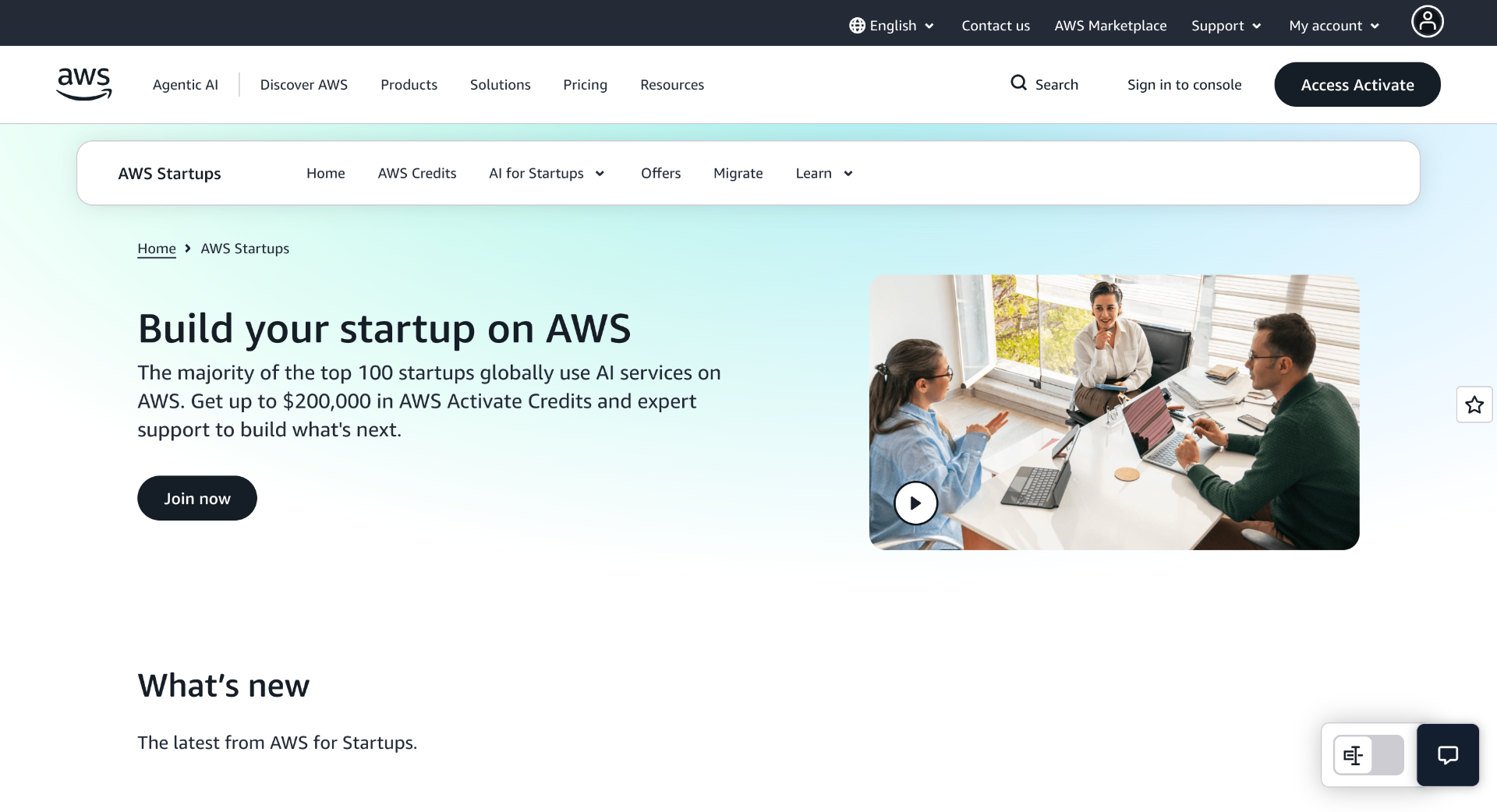
If you're building something that eventually outgrows free tiers, AWS Activate can significantly extend your runway. Eligible startups can receive cloud credits that offset infrastructure costs across services like EC2, S3, RDS, Lambda, and more.
The program is particularly valuable for founders working on AI, data, or infrastructure-heavy products that need more flexibility than typical free plans provide.
Pricing: DNS + CDN + DDoS protection + Pages hosting: Free
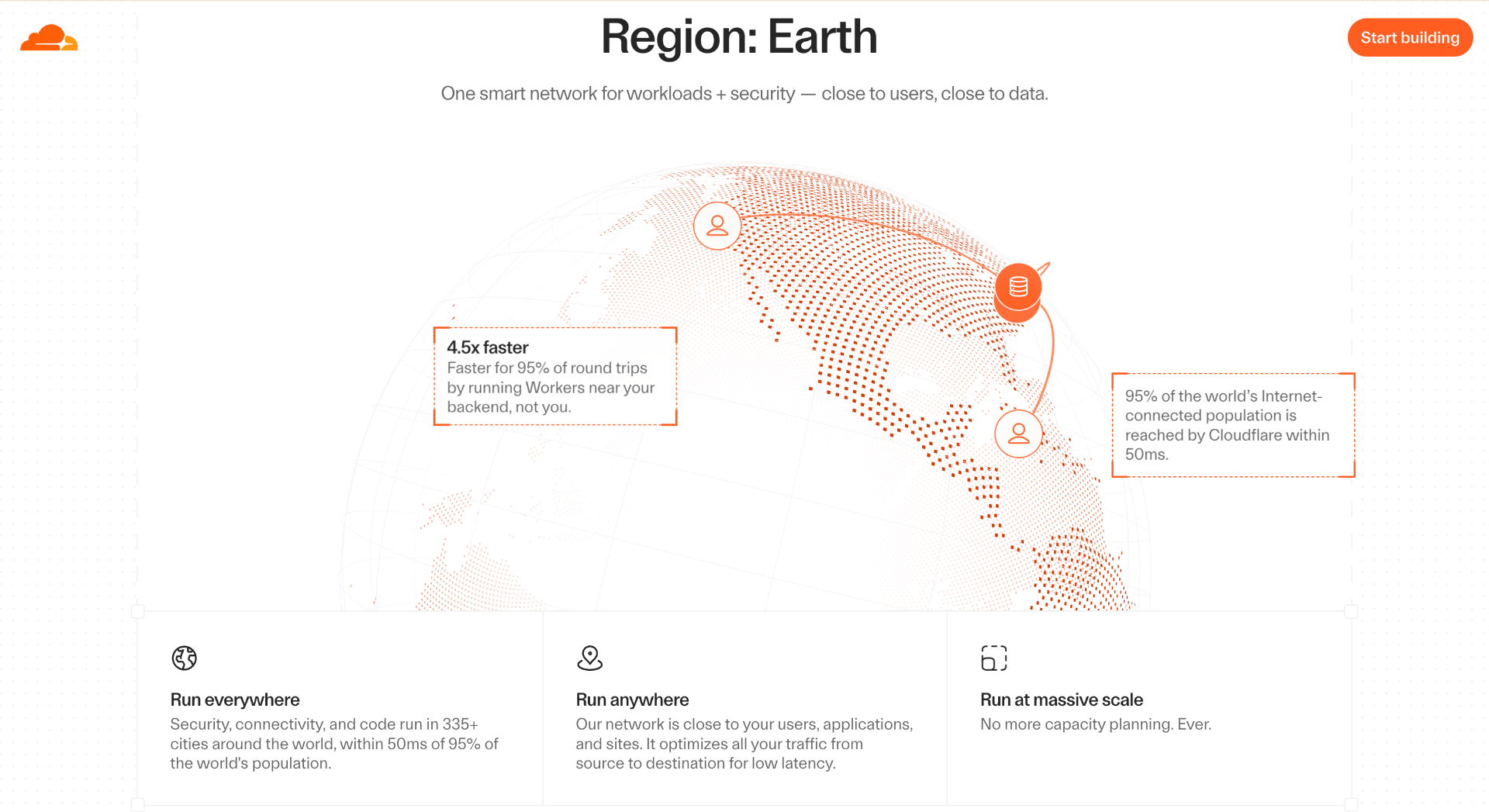
Cloudflare offers one of the most generous free tiers for builders. Beyond free DNS, SSL certificates, CDN, and DDoS protection, it also includes Cloudflare Pages for hosting landing pages, blogs, documentation sites, and portfolios at no cost.
Cloudflare Workers further extends the platform with up to 100,000 free requests per day, making it useful for lightweight APIs, rate limiting, redirects, and edge applications.
For many side projects and early-stage startups, Cloudflare can handle DNS, security, performance optimization, and static hosting from a single platform.
Pricing: Free static website hosting
GitHub Pages is a simple way to publish websites directly from a GitHub repository. It works particularly well for documentation, project websites, open-source projects, and personal portfolios where a lightweight deployment workflow is preferred.
Pricing: Free graphics, presentations, and video editing
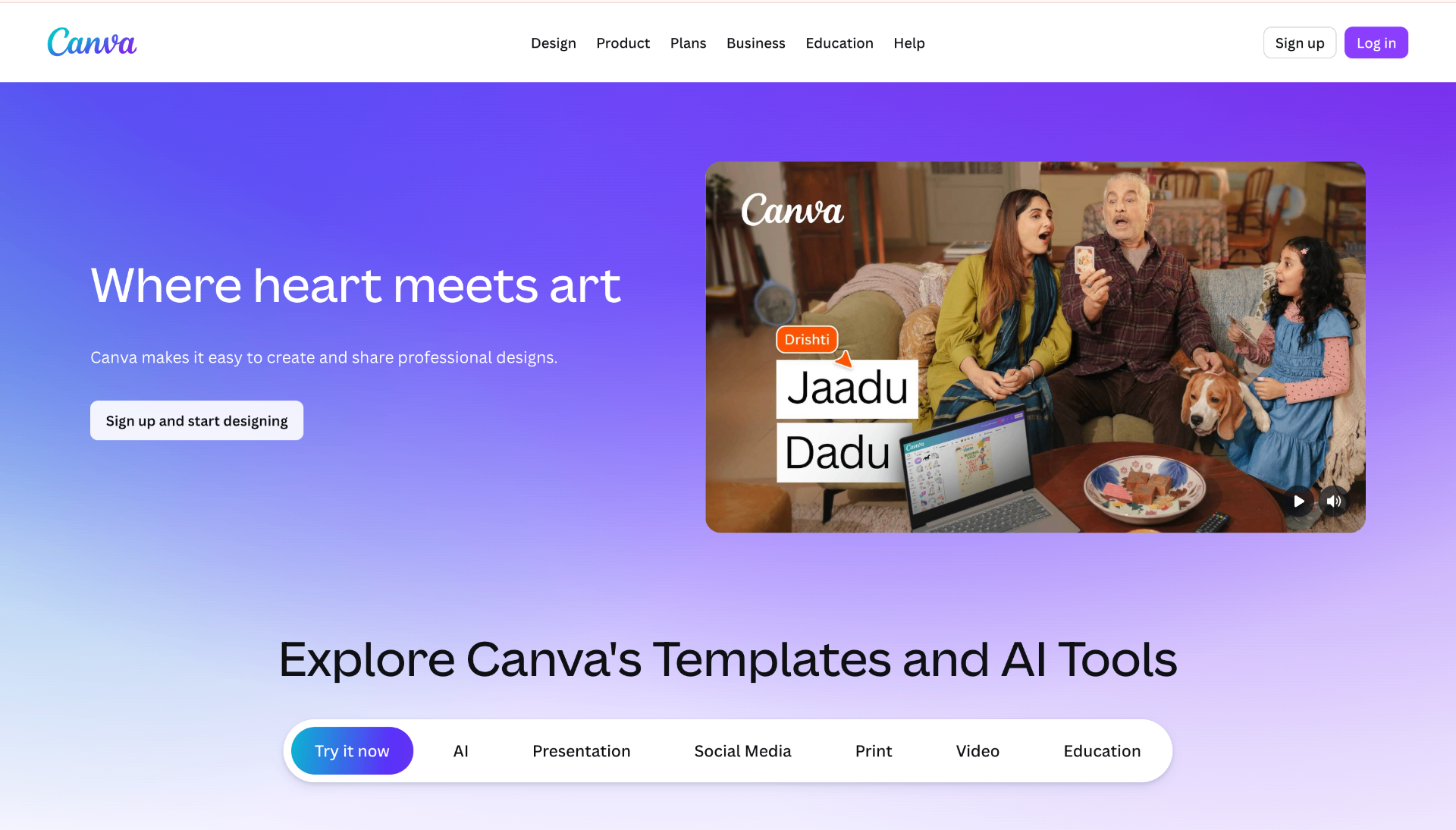
Canva has become the default design tool for many founders who aren't professional designers. The free plan covers social media graphics, posters, presentations, YouTube thumbnails, short videos, pitch decks, and marketing assets.
For early-stage projects, Canva often replaces multiple tools. A product launch graphic, investor deck, feature announcement, and demo video can all be created from the same workspace.
Pricing: Free - 3 projects
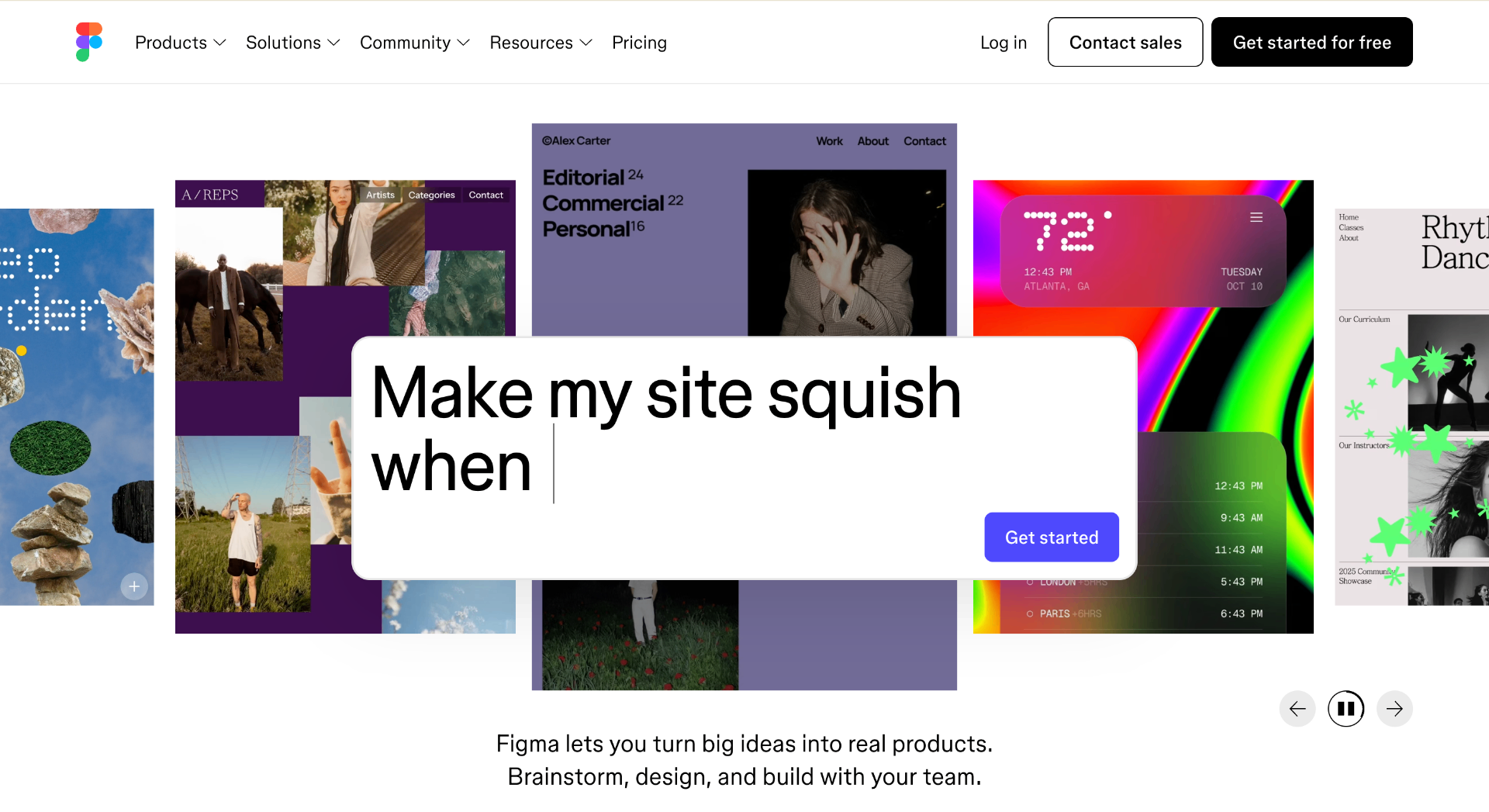
Three projects cover a lot of ground for a solo founder. Keep one file per product with everything: screens, component library, and the occasional architecture diagram for your own reference. Dev mode inspection is free now - previously a paid feature - and it's genuinely useful for getting spacing right.
If you're technical, don't skip Figma just because you "don't need design tools." Having a single source of truth for what the app looks like - even a rough one - prevents you from redesigning the same modal for times in code.
Pricing: Free to use - 2.9% + 30¢ per transaction
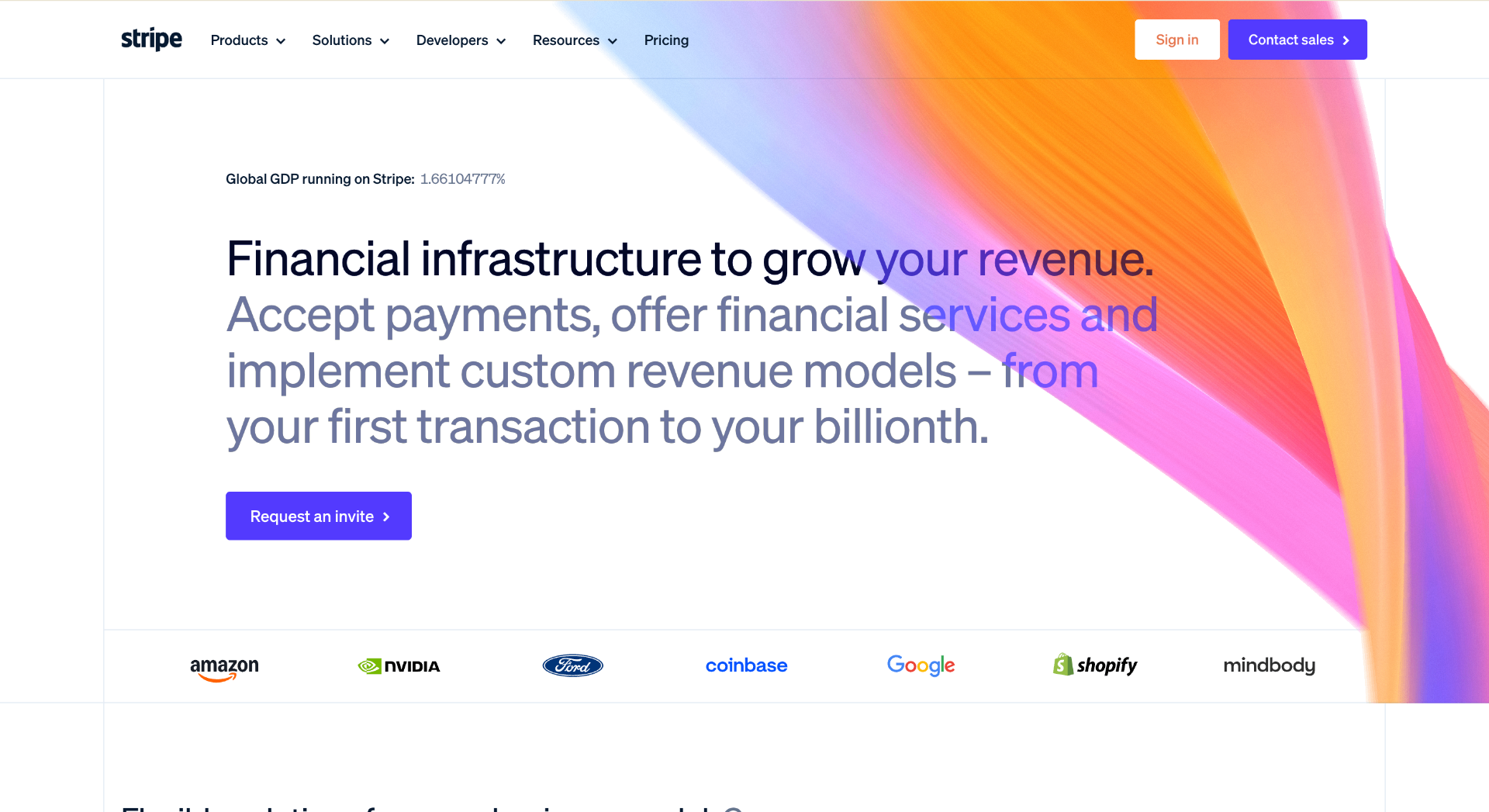
No monthly fee. You pay per transaction. For a SaaS doing subscriptions, the Billing and Checkout products handle almost everything: dunning, invoice emails, proration on plan changes, and the tax bits if you turn on Stripe Tax.
The Stripe CLI is worth knowing about:
This routes webhook events to your local server. Test a subscription upgrade flow in 10 minutes without touching ngrok.
Transactional vs. marketing email: these are separate problems and you want separate tools. Mixing them causes deliverability issues for both. A password reset landing in the Promotions tab is a support ticket waiting to happen.
Pricing: Free business email
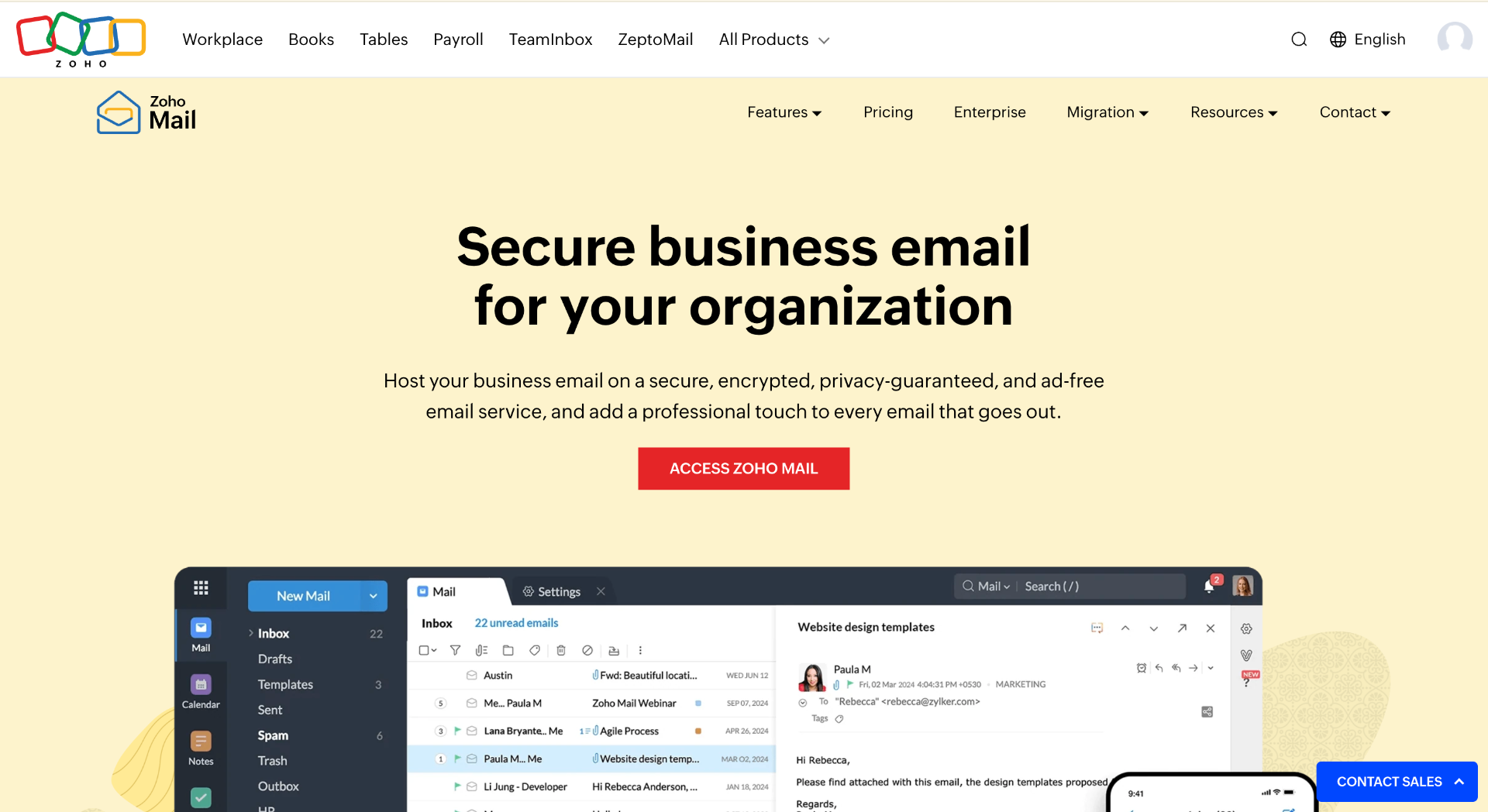
Having a professional email address helps establish credibility from day one. Zoho Mail offers a free plan that supports custom domains, allowing emails like [email protected] without paying for Google Workspace.
For bootstrapped founders, it is one of the easiest ways to get business email running before revenue starts coming in.
Pricing: Free - 3,000 emails/mo, 100/day
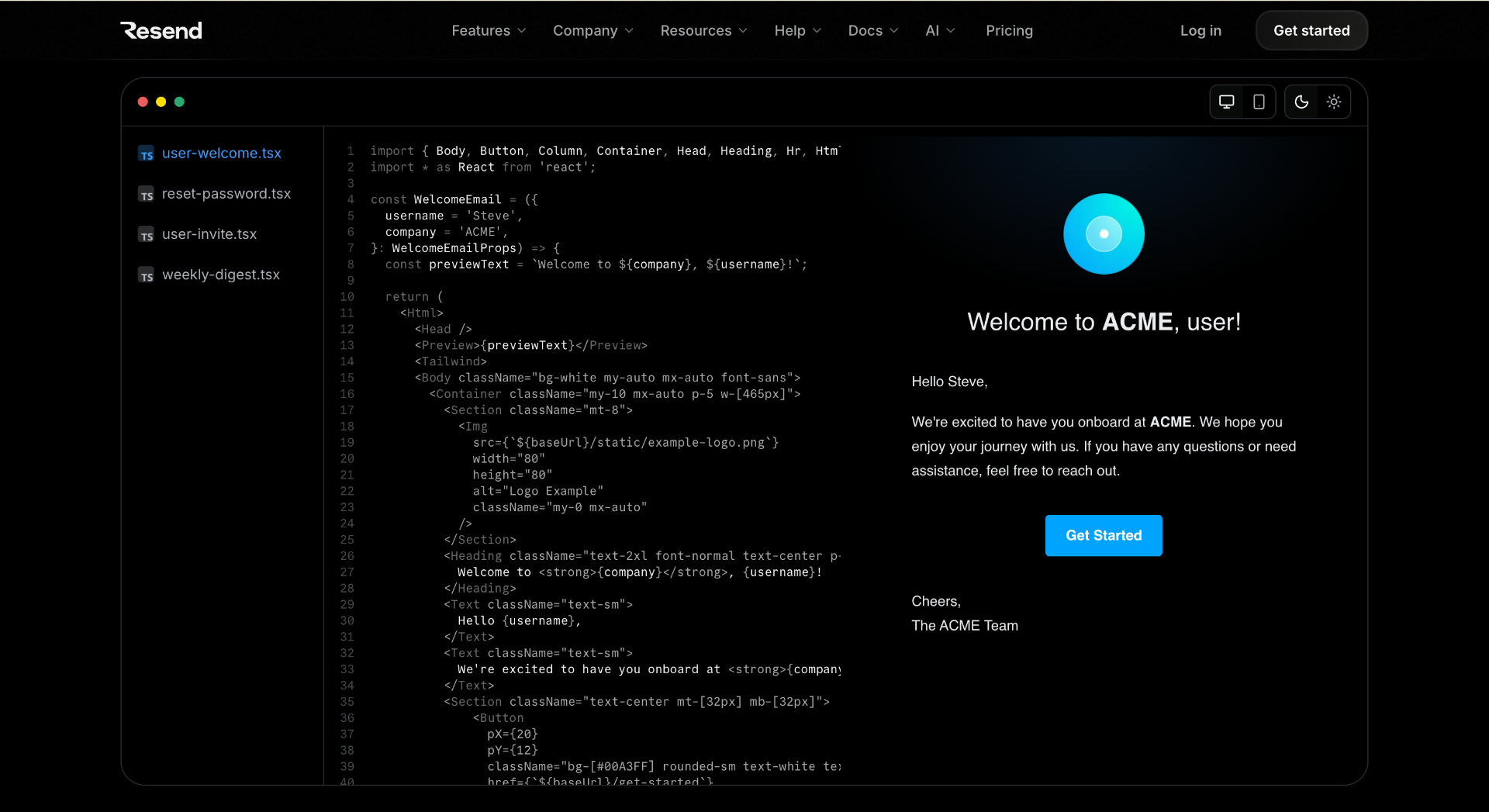
Transactional email that doesn't require a PhD to set up. Verify your domain, grab the API key, drop in the SDK. The React Email integration is the best part - write templates as React components, preview them in a browser, and render them server-side before sending. No more testing email HTML in Outlook.
Pricing: Free - 300 emails/day, unlimited contacts
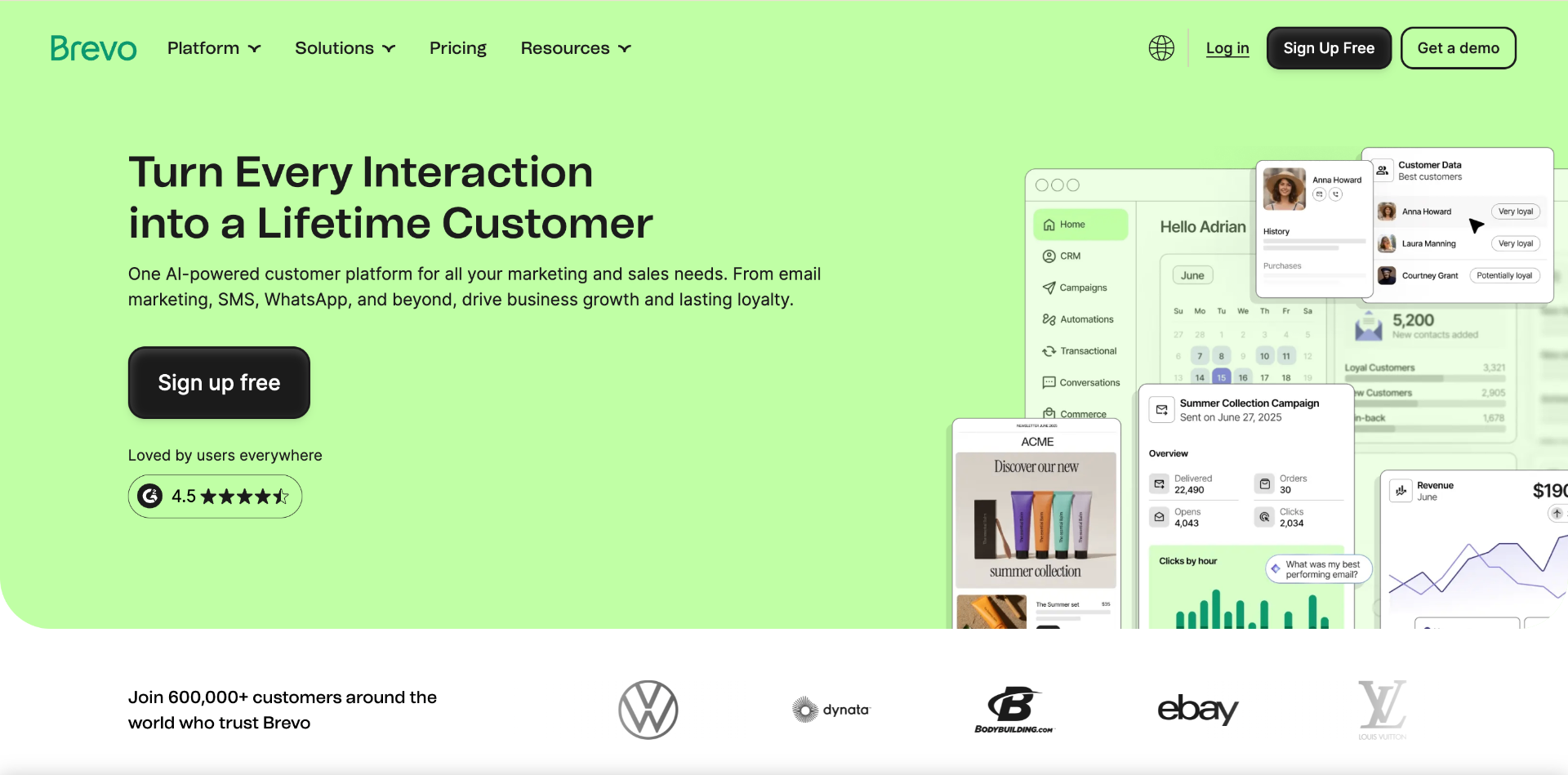
Unlimited contacts on the free plan is the differentiator. Mailchimp caps you at 500 contacts free. If you're collecting a waitlist, Brevo lets you grow without paying until you're actually sending campaigns at volume.
The automation builder is serviceable for a 4-email onboarding sequence triggered on signup - nothing fancy, but it works. The interface is a bit dated compared to newer tools, but that doesn't matter much when you're writing copy, not CSS.
Pricing: Free - self-hostable or free cloud tier
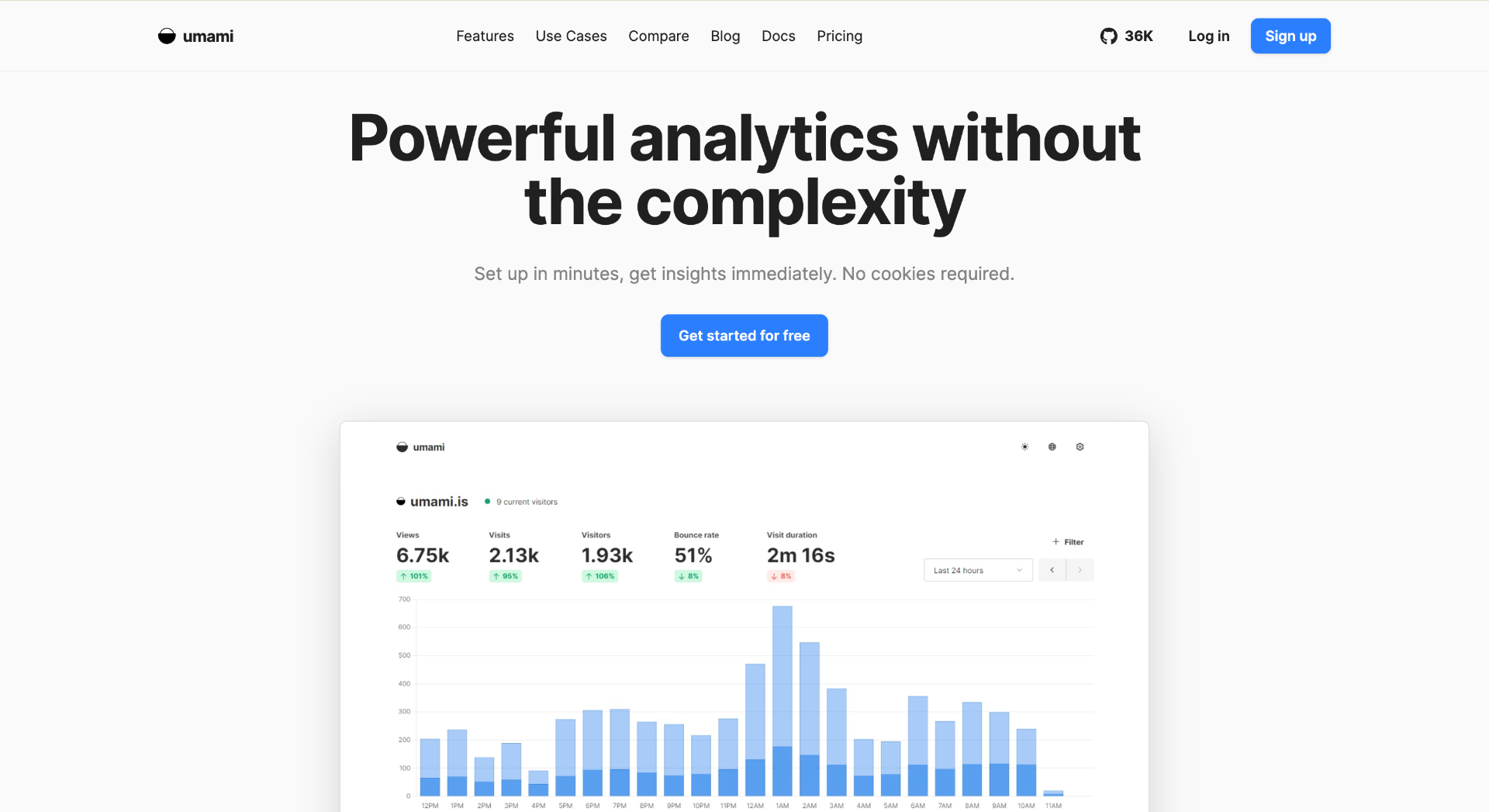
Privacy-first analytics that doesn't need a cookie banner. Umami tracks page views, referrers, and custom events without fingerprinting users. The dashboard is clean enough that you'll actually check it instead of just assuming Google Analytics is running somewhere.
The cloud free tier gives you 10,000 events per month. Deploy it yourself on Railway and you get unlimited events for ~$1/month in compute:
Pricing: Free - 1M events/mo
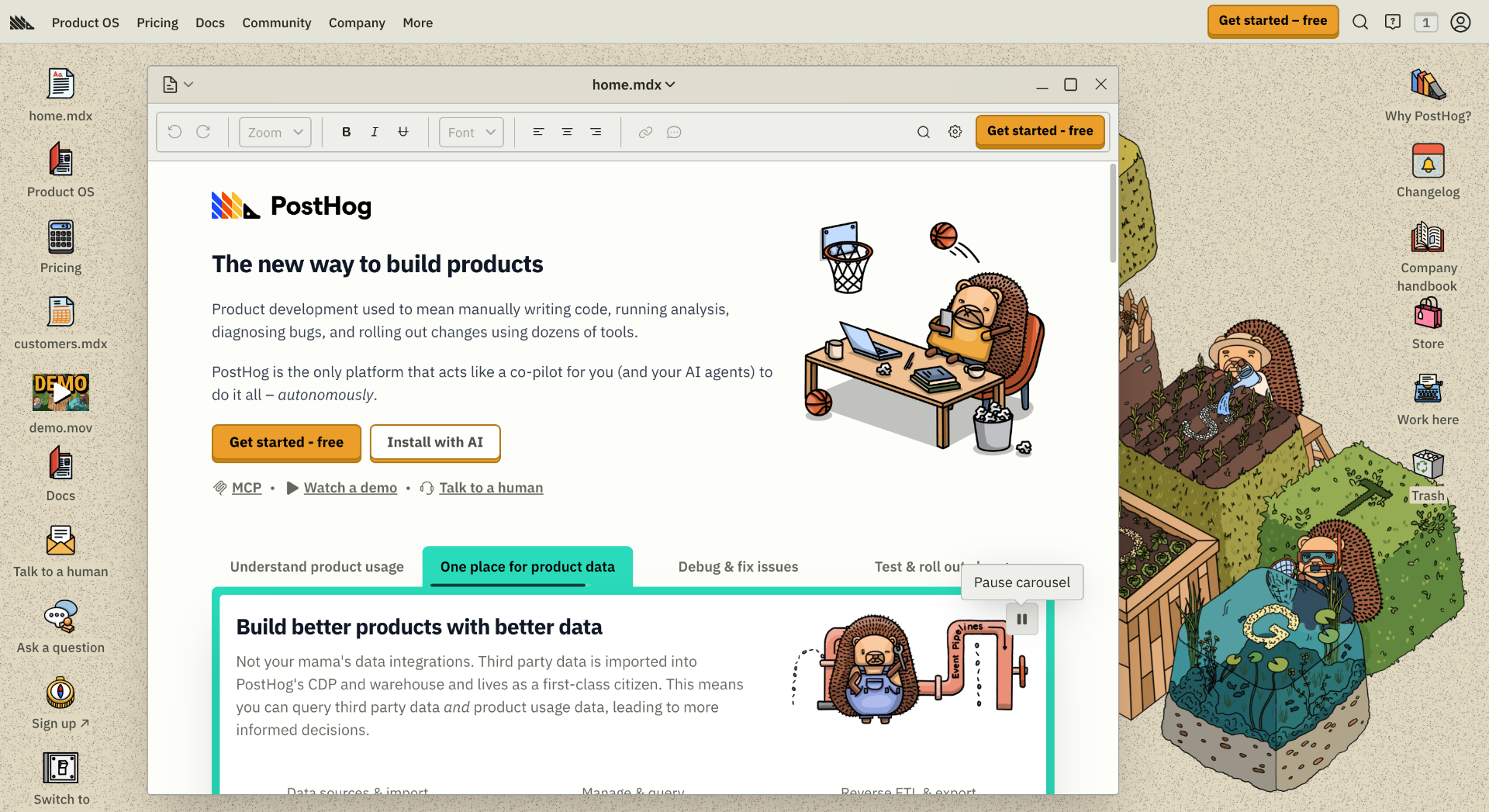
Where Umami handles traffic, PostHog handles product analytics: funnels, session recordings, feature flags, A/B testing. One million events per month free is enough for early-stage products to get real insight into where users drop off.
Feature flags alone justify adding it. You can ship half-rolled-out features to 10% of users in production, measure the activation rate, and toggle the flag off without a deploy. That's normally a paid feature.
Pricing: Free - unlimited pages, 10 guests
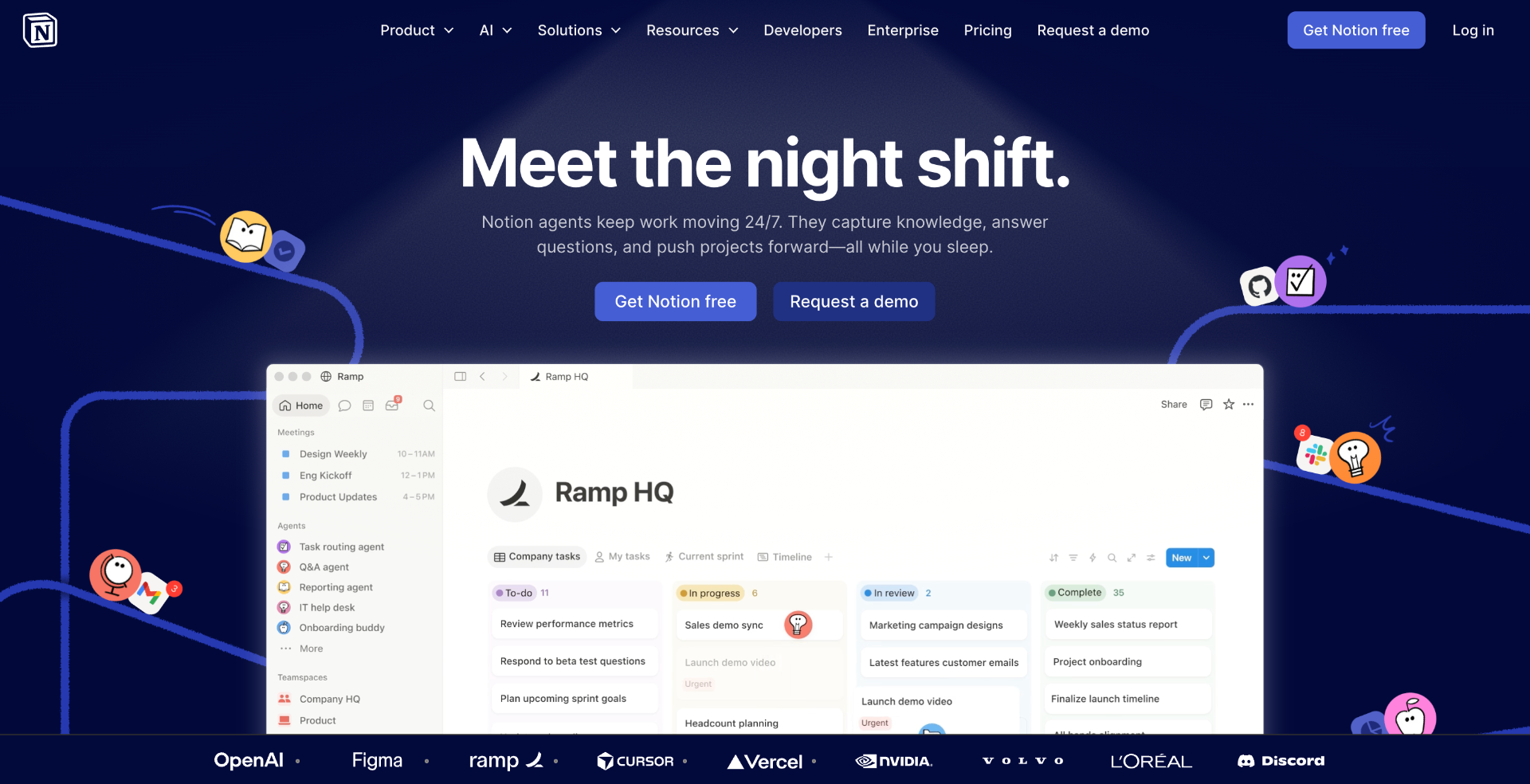
Notion works well for everything that's not code: user research notes, the product roadmap, a CRM with one table, launch checklists, blog drafts. The free plan is generous enough to run an entire early-stage operation inside it.
One pattern that holds up: a "weekly review" page as a Notion template. Duplicate it weekly, fill in what shipped, what's stuck, and what the single most important thing is next week. Keeps the project from drifting in the wrong direction for a month without noticing.
Pricing: Free - unlimited issues, 1 workspace
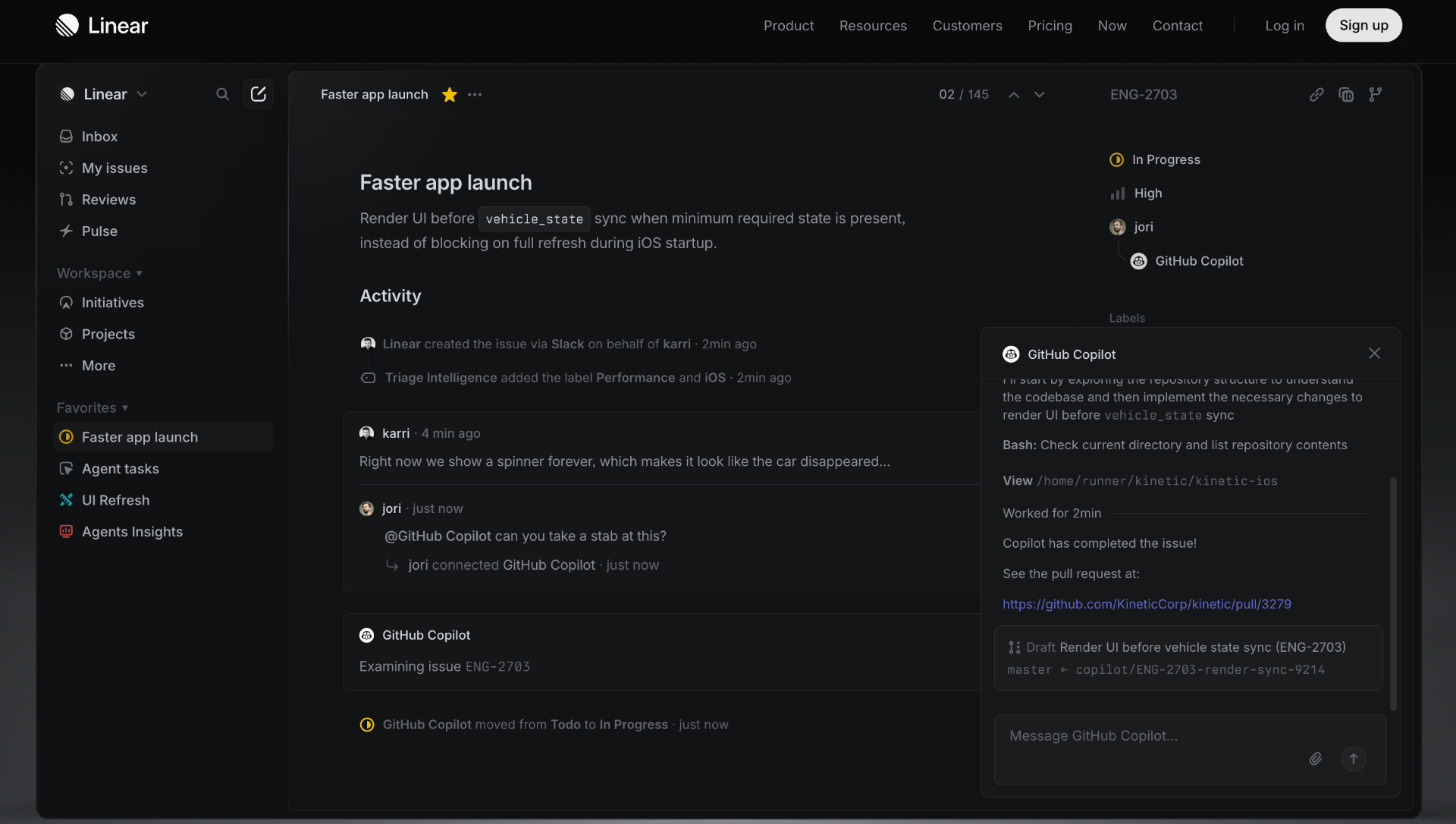
Linear is Jira if Jira were designed for people who have to actually use it. Free for a solo project. Tracking bugs, features, and user-reported issues in Linear - rather than in Notion - helps because keeping a separate space for "things to fix" vs "things to think about" reduces context-switching.
The GitHub integration is good: reference an issue in a commit message and it closes automatically on merge. Keeps the issue list clean without extra bookkeeping.
Pricing: Free - unlimited issues, 1 workspace
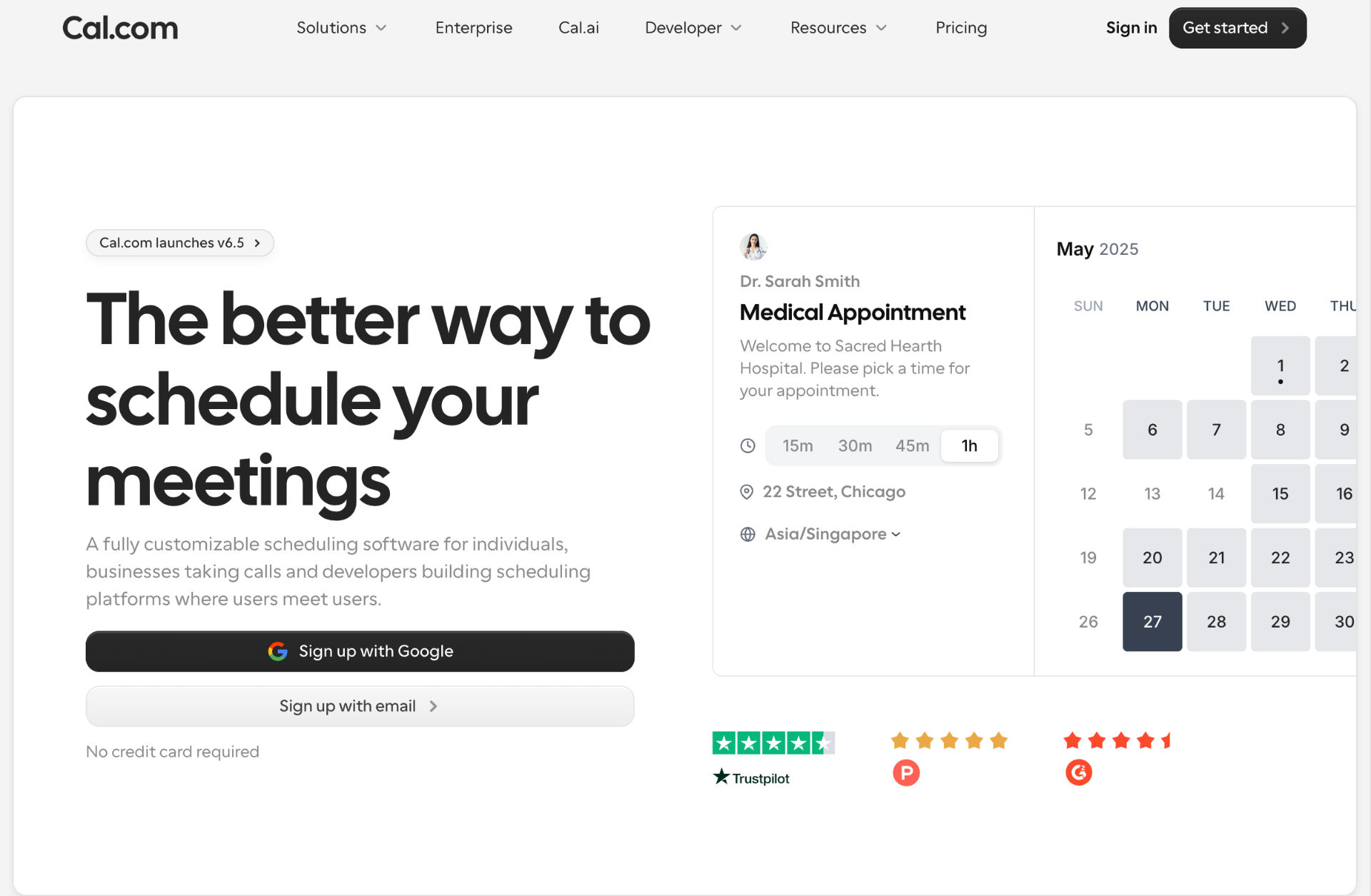
Open-source Calendly. Self-hostable, or use the cloud version free. Embed it in the product for user onboarding calls. The shared link is a lot less awkward than emailing back and forth about times, and the free tier doesn't watermark your booking page the way some alternatives do.
Pricing: Free - unlimited forms and submissions
Typeform-style forms with unlimited everything free. Good for user research surveys, feature request forms embedded in the app, and feedback collection after onboarding calls. The Notion integration sends responses straight to a database without Zapier in the middle.
Pricing: Free AI access
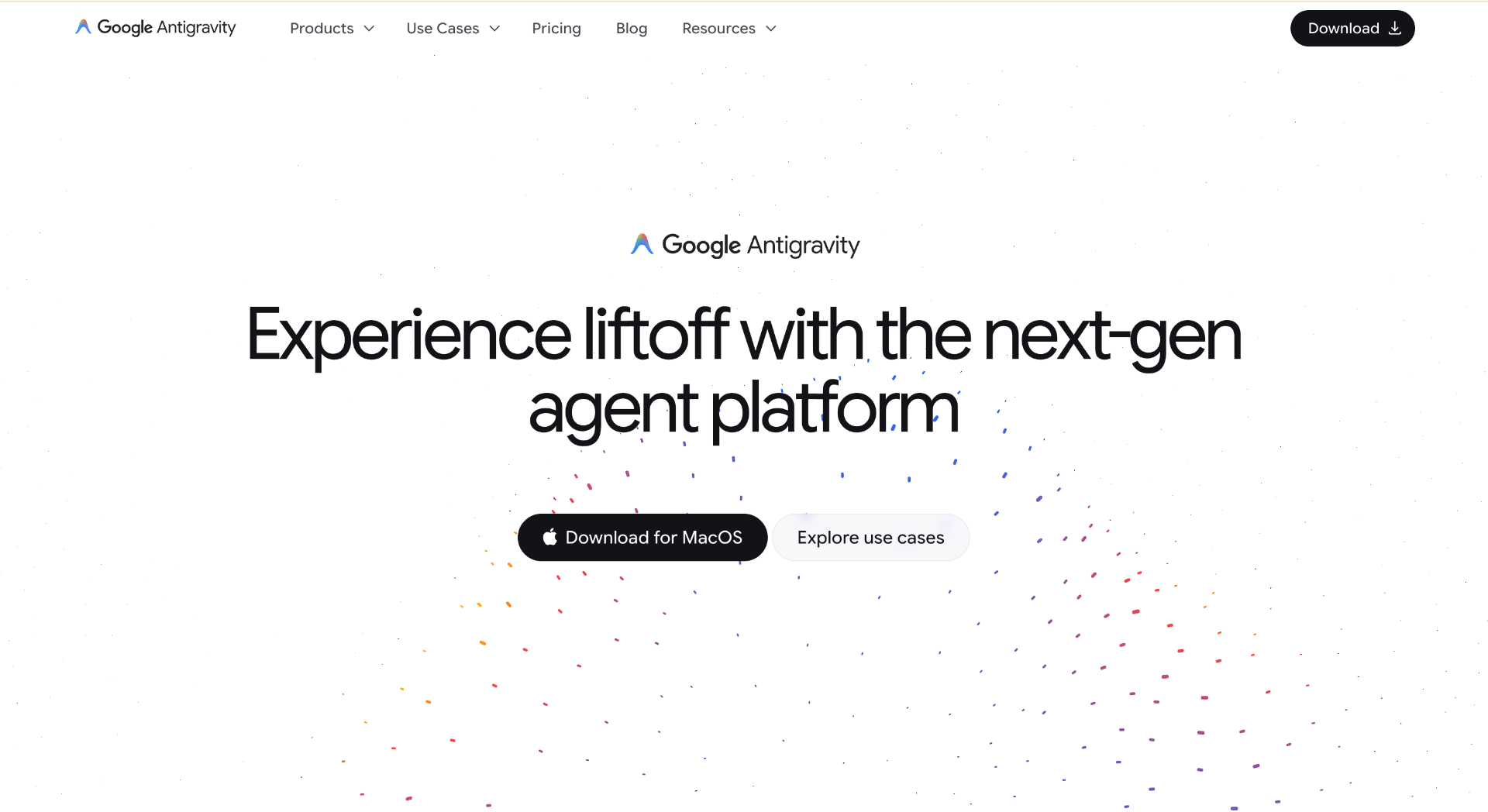
Many AI tools provide limited daily usage on free plans. AntiGravity stands out by offering a more generous free experience, making it practical for coding assistance, content generation, research, brainstorming, and day-to-day startup work.
For founders trying to minimize software spending, a generous AI free tier often delivers more value than access to a specific model.
Other useful options include ChatGPT and Claude, though their free plans tend to have tighter daily limits depending on usage.
Pricing: Free for individuals
GitHub rolled out a free Copilot tier - 2,000 completions per month and 50 chat messages. Enough for coding sessions where you want autocomplete without paying $10/month until the product is actually making money.
Not everything with a free tier earns its place in the stack. Some tools tested and removed:
Watch out for free tier cliffs. PlanetScale, Heroku, and Render have all reduced or removed free tiers in the last two years. Before building on a free tier, check the pricing page carefully for what happens when the bill arrives.
Here's the full stack running on an active side project, and what it actually costs per month before there are paying users:
The domain name ($12/year from Cloudflare Registrar) is the actual biggest expense before revenue.
When a project starts earning, the first paid upgrades usually go in this order: Vercel Pro for faster builds, PostHog Scale for more events, then Resend's paid plan for higher send limits. The infrastructure grows with revenue instead of preceding it.
The goal isn't the cheapest stack. It's delaying cash outflow until there's cash in. These tools make that possible without meaningful tradeoffs on quality.
Building a product no longer requires a large software budget. The current generation of free tiers is capable enough to support hosting, databases, authentication, analytics, email, design, project management, and even AI-assisted development.
The most valuable lesson isn't finding the cheapest tools. It's choosing tools that let a project grow without forcing early spending. A good startup stack should scale alongside revenue, not ahead of it.
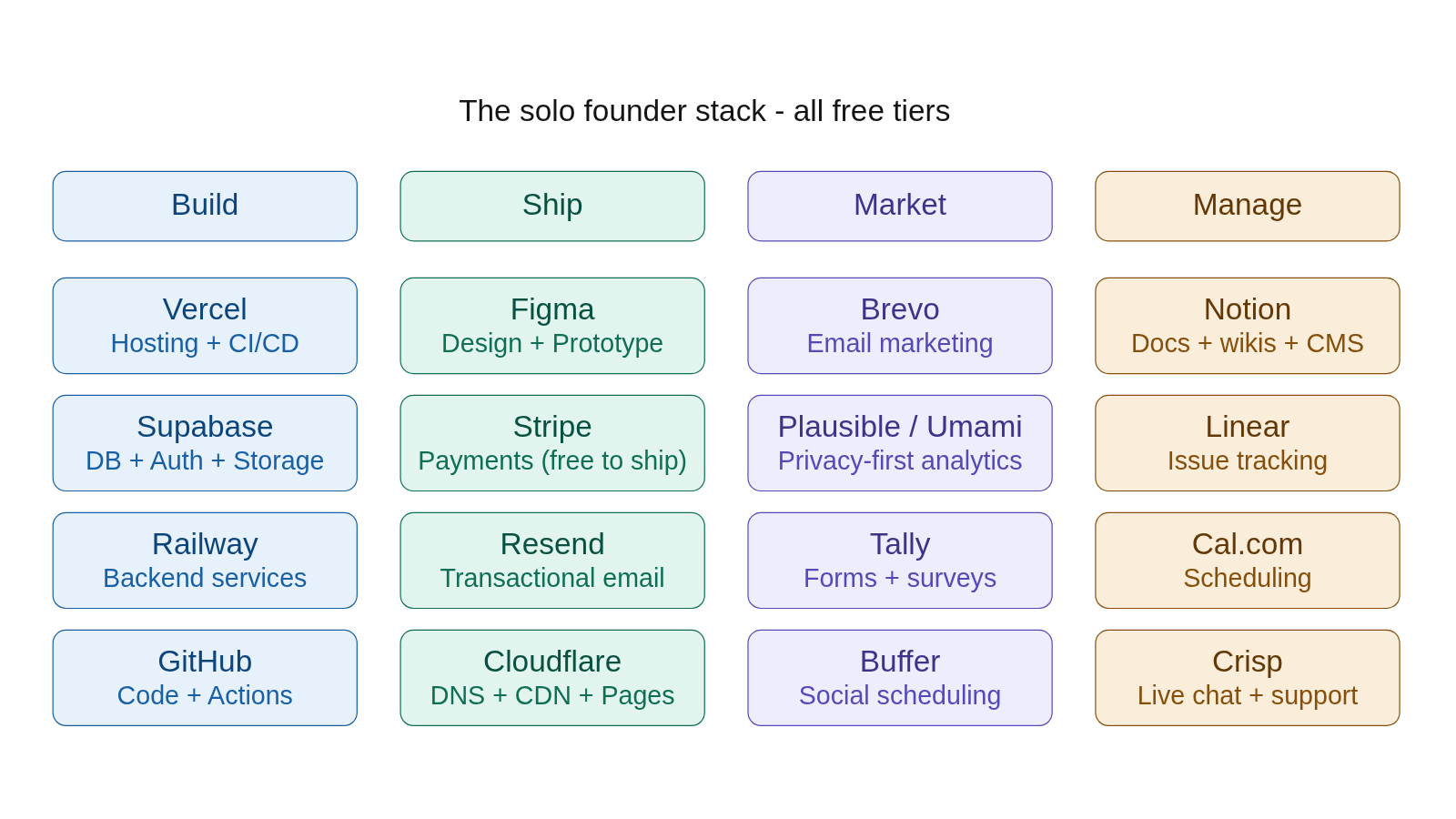
For most solo founders and indie hackers, the combination of Vercel, Supabase, Railway, Cloudflare, Resend, PostHog , Notion, and a few supporting tools is more than enough to launch, validate, and grow an idea before reaching for a credit card.