
Best Productivity products of the week November 16, 2026
Explore the most innovative and popular productivity products that captured the community's attention during week. These rankings help builders compare standout launches, understand what each product does, and discover practical tools shaping the future of technology.
Period
Weekly ranking
Published for
November 16, 2026
Selection
10 ranked products
Ranked list
Community-backed productivity picks
Each product profile includes the launch story, visual preview, and direct product link so readers can move from discovery to evaluation quickly.

02
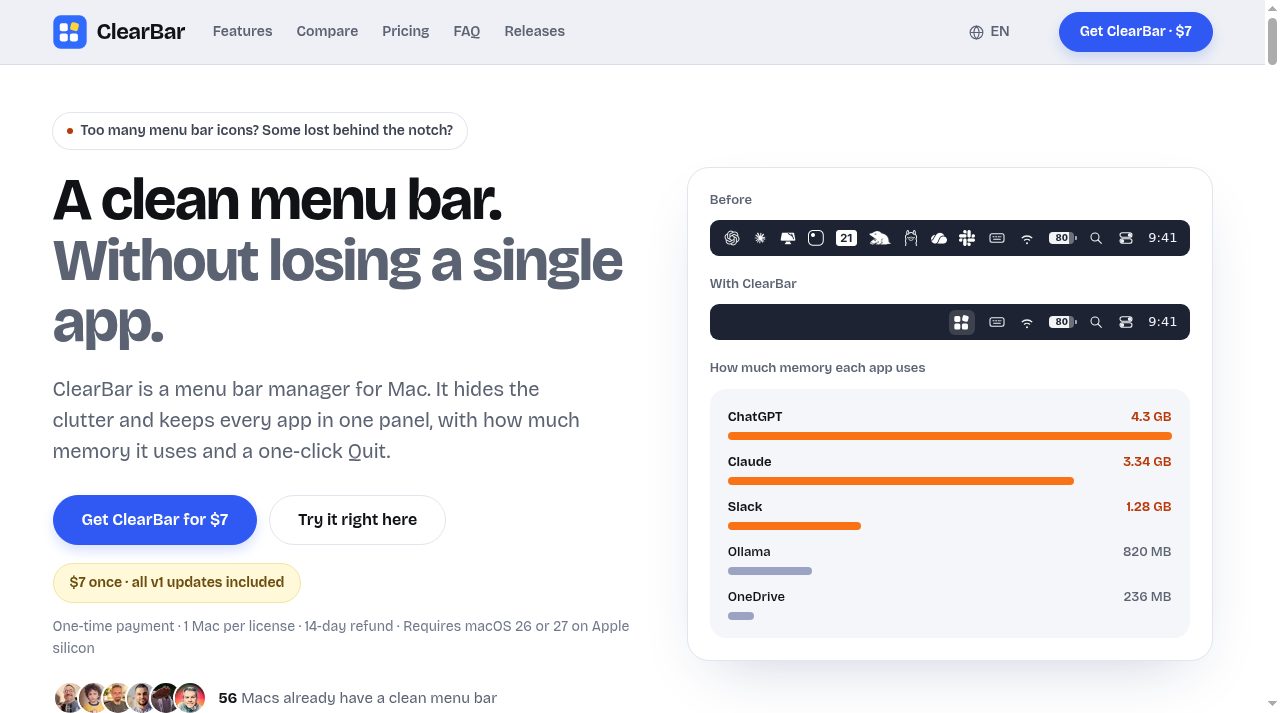
ClearBar is a menu bar manager for Mac. It hides third-party menu bar icons, even ones sitting behind the notch, and puts every app in a single panel so nothing gets lost. Apple's own items, like Wi-Fi, Control Center and the clock, stay where they are. Quit ClearBar and every icon it hid comes back. It runs on macOS 26 and 27 on Apple silicon, and it never asks for Screen Recording access. From that panel you can see how much memory each app uses, helpers included, with anything over 1 GB turning orange. Click an app to open its own menu, or hit the × to quit it, and the app still gets to save your work. Hold ⌥ to Force Quit. If you run Docker, ClearBar lists every container with its image and memory, heaviest first, and stops one with a click. It works with Docker Desktop, OrbStack and Colima. You can also record your own keyboard shortcut to show or hide icons from any app. It's $7 once, with all v1 updates included, one Mac per license and a 14-day refund.
04
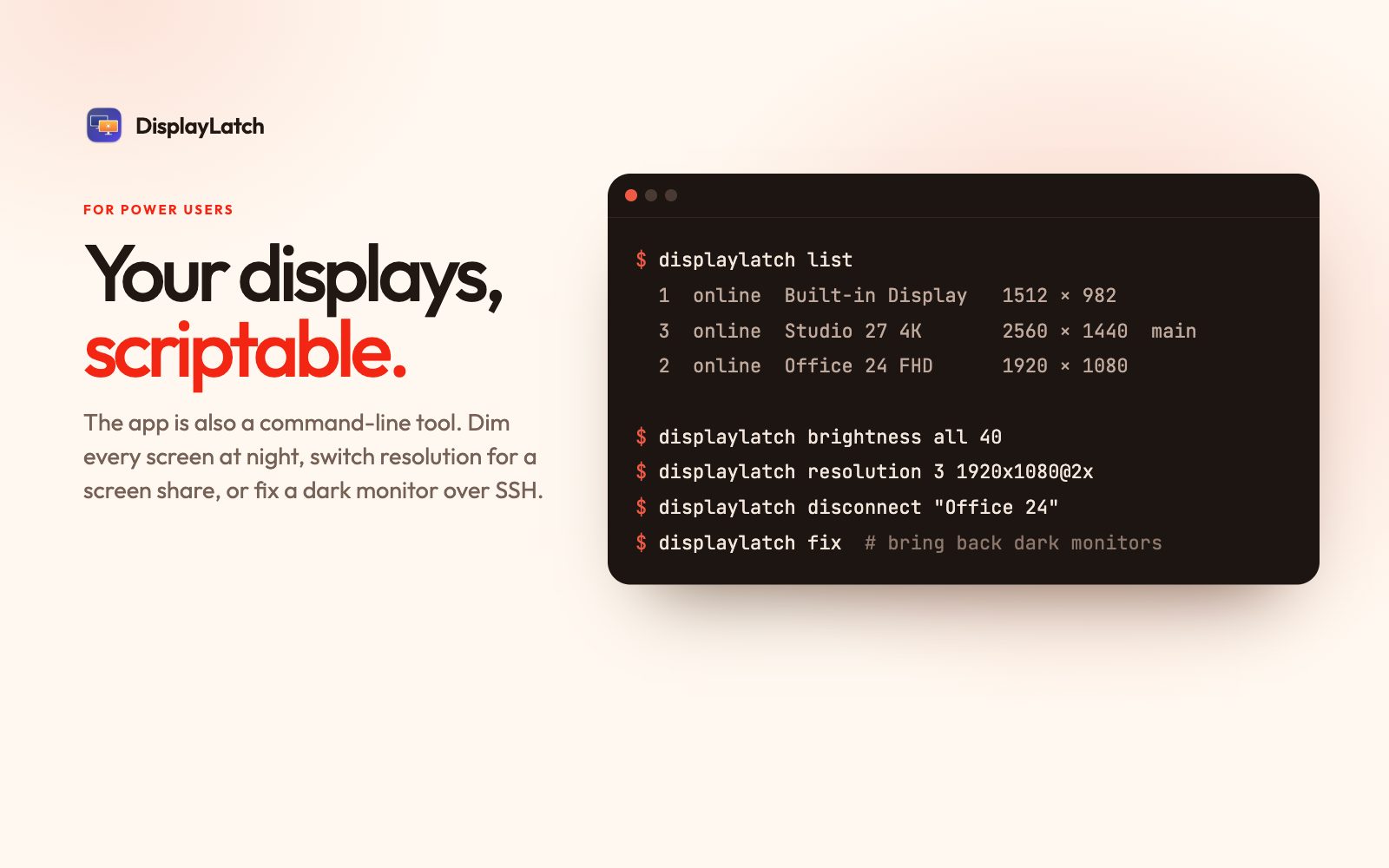
DisplayLatch is a free, open-source menu-bar app for Macs with external monitors. It changes each monitor's real backlight brightness over DDC/CI, with one slider that dims every screen at once. It also brings back monitors that macOS leaves black or off the desktop after sleep, in the same position. You can disconnect a display without unplugging it, switch resolution including HiDPI modes, and script it all from the command line. Native Swift, about 1.5 MB, no account or tracking.

07
NexusAi is a platform for discovering and comparing AI tools, AI-powered SaaS and software with built-in AI features. You can browse product categories, grab practical AI prompts, check out workflows and read AI industry insights. There's also an AI comparison hub where you can add up to 5 AI apps and compare them side by side, using one credit per comparison (free accounts get a starter credit, paid accounts use regular credits). The site claims 800+ AI tools listed, 1000+ AI prompts, 1000+ categories covered and 50K+ monthly visitors, with tools curated, verified and updated daily.
08
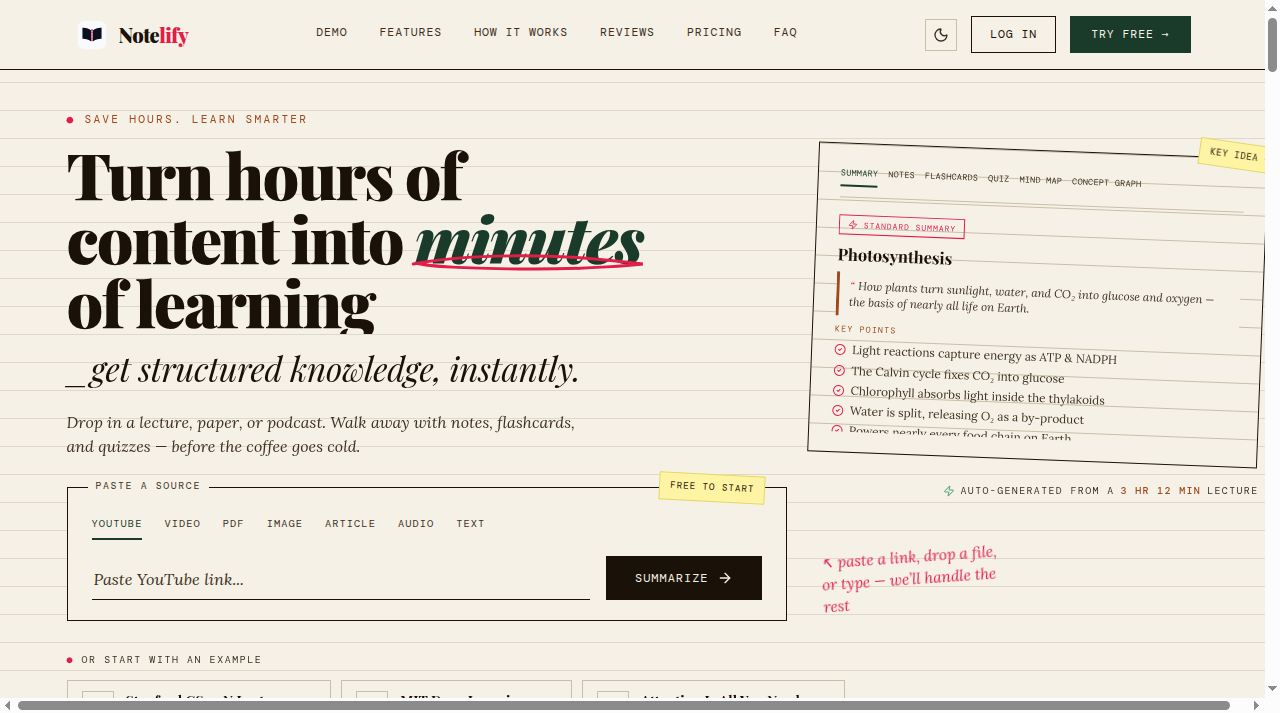
Notelify is an AI study workspace for students that turns PDFs, YouTube videos, lectures, and slides into notes, flashcards, quizzes, and mind maps. It also helps researchers summarize papers and pull out key findings, professionals get the main points from reports, contracts, training videos and recorded meetings, and teachers and tutors make quizzes and study guides from their own material.
09
Paste or type Markdown and see it formatted while you write. GitHub Flavored Markdown, tables, task lists, highlighted code and Mermaid diagrams. Export to PDF, Word or HTML. Everything stays in your browser, with no sign-up.
10

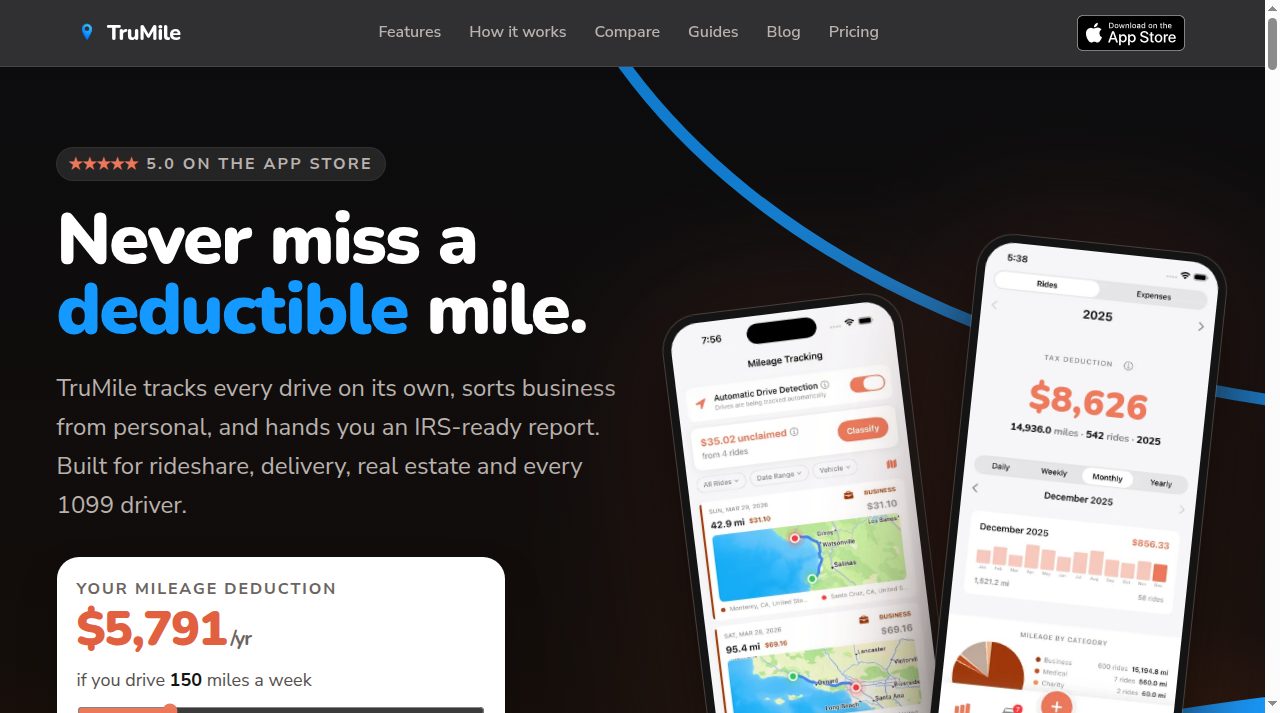
TruMile watches for movement first, then turns on GPS to record the drive, so gig drivers, realtors, sales reps, and the self-employed never lose a deductible mile to forgetting to hit "start." Each trip is classified business, medical, charity, or personal, then rolled into an IRS-ready PDF or CSV report at tax time. Free for 40 auto-tracked trips a month with unlimited manual entries; Pro removes the trip cap for $7.99/mo or $59.99/yr.