

Translate scanned and image-only PDFs into 40+ languages and keep the original layout: columns, tables, stamps and numbers stay in place.
Launch Team / Built with

Overview
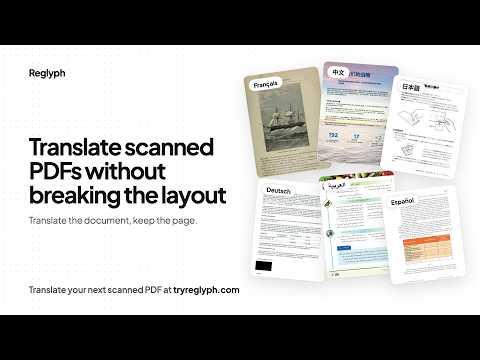
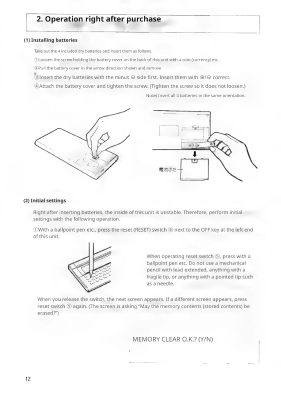
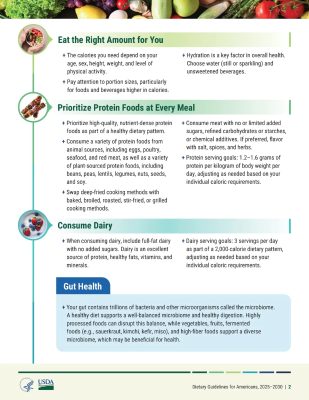
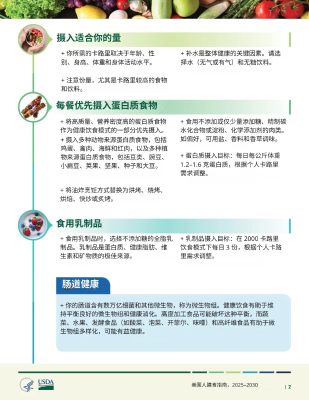
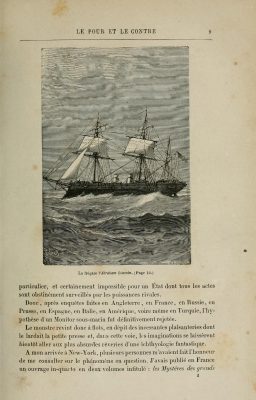
Reglyph translates scanned PDFs and keeps the page as it was. The document changes language; the layout does not. It is built for the pages that are hard to translate: scans, image-only files, two-column papers, tables, stamps and old prints.
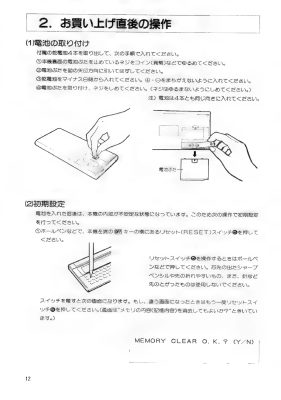
Most translators expect a PDF with selectable text. A scan has none, so you get blank pages, gibberish, or a wall of text with the tables and columns collapsed. Reglyph reads the image first, then puts the translation back where the original words were, so the page still looks like the page.
Features
- Every page translated in place: the original words come off the page and the translation goes back where they were, so fields, tables, stamps and signatures line up with the original.
- Scans and image-only PDFs: phone-scanner PDFs, faxed contracts and photographed certificates work as well as digital files.
- 40+ languages, both directions: including Spanish, Arabic, Chinese, Japanese, Korean, French, German, Hindi, Portuguese and Russian.
- Bilingual export: download a side-by-side PDF to check every line against the original.
- Long documents: books, manuals and reports are handled in one job, and you get an email when the translation is ready.
Who it is for
People who have to read or submit documents in a language they don't speak: birth and marriage certificates, transcripts and diplomas, contracts, bank statements, technical manuals and academic papers.
Good to know
- Input is PDF only. A photo works once it is saved as a PDF.
- It is machine translation, not a certified translation. For official submissions, a certified translator can work from the layout-faithful draft instead of retyping the document.
- Free to try, and the translated PDF downloads with no watermark.
Product Info
Launched November 18, 2026